An Underrated Note-Taking App You Should Know About: Inside Tekno Notebook
Most mainstream note-taking apps copy the same cloud-block formula. Discover Tekno Notebook—an underrated, privacy-first desktop app that reimagines how you write, debug AI prompts, and study with interactive audio.
Why Mainstream Note-Taking Apps All Feel the Same
When every app tries to become an enterprise project manager, individual learners and builders get left behind.
Over the past few years, the biggest names in note-taking have converged on the exact same formula: subscription paywalls, mandatory cloud accounts, and heavy workspace menus designed for corporate teams. For students, independent developers, and researchers who simply want a fast, intelligent space to think and study, mainstream tools often feel bloated.
That is why Tekno Notebook is such a refreshing discovery. Built from the ground up as a dedicated desktop application, it focuses on the parts of note-taking that other apps overlook: effortless line-by-line creation, active audio review, scientific notation, and complete personal privacy.
What Makes Tekno Notebook's Approach to Studying Unique?
1. Active Audio Review Instead of Passive Rereading
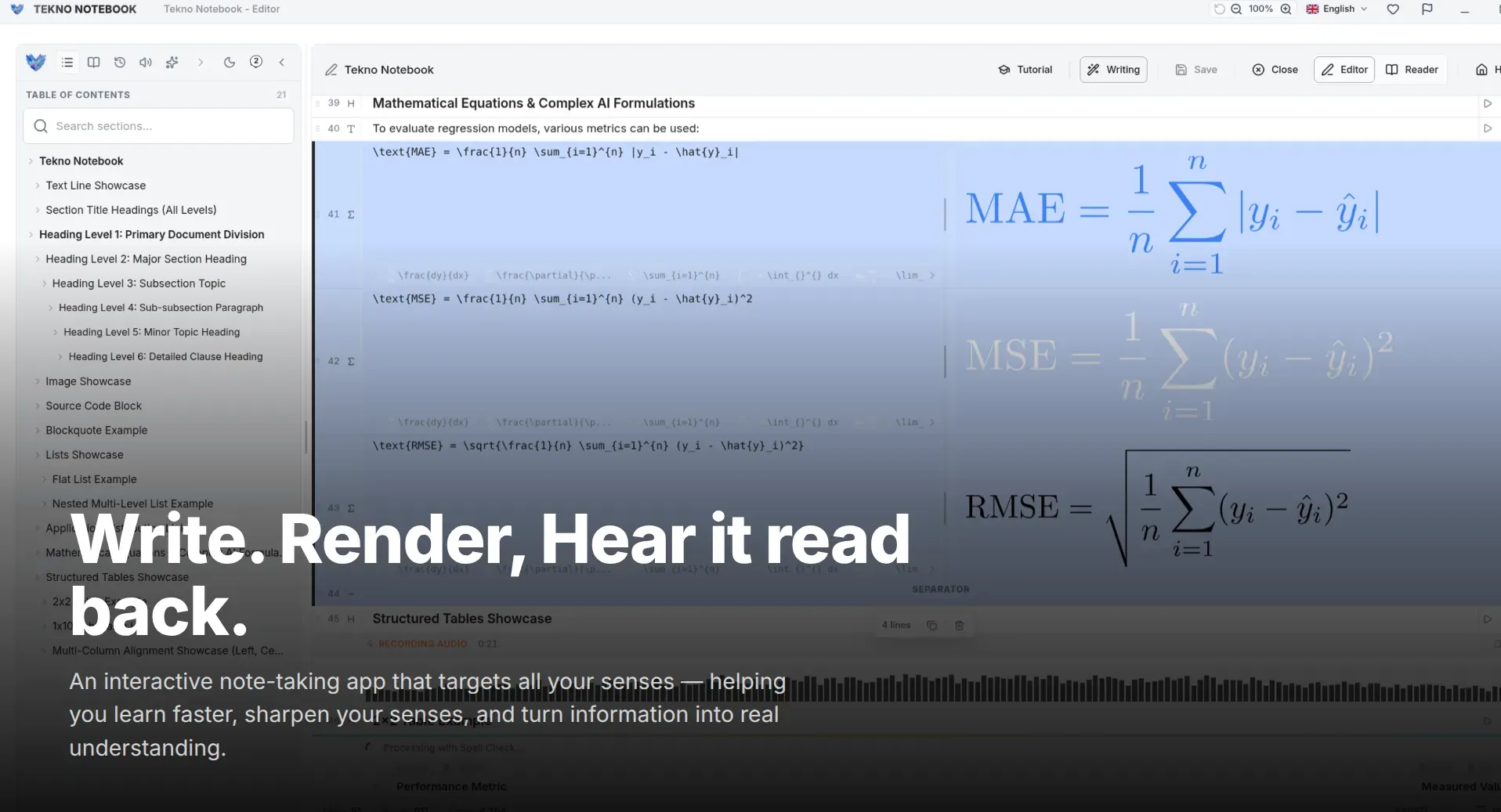
Cognitive science consistently shows that engaging multiple senses improves recall. Tekno Notebook's Reader Mode includes a built-in media player that reads your notes aloud via Text-to-Speech (TTS) while highlighting the exact line being spoken. Instead of zoning out while skimming a long page, your eyes and ears stay locked in sync.
2. Smart Line Detection & Fast Keyboard Writing
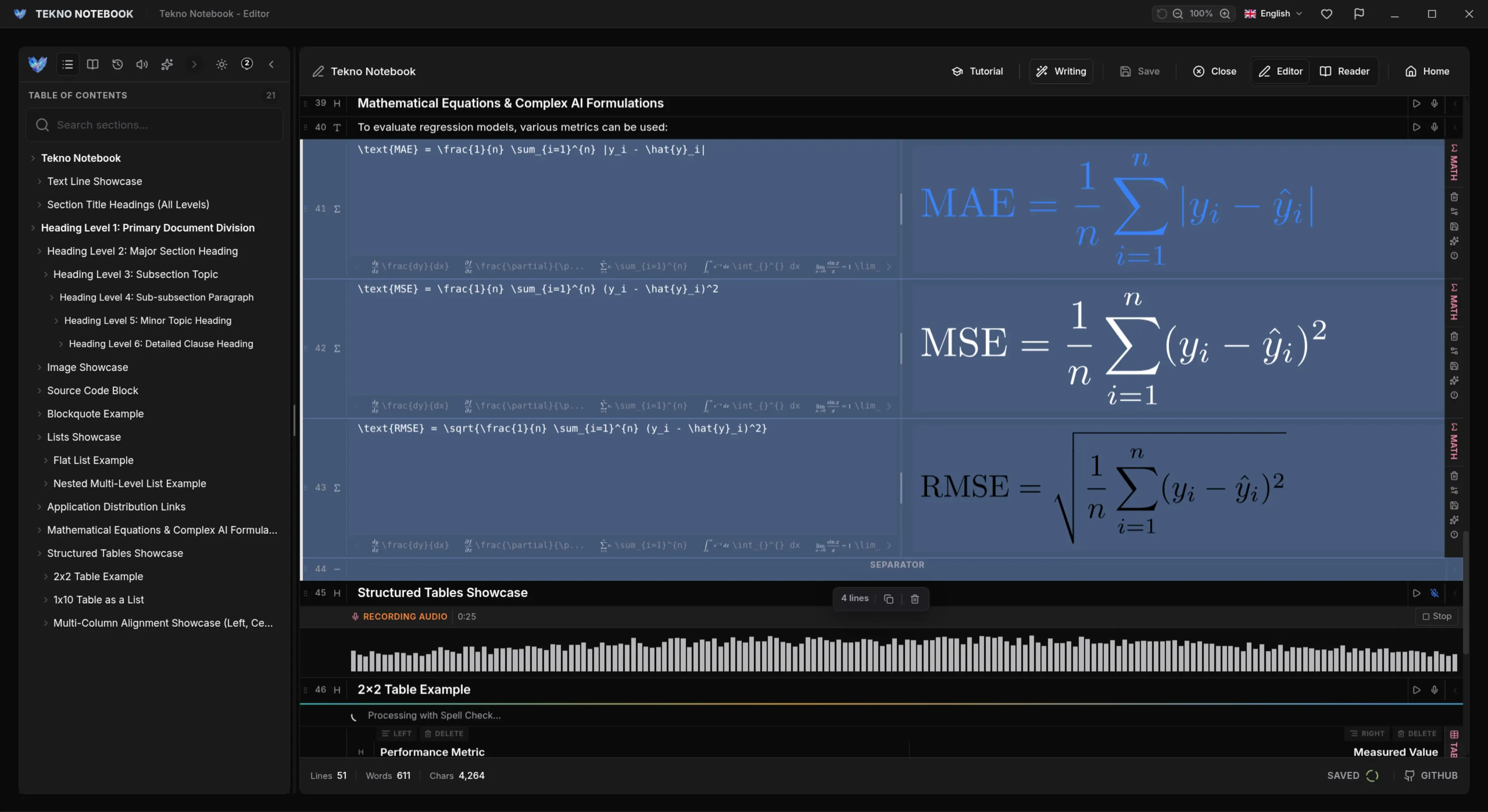
Formatting should never slow down your thinking. Tekno Notebook automatically detects the type of line you are creating—whether it is a heading, code block, list, link, table, or LaTeX equation—and formats it cleanly on the fly. Combined with Speech-to-Text (STT) voice input and drag-and-drop reordering, capturing complex lectures or technical specs feels effortless.
Power Features You Won't Find in Ordinary Note Apps
Built for STEM students, AI builders, and privacy-conscious professionals.
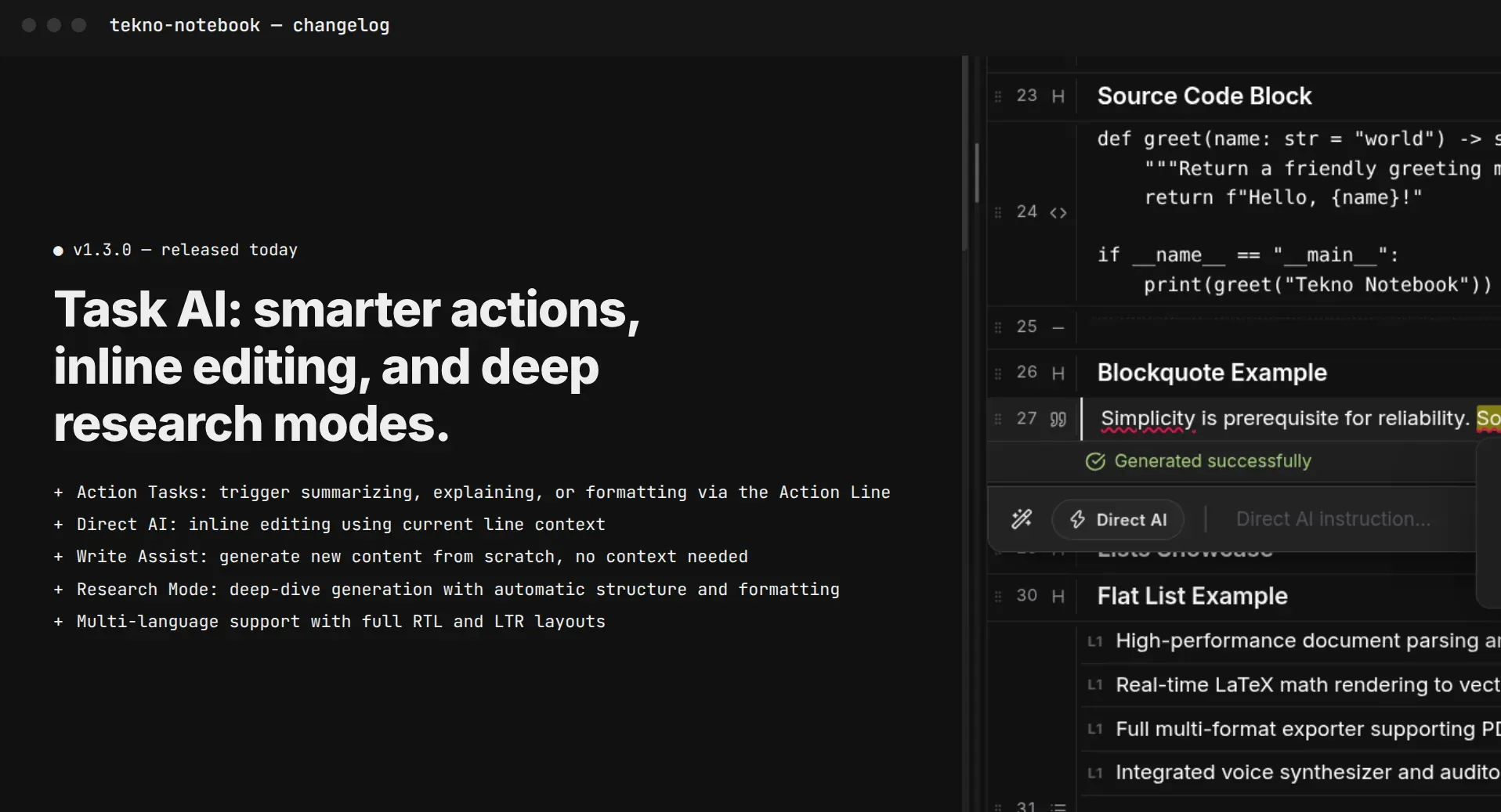
- Built-In AI System & Prompt Debugger: Create structured AI tasks, test prompt engineering workflows, and refine your writing with an integrated grammar and style assistant.
- First-Class LaTeX & Math Support: Write mathematical expressions and LaTeX tables with instant live preview—ideal for computer science, physics, and engineering notes.
- True Multi-Format Import & Export: Import existing PDF, LaTeX, and Markdown documents (including embedded images) and export back to any of those formats cleanly.
- Zero Telemetry, 100% Private: Tekno Notebook never asks for personal information or locks your knowledge behind a recurring subscription.
Sometimes the most productive tool isn't the one with the loudest marketing—it's the one engineered specifically to help you think, listen, and learn.
Who Should Try Tekno Notebook?
If you are a student preparing for demanding exams, a developer documenting code and AI prompts, or an auditory learner who retains information better by listening, Tekno Notebook offers a workflow you simply won't find in conventional cloud notebooks.
Check out the full feature breakdown on the Tekno Notebook project page (/en/project/TeknoNotebook), discover how to study effectively with active recall (/en/blog/how-to-study-effectively-with-notes), or explore our guide on listening to study notes with TTS (/en/blog/how-to-listen-to-study-notes).

Tekno Notebook
A Smarter Way to Write, Listen, and Master Complex Topics
Experience a note-taking workflow built around comprehension rather than clutter. Tekno Notebook brings together smart line detection, synchronized audio playback, live LaTeX math, and an AI task debugger in one free desktop app.
- Smart Line Detection & keyboard-first fast writing system
- Audio Reader Mode with automatic line highlighting as it speaks
- Built-in AI Task & Prompt Engineering Debugger
- Full PDF, LaTeX & Markdown import/export with zero tracking