
Gallery
Image gallery
Features
- Versatile Note Creation: Create and add notes with support for multiple formats, including text, code, images, lists, section headings, links, and more.
- Two Viewing Modes: Easily switch between reader and editor modes for your notes.
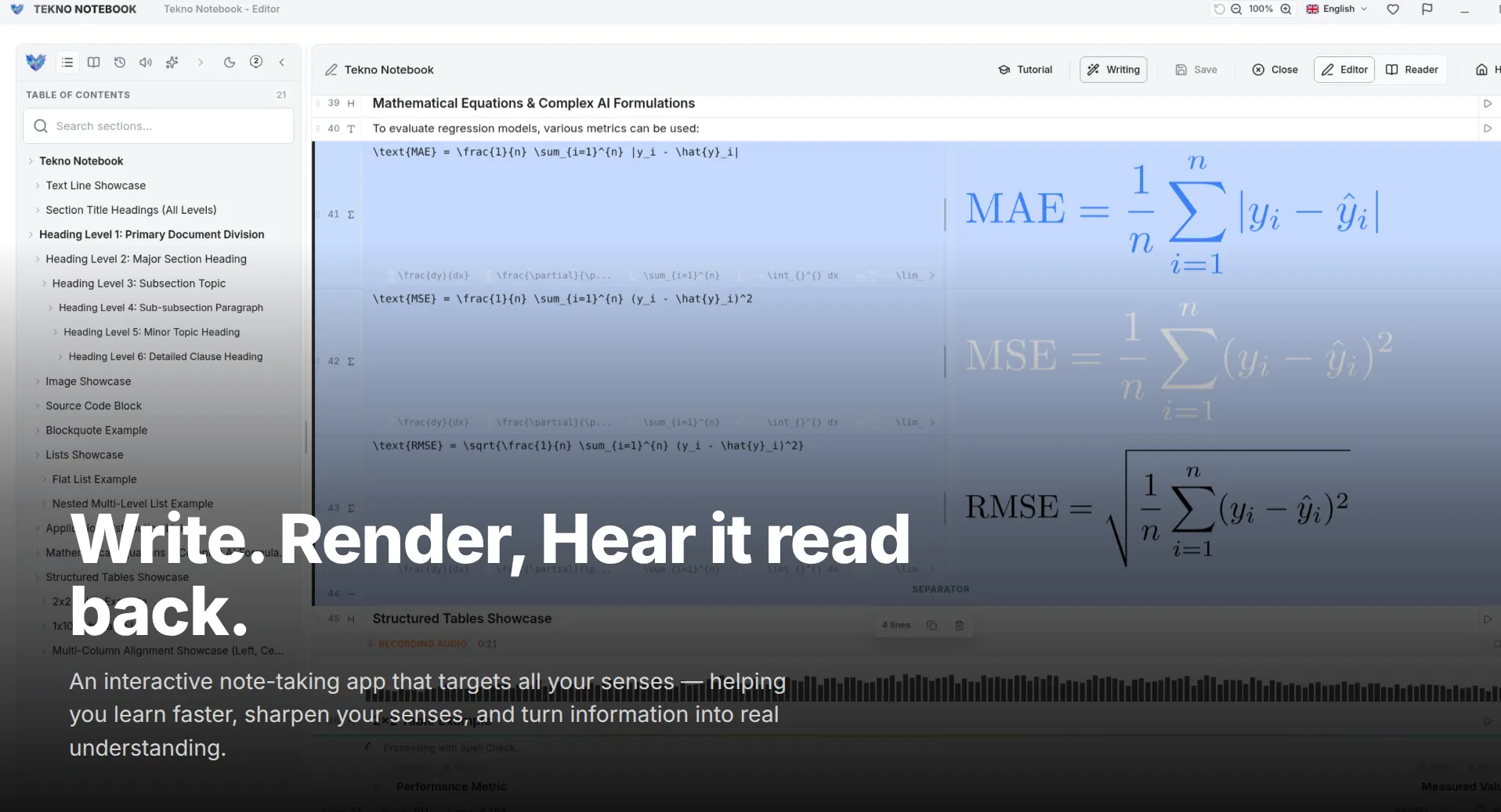
- Audio Reader Mode: The reader mode features a media player interface for reading lines of your notes aloud.
- Auto-Tracking: Automatically follows and highlights the text currently being played.
- Smart Line Detection: Automatically detects the type of a line and creates it accordingly.
- Fast Writing System: Supports shortcuts and keyboard keys for a quick and efficient writing experience.
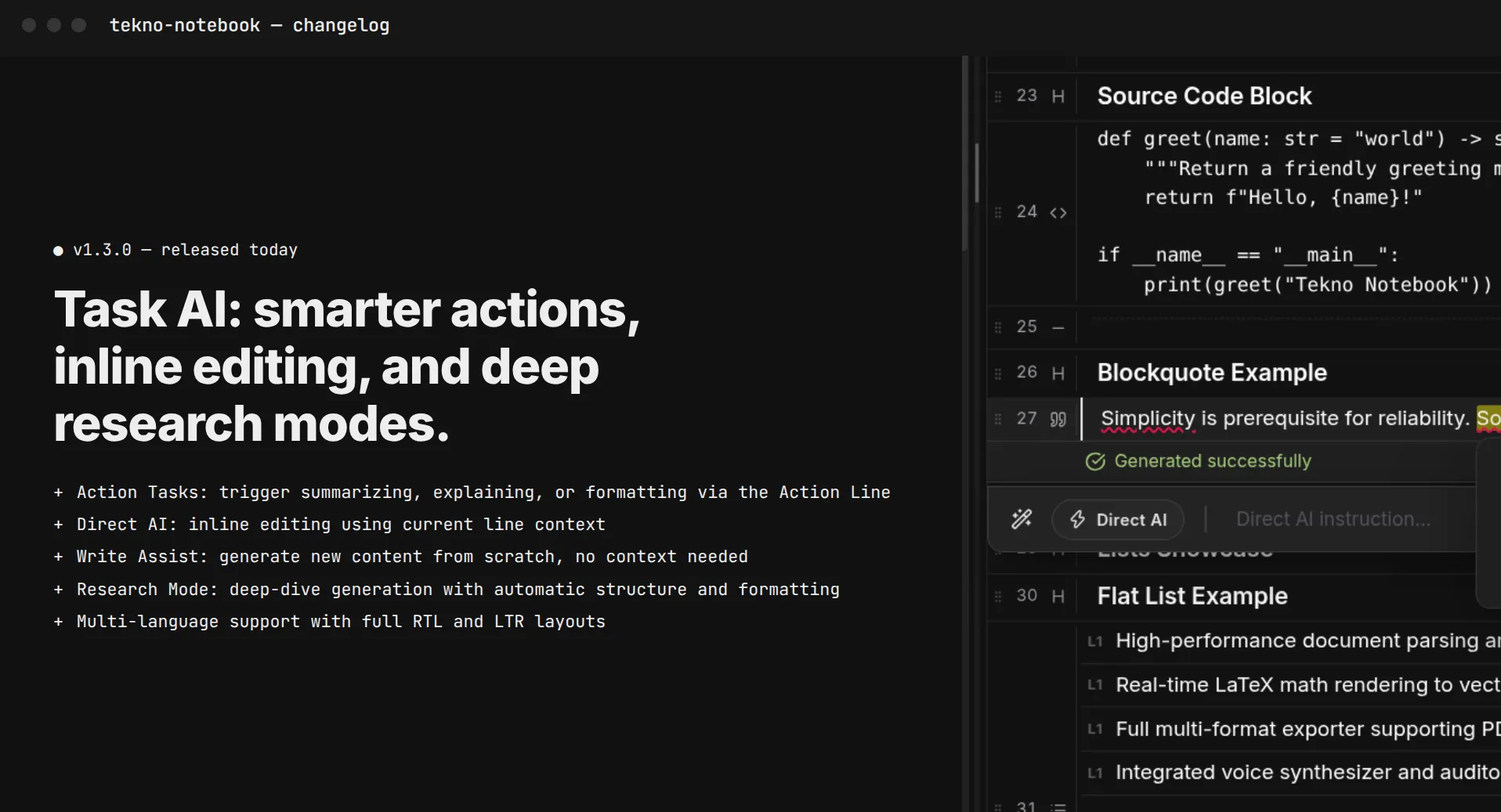
- Writing Assistant: Helps with writing, suggests improvements, and checks for spelling and grammar errors.
- New AI System & Debugger: Easily create tasks and apply prompt engineering techniques with the new AI system and built-in debugger.
- Task Creation: Create tasks to assist the AI and streamline prompt engineering workflows.
- Smart Integrations: Fully supports an AI assistant, Text-to-Speech (TTS), and Speech-to-Text (STT).
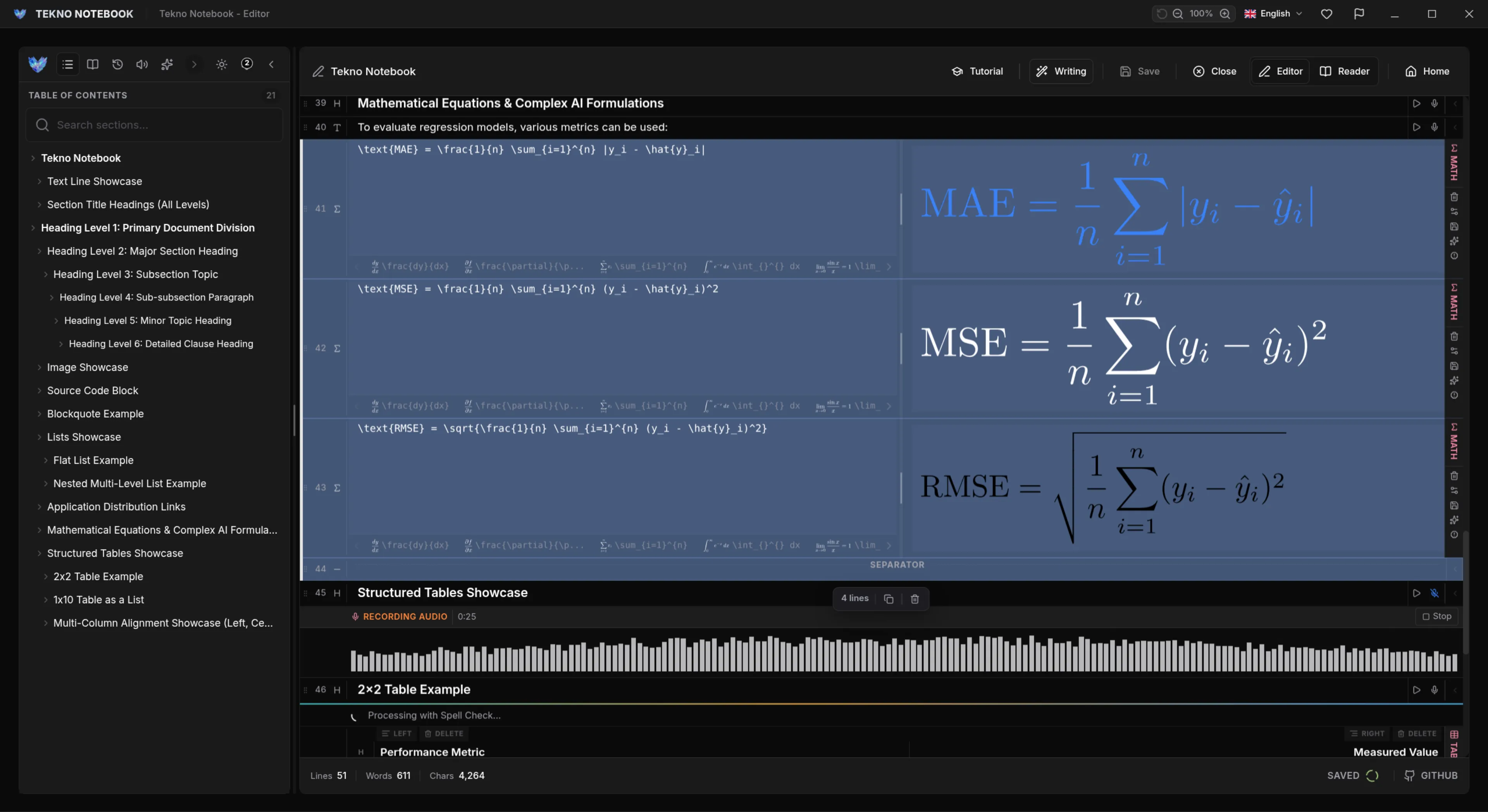
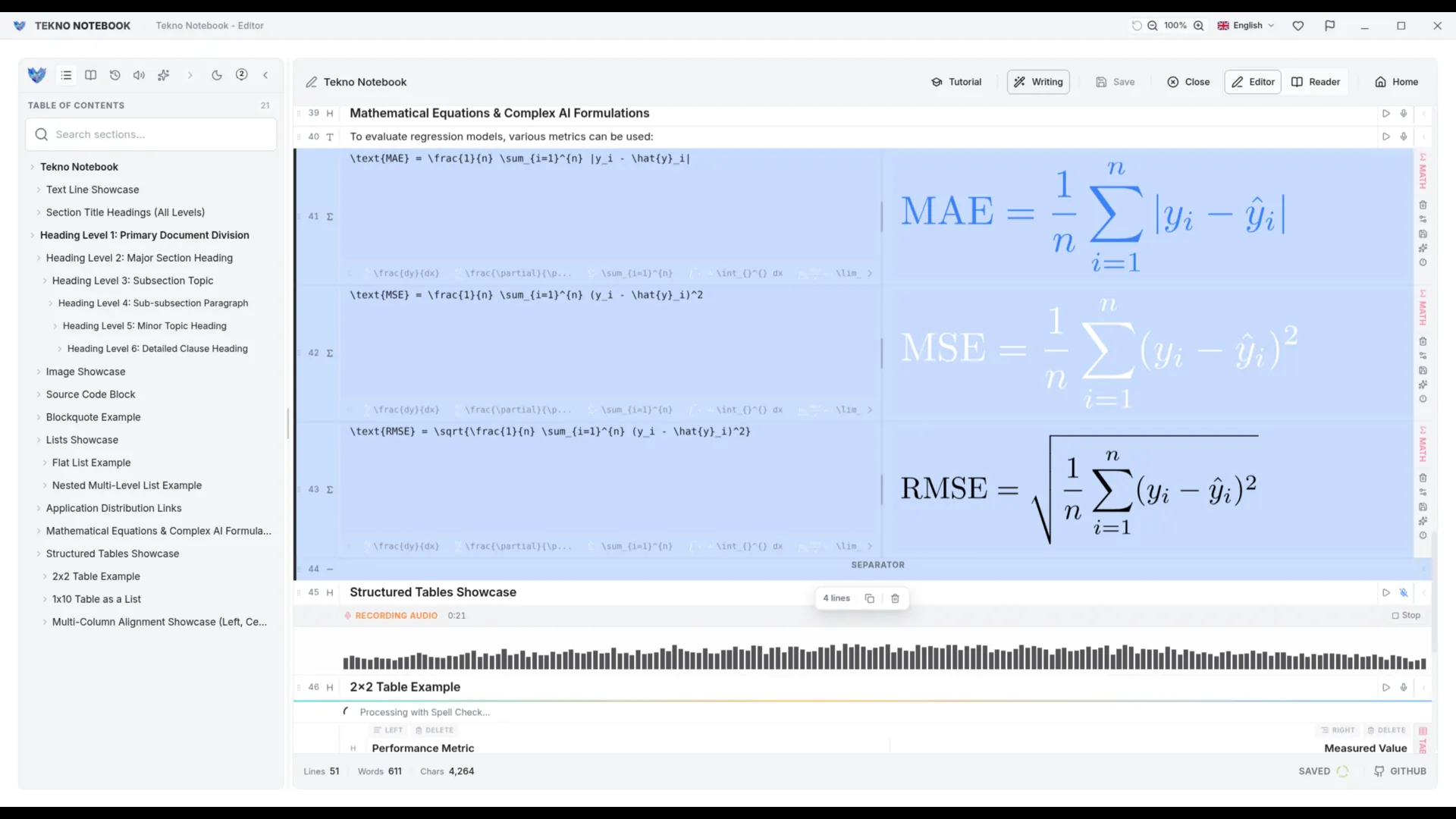
- Highly Customizable: Highly configurable with easily adjustable settings to suit your preferences, including light and dark mode.
- Math Support: Math lines with live preview and LaTeX compatibility, including table and LaTeX math line types.
- Document Import: Supports PDF, LaTeX, and Markdown formats, including full support for handling images.
- Export Support: PDF, LaTeX, and Markdown.
- Drag Mode: Easily reorder and organize notes.
- Table of Contents Navigation: Available in editor and reader views.
- And many more!
Privacy Policy
Tekno Notebook is designed to be used completely privately and does not require users to provide any personal information