How to Study While Listening to Your Notes: Turn Written Text into Audio Recall
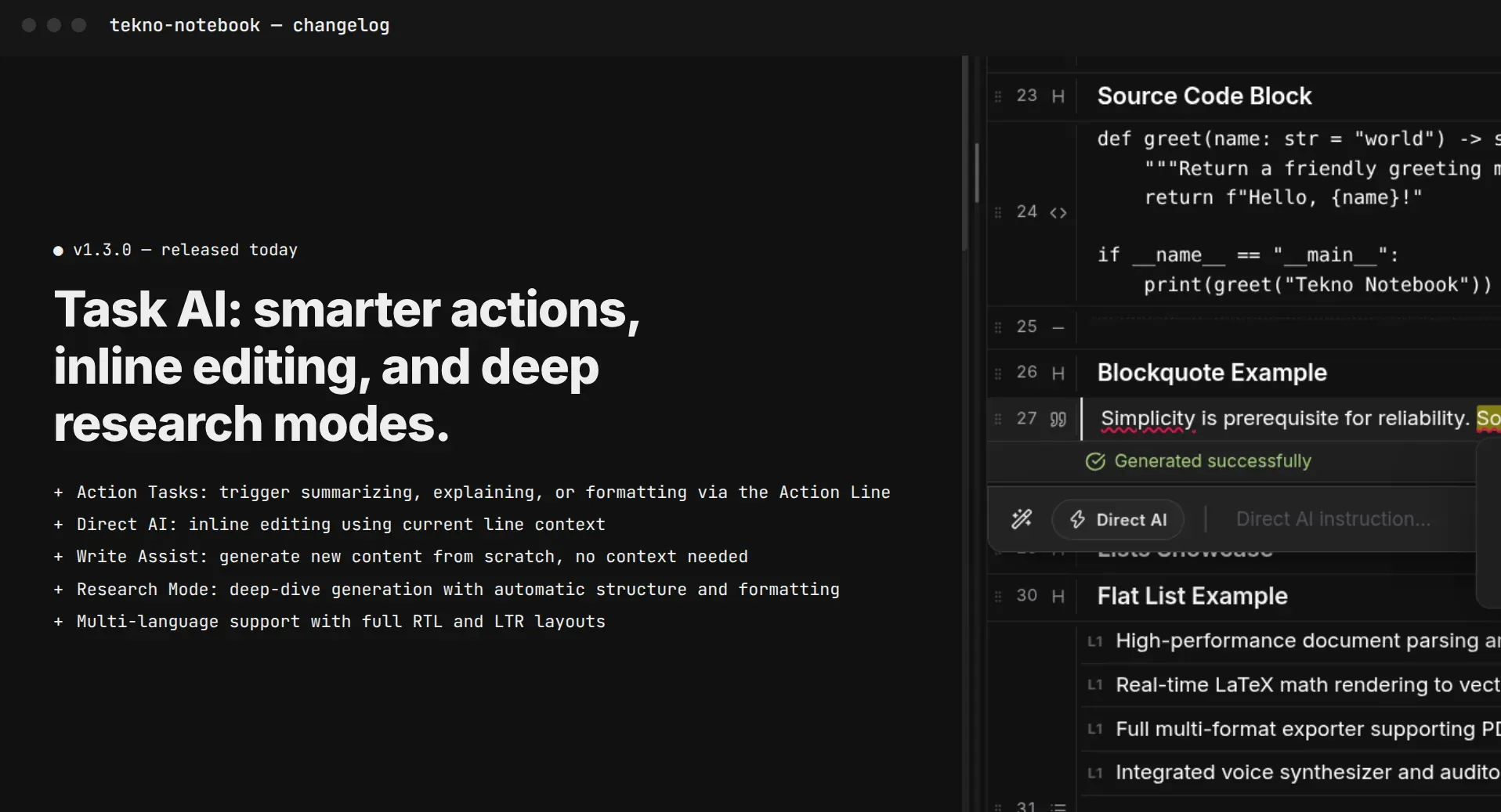
Learn how to listen to your study notes during walks, commutes, and daily routines. Discover how Tekno Notebook blends active audio review with real-time text tracking.
Beyond Staring at Pages: The Science of Listening to Study Notes
Unlocking auditory learning and turning idle commute time into high-retention study sessions.
Between daily commutes, walking across campus, workouts, and household chores, students lose hours every day when sitting down with a notebook is simply impossible. For years, the only alternative was passively listening to generic podcasts or disjointed voice memos. Today, cognitive learning research confirms that listening to structured study notes can turn those idle hours into focused, high-retention review sessions without adding screen fatigue.
However, letting audio play passively in the background is rarely enough to build exam-ready memory. Passive listening creates an illusion of familiarity without engaging deeper retrieval pathways. The real breakthrough lies in pairing audio playback with active recall and synchronized visual tracking. Tekno Notebook was built specifically to bridge this gap, embedding an interactive Audio Reader with real-time line tracking directly inside your personal notes.
How to Turn Listening into Active Auditory Recall
1. The "Pause and Predict" Technique for Walks and Commutes
When listening to your study notes on a walk or commute, treat the audio track like an interactive oral exam. As Tekno Notebook reads a section heading or the opening clause of a key concept, hit pause on the built-in media player and explain the definition or mechanism aloud in your own words. Press play to verify your answer immediately. This simple habit transforms passive listening into high-efficiency Active Recall—no desk required.
2. Synchronized Dual-Coding: Auto-Tracking Text and Voice
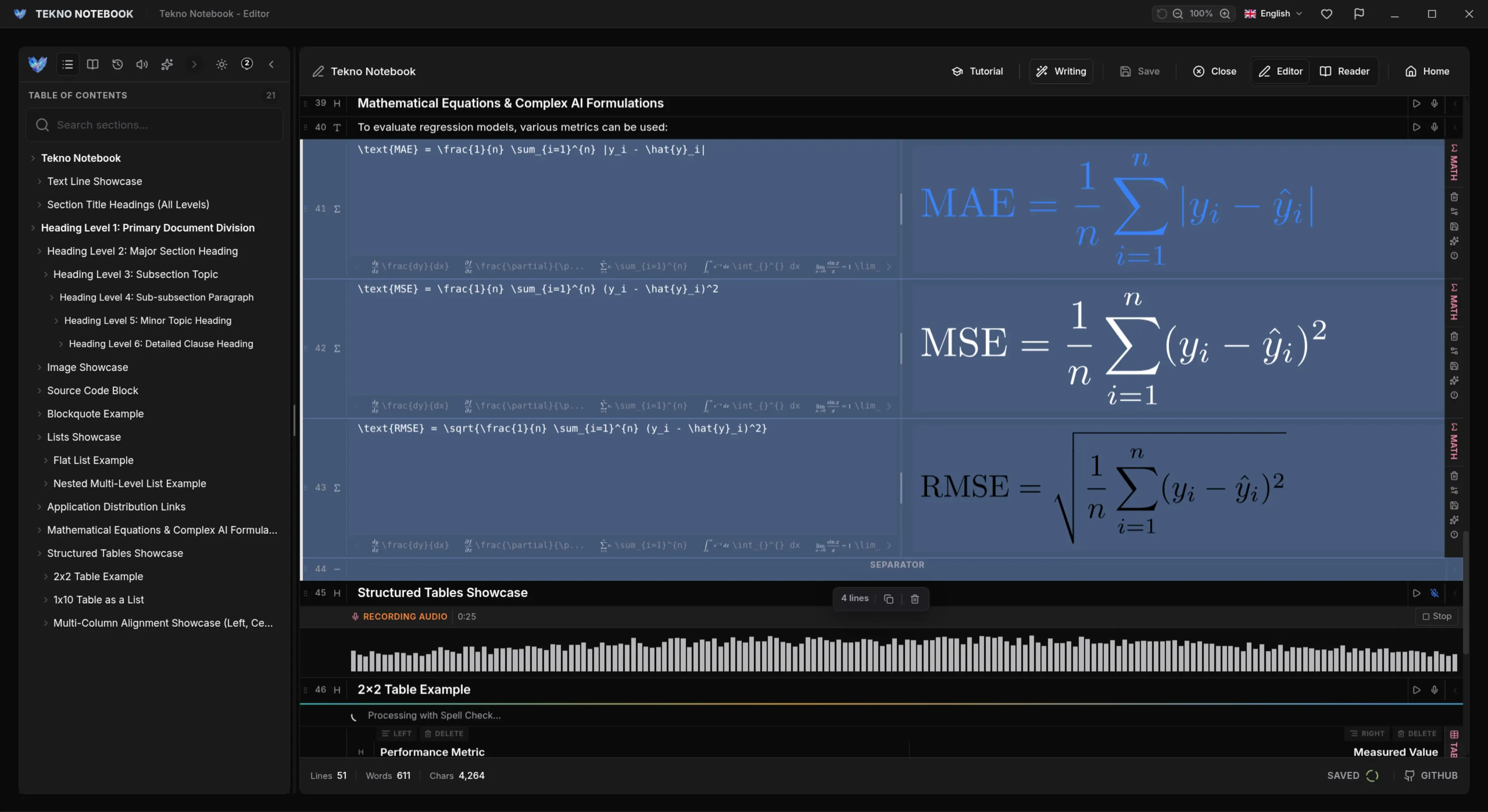
Cognitive Dual-Coding Theory demonstrates that people retain information far more effectively when visual and auditory channels process material together. In Tekno Notebook's Reader Mode, the Auto-Tracking engine dynamically highlights each line of text the exact moment the Text-to-Speech (TTS) engine speaks it. Instead of your eyes skimming ahead or your mind drifting, your sight and hearing stay locked in step.
3. Capturing Spoken Insights with Speech-to-Text (STT)
Reviewing material by ear often sparks clearer connections and better ways to summarize a tough topic. With Tekno Notebook's integrated Speech-to-Text recognition, you can dictate spontaneous reflections or simplified analogies straight into your notes without touching the keyboard, then switch to Editor Mode anytime to polish and organize them.
A Dedicated Desktop Audio Workflow Built for Serious Learners
Everything you need to format, listen to, and retain your notes—without subscriptions or privacy compromises.
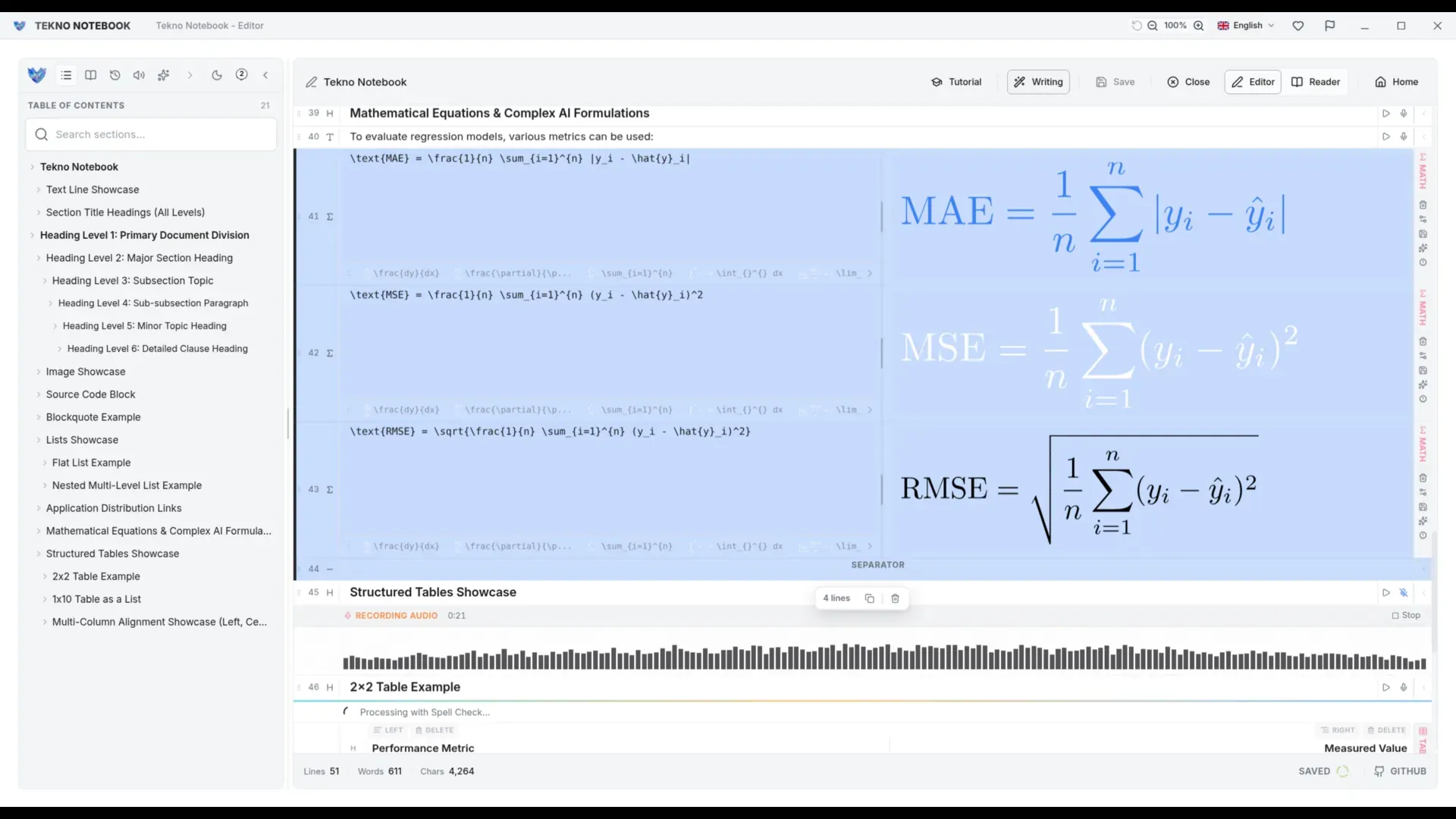
- Integrated Audio Reader: Play, pause, seek, and review notes through a full media player built right into Reader Mode.
- Real-Time Auto-Tracking: Each spoken line is dynamically highlighted on screen to keep your focus sharp.
- Multilingual Pronunciation: Native Text-to-Speech support across Arabic, English, Spanish, Portuguese, and Chinese.
- Dual-View Architecture: Toggle effortlessly between a distraction-free Reader Mode for listening and a rich Editor Mode for rapid revisions.
- Drag-and-Drop & Table of Contents: Structure your study playlist in seconds before hitting play.
Listening to study notes isn't about cutting corners—it's about making every minute of your day work harder for your long-term memory.
Step-by-Step Daily Routine: Combining Audio with Desk Review
An effective audio-assisted study workflow follows a three-step loop: First, capture and structure lecture notes in Tekno Notebook using Smart Line Detection and live LaTeX formulas. Second, open Reader Mode and listen to your notes during your afternoon walk or commute using the "Pause and Predict" method. Third, sit down at your desk in the evening for a quick visual pass through the Table of Contents while listening to complex sections one final time.
Ready to upgrade how you review? Explore Tekno Notebook on the official project page (/en/project/TeknoNotebook), read our complete guide on effective study methods (/en/blog/how-to-study-effectively-with-notes), or learn why offline-first software keeps your notes fast and private (/en/blog/why-offline-note-taking-apps-matter).

Tekno Notebook
Listen to Your Notes Like a Media Player and Retain Twice as Much
Transform static written notes into an interactive audio track. Tekno Notebook combines built-in Text-to-Speech, Speech-to-Text, and synchronized line highlighting in a distraction-free desktop app.
- Built-in media player with play, pause, seek, and playback speed controls
- Auto-Tracking highlights the exact sentence or line as it is read aloud
- Multilingual Text-to-Speech support including Arabic, English, Spanish, Portuguese, and Chinese
- Integrated Speech-to-Text (STT) for dictating quick insights directly into your notes