How to Study Effectively with Notes: Active Recall, Fast Capture & Smart Retention
Break free from passive rereading. Master active recall, rapid university lecture capture, and synchronized audio review with Tekno Notebook.
The Passive Reading Trap: Why Highlighting Notes Fails
Moving from passive skimming to cognitive active recall and durable long-term memory.
Many university students fall into a familiar, frustrating trap: spending hours highlighting paragraphs and rereading pages of notes, only to draw a blank when sitting down for an exam. Cognitive scientists call this the "illusion of competence." When your eyes repeatedly pass over written words, the material feels familiar, tricking your brain into confusing visual recognition with true mastery.
Effective study habits aren't measured by how long you sit in front of a notebook, but by the depth of mental effort applied during each session. To build genuine retention while cutting down hours of last-minute cramming, learners need evidence-based techniques built around Active Recall, rapid lecture capture, and multi-sensory audio review. Tekno Notebook was engineered around these exact principles as an offline-first desktop environment for students.
The Core Pillars of Effective Studying
1. Active Recall vs. Rereading Notes
Active Recall requires testing yourself and retrieving information from memory before looking at the answer. With Tekno Notebook, you can toggle seamlessly between Editor Mode and Reader Mode. Its interactive Table of Contents lets you treat section headers as prompt questions, challenging you to reconstruct key concepts mentally before clicking through to verify your notes.
2. How to Memorize Lecture Notes Faster
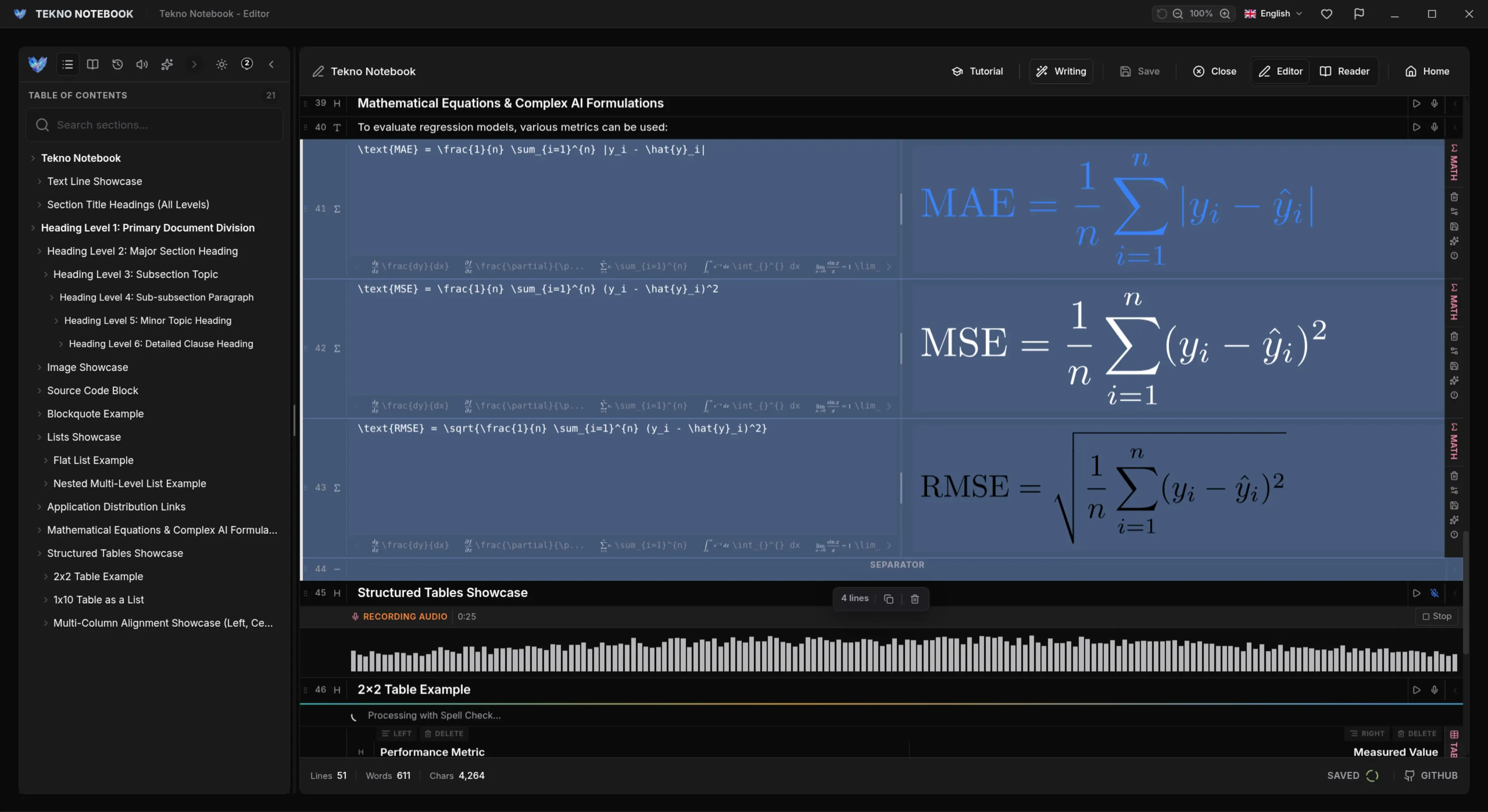
Long-term retention starts the moment you record information in the lecture hall. When students get bogged down by font pickers, formatting ribbons, and nested menus, they miss the professor's core argument. Tekno Notebook eliminates this friction with Smart Line Detection and keyboard-first shortcuts—automatically recognizing whether a line is a heading, checklist, code block, table, or equation so you can capture ideas at the speed of thought.
3. Best Note-Taking Methods for University & STEM Students
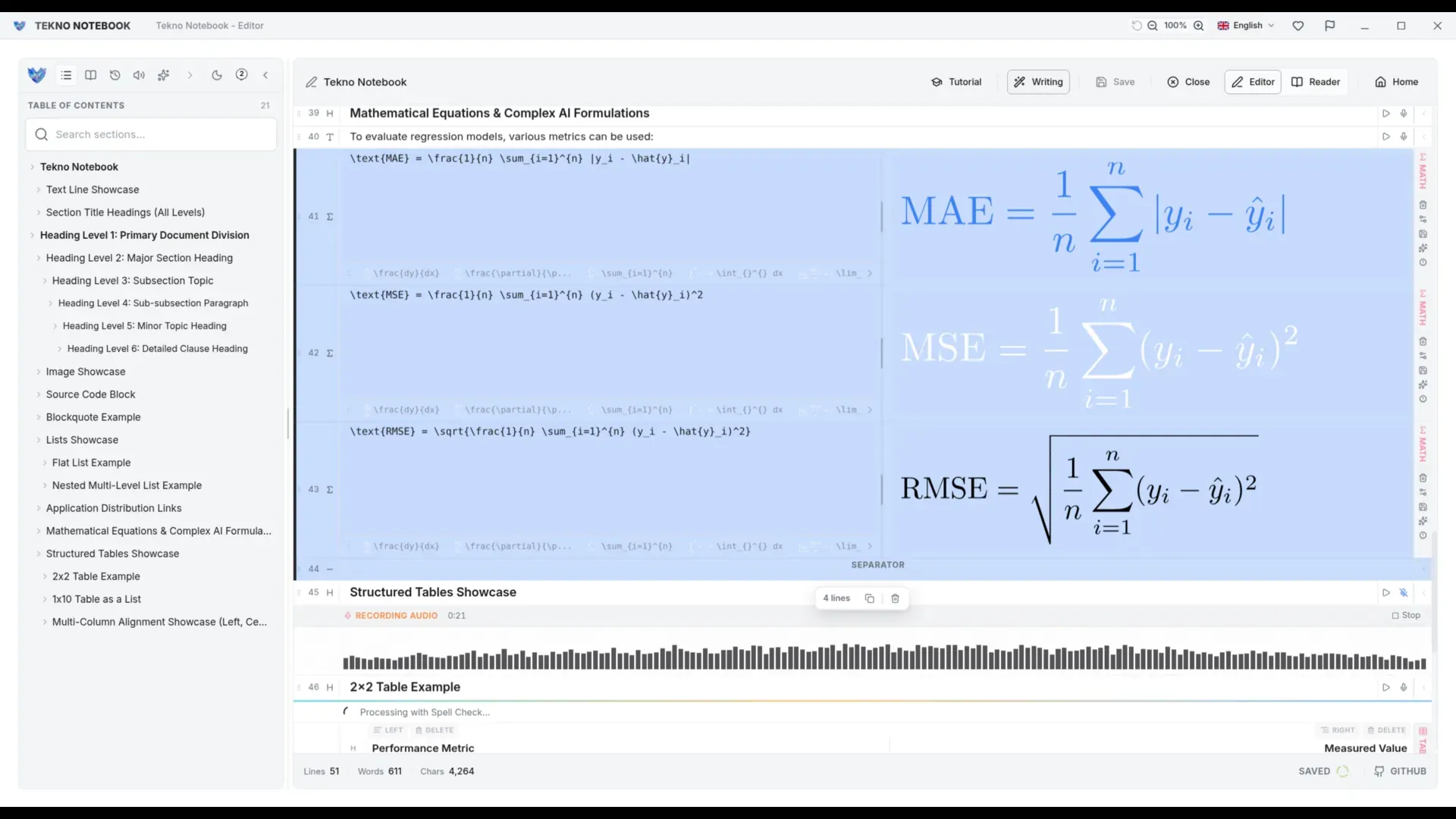
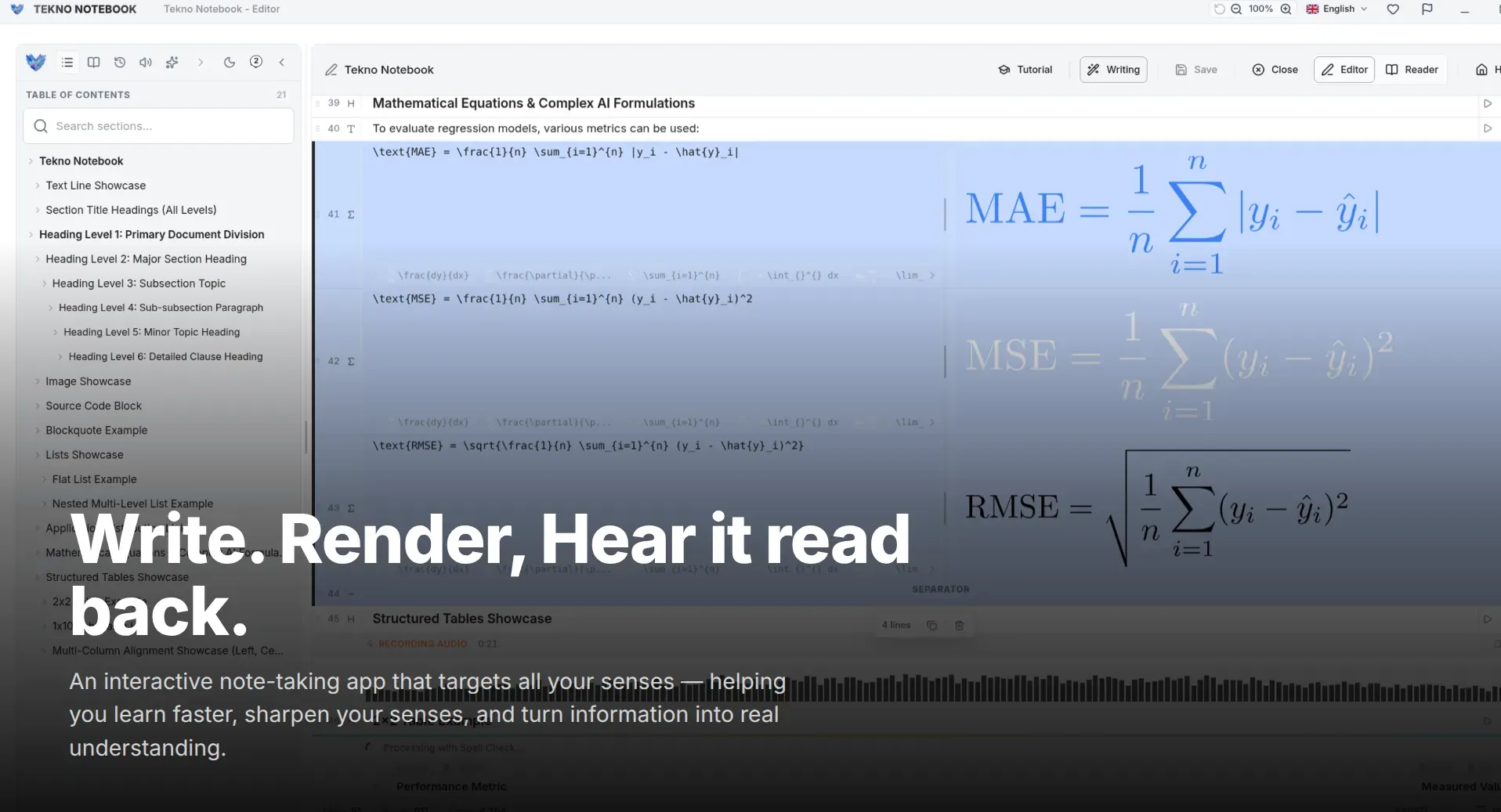
Science, technology, engineering, and mathematics (STEM) students routinely struggle with generic word processors that mishandle mathematical notation. Tekno Notebook features native live LaTeX math rendering and LaTeX table support, enabling students to write complex proofs and engineering formulas right alongside Markdown explanations without clunky third-party plugins.
Interactive Audio Review and AI-Assisted Self-Testing
Combining dual-sensory audio playback with custom AI tasks for comprehensive recall.
- High-speed note creation powered by Smart Line Detection and keyboard-first shortcuts for clean lecture capture.
- Interactive Audio Reader (TTS) with real-time text tracking that highlights each line as it is spoken.
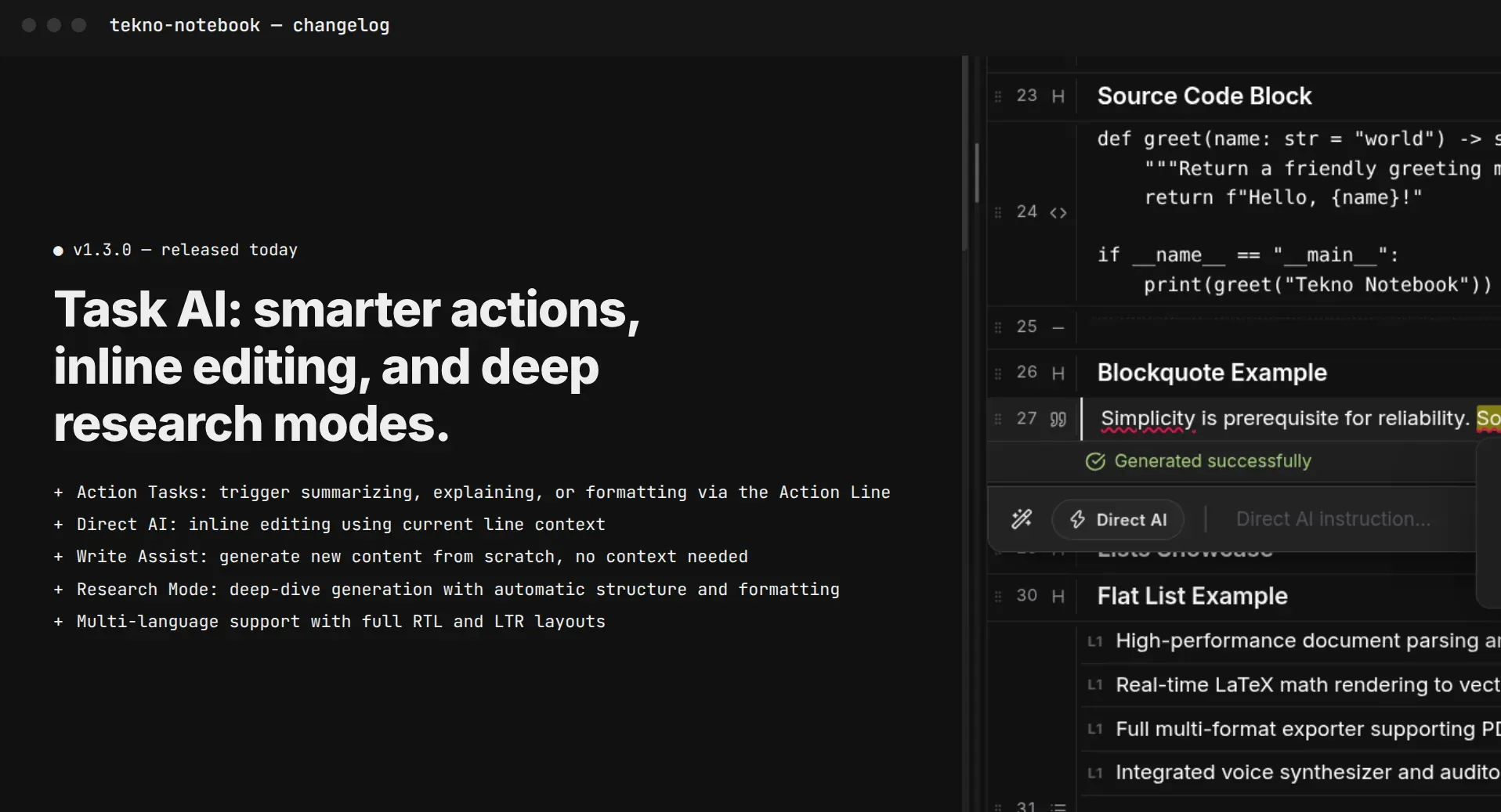
- Built-in AI Assistant and prompt debugger for generating practice quizzes and breaking down complex topics.
- Native live LaTeX and math table preview built for demanding university and STEM coursework.
- 100% offline desktop architecture for distraction-free study sessions with zero cloud outages or trackers.
Real comprehension is never achieved by staring passively at text; it is forged through the active challenge of retrieving and testing what you know.
Reviewing Notes While Doing Other Tasks
University schedules are packed with commutes, campus walks, and daily errands. Tekno Notebook's built-in Audio Reader includes a full media player that turns your saved study notes into an interactive audio track. Listen on headphones while walking between classes, then sit down at your desk and let Auto-Tracking synchronize your visual reading with spoken audio for dual-sensory immersion that accelerates memorization.
Elevate your study workflow today. Explore the Tekno Notebook project page (/en/project/TeknoNotebook), read our in-depth guide on listening to study notes (/en/blog/how-to-listen-to-study-notes), and see why offline-first desktop apps protect your focus and privacy (/en/blog/why-offline-note-taking-apps-matter).

Tekno Notebook
Capture Fast, Listen Anywhere, and Master Demanding Subjects
A dedicated desktop note-taking app that combines smart line detection, live LaTeX math, synchronized audio study playback, and an AI assistant in one free, privacy-first workspace.
- Smart Line Detection & keyboard shortcuts for fast, distraction-free lecture notes
- Built-in Audio Reader with real-time line highlighting for dual-sensory immersion
- First-class LaTeX and math table live preview for STEM university coursework
- 100% offline desktop speed with zero subscriptions or tracking