AI Without the Cloud? What Laptop-Sized Models Mean for Students
Open AI models are now small enough to run on a laptop, even offline. Learn what that means for privacy and study, three questions to ask before going local, and a short prompt for small models.
AI That Runs on Your Own Laptop Is Now Real
Open models are getting small enough to work offline, with trade-offs.
On November 20, Thinking Machines Lab released Inkling 2 Mini, an open-weights model under an Apache 2.0 license that needs about 20 GB of memory, which puts it within reach of a well-equipped laptop. It is one of several local models out this month, and Google also added offline speech recognition and text-to-speech models to its AI Edge Gallery.
Why should students care? Local AI can work without internet, and your text stays on your own machine. The trade-off is hardware and power. Microsoft, talking about local coding models, says smaller local models suit everyday work while cloud models remain better for complex reasoning. Think of local AI as a private study helper, not a replacement for the strongest cloud tools.
Three Questions Before You Go Local
1. Does Your Laptop Have the Memory?
A model that needs 20 GB of memory won’t run well on an 8 GB machine. Check your RAM first and start with smaller models. They respond faster and often handle summaries, quiz questions, and simple explanations well enough.
2. Is Privacy the Point?
If you want to work on drafts, unpublished research, or personal notes without sending text to a server, local is a strong fit. For everything else, a cloud tool may give better answers, so choose by task.
3. Can You Check the Answer?
Local models make mistakes too, and smaller ones can make more. Treat every answer as a draft and verify facts and sources, exactly as you would with any AI tool.
A Simple Offline Study Setup
Local notes, local voice, optional AI.
- Keep your master notes as files on your own device.
- Use an AI assistant for quizzes on short excerpts, not whole notebooks.
- Review by ear with an offline text-to-speech voice.
- Dictate answers instead of retyping them.
- Use a cloud tool only for tasks that need more power, and only with text you are comfortable sharing.
Private by default, powerful by choice.
Offline-First in Practice
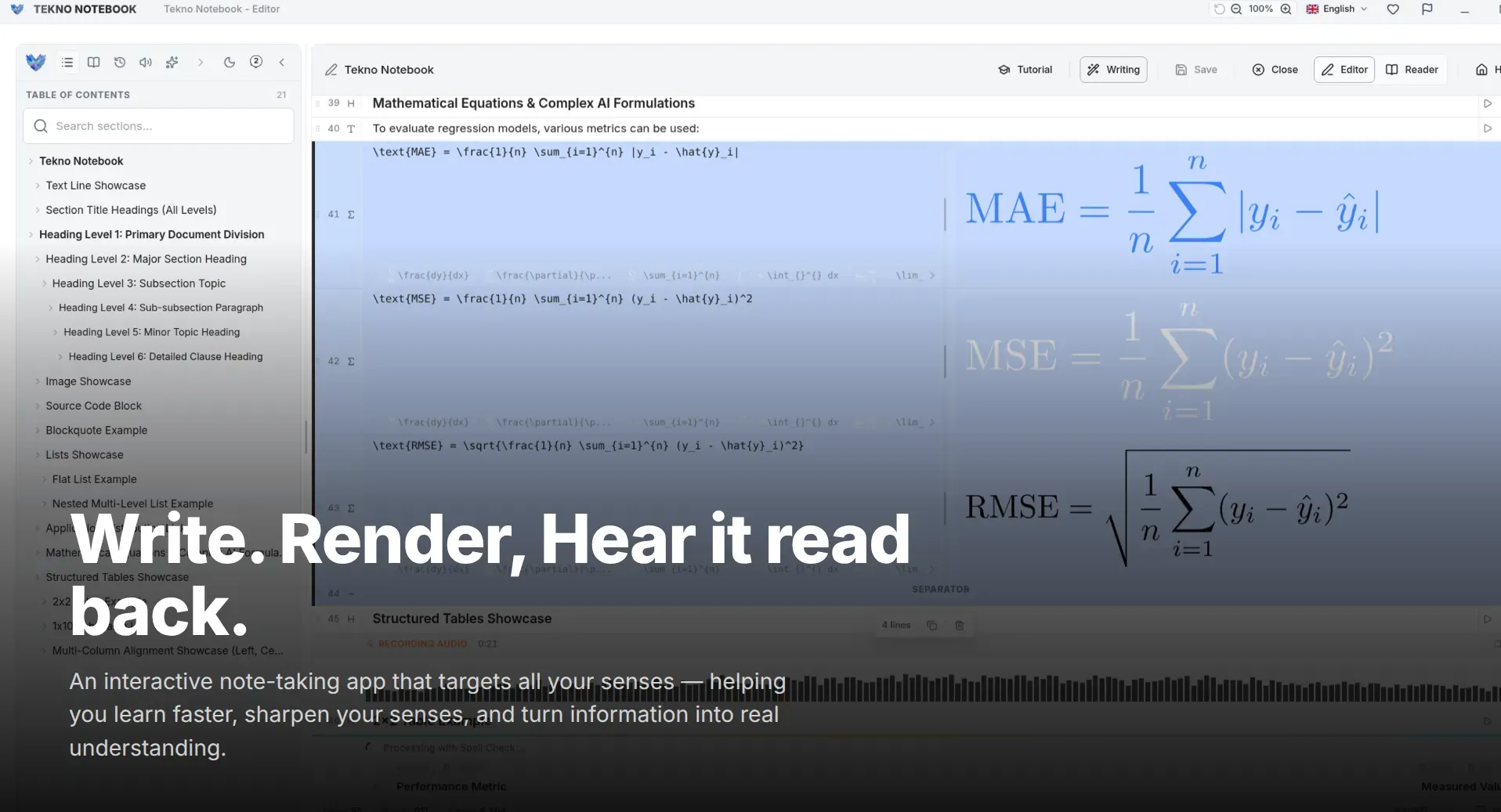
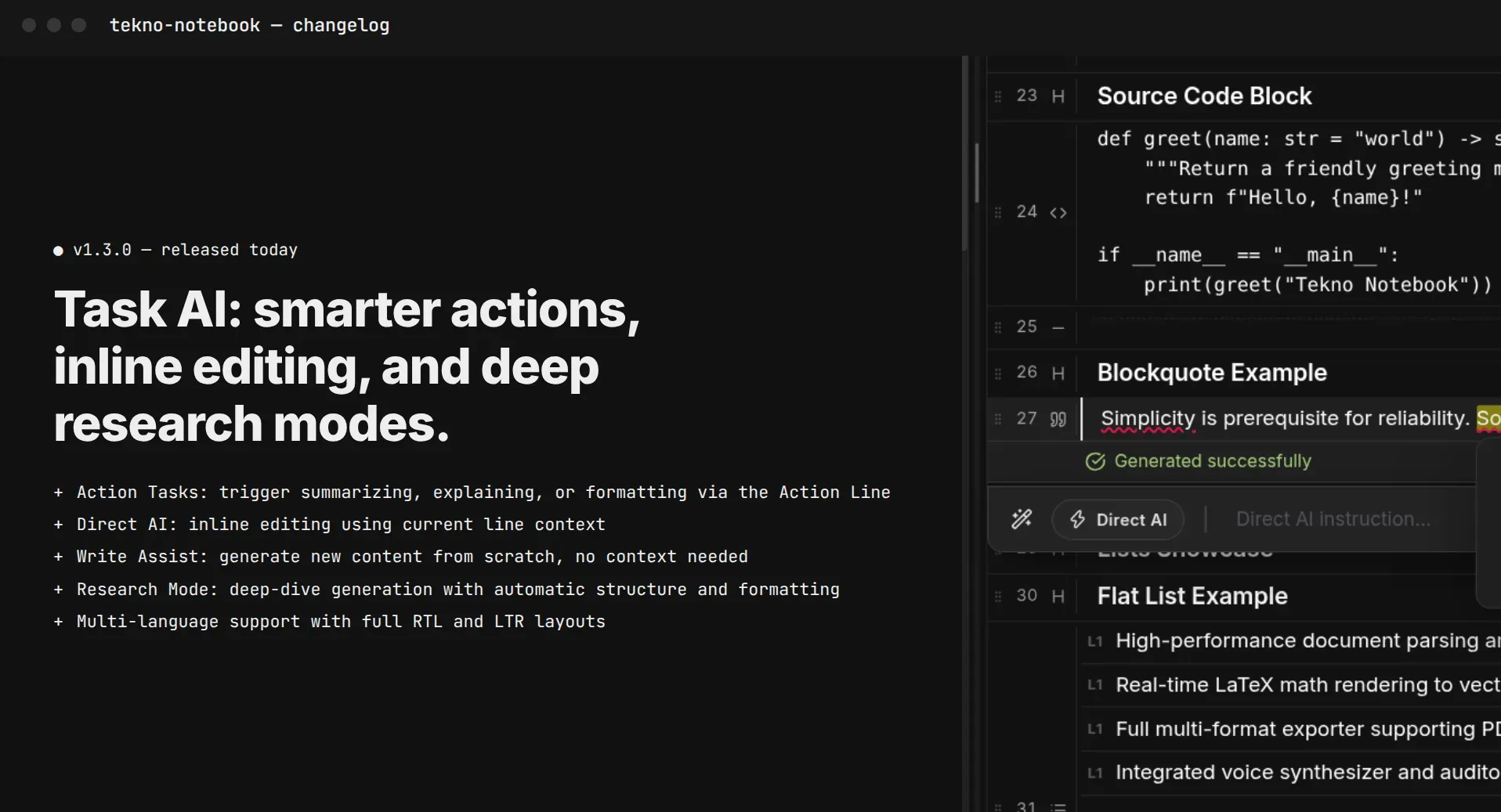
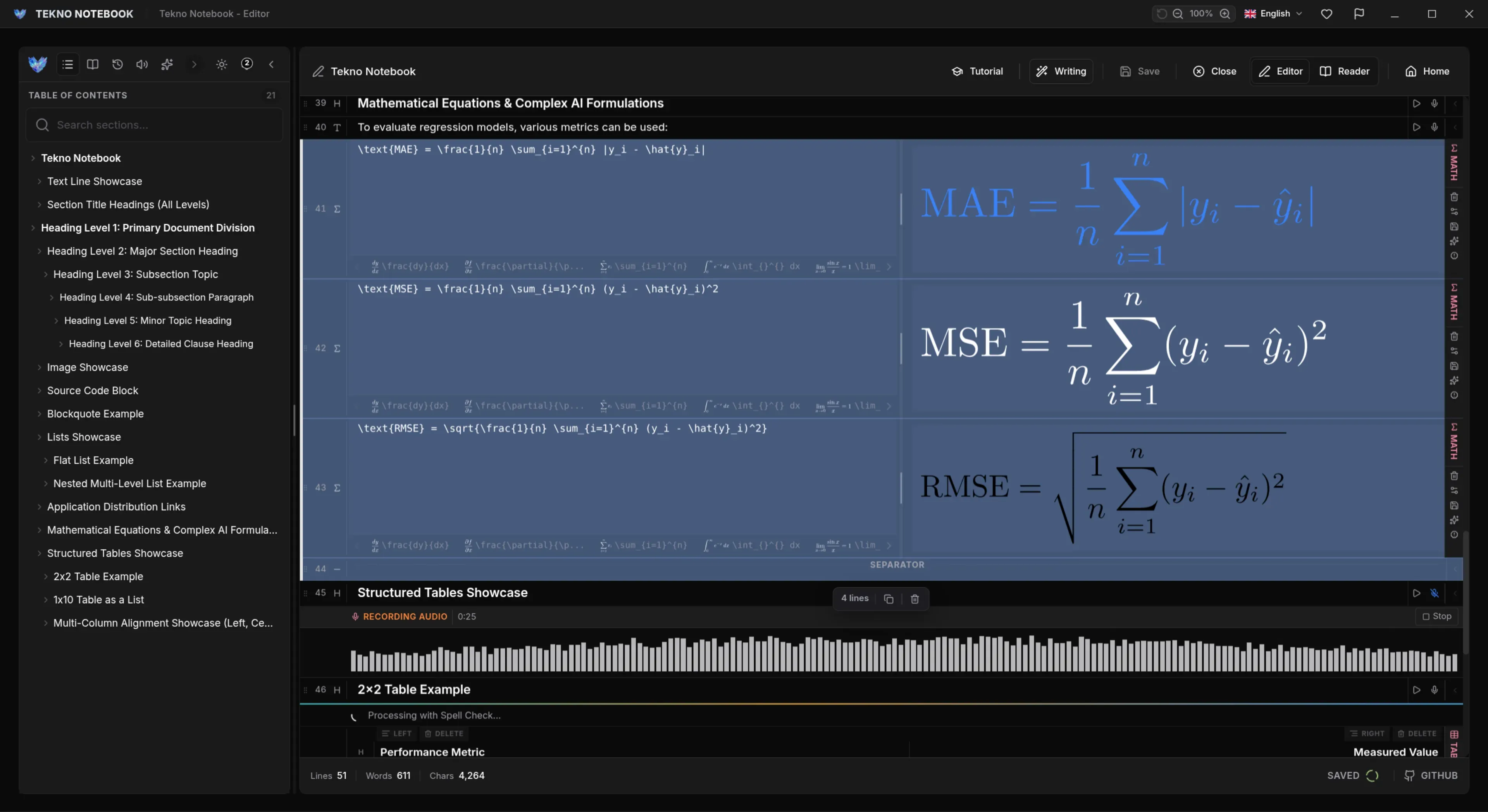
Tekno Notebook is built around that idea: notes saved as files on your device, offline AI voices that turn them into audio, speech-to-text dictation, and a built-in AI assistant for quizzes and simpler explanations. Whichever assistant you use, share excerpts rather than the whole notebook. Here is a prompt that suits a smaller model because it is short and focused:
Here is a short excerpt from my notes: [paste excerpt].
Write three questions that test understanding, shortest first, and ask them one at a time.
Wait for my answer after each question.
Then tell me which part of the excerpt I should reread.
Ready to try it? Explore the Tekno Notebook project page (/en/project/TeknoNotebook). Keep reading: Why Offline Note-Taking Apps Still Matter in 2026: Privacy, Speed & True Control (/en/blog/why-offline-note-taking-apps-matter) and Should You Paste Your Notes into an AI Chatbot? A Student Privacy Checklist (/en/blog/should-students-paste-notes-into-ai-chatbots-privacy-checklist).

Tekno Notebook
Your notes stay yours, AI or not
A free offline desktop notebook that saves your notes as files on your device, with no account and no tracking. Add dictation, synchronized audio with offline AI voices, and a built-in AI assistant when you want help.
- Notes saved as plain files on your device, with no account and no tracking
- Audio reader with offline AI voices that highlights each line as it is spoken
- Speech-to-text dictation for capturing ideas quickly
- Built-in AI assistant for quizzes and simpler explanations