Google’s AI Overviews Are Right 9 Times in 10: How to Catch the Wrong Answer
Google is putting AI answers at the top of search, and studies suggest about one in ten can be wrong while many links don’t back them up. Learn three habits, a 5-minute routine, and a claim log to keep in Tekno Notebook.
Mostly Right Is the Dangerous Part
A summary that is right 90% of the time teaches you to stop checking.
This week Fortune reported that Google has told schools that keeping Search on student accounts means accepting AI Overviews, and that three of America’s four largest school districts are pushing back. Whatever happens next, students will keep meeting an AI answer at the very top of the page, before any source.
How far can you trust it? An analysis by the AI startup Oumi for The New York Times tested 4,326 searches and found AI Overviews correct 85 percent of the time with Google’s older model and 91 percent with the newer one. Google disputed the method. More troubling for students, over half of the correct answers were “ungrounded”: the linked pages didn’t fully support them, and Facebook and Reddit were among the most-cited sources. It was a trivia benchmark, so read the numbers as a rough guide, not a verdict on every search.
Three Habits That Catch the Wrong Tenth
1. Treat Every Answer as a Claim
One educator argued this month that for beginners, “checking” quietly turns into confirming, and suggested treating AI output as assumptions to examine rather than answers. Start by splitting the answer into separate claims: names, dates, numbers, quotes. A university library guide points out that the main answer can be right while the details around it are wrong.
2. Open the Source and Find the Sentence
A link is a lead, not proof. Open the page and find the exact sentence that supports the claim. If you can’t find it, the claim is unverified, however confident it sounds. Prefer the original document, dataset, or paper over a page that merely repeats it.
3. Ask Twice, Compare Once
The same question can produce different AI answers even seconds apart. Ask again in different words, or use a second tool, and compare. If the answers disagree, treat it as a flag and go back to the sources.
A 5-Minute Routine Before You Copy Anything
Short enough to do every time, strong enough to keep a wrong detail out of your essay.
- Minute 1: split the answer into separate claims: names, dates, numbers, quotes.
- Minute 2: open the cited page and find the sentence that backs each claim.
- Minute 3: find one independent source, ideally the original document or data.
- Minute 4: ask the question again in different words and compare the answers.
- Minute 5: mark each claim in your notes as confirmed, doubtful, or wrong.
Confident wording is not evidence.
A Claim Log You Keep in Your Own Words
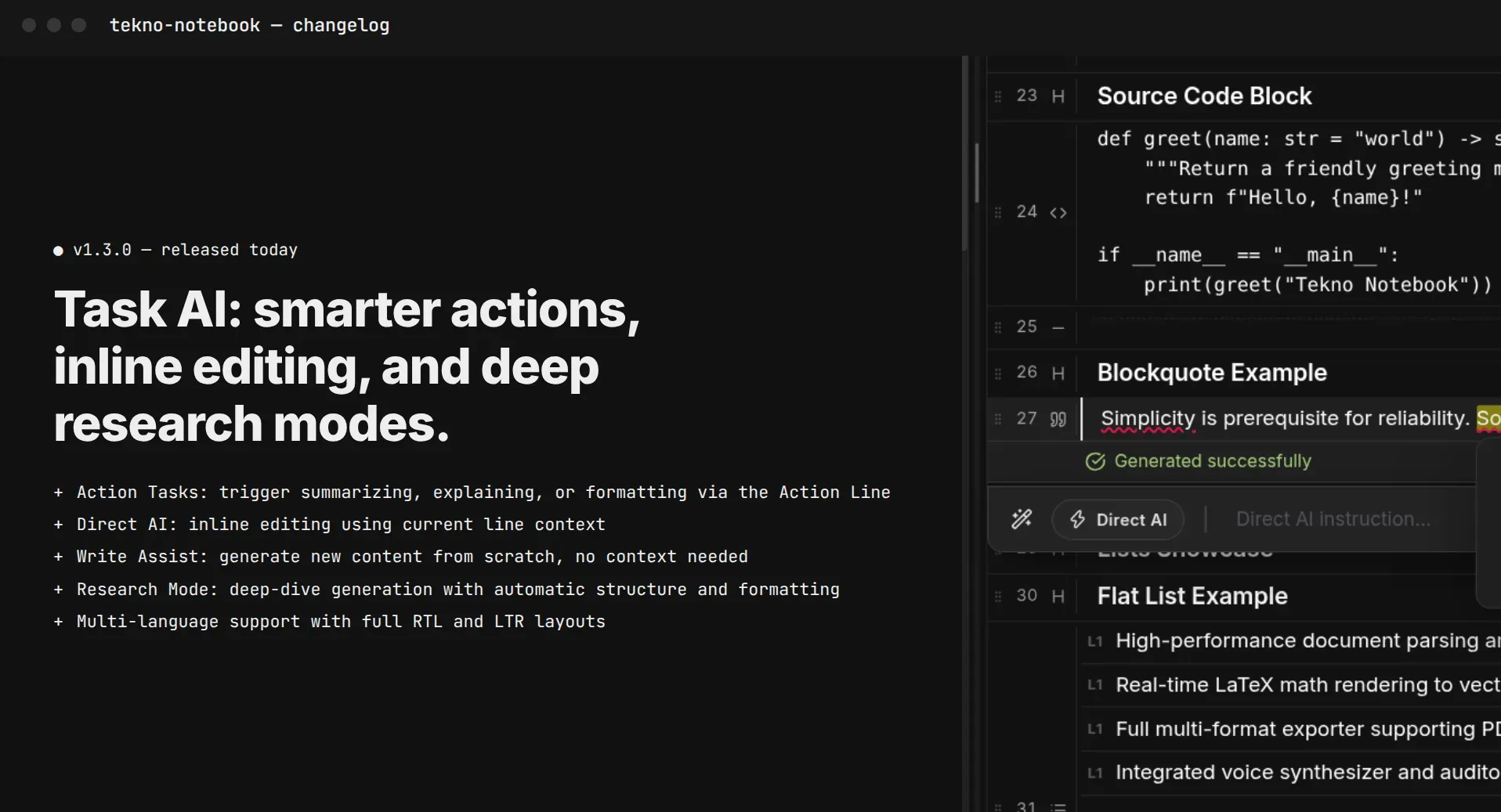
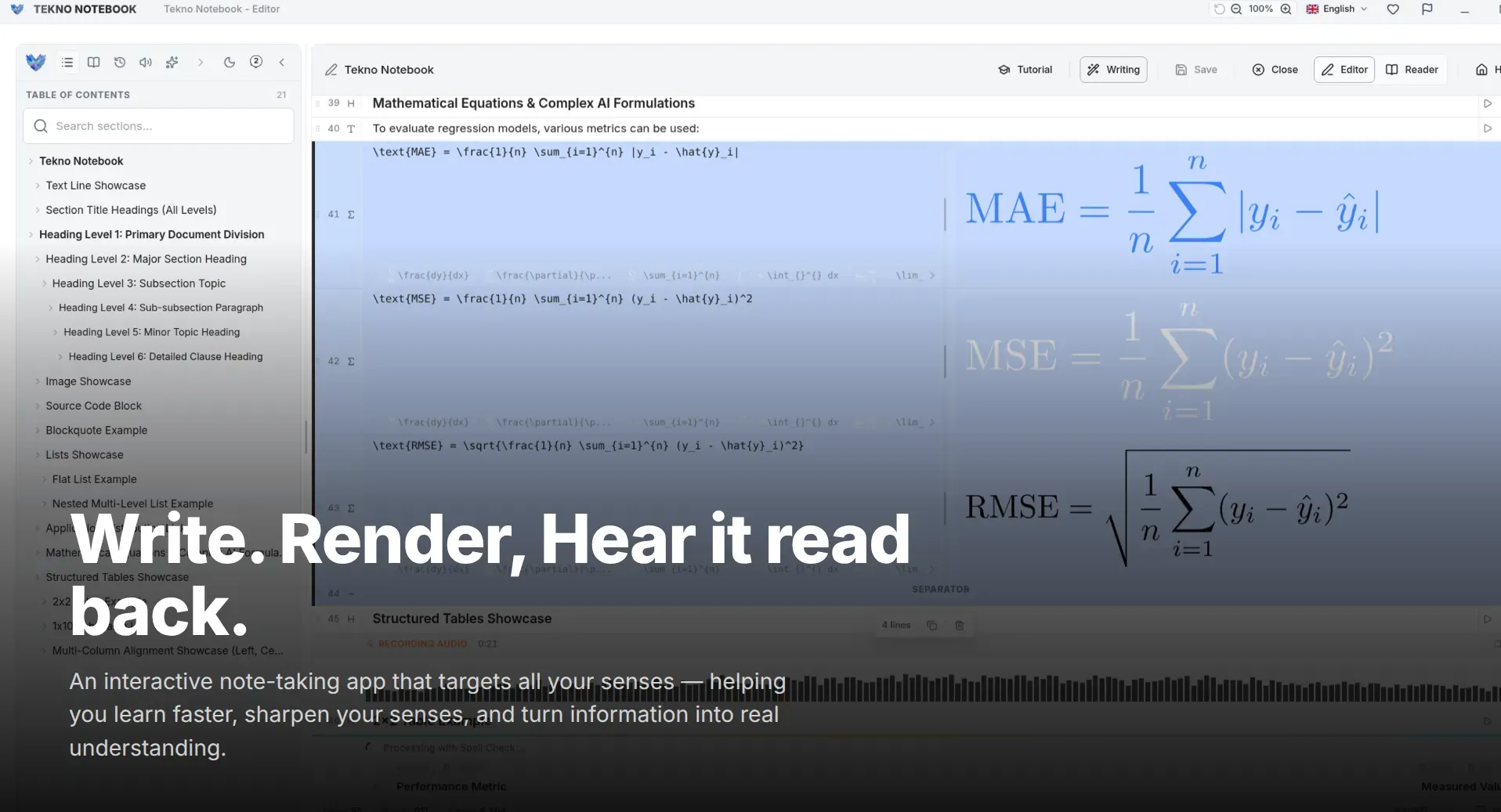
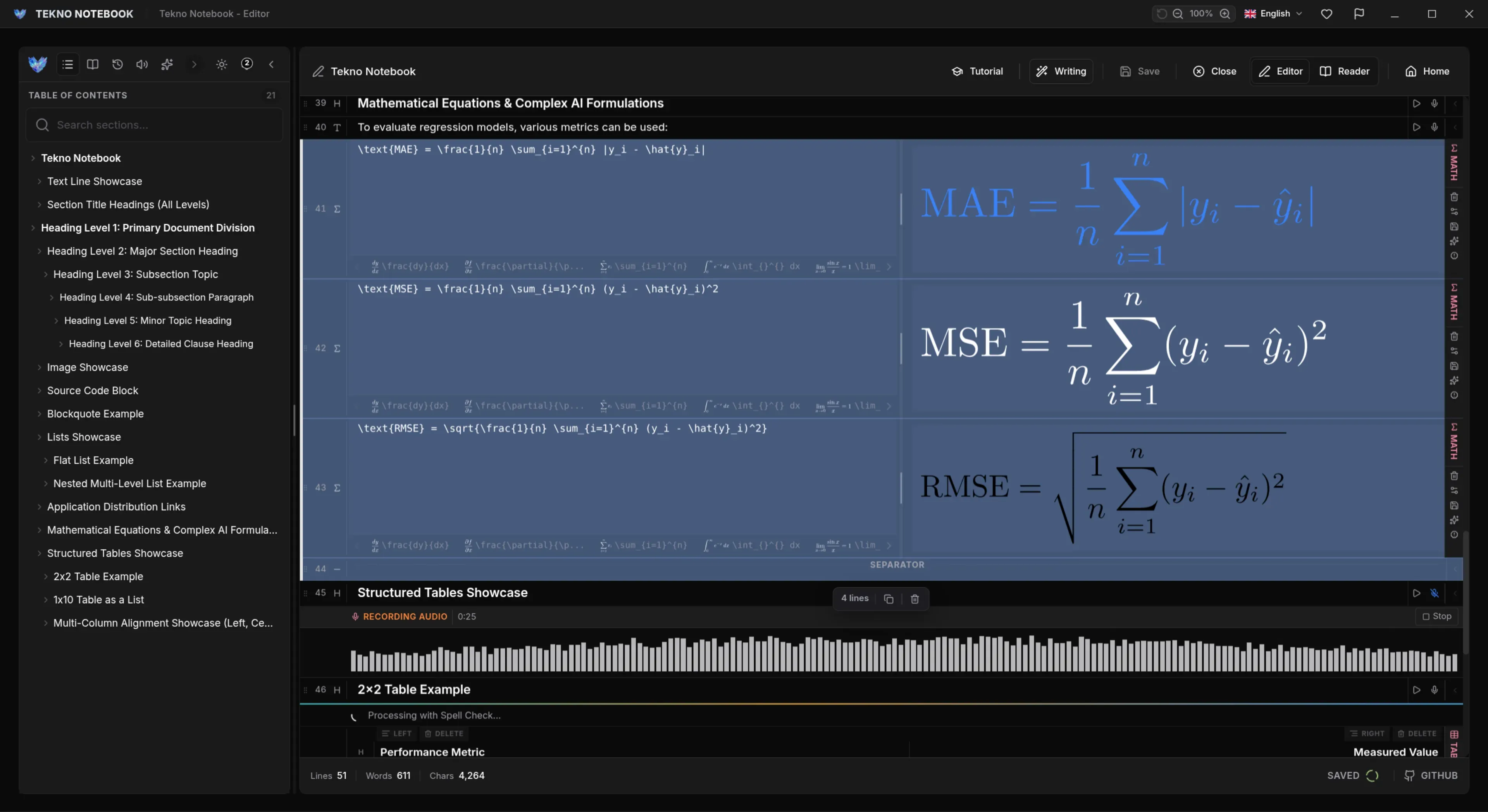
The notes you study from should be the ones you verified, not the chatbot’s reply. In Tekno Notebook, write each claim you checked in your own words with its source and a verdict, and keep the file on your device. You can also use the built-in AI assistant for the first pass, but it can be wrong too, so the checking stays with you. Paste this prompt with the answer you want to test:
Here is an answer I want to check: [paste answer].
Split it into separate factual claims.
For each claim, say what kind of source would confirm it: official document, dataset, paper, or textbook.
Do not invent references or links.
Flag any claim you are unsure about.
After I have verified the claims, quiz me on them one at a time.
Ready to try it? Explore the Tekno Notebook project page (/en/project/TeknoNotebook). Keep reading: How to Study with AI Without Hurting Your Grades: Let It Test You, Not Answer for You (/en/blog/study-with-ai-without-hurting-your-grades) and Should You Paste Your Notes into an AI Chatbot? A Student Privacy Checklist (/en/blog/should-students-paste-notes-into-ai-chatbots-privacy-checklist).

Tekno Notebook
Let AI draft the claims, you confirm them
A free desktop notebook where you keep checked facts in your own words. Prompt the built-in AI assistant to split answers into claims and quiz you, then review by ear with the synchronized audio reader.
- Built-in AI assistant you can prompt to split answers into claims and make quizzes
- Notes saved as plain files on your device, with no account and no tracking
- Reader mode with an interactive table of contents for self-testing
- Audio reader that highlights each line as it is spoken