Study Without Notifications: A Distraction-Free Setup for Deep Work
Phones fragment attention, and the research on fixes is mixed. Build your own distraction-free study setup: one question per session, no notifications, and an offline notebook with Tekno Notebook.
Why Notifications Cost You More Than Time
What recent research says about phones, attention, and grades.
A semester-long experiment with nearly 17,000 students at 10 higher education institutions in India found that classroom phone bans can meaningfully improve learning, especially for the students who need help most, without hurting well-being or motivation, according to Wharton Magazine. A 2026 psychology study adds a useful detail: how often you check your phone and how many notifications you receive predict distraction better than total screen time does.
The evidence is not one-sided. A January 2026 review of school phone-ban studies in wealthy countries found no significant improvement in test scores. The lesson for a student is practical: you can’t wait for a rule to arrive, but you can design your own desk. Fewer interruptions, not perfect willpower, is what protects deep work.
A Three-Part Setup for Deep Study
1. Decide the One Question of the Session
Before you start, write a single question you want to answer, such as “Can I explain how this process works without looking?” A clear target keeps you from drifting into email or a group chat. In Tekno Notebook, make that question a heading and write your answer beneath it.
2. Remove the Interruptions You Can Control
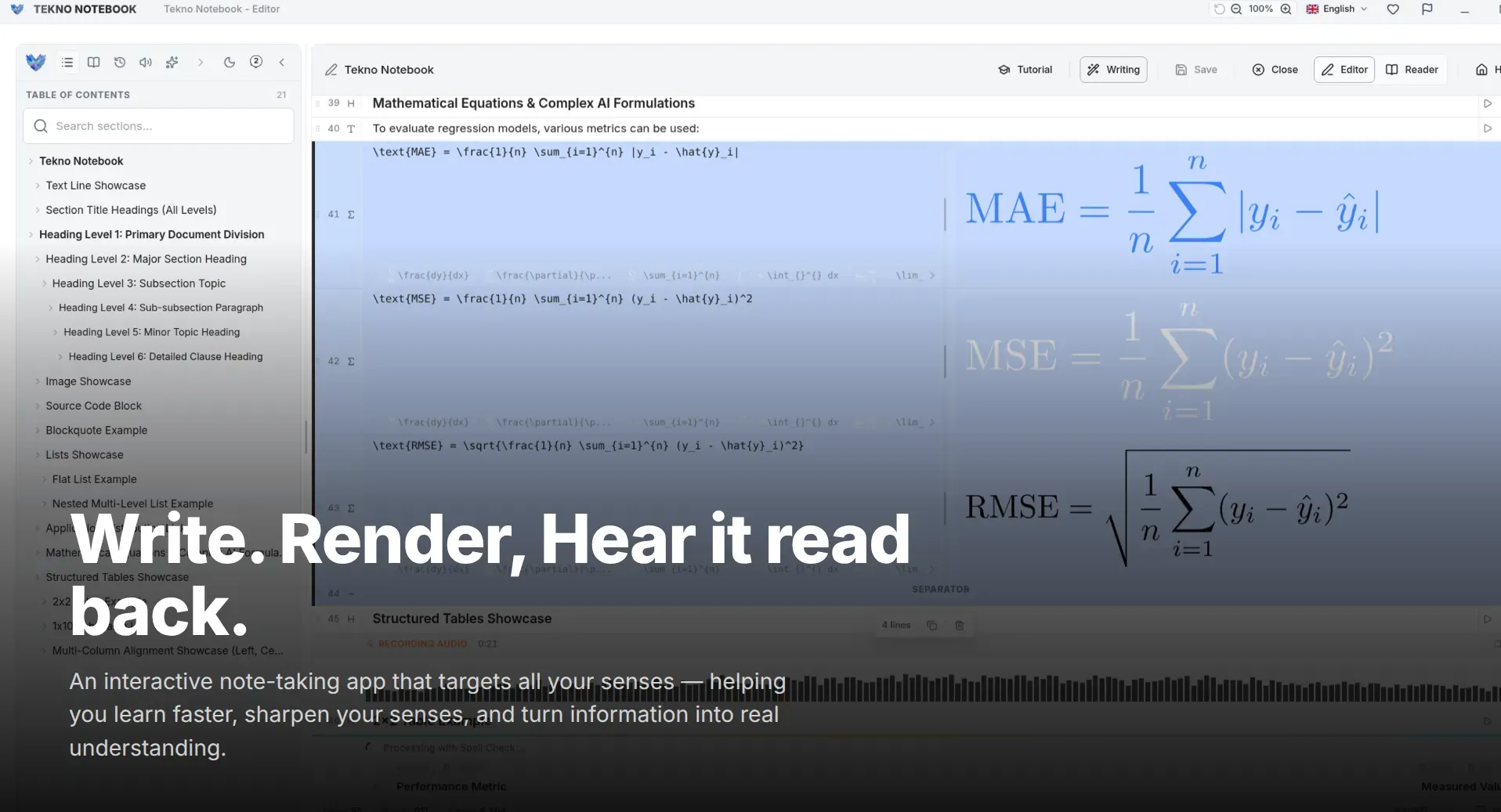
Silence notifications, mute group chats, and put the phone in another room. Then choose tools that don’t interrupt you back. Tekno Notebook is an offline-first desktop app, so there are no sync indicators, no pop-ups, and no waiting on a cloud service, only your keystrokes and your notes.
3. Work in One Focused Block, Then Rest
Set a timer for a block you can really protect, such as 25 to 50 minutes. Use Reader Mode when you review, so you see clean text with a table of contents and nothing else. When the timer ends, step away from the screen. Rest is part of the method, not a reward for finishing it.
Five Rules for a Distraction-Free Session
A checklist you can run before every study block.
- One goal: write down the single question you will answer.
- Notifications off: silence the phone and the desktop alerts before you begin.
- Phone out of reach: another room works better than face-down on the desk.
- Offline by default: close browser tabs you don’t need and work in an offline app.
- Planned breaks: rest your eyes and move around between blocks.
Focus is not a trait you have. It is a setup you build.
Make It a Ritual, Not a Fight
Use the same place, the same opening steps, and the same first heading every time. Rituals lower the effort of starting, so you rely less on willpower. Because Tekno Notebook starts instantly and types without lag, your session begins the moment you sit down.
If group chats are part of your study life, check them on purpose at the end of a block instead of letting them interrupt you in the middle. You stay connected without paying the attention tax.
Ready to try it? Explore the Tekno Notebook project page (/en/project/TeknoNotebook). Keep reading: How to Study Effectively with Notes (/en/blog/how-to-study-effectively-with-notes) and A Dictation Workflow for Faster Study Notes (/en/blog/voice-to-text-note-taking-dictation-workflow).

Tekno Notebook
A Quiet Desktop Notebook for Deep Study Sessions
A free offline desktop notebook with smart line detection, synchronized audio playback, speech-to-text dictation, and a built-in AI assistant, built for students who want to capture fast and review smart.
- Free offline desktop app with no tracking
- Reader Mode with an interactive table of contents for self-testing
- Smart Line Detection and keyboard-first shortcuts for fast capture
- Audio Reader that highlights each line as it is spoken