How to Write a Research Paper Fast Without Getting Overwhelmed: From Outline to Clean PDF
Staring at a blank page while juggling citations, equations, and margins drains hours. Follow this four-step workflow to draft, proofread, and export a sharp paper fast.
Why Research Papers Drag On for a Week When They Could Take Two Focused Days
Mixing source hunting, drafting, and visual formatting at the same time stalls every paragraph.
Most students make the same mistake on day one: they open a blank document and fuss over fonts, margins, and cover pages before locking down a clear thesis or outline. Separating structure from polish cuts writing stress in half.
4-Step Checklist to Finish Any Research Paper Cleanly
# Research Paper Title
## 1. Introduction & Research Question (150 words)
- Core problem and why it matters.
- One-sentence thesis or research question.

## 2. Core Arguments & Evidence
- Section A: [Claim + Primary Source]
- Section B: [Data, Code, or LaTeX Equation]

## 3. Conclusion & References
- Direct answer to the thesis + clean source list.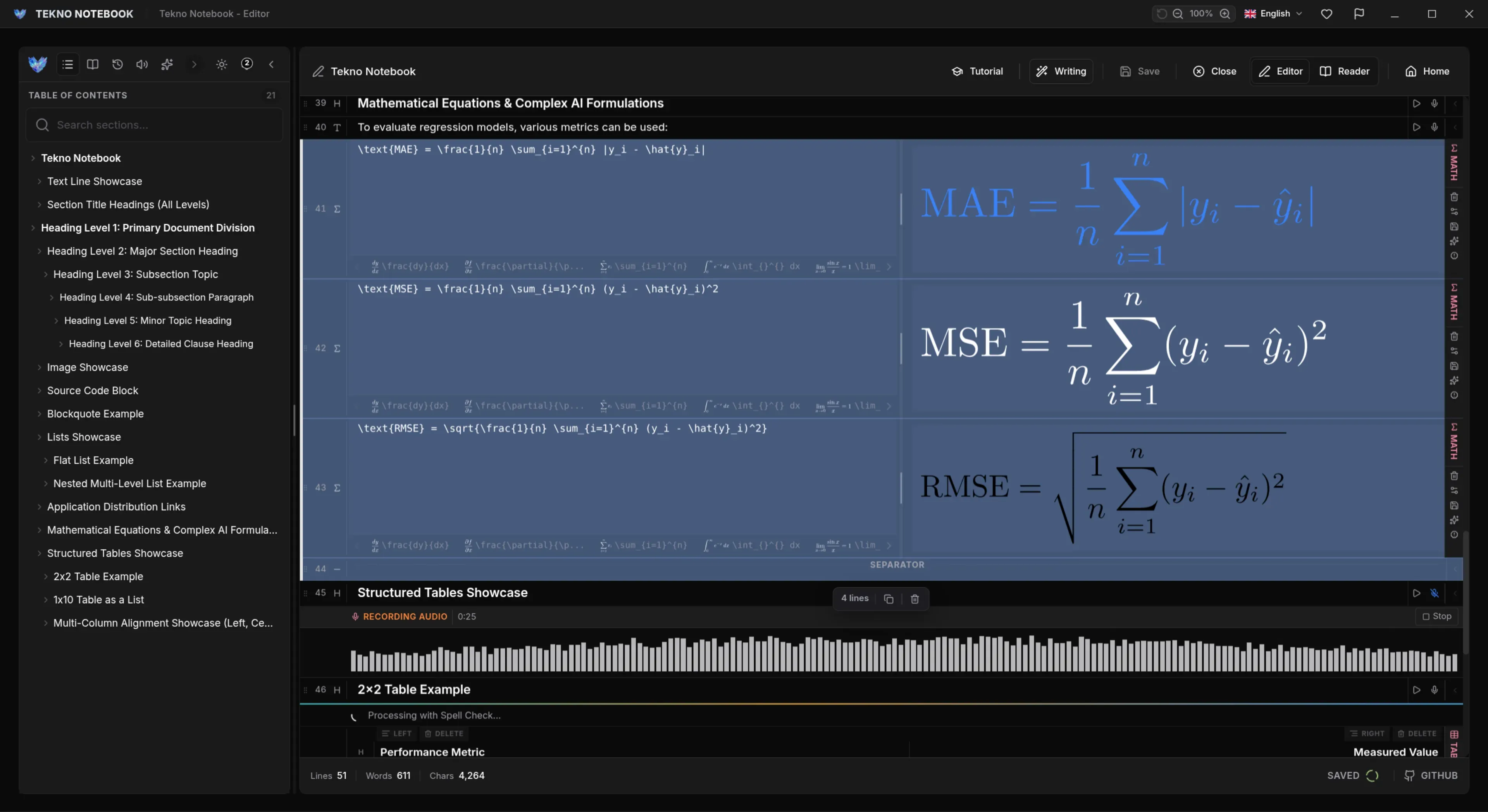

Leave Formatting for the Final Minute and Export Ready to Submit
When your tool handles structure and export automatically, your energy stays on clear arguments.
Inside Tekno Notebook, you can draft your outline, arguments, code snippets, and LaTeX math completely offline—then play the whole draft aloud with built-in Text-to-Speech to spot grammar slips your eyes skipped.
Great papers are built first as clear ideas and formatted last with a single click.
Once your final proofread is done, export directly to a polished PDF, Markdown, or LaTeX file ready for submission.

Tekno Notebook
Draft Distraction-Free Research Papers and Export to PDF or LaTeX in Tekno Notebook
Tekno Notebook combines clean outlining, live LaTeX equations, offline audio proofreading, and instant PDF, Markdown, and LaTeX export on your desktop.
- One-click export to clean PDF, Markdown, and LaTeX files
- Live LaTeX equation preview and code blocks built right in
- Offline audio playback catches awkward phrasing fast
- Local-first storage keeps drafts safe without internet drops
