Handwriting vs Laptop Notes: What the Evidence Actually Says
Laptop bans are back in lecture halls, but the research is less clear-cut than the headlines. Learn what really matters, a hybrid method, and a question-based note template for Tekno Notebook.
The Debate Is Back, and Simpler Than the Headlines
It is less about pen versus keyboard than about what you do while writing.
The University of Toronto’s law school announced this autumn that first-year classes will ban laptops, citing the idea that handwritten notes help students learn better. The idea goes back to a well-known 2014 study by Mueller and Oppenheimer, in which laptop note-takers wrote more words but scored lower on conceptual questions.
Newer commentary urges caution. Critics point out that laptop notes can work just as well when students summarize rather than transcribe, and one 2026 study found that students with more inattentive ADHD traits did better on devices and worse by hand. The research doesn’t support a simple rule that handwriting always wins.
Three Principles That Hold Either Way
1. Compress, Don’t Transcribe
The 2014 result came down to typing so fast that students copied lectures word for word. Whatever you use, write ideas in your own words and shorter than the source. If you catch yourself copying a slide, stop and rephrase it.
2. Pick the Tool That Keeps You Focused
Paper removes notifications. A laptop adds speed, search, and accessibility, which matters if handwriting is slow or painful for you. Choose by what keeps your attention on the lecture, and turn off everything else on the device.
3. Review Is Where Notes Pay Off
Notes you never reopen teach nothing. Within a day, rewrite or tidy them, then test yourself from the headings. The tool matters less than this second pass.
A Hybrid Method That Uses the Best of Both
Capture lightly, rebuild deliberately.
- In class: take brief notes by pen or keyboard, with headings and key terms only.
- Within a day: rewrite them in full sentences, in your own words.
- Add two or three questions per topic at the bottom of the page.
- Two days later: hide the notes and answer the questions from memory.
- Mark what you missed and review it again after a week.
The best note-taking tool is the one that makes you think, not copy.
A Question-Based Note Template
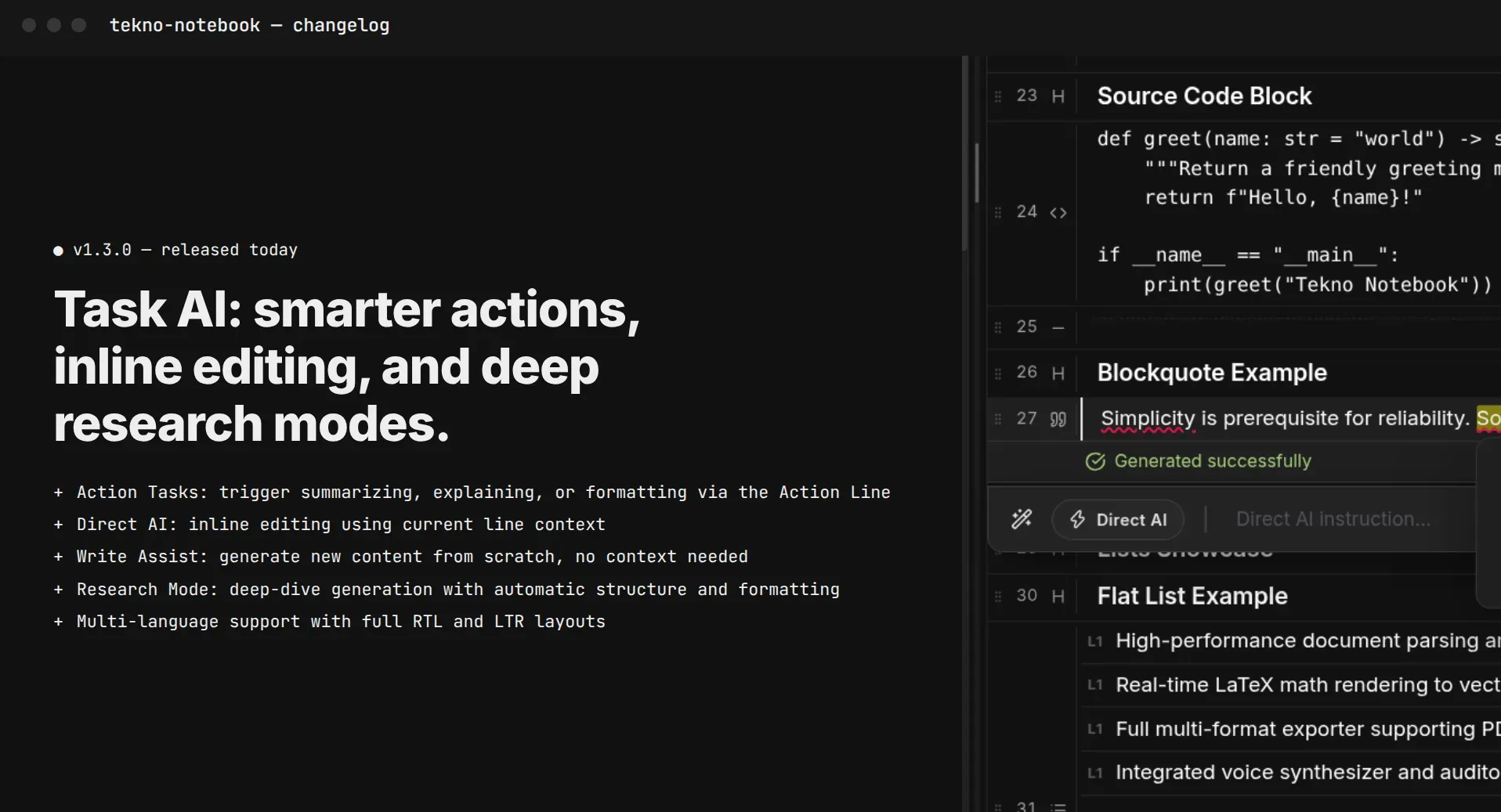
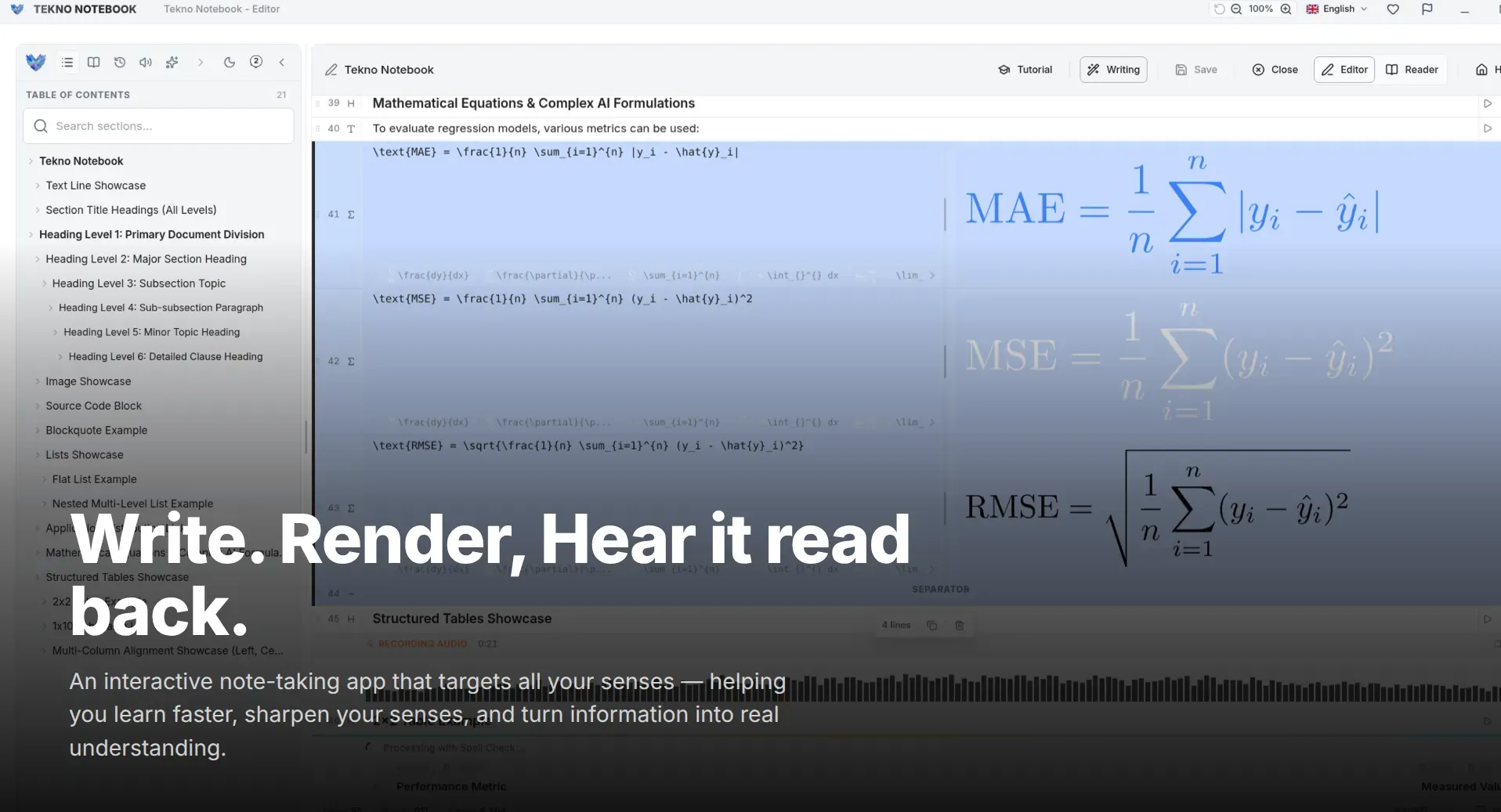
In Tekno Notebook, you can keep the second pass in one place: a clean editor for structured notes, reader mode with a table of contents for self-testing, and files that stay on your device with no account. If you prefer paper in class, retype only the key points and rewrite them in your own words. Copy this template into a new note:
Topic: [title]
Date: [date]
Key ideas (my words):
- [idea 1]
- [idea 2]
Questions I should be able to answer:
1. [question]
2. [question]
What I missed on the first recall:
- [gap]
Review dates: [+2 days] [+7 days] [+30 days]
Ready to try it? Explore the Tekno Notebook project page (/en/project/TeknoNotebook). Keep reading: How to Take Math and Science Notes with LaTeX: A Practical Guide for STEM Students (/en/blog/take-math-and-science-notes-with-latex-tekno-notebook) and Study Without Notifications: A Distraction-Free Setup for Deep Work (/en/blog/distraction-free-deep-work-desktop-note-taking).

Tekno Notebook
Type fast, then rebuild in your own words
A free offline desktop notebook with a clean editor and reader mode with a table of contents for self-testing. Your notes stay as files on your device, with no account and no tracking.
- Clean editor for structured notes with headings and lists
- Reader mode with an interactive table of contents for self-testing
- Built-in AI assistant for quizzes and simpler explanations
- Notes saved as plain files on your device, with no account and no tracking