Best Alternatives to Subscription Cloud Note-Taking Apps: Own Your Notes Free
Tired of paying monthly fees just to access, search, or export your own study and work notes? Discover what makes a great free local alternative—and how Tekno Notebook delivers.
The Hidden Cost of Subscription-Based Cloud Note Apps
Recurring fees are only half the problem—vendor lock-in and lost privacy cost even more.
Your study sheets and project notes represent years of hard work—they should never sit behind a monthly rent wall.
Many cloud note apps hook users with a generous starter tier, then gradually gate essentials like clean PDF exports, offline access, or attachment limits behind recurring subscriptions.
Why a Free Local-First Alternative Wins Long Term
1. Open Import and Export With Zero Lock-In
A trustworthy alternative never traps your knowledge in proprietary silos. You should be able to bring in existing PDF, Markdown, and LaTeX files and export them back out anytime with images intact.
2. Genuine Privacy Without Mandatory Accounts
Instead of syncing private drafts, research, and code to third-party servers, a local desktop app keeps everything on your own hardware and works even in airplane mode.
What You Get Free in Tekno Notebook Instead of Paid Subscriptions
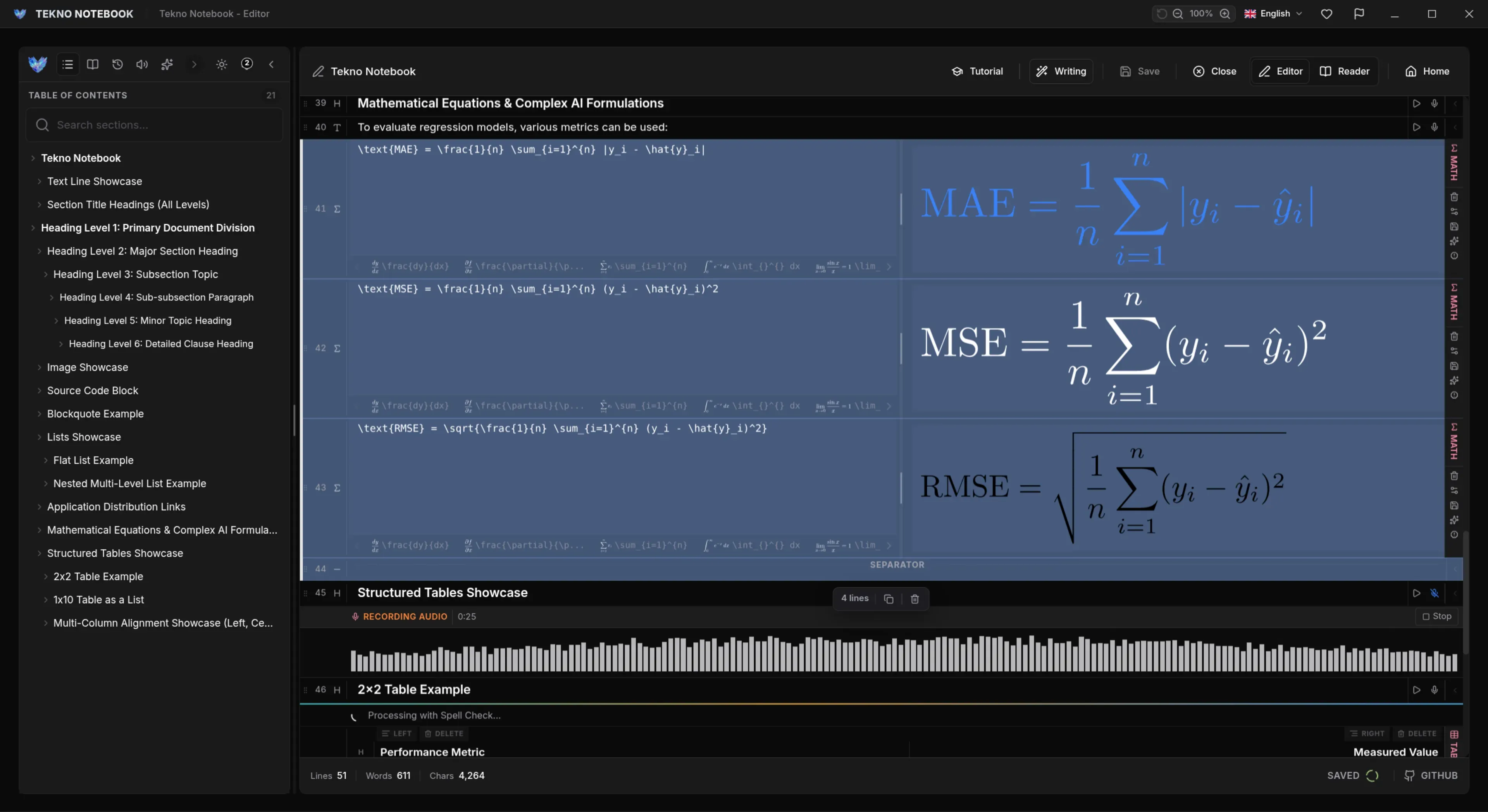
- Rich multi-format notes with text, code, images, tables, and live LaTeX math.
- Built-in import and export for PDF, Markdown, and LaTeX with full image support.
- Offline Text-to-Speech (TTS) and Speech-to-Text (STT) with no usage caps.
- Integrated writing assistant, AI task system, and prompt debugger in one app.

Move Your Notes Once and Keep Full Control
Switching to a local-first desktop app takes minutes and saves money every year.
With Tekno Notebook on Windows and Linux, you can import your existing files and enjoy a fast, private, feature-complete notebook without ever entering a credit card or creating an account.

Tekno Notebook
Leave Monthly Note Subscriptions Behind With Tekno Notebook
Import your PDF, Markdown, and LaTeX documents into Tekno Notebook and work completely offline with zero recurring fees or accounts.
- Zero monthly fees and zero paywalled core features
- Complete privacy—no account required and no forced cloud uploads
- Full import and export for PDF, LaTeX, and Markdown with images
- Built-in writing assistant, audio reader, dictation, and math support