Best Apps to Organize Work, Study, and Self-Hosted Services Into Clean Collections
Mixing university portals, work tools, and homelab dashboards in one flat list drains focus before you even begin. See how customizable collections in Quick Homepage restore clarity.
Why Mixing Study, Work, and Server Links Kills Focus
Your brain switches into deep work faster when it sees only the tools for the current context.
Open a flat list of fifty mixed links to start studying or coding, and your eyes immediately snag on unrelated server panels or side projects. Grouping links into intentional collections turns visual clutter into instant mental clarity.
A Simple 4-Collection Blueprint for Everyday Clarity
- Study & Research: course portals, reference docs, and library tools.
- Work & Dev: project boards, local dev servers, and technical docs.
- Homelab & LAN: router panel, file server, backups, and smart home hubs.
- Quick Daily Tools: the handful of utilities you open multiple times a day.


How Quick Homepage Makes Collection Management Effortless
Structured enough to keep you organized, flexible enough to evolve with your projects.
1. Build and Rearrange Collections Visually
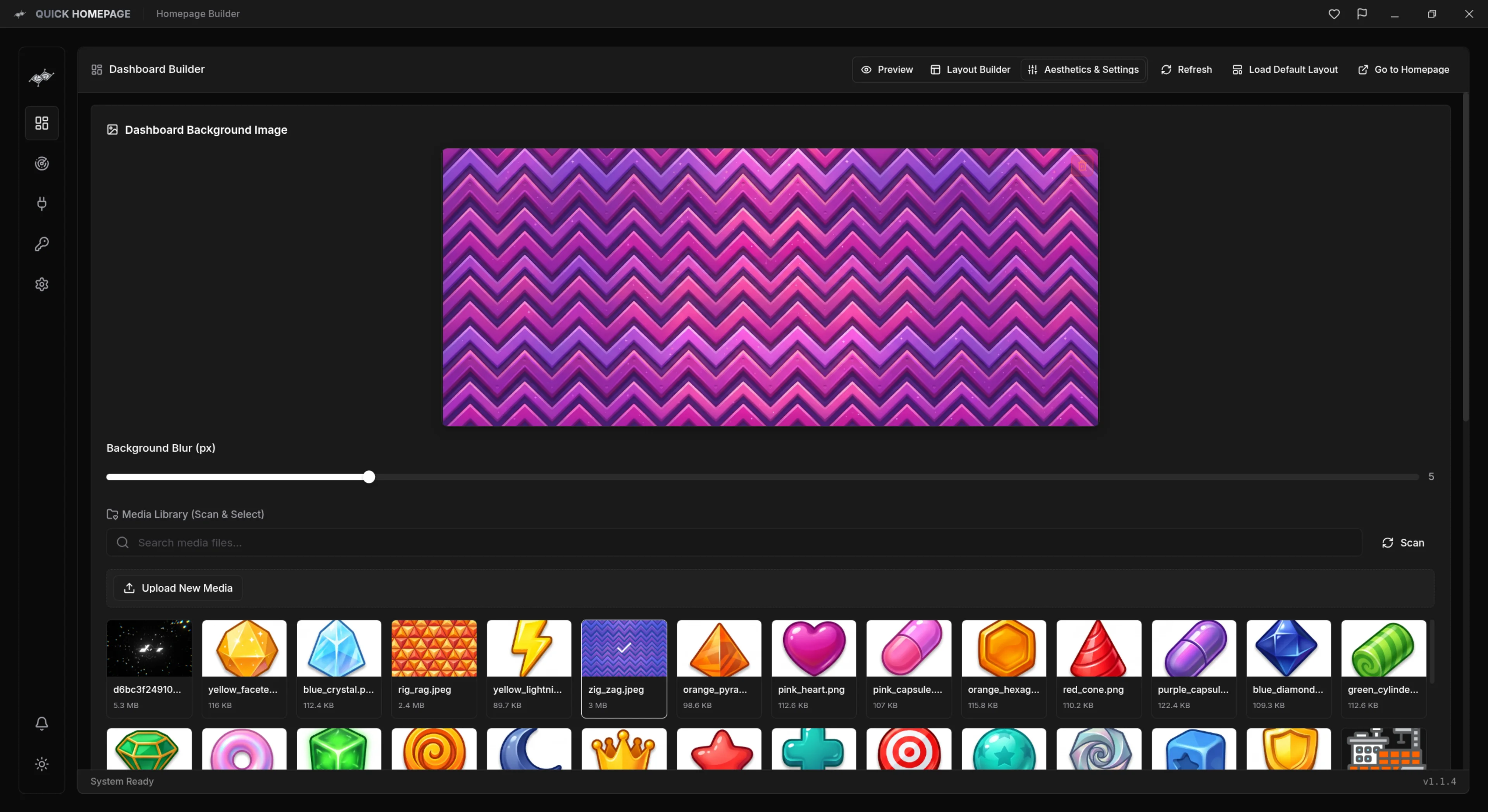
Quick Homepage lets you spin up new collections in seconds and customize layouts visually—no manual file juggling required.
2. Combine Local Services and Web Links Under One Roof
Whether an item is an auto-discovered LAN service or a daily study portal, Quick Homepage keeps everything neatly categorized and one click away.
Clear boundaries between collections create the visual calm that makes daily focus effortless.

Quick Homepage
Group Work, Study, and LAN Services Into Tidy Collections in Quick Homepage
Quick Homepage lets you organize discovered local services and daily web tools into customizable collections and layouts—giving every context its own calm space.
- Group links and services into dedicated collections by context
- Customize dashboard layouts visually to fit your screen cleanly
- Pair every item with clear icons, titles, and short descriptions
- Lock your finished layout so collections stay neat every day