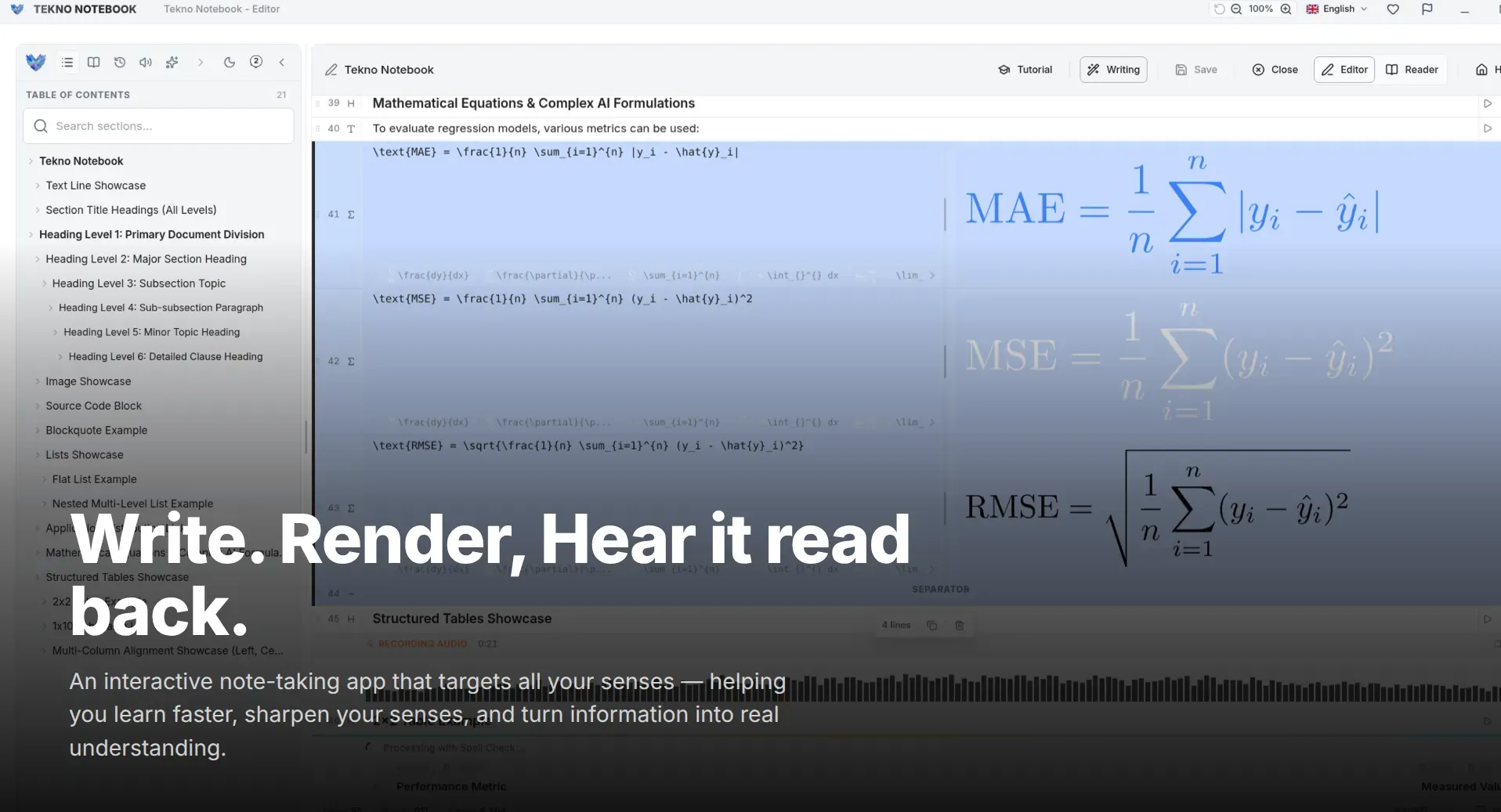
Speak First, Edit Later: A Dictation Workflow for Faster Study Notes
Voice typing is going mainstream, and students can use it too. Learn a three-step dictation routine for lecture notes: speak the rough draft, refine it by typing, and proofread by ear with Tekno Notebook.
Why Talking Beats Typing for First Drafts
Voice input is moving from novelty to everyday habit.
Voice typing is having a moment. In early 2026, Bloomberg described office workers who put the keyboard aside and speak to their computers instead, and AI dictation tools have become a daily habit for many people. For students the appeal is obvious: a 2017 laboratory study found that speaking to a phone was nearly three times faster than using its touch keyboard, at 153 versus 52 English words per minute.
Speed is not accuracy, though. A lab is quieter than a lecture hall, and spoken sentences are messier than written ones. That is why the winning habit is simple: speak the first draft, then edit it by hand. Dictation gets ideas out while they are fresh, and the keyboard turns them into notes you can trust.
A Three-Step Dictation Routine
1. Speak the Rough Version Right After Class
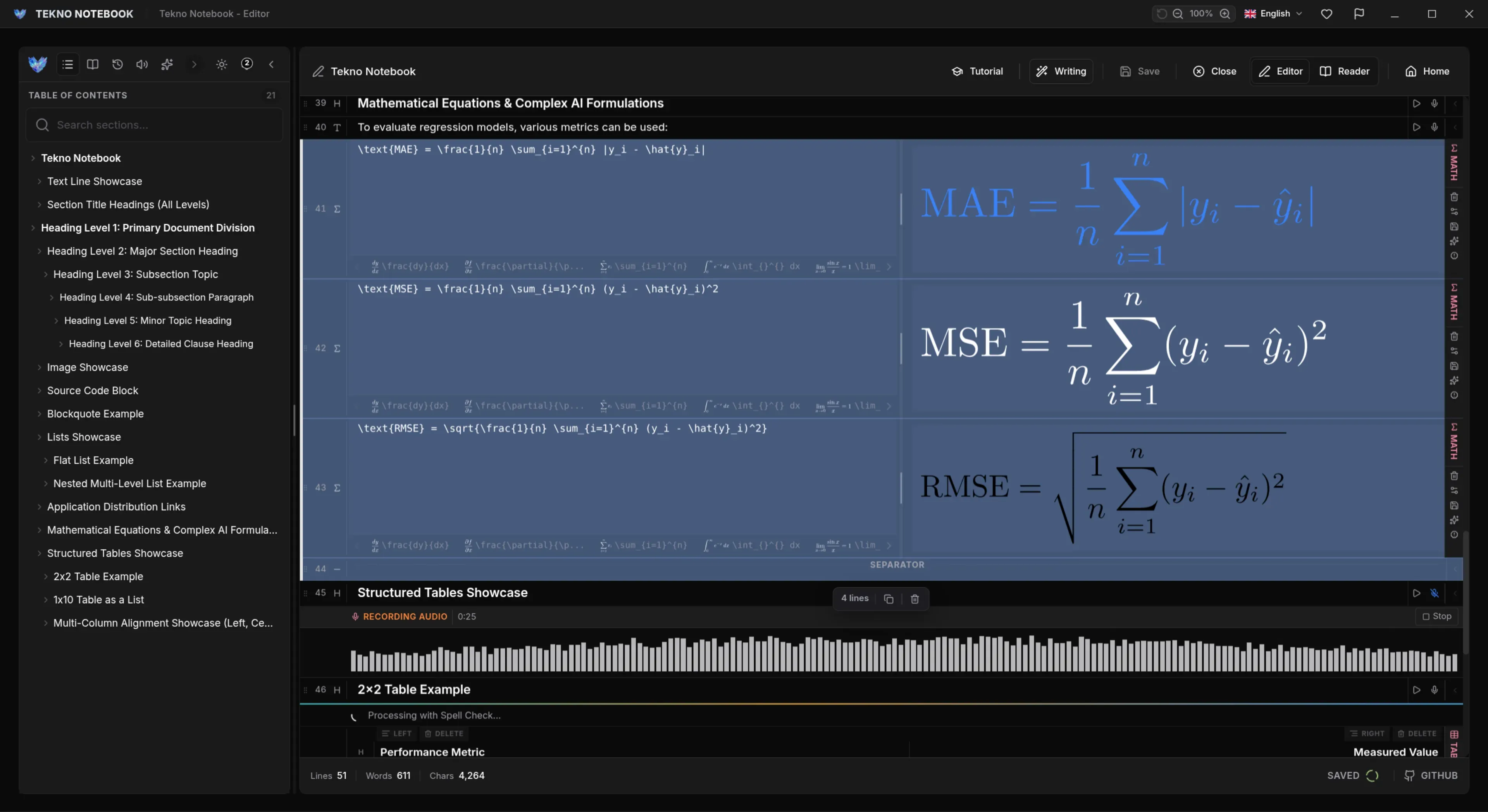
Within an hour of the lecture, while the material is still fresh, open Tekno Notebook and dictate what you remember: the main idea first, then the examples. Use short sentences with one idea each, and say terms and numbers clearly. Don’t stop to fix mistakes yet. Tekno Notebook supports speech-to-text dictation in many languages, so you can speak in the language you think in.
2. Edit by Hand to Add Structure
Now switch to the keyboard. Split long passages, fix technical terms, and add headings. Tekno Notebook’s Smart Line Detection recognizes headings, checklists, code blocks, tables, and equations as you write, so shaping a messy transcript into clean notes takes minutes.
3. Proofread by Ear
Silent proofreading misses typos because your brain fills in what it expects to see. Let the Audio Reader read your notes aloud while it highlights each line, and you will hear the awkward phrase or the misrecognized word that your eyes skipped. Speed the playback up once the text is clean.
Five Habits for Clean Voice Notes
Small choices that make dictated text far easier to use.
- Pick a quiet spot: clear audio gives the most accurate text.
- Dictate one language at a time: switching mid-sentence confuses recognition.
- Speak in complete sentences: they are easier to edit and easier to follow by ear.
- Keep a list of tricky terms: check names, formulas, and jargon first in every transcript.
- Review within a day: the sooner you edit, the more of the lecture you still remember.
Speaking gets the ideas out. Editing makes them yours.
When Dictation Is the Wrong Tool
Use your voice for explanations, summaries, and brainstorming. Keep the keyboard for equations, code, and tables, where precision matters more than speed. And skip dictation in a quiet library where it would disturb others: record your thoughts later in a private space.
The routine works because each tool does what it is best at: voice for speed, keyboard for precision, and listening for quality control. Together they turn a fifteen-minute talk into notes you can actually study from.
Ready to try it? Explore the Tekno Notebook project page (/en/project/TeknoNotebook). Keep reading: How to Study While Listening to Your Notes (/en/blog/how-to-listen-to-study-notes) and A Distraction-Free Setup for Deep Work (/en/blog/distraction-free-deep-work-desktop-note-taking).

Tekno Notebook
Speak the First Draft, Then Polish It by Ear
A free offline desktop notebook with smart line detection, synchronized audio playback, speech-to-text dictation, and a built-in AI assistant, built for students who want to capture fast and review smart.
- Speech-to-text dictation and multilingual text-to-speech
- Audio Reader that highlights each line as it is spoken
- Smart Line Detection and keyboard-first shortcuts for fast capture
- Free offline desktop app with no tracking