How to Take Math and Science Notes with LaTeX: A Practical Guide for STEM Students
Equations break most note apps. Learn a simple LaTeX note-taking workflow with live preview, clean tables, and PDF, LaTeX, and Markdown export—and see how Tekno Notebook makes it effortless.
Why Equations Break Ordinary Note Apps
Math notes need precise notation, not clumsy equation menus.
Anyone who has typed a fraction, an integral, or a matrix into a generic word processor knows the pain: hunting through symbol menus, fighting with alignment, and ending up with notes that look different on every device. For students of mathematics, physics, computer science, and engineering, that friction adds up over a whole semester.
LaTeX has been the standard language for scientific notation for decades, because it describes a formula in plain text that renders the same way everywhere. The hard part is the setup: installing a distribution, compiling files, and waiting to see the result. A notebook with built-in live preview removes that barrier.
A Simple LaTeX Note-Taking Workflow in Three Steps
1. Structure the Page First
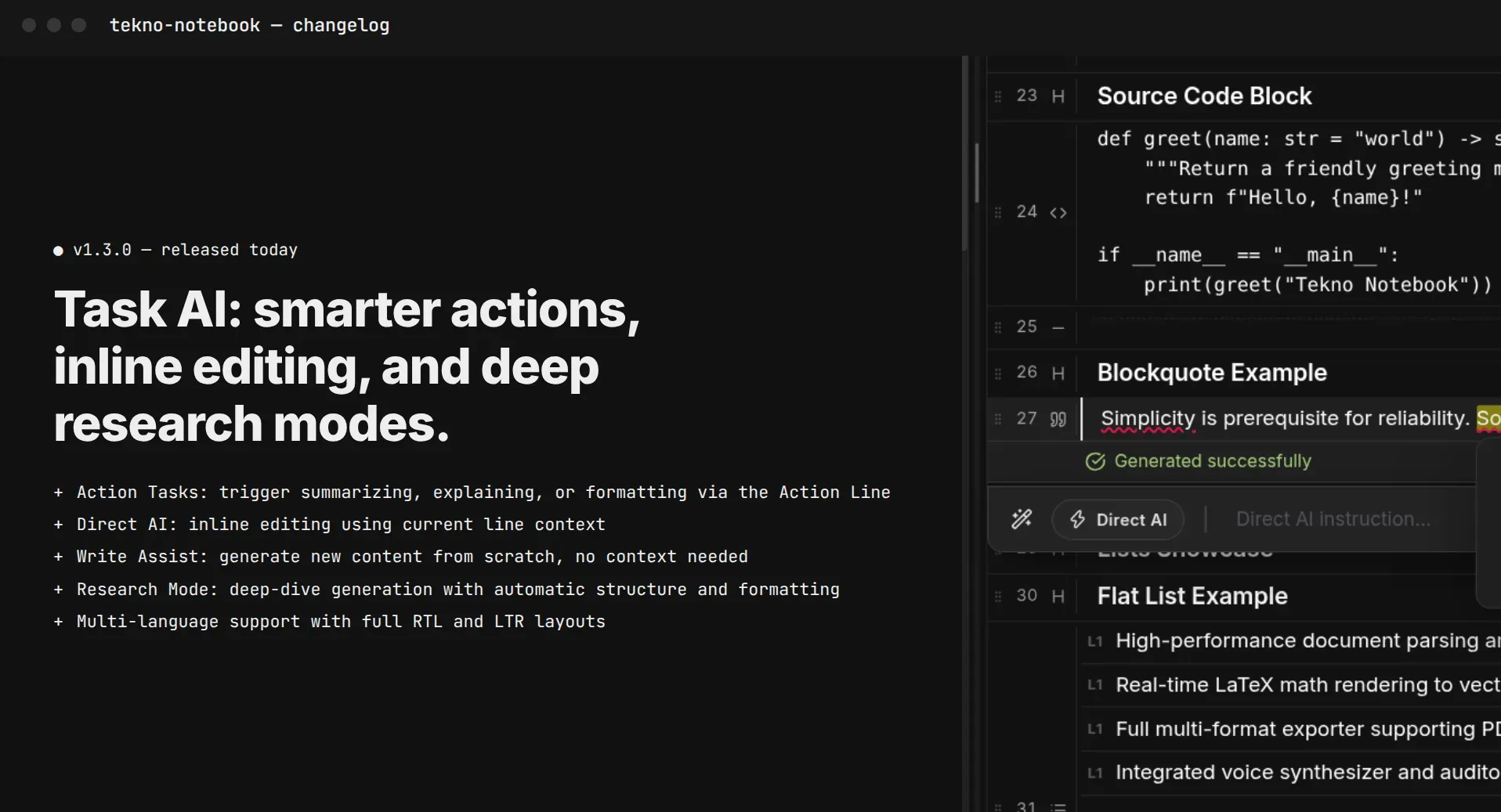
Start with headings for the topic, definitions, theorems, and examples. Tekno Notebook's Smart Line Detection recognizes headings, lists, code blocks, tables, and equations as you type, so your notes keep a clear outline without any formatting menus.
2. Write the Formula, See It Instantly
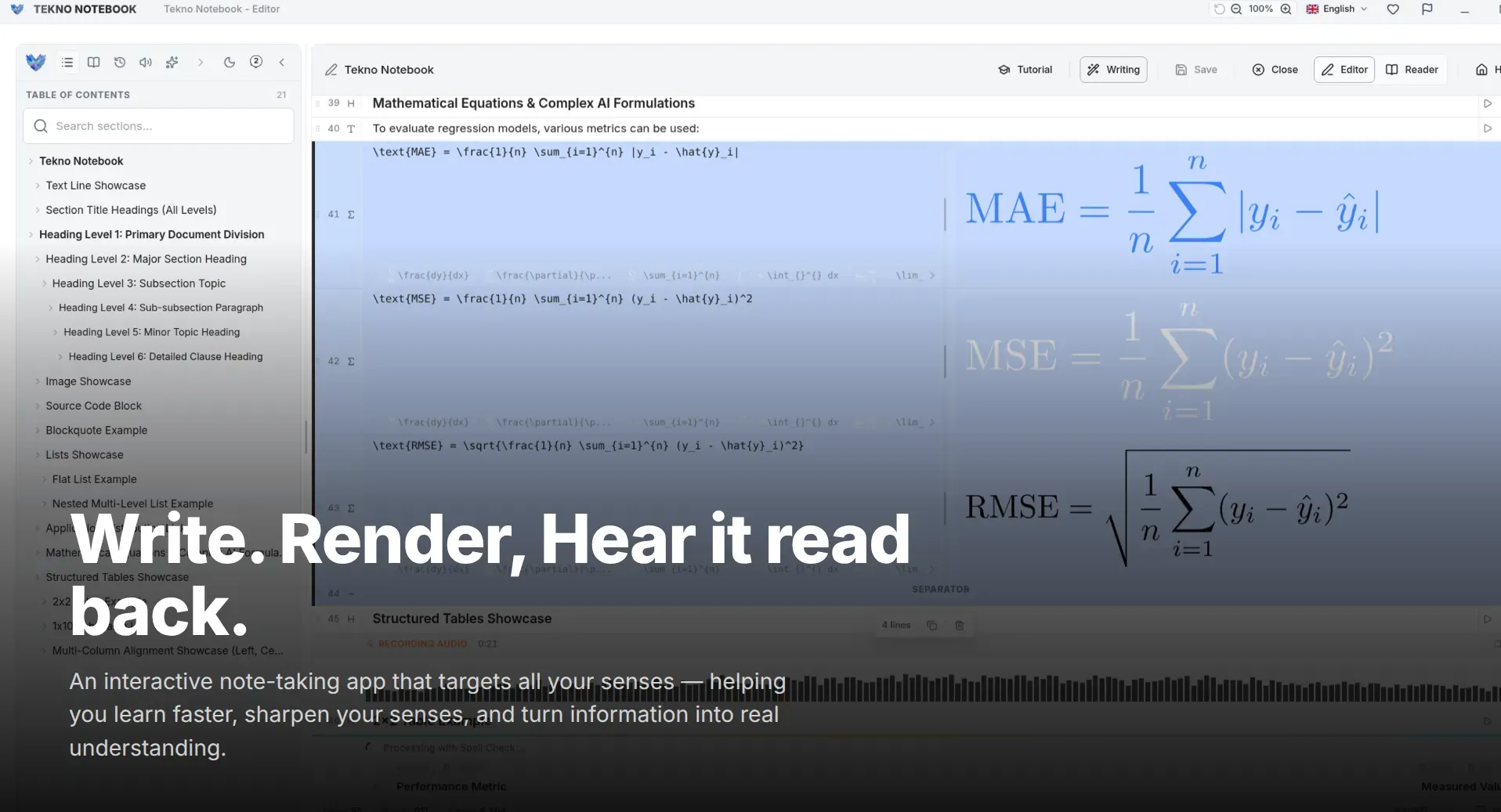
Type the expression in LaTeX and check the rendered result right away. For example, this single line describes a definite integral and its value:
\int_0^1 x^2 \, dx = \frac{1}{3}Spotted a wrong symbol? Fix it in seconds instead of recompiling a document. Over a semester you also pick up the commands naturally, which makes lecture capture faster.
3. Use LaTeX Tables and Keep Your Notes Portable
Constants, truth tables, and lab results read better in a table. Tekno Notebook supports LaTeX tables with live preview, and you can import existing PDF, LaTeX, and Markdown files (including embedded images) and export back to any of them, so your notes are never locked inside one app.
Make Your Math Notes Work Harder
Features and habits that turn equations into study material.
- Live LaTeX Preview: Check each formula as you write it and correct mistakes immediately.
- LaTeX Tables: Lay out data, constants, and results in clean, structured tables.
- Smart Line Detection: Headings, lists, code blocks, tables, and equations are recognized and formatted for you.
- Audio Reader Mode: Listen to your written explanations while the current line is highlighted, ideal for reviewing definitions and proof outlines.
- Import & Export: Move notes between PDF, LaTeX, and Markdown without losing images.
Good notation is half of understanding—your tools should help you write it, not fight it.
Who Should Try This Workflow?
Students of mathematics, physics, computer science, and engineering, researchers drafting formulas, and developers documenting algorithms all benefit from notes that stay precise and portable. Tekno Notebook is a free desktop app that works offline with zero telemetry, available from the Microsoft Store, Snapcraft for Linux, and GitHub releases.
Explore the Tekno Notebook project page (/en/project/TeknoNotebook), learn how to study effectively with active recall (/en/blog/how-to-study-effectively-with-notes), or see why offline note-taking still matters (/en/blog/why-offline-note-taking-apps-matter).

Tekno Notebook
Write Equations Fast and See Them Instantly
A free desktop notebook that brings live LaTeX math and tables, smart line detection, synchronized audio review, and PDF, LaTeX, and Markdown import/export together in one offline, privacy-first workspace.
- Live LaTeX math and table preview while you type
- Smart Line Detection formats headings, lists, code, and equations automatically
- Import and export PDF, LaTeX, and Markdown with embedded images
- Offline desktop speed with no subscriptions and zero tracking