Best Homepage Apps for Homelab Owners in 2026
A clear comparison of the best self-hosted homelab dashboard apps—Quick Homepage, Homepage, Homarr, and Dashy—to organize your local network services.
Why Every Homelab Needs a Dedicated Homepage Dashboard
Stop memorizing random local IP addresses and port numbers.
Once your homelab grows to include Proxmox, TrueNAS, Docker containers, and monitoring tools, remembering every IP and port becomes a chore. A dedicated homepage app turns that chaos into one clean launchpad.
Top 4 Homepage Apps for Homelab Owners
1. Quick Homepage — Fastest Setup with Built-in Nmap Discovery
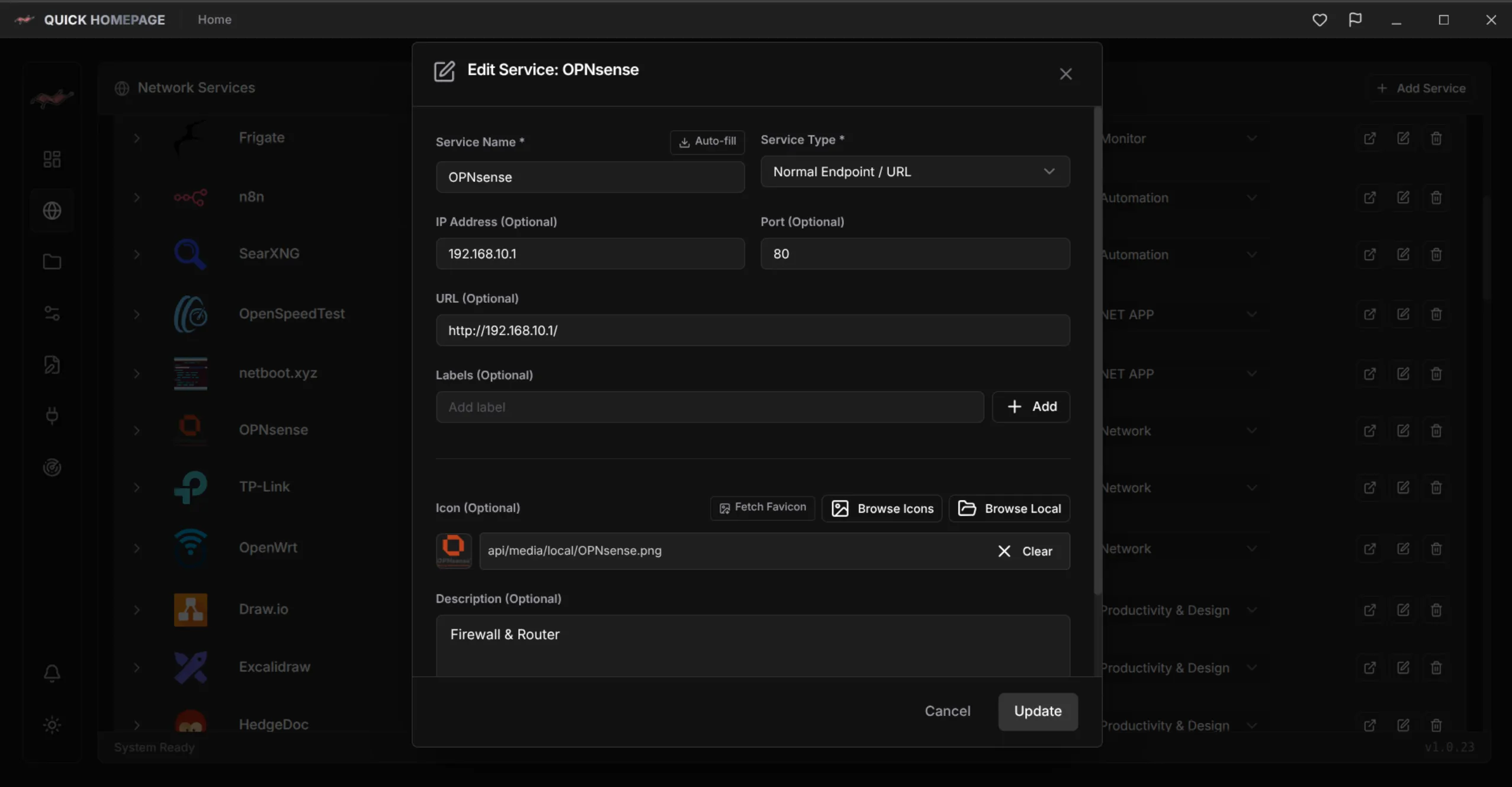
Quick Homepage stands out by solving the most tedious part of homelab management: its built-in Nmap scanner automatically finds devices, open ports, and active services. You can organize them through a clean GUI or edit YAML files directly.
2. Homepage (gethomepage.dev) — Lightweight & Pure YAML
A fast, static dashboard configured entirely via YAML with rich service widgets for Docker and Kubernetes, though it lacks a built-in GUI editor or network auto-discovery.
3. Homarr — Visual Drag-and-Drop Simplicity
Homarr offers an intuitive browser-based drag-and-drop experience with strong media-server integrations, making it great for users who prefer pure visual configuration.
4. Dashy — Deep Customization and Status Checks
Dashy packs extensive themes, status indicators, and widgets into one interface, though it can feel heavier than leaner modern alternatives.
Why Homelab Owners Are Switching to Quick Homepage
Combining network intelligence with effortless daily control.
Key practical advantages of Quick Homepage:
- Automatic Nmap service discovery eliminates manual port hunting.
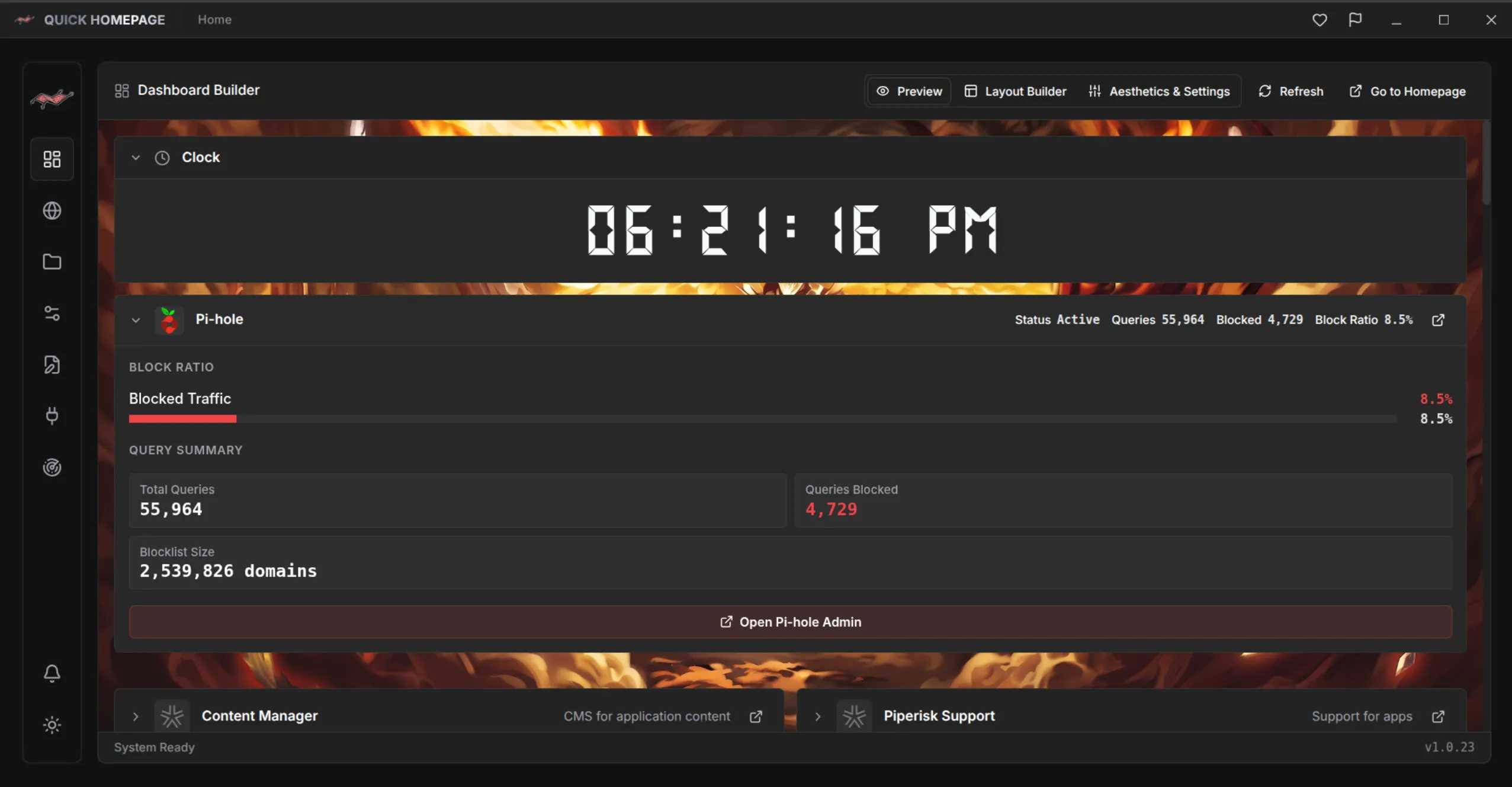
- Hybrid workflow: tweak layouts in the GUI or version-control your YAML configs.
- Built-in icon library and flexible layouts for both compact and multi-server labs.
- Fast native Linux experience available directly on Snapcraft.
A great homelab dashboard does more than hold bookmarks—it understands your network.
If you want a modern homepage app that blends Nmap auto-discovery, GUI convenience, and YAML control, give Quick Homepage a try.

Quick Homepage
Every service on your network, one click away with auto-discovery
A fast desktop and self-hosted homelab dashboard with built-in Nmap network discovery, live widgets, and flexible GUI or YAML configuration.
- Built-in Nmap network and port scanner to auto-discover running services
- Configure visually via the GUI or edit clean YAML files directly
- Organized groups, custom icons, and live homelab widgets
- Easy installation on Linux via Snapcraft, with Windows support planned