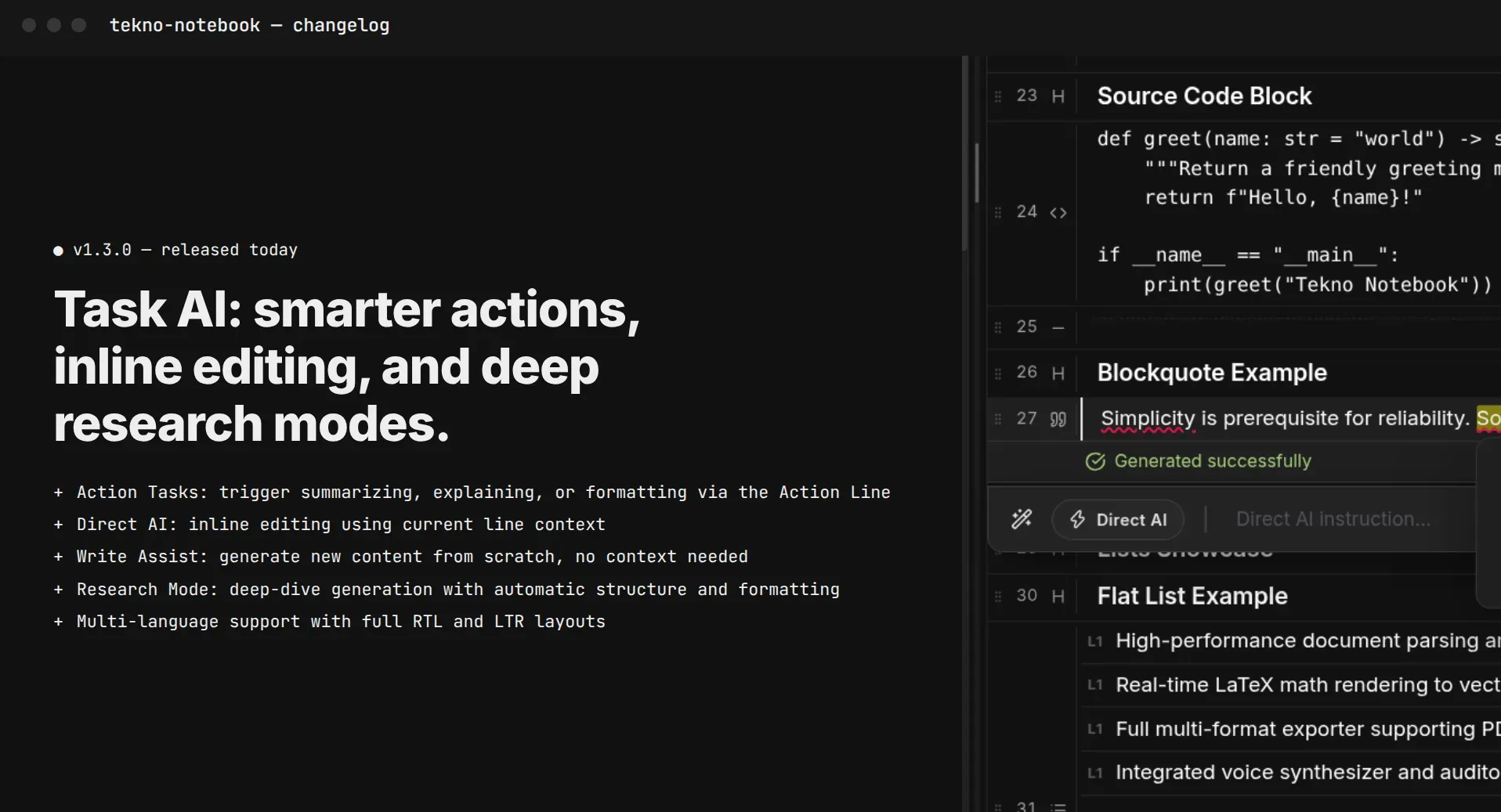
Study Without Distractions: A Deep-Work Setup for Students Tired of Screens and Notifications
Schools are pushing back on ed-tech overload, and students feel it too. Build a calm, single-window study setup with an offline desktop notebook and give your eyes a rest with audio review.
The Problem Isn't Willpower, It's the Setup
Every extra tab is a small invitation to leave your work.
Across schools, the mood around classroom technology is shifting. Education Week has reported an ed-tech backlash, with some schools introducing tech-free days, and surveys show Gen Z's enthusiasm for AI cooling. Many students are not rejecting technology; they are tired of devices that demand attention while they are trying to think.
Focused study is less about discipline than about design. If your notes live in a browser next to chat, video, and a dozen open tabs, you will switch tasks all day without noticing. A simple setup removes the temptation before it appears, so concentration stops being a daily fight.
Three Rules for a Calm Study Setup
1. One Window, One Task
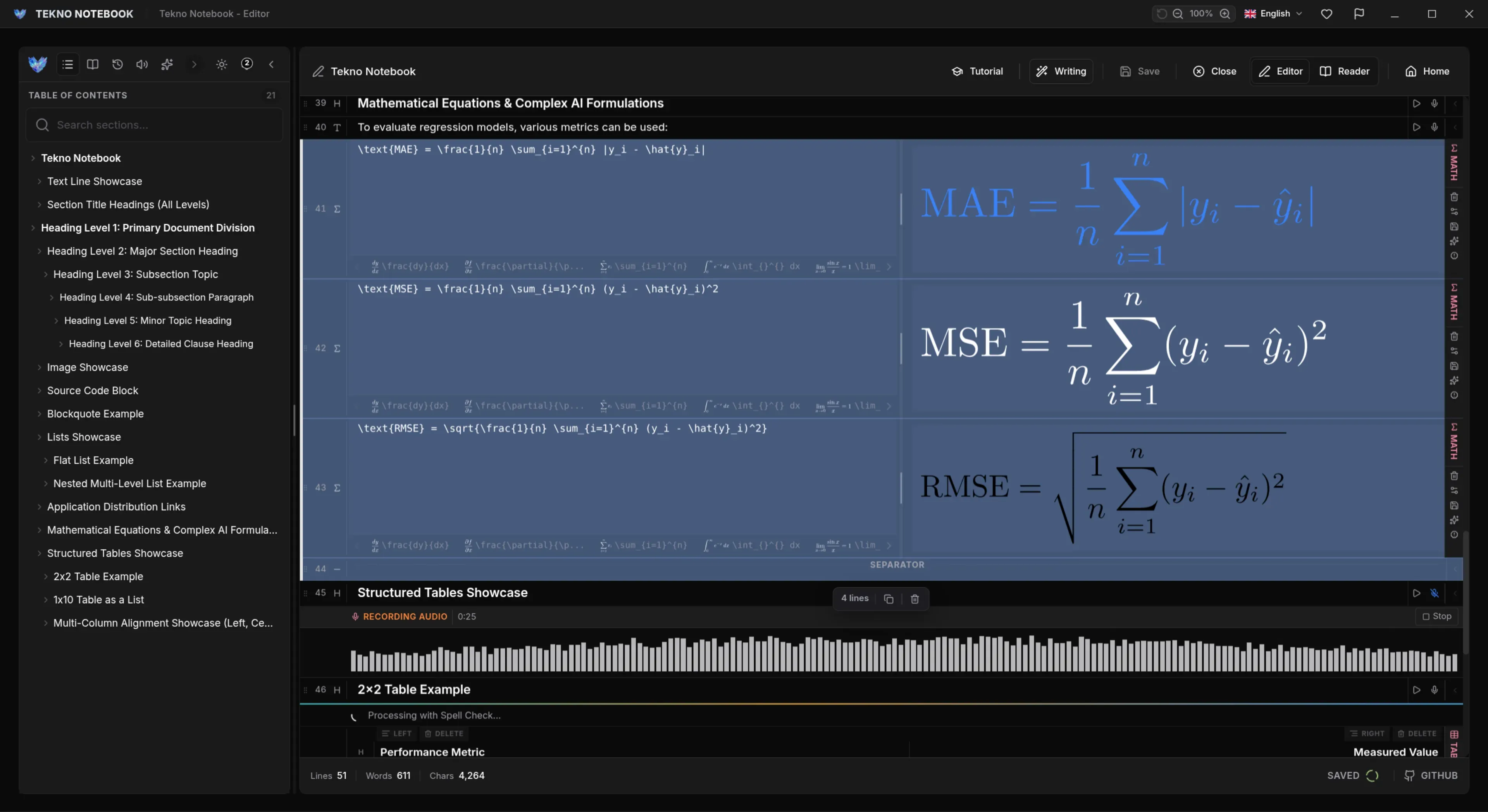
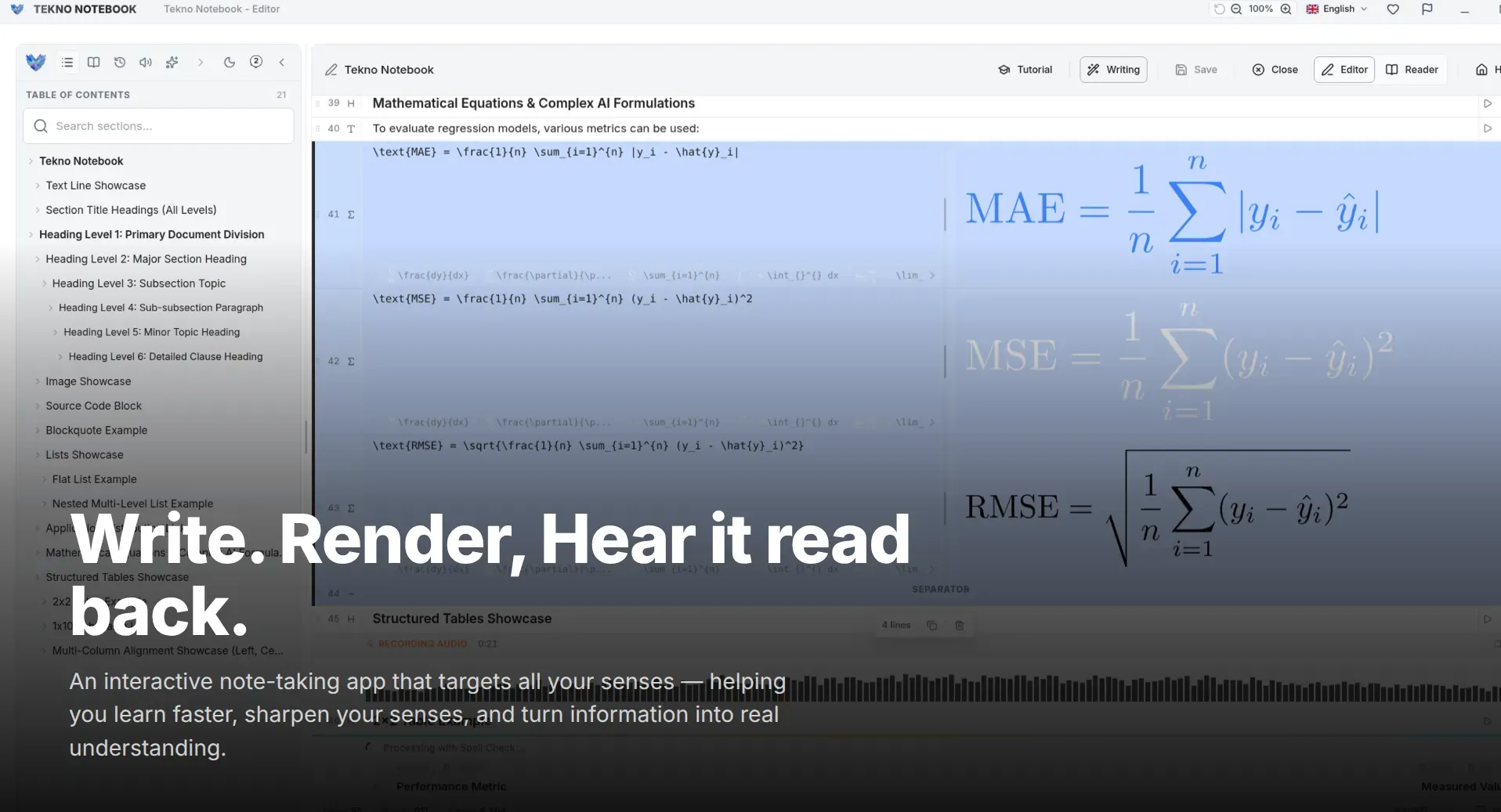
Close everything that is not the task. Keep your notes and the material you are studying in a single window, and silence notifications for the session. Tekno Notebook is built for this: editor mode for writing, reader mode for reviewing, and nothing else competing for your attention.
2. Choose Tools That Can't Wander Off
An offline app has no feed, no sync dialogs, and no reason to open a browser. Tekno Notebook runs entirely on your computer, starts in a fraction of a second, and doesn't need an account or an internet connection, so the moment you sit down you are already working.
3. Rest Your Eyes with Audio
Staring at text for hours drains attention. Switch to the audio reader for part of each session: it reads your notes aloud and highlights the current line, so you keep learning while your eyes get a break. Listening during a walk is a very good way to end a long day of screens.
A 50-Minute Deep-Work Block
Short enough to start, long enough to matter.
- Before: Close other apps, silence notifications, and put your phone out of reach.
- Minutes 0-5: Write the single goal of the session at the top of your note.
- Minutes 5-40: Work on that goal only; park every stray thought in a list at the bottom.
- Minutes 40-45: Review what you wrote in reader mode and fix gaps.
- Minutes 45-50: Step away, and listen to the note instead of reading it.
Focus is what is left when you remove the reasons to leave.
Start Small
You don't need a new routine overnight. Try one block tomorrow, in one window, with one goal. If it feels calmer, repeat it; if something pulls you away, change the setup, not yourself.
Ready to try it? See the Tekno Notebook project page (/en/project/TeknoNotebook), find out why offline apps protect your focus and privacy (/en/blog/why-offline-note-taking-apps-matter), or learn how to review notes by ear (/en/blog/how-to-listen-to-study-notes).

Tekno Notebook
One window, no feed, full focus
A free desktop notebook that starts instantly, works fully offline, and keeps everything in one place: write in the editor, review in reader mode, and listen when your eyes need a break.
- 100% offline, so there is no feed, no sync prompt, and no tab to wander into
- Instant startup and zero typing lag, even on modest hardware
- Editor and reader modes in one window for writing and reviewing
- Audio reader that highlights each line, for screen-free revision