How to Study with AI Without Hurting Your Grades: Let It Test You, Not Answer for You
AI makes homework faster, but research links it to weaker exam results. Learn a simple Try, Get Tested, Listen routine that trains your memory instead of thinking for you, with Tekno Notebook.
Faster Homework, Weaker Exams: What the Research Shows
The shortcut that feels like learning often isn’t.
A working paper that tracked about 27,000 students in China for 30 months found a striking gap. After students started using generative AI, homework scores rose 18 percent and time per assignment fell by roughly 30 percent. Yet on monthly closed-book exams without AI, their scores dropped about 20 percent within six months, according to a report by Al Jazeera.
The OECD’s 2026 report on digital education points the same way: when AI isn’t built to teach, or is used without any structure, handing tasks to it lifts performance but not learning. The tool isn’t the problem. The problem is who does the thinking. Use AI to test you instead of answering for you, and it becomes a real study partner.
A Three-Step Routine: Try, Get Tested, Listen
1. Try It Yourself First
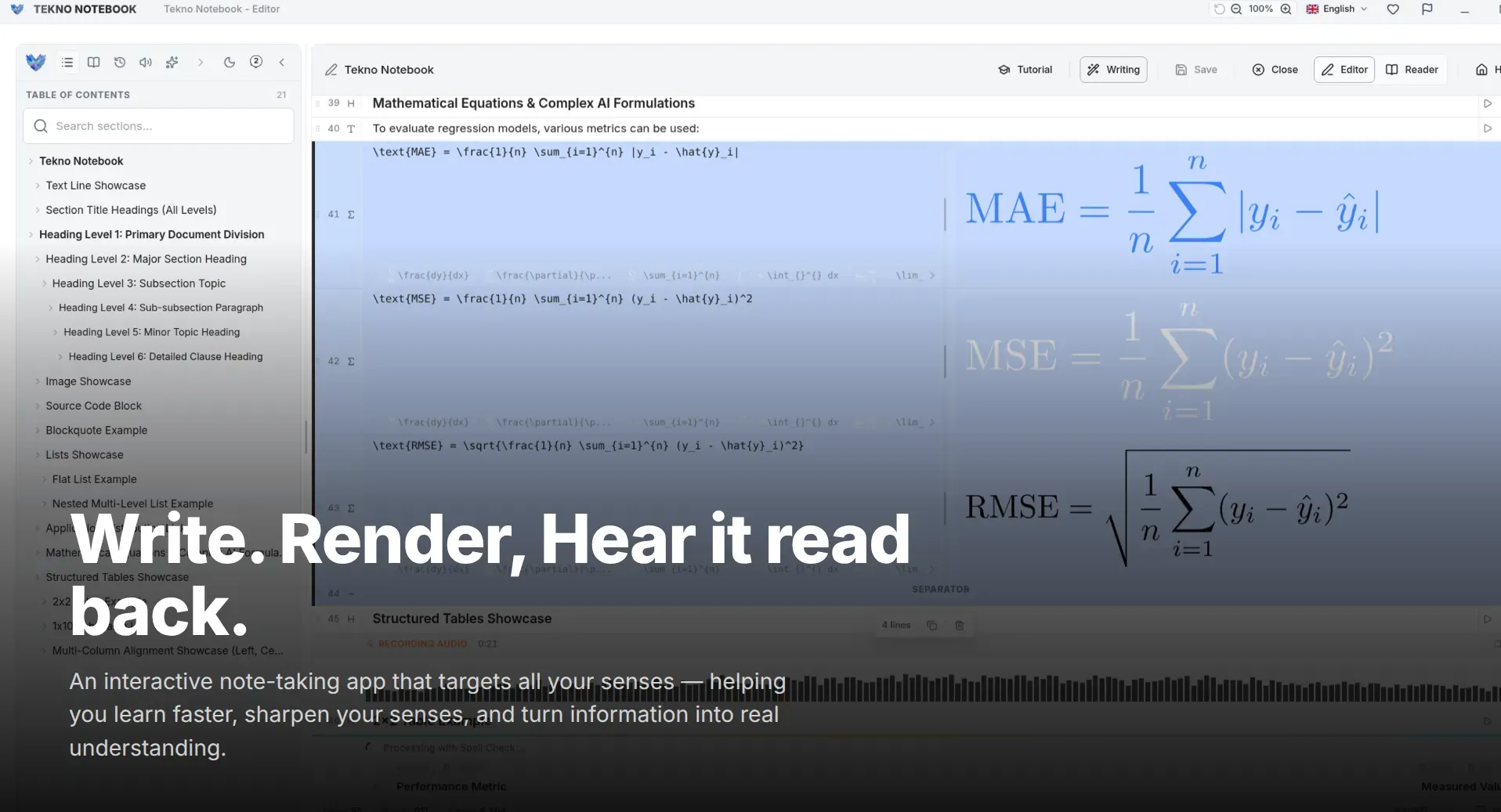
Before opening any AI tool, write down everything you remember about the topic. In Tekno Notebook, open Reader Mode and treat each heading in the interactive table of contents as an exam question: answer it from memory, then click through to check. Every gap you find is a free map of what to review next.
2. Ask AI to Quiz You, Not Explain Everything
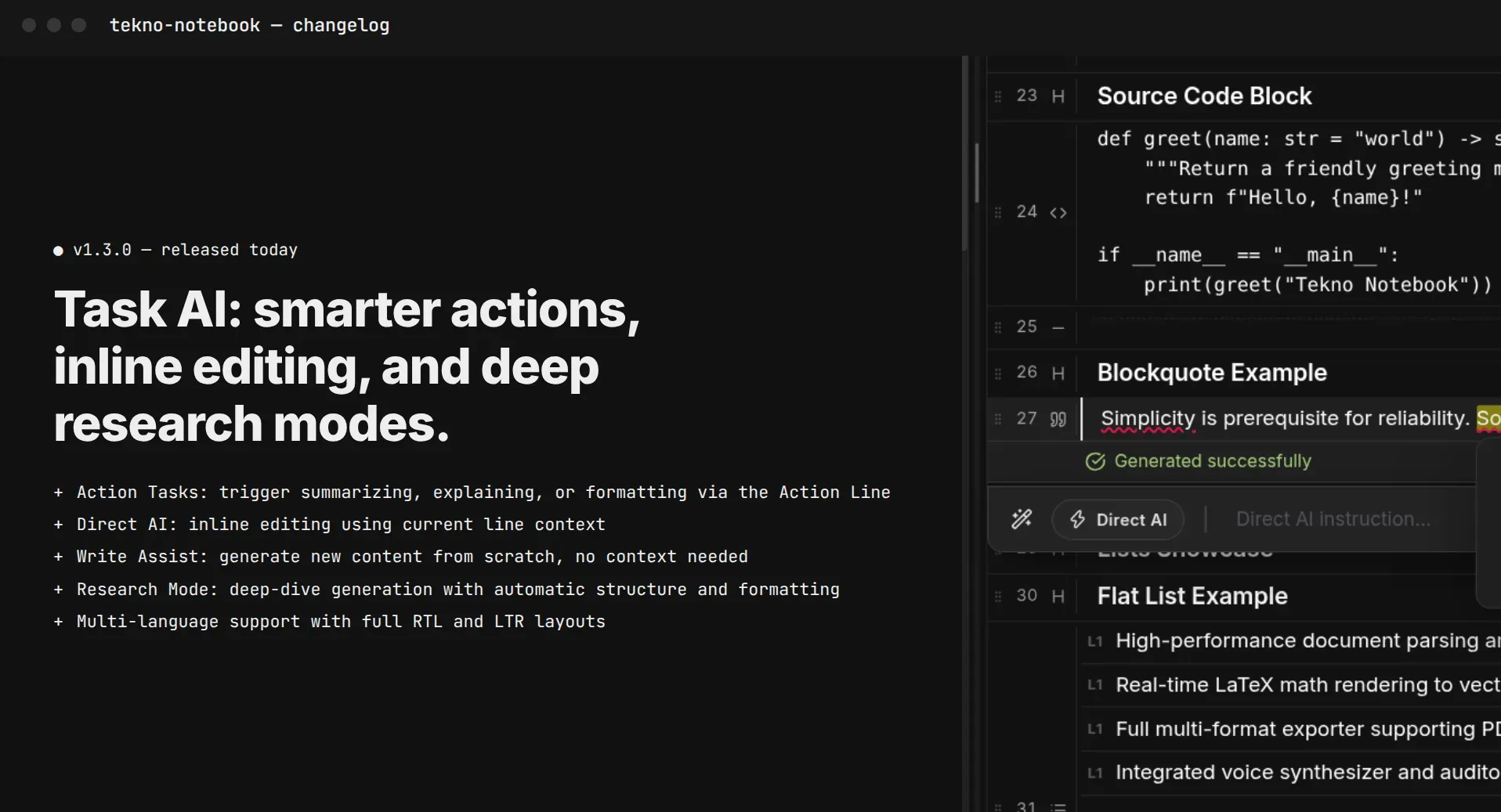
Give the built-in AI assistant your notes and set up a custom AI task that asks one question at a time, waits for your answer, and only then corrects you. The prompt debugger lets you adjust the wording until the difficulty feels right. That kind of retrieval practice is what the exam demands, yet a survey of 7,000 European students aged 12 to 17 found that 31 percent used AI to get complete solutions and only 20 percent used it to build a personal study plan.
3. Listen, Then Close the Gaps
The next day, let the Audio Reader play your corrected notes while you walk or commute. Each line is highlighted as it is spoken, so you can pause before the answer and predict it. The audio and your notes both work offline, so a weak connection never interrupts your review.
Five Rules That Keep AI Working for Your Memory
A short checklist for every time you open an AI tool.
- Write first, ask second: attempt every question before you open AI.
- Ask for questions, not answers: tell the AI to quiz you one question at a time.
- Answer before you look: write your reply, then let the AI point out what you missed.
- Rewrite in your own words: put the corrected answer back into your notes.
- Repeat what you missed: retest those questions after a day, then after a week.
The goal isn’t to finish faster. It’s to remember longer.
A Prompt You Can Copy Today
Paste your notes and add: “Quiz me on these notes, one question at a time. Wait for my answer before replying. Then tell me what I missed and ask a harder follow-up. Do not give answers until I respond.” Set it up as a custom AI task in Tekno Notebook so you can run it on any subject.
Your exam will be a room without an AI assistant, so practice the way you’ll be tested. AI is excellent at generating questions and explaining mistakes, but only you can build the memory.
Ready to try it? Explore the Tekno Notebook project page (/en/project/TeknoNotebook), learn the full active recall method in our guide to studying effectively with notes (/en/blog/how-to-study-effectively-with-notes), and see how to review by ear in our guide to listening to study notes (/en/blog/how-to-listen-to-study-notes).

Tekno Notebook
Let AI Quiz You, Then Listen and Lock It In
A free desktop notebook that combines a built-in AI assistant with Reader Mode, audio playback, and live math rendering, so you can test yourself, review by ear, and keep your notes on your own computer.
- Built-in AI assistant and prompt debugger for custom quiz-style tasks
- Reader Mode with an interactive table of contents for self-testing
- Audio Reader that highlights each line as it is spoken
- Free offline desktop app with no tracking