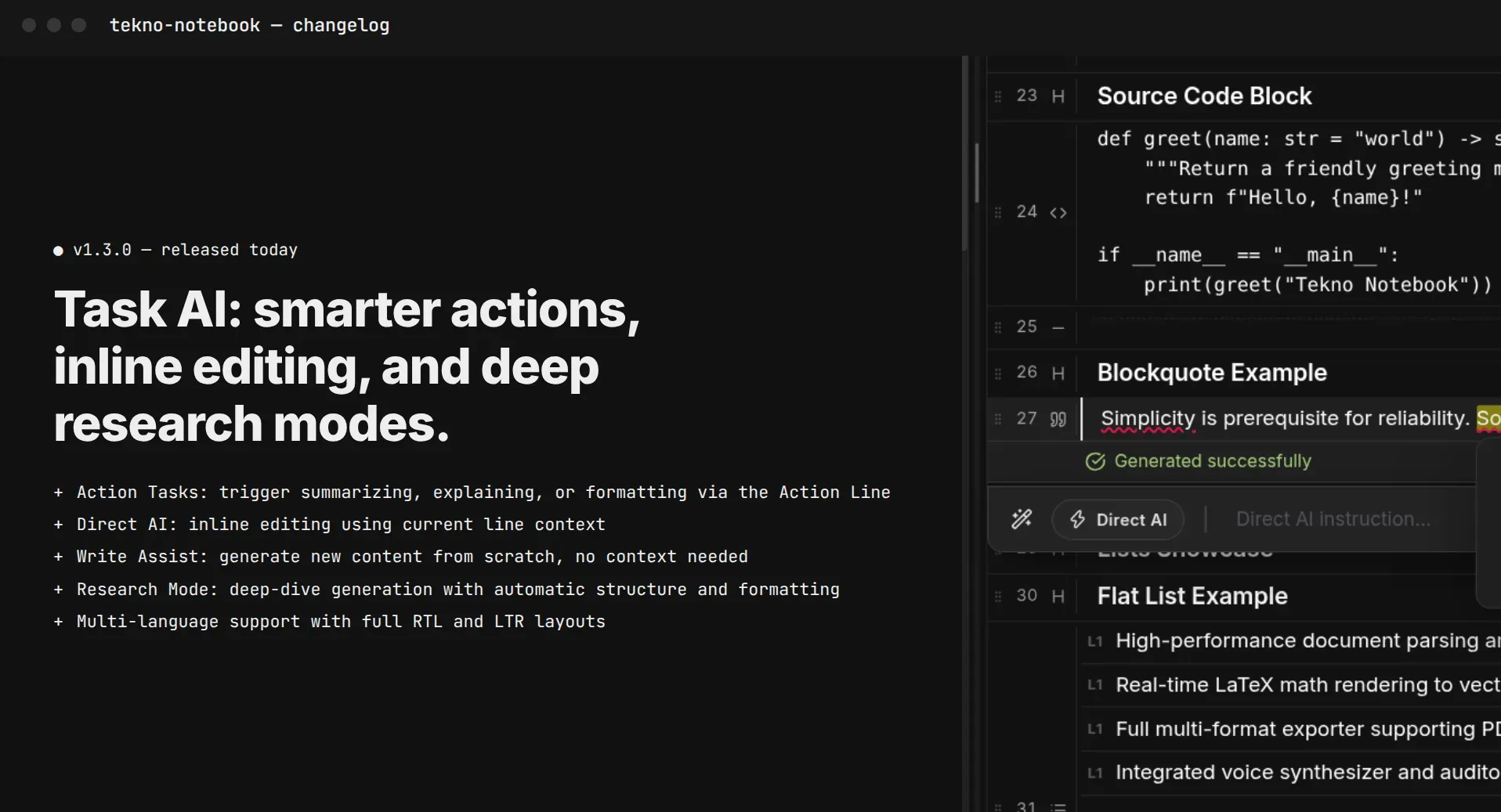
Study with AI Without Outsourcing Your Thinking: 3 Rules That Actually Work
Most students already use AI for coursework, but a ready-made answer teaches you nothing. Turn AI into an examiner, keep your notes in your own words, and let Tekno Notebook handle the rest.
Everyone Uses AI Now. The Real Question Is Who Does the Thinking
A fast answer feels like learning. It usually isn't.
Surveys this year suggest that around 85% of high school and college students use AI for schoolwork. Yet the same research, from Quizlet's 2026 report, found students are noticeably more skeptical of AI than their teachers and parents. They sense something the headlines miss: getting an answer and understanding it are different things.
Even Google has adjusted. In November it said its search tools for schools would offer step-by-step guided learning, so students are walked through a problem instead of handed the result. The lesson holds for every learner: when AI does the reasoning, you walk into the exam with someone else's understanding, and the brain can't borrow that on test day.
Three Rules for Using AI to Learn
1. Write First, Ask Later
Before you open any chatbot, summarize the lesson in your own words. It can be messy. The gaps in your summary are the most valuable information you have, because they show exactly what to ask about. Keep these notes in a place you control; in Tekno Notebook they live as plain files on your device, ready to reuse as study material.
2. Make AI the Examiner, Not the Answer Key
Paste your notes and ask the AI to question you one item at a time and to stay silent until you answer. Tekno Notebook's built-in AI assistant can generate practice questions straight from your notes, so you get an exam-style session without leaving your workspace.
3. Explain It Out Loud, Then Compare
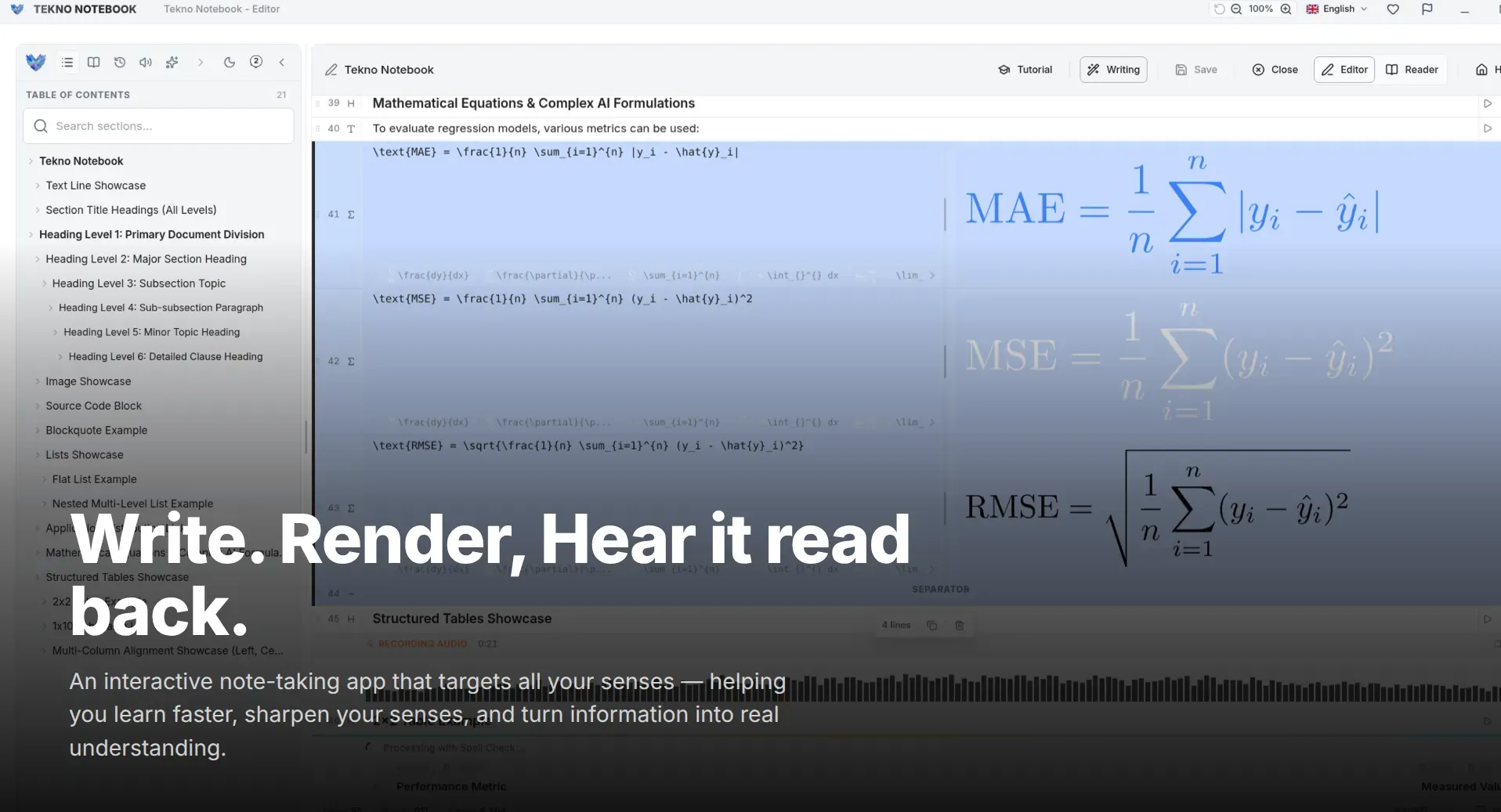
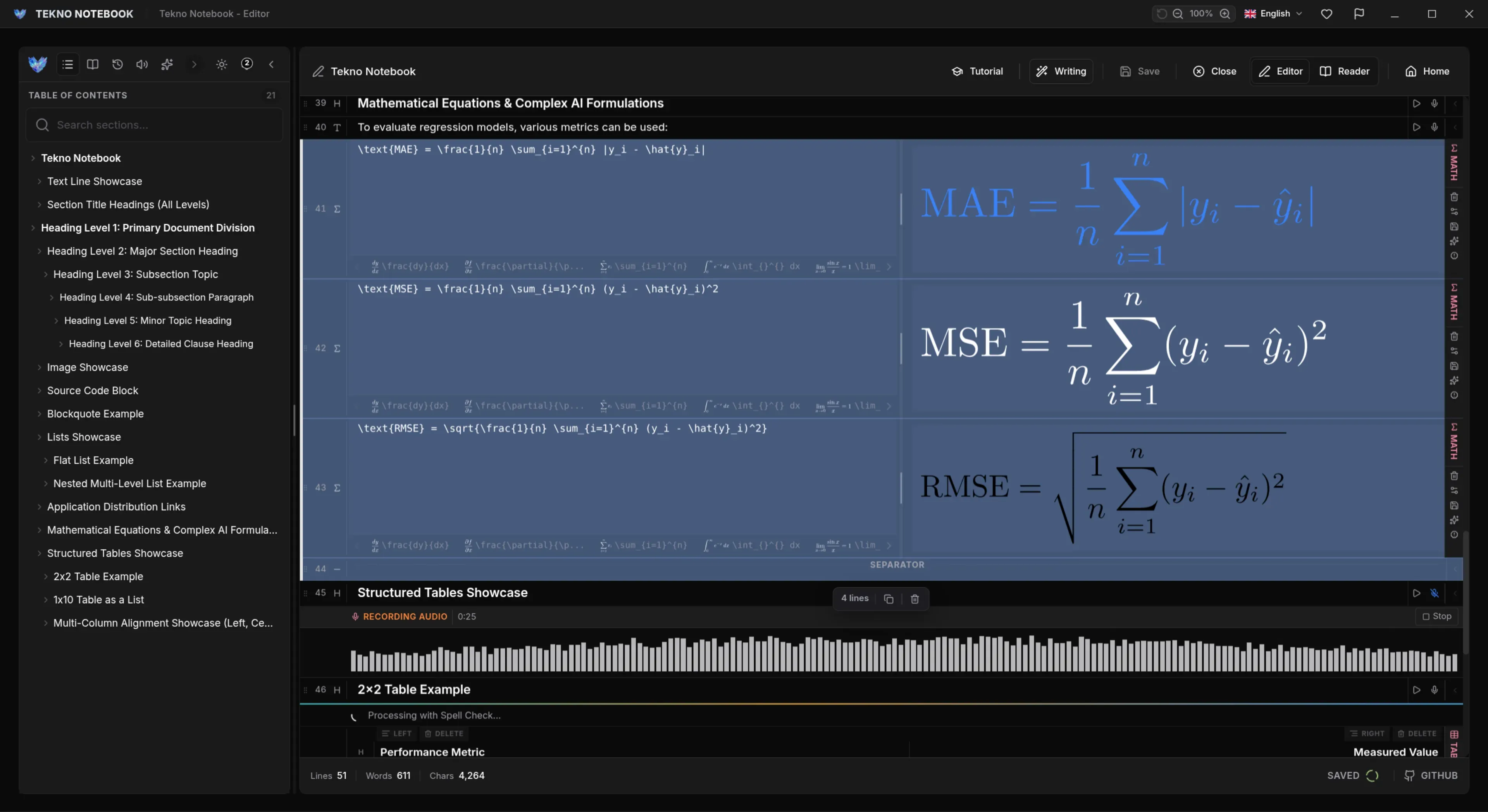
Answer by speaking, not by reading the solution. Dictate your explanation with speech-to-text, then play your notes back with the audio reader and listen for what you missed. A spoken answer exposes weak spots far faster than nodding along to a text.
A 25-Minute Loop You Can Repeat Before Any Exam
Short, repeatable, and impossible to fake.
- Minutes 0-5: Write a summary from memory, with no notes open.
- Minutes 5-10: Compare it with your notes and mark every gap.
- Minutes 10-18: Let the AI quiz you on the gaps, one question at a time.
- Minutes 18-23: Say the hardest answers out loud or dictate them.
- Minutes 23-25: Add the corrections to your notes, in your own words.
If the AI did the thinking, you only borrowed the understanding.
A Prompt You Can Copy
Paste your notes below this prompt in any AI tool, or run it with Tekno Notebook's assistant:
Act as my examiner. Here are my study notes: [paste notes]. Ask me one question at a time and wait for my answer. After I reply, tell me what I got right, what is missing, and ask one follow-up. Do not give me the full answer unless I ask twice.Ready to try it? Open the Tekno Notebook project page (/en/project/TeknoNotebook), learn how to turn notes into audio you can review anywhere (/en/blog/how-to-listen-to-study-notes), or see why local notes keep your study material private (/en/blog/why-offline-note-taking-apps-matter).

Tekno Notebook
Let AI quiz you, not think for you
A free desktop notebook where your notes stay in your own words. Turn them into practice questions with the built-in AI assistant, then review them by ear with the synchronized audio reader.
- Built-in AI assistant for practice quizzes and simpler explanations of hard topics
- Dictate your explanation with speech-to-text and compare it with your notes
- Audio reader that highlights each line as it is spoken
- Notes saved locally as files on your device, with no account and no tracking