Studying in a Second Language: A Notes System for Vocabulary, Listening, and Writing
Learning a subject in a language you are still mastering doubles the workload. Build a simple notes system that handles terms, pronunciation, and your own explanations, with Tekno Notebook.
The Double Workload of Learning in Another Language
You are studying the subject and the language at the same time.
Millions of students attend lectures, read textbooks, and sit exams in a language that isn’t their first. In many universities, subjects such as medicine, engineering, and computer science are taught in a language different from the one students speak at home. That means every lecture is two tasks at once: understanding the idea and decoding the words that carry it.
The good news is that a few habits reduce the load. Separate terms from ideas, hear new words as well as read them, and explain concepts back in your own words. A notes system built around those three habits turns a second language from a barrier into practice.
A Three-Part System: Terms, Ears, Voice
1. Keep a Term List for Every Lecture
At the end of each note, add a short list of new terms. For each one, write a plain definition in your own words and a single example, using the language of study or your first language, whichever helps you think. Keeping the list at the bottom of the same note means the term and its context stay together.
2. Train Your Ears with Audio
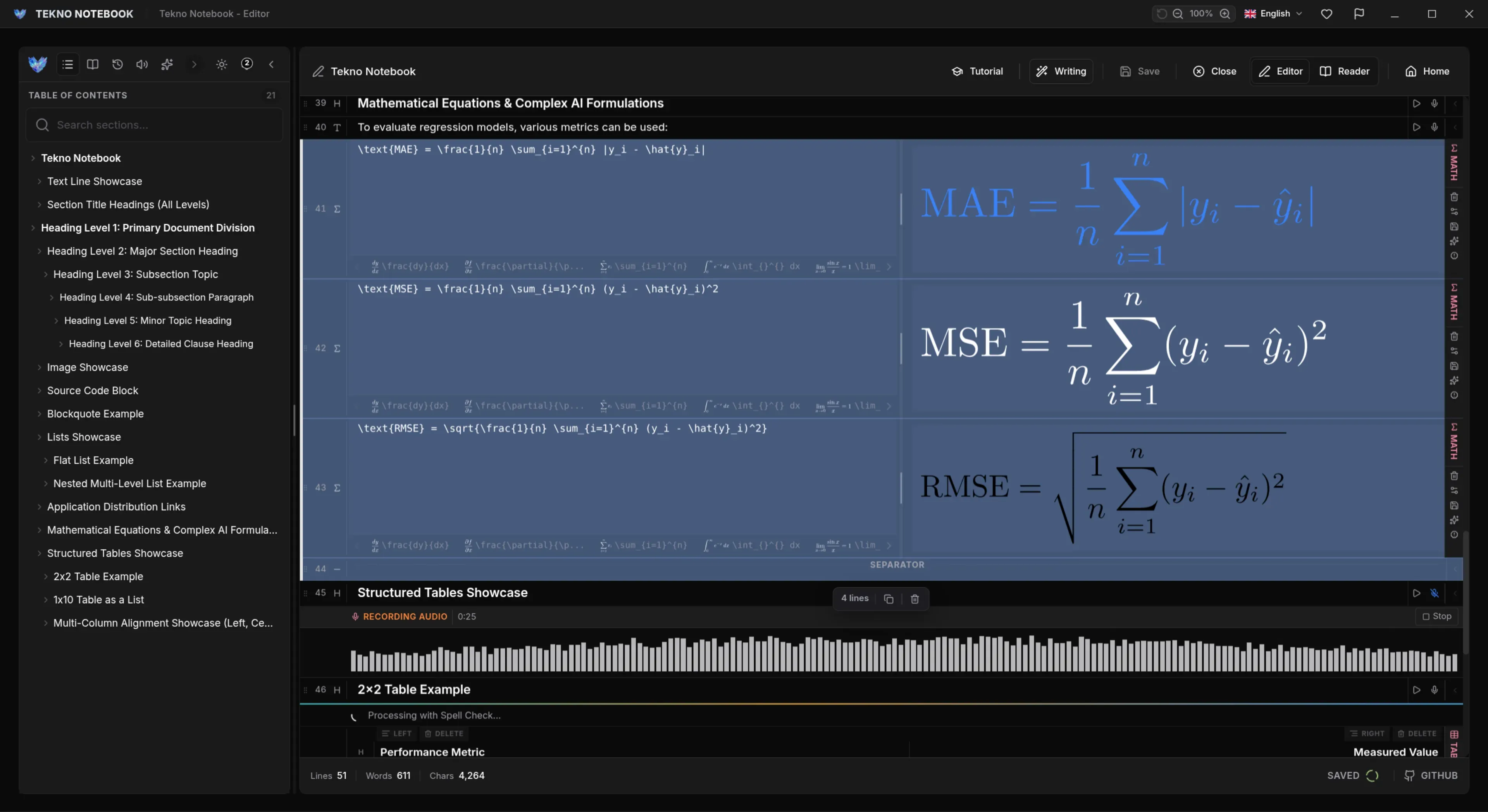
Reading a word silently doesn’t tell you how it sounds, and lectures arrive as sound. Tekno Notebook can turn notes into audio in multiple languages, with offline AI voices that highlight each line as it is spoken. Listen to your term list on a walk, and you will start to recognize words faster when your professor says them.
3. Practice with Your Voice and Compare
Dictate a two-minute summary of the lecture in the language of study, using Tekno Notebook’s speech-to-text dictation. Read the transcript: the words it misheard point to pronunciations to practice, and the gaps show ideas you can’t yet explain. Then write a cleaner version by hand and compare.
Five Habits for Multilingual Notes
Small routines that make a second-language course easier to carry.
- Note first, translate later: capture the idea in the language you are given, and translate only what you must.
- One term, one example: a definition plus an example beats a dictionary entry.
- Listen before the lecture: hear tomorrow’s terms on the walk to class.
- Explain it back: summarize each topic aloud before checking your notes.
- Mix languages on purpose: keep your own explanations in whichever language helps you understand, and review the study language separately.
You don’t need perfect fluency to learn well, only a system that gets words and ideas working together.
Handle Mixed Languages and Writing Directions
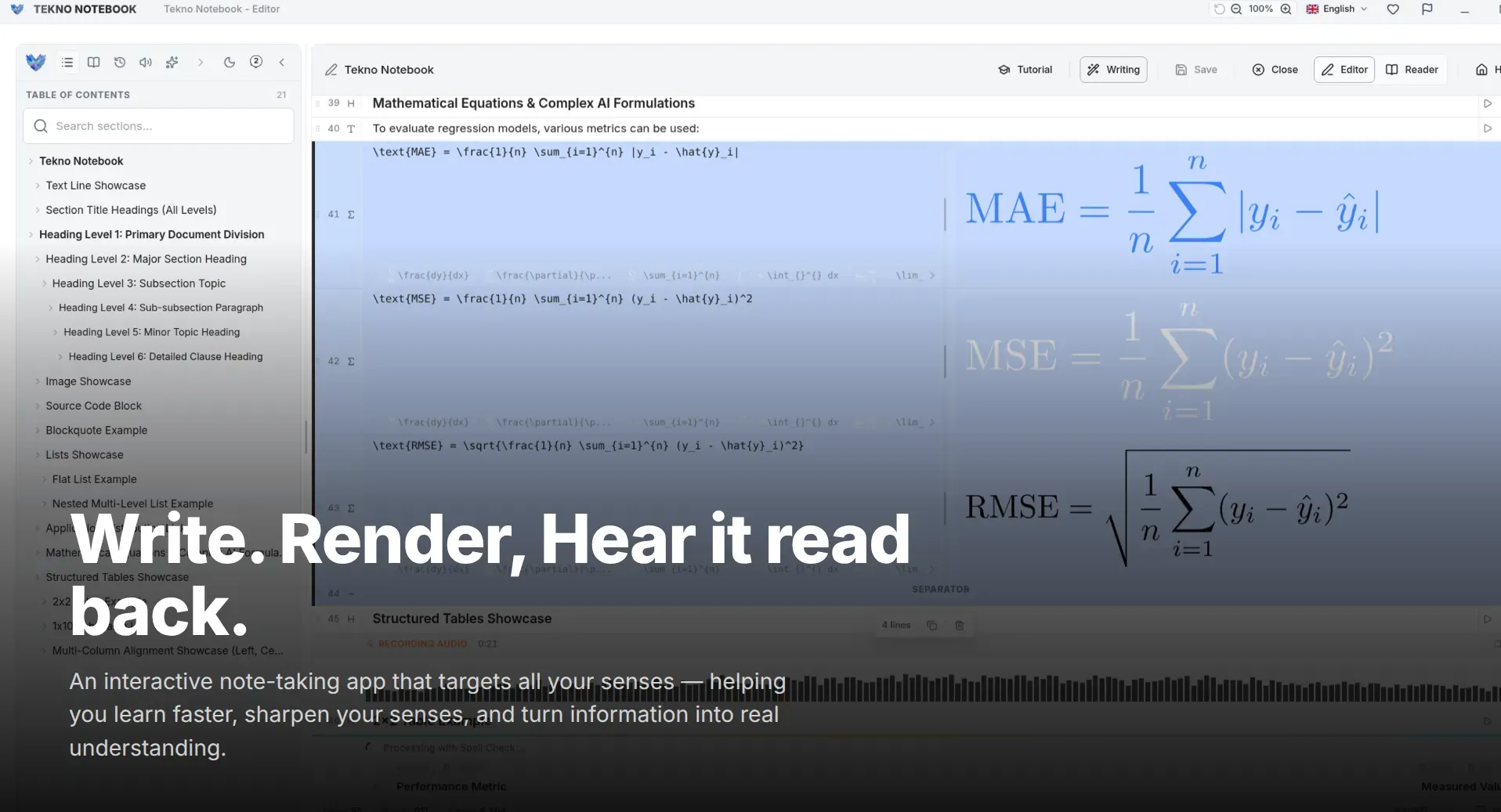
Many multilingual students write in more than one script, sometimes in the same document. Tekno Notebook handles right-to-left and left-to-right text correctly, even when languages are mixed, and exports notes to PDF and LaTeX with that layout intact. Your notes look right wherever you share them.
Keep it light. Ten minutes of listening and ten minutes of speaking each day will do more for your course than a weekend of rereading. The system gets easier as your term lists grow.
Ready to try it? Explore the Tekno Notebook project page (/en/project/TeknoNotebook). Keep reading: A Dictation Workflow for Faster Study Notes (/en/blog/voice-to-text-note-taking-dictation-workflow) and Export Notes to PDF and LaTeX (/en/blog/export-notes-to-pdf-and-latex-arabic-rtl-support).

Tekno Notebook
Hear It, Say It, Write It in Your Own Words
A free offline desktop notebook with smart line detection, synchronized audio playback, speech-to-text dictation, and a built-in AI assistant, built for students who want to capture fast and review smart.
- Audio Reader that highlights each line as it is spoken
- Speech-to-text dictation and multilingual text-to-speech
- Free offline desktop app with no tracking
- Reader Mode with an interactive table of contents for self-testing