Should You Paste Your Notes into an AI Chatbot? A Student Privacy Checklist
Most students now use AI for study, but few think about what they paste into it. Use this five-point privacy checklist to get AI help while keeping personal and unpublished material under your control.
Convenient Does Not Mean Harmless
A habit used by almost every student deserves a second look.
AI help is now part of student life. Save My Exams, a revision platform, reported in 2026 that 93 percent of more than 1,500 UK students it surveyed had used AI tools for schoolwork or revision. The habit is so quick that few people pause before pasting an entire set of notes into a chat window.
That pause is worth a few seconds. Your notes can contain more than lecture content: your name and student number, a classmate’s comments, unpublished research, or graded feedback from a teacher. None of that needs to leave your control to get a good summary or quiz. A short checklist keeps the benefits and trims the risk.
A Five-Point Checklist Before You Paste
1. Sort What You Are About to Share
Ask what kind of text it is. Public course material is low risk. Personal details, grades, other people’s messages, unpublished thesis data, or anything your institution marks as confidential is a different category. If you are unsure, leave it out.
2. Strip Identifiers and Share Excerpts
Remove names, ID numbers, email addresses, and grades. Paste only the section you need help with, not the whole notebook. A focused excerpt usually produces a better answer anyway, because the AI isn’t distracted by pages that don’t matter.
3. Keep a Private Master Copy Offline
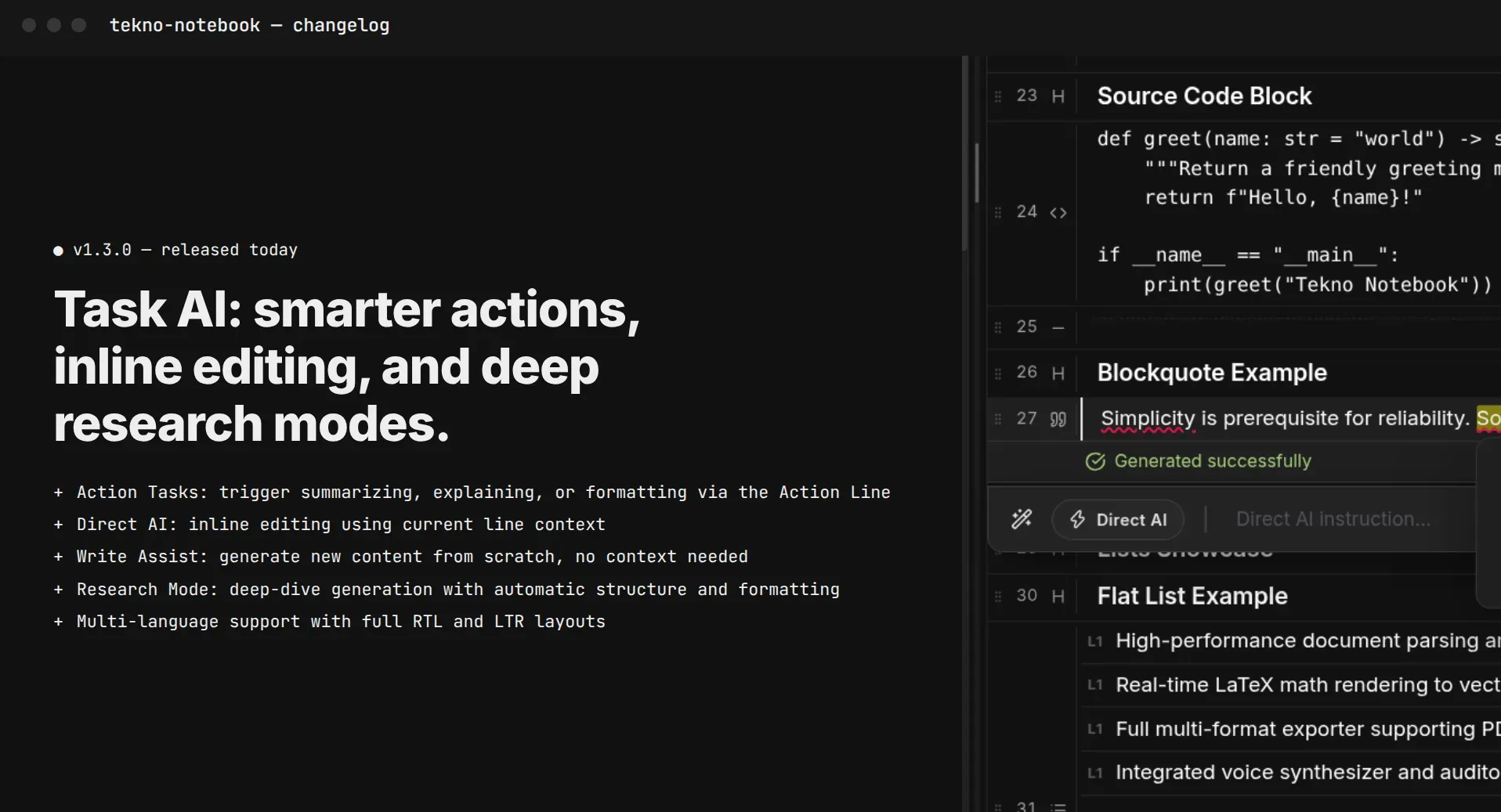
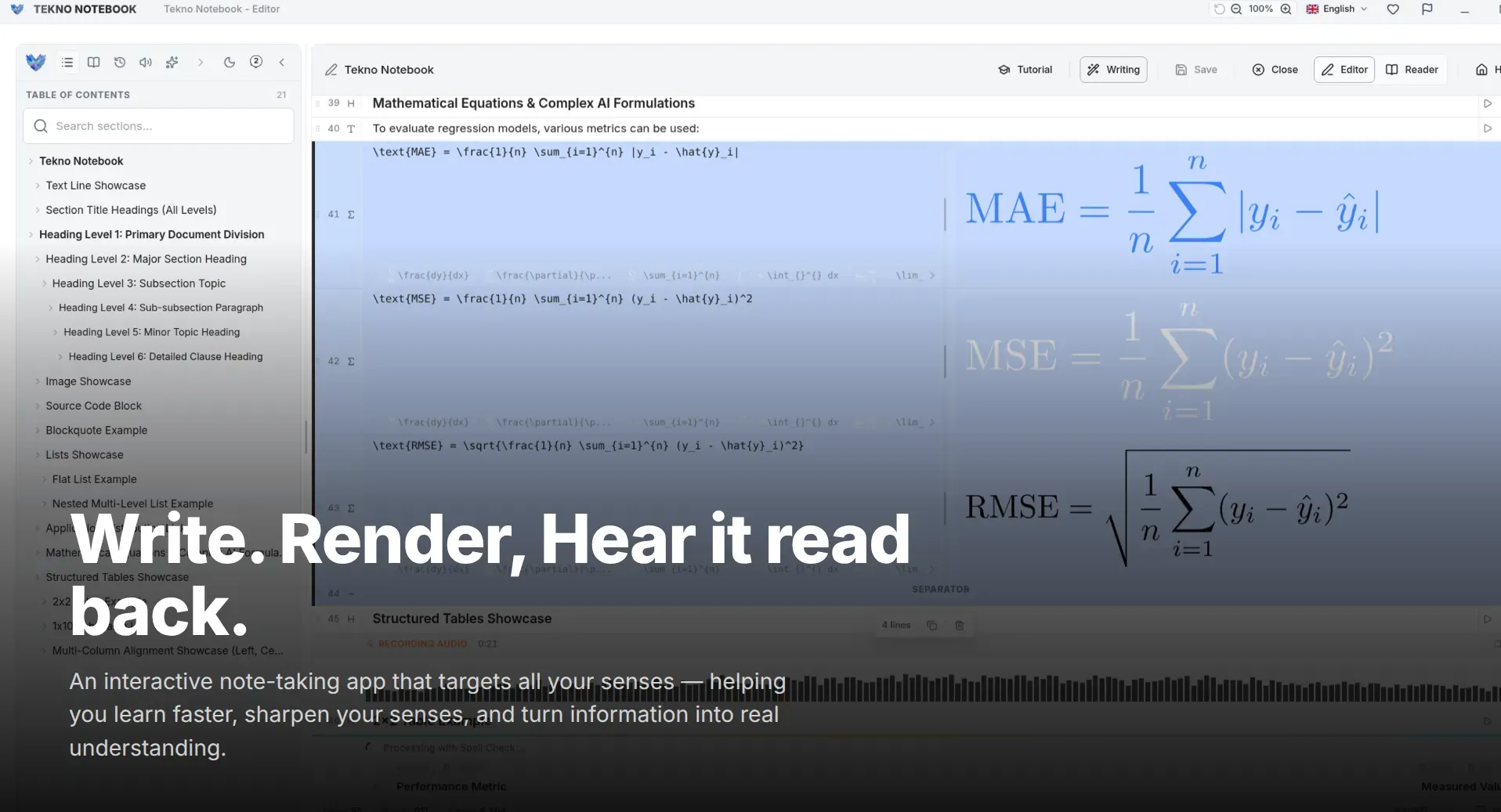
Treat your complete notes as the master, and keep them somewhere you control. Tekno Notebook is an offline-first desktop app, so your notebook lives on your own computer with no account and no tracking, and you decide what ever leaves it. The AI sees a pasted excerpt, not your whole archive.
Five Habits That Protect Your Notes
Quick actions that fit into a normal study session.
- Read the settings: check whether chats are stored or used to improve the tool, and turn off history if you can.
- Share the minimum: paste the excerpt, not the notebook.
- Use placeholders: replace real names with “Student A” or “the author.”
- Keep drafts local: write and revise your own work in an offline app first.
- Back up your master: keep printable or PDF copies you control.
Share the question, not the notebook.
AI Help Without Giving Up Control
The goal isn’t to avoid AI. It is to use it on purpose. Ask the AI to quiz you on an excerpt, then return to your own notes to fix what you missed. If you want the benefits of audio review or live math preview, those run on your own desktop in Tekno Notebook.
Different tools and institutions have different rules, so check your school’s policy on AI use and on sharing course material. A minute of caution now saves you from awkward questions later.
Ready to try it? Explore the Tekno Notebook project page (/en/project/TeknoNotebook). Keep reading: How to Study with AI Without Hurting Your Grades (/en/blog/study-with-ai-without-hurting-your-grades) and Why Offline Note-Taking Apps Still Matter (/en/blog/why-offline-note-taking-apps-matter).
Tekno Notebook
Keep Your Master Notes Offline, Share Only What You Choose
A free offline desktop notebook with smart line detection, synchronized audio playback, speech-to-text dictation, and a built-in AI assistant, built for students who want to capture fast and review smart.
- Free offline desktop app with no tracking
- Built-in AI assistant and prompt debugger for custom tasks
- Reader Mode with an interactive table of contents for self-testing
- Audio Reader that highlights each line as it is spoken