Shadow IoT at Home: The Forgotten Wi-Fi Devices Quietly Sitting on Your Network
Old smart plugs, printers, TVs, and cameras often stay connected for years without a single update. Learn how to audit and organize every device on your LAN.
How Many Devices Are Actually Connected to Your Wi-Fi Right Now?
Most people guess six or seven—and end up surprised when an audit reveals twenty or more.
When you picture your home network, you probably count phones, laptops, and maybe a TV. Over a few years, however, 'shadow IoT' piles up quietly: a forgotten smart plug, an aging wireless printer, a set-top box, or an old camera nobody has updated since the day it was plugged in.
The real risk is not just wasted bandwidth—many older gadgets stop receiving security patches while still sharing the same local network as your main computer and personal files.
How to Tame Shadow IoT Without Overcomplicating It
1. Run a Full Inventory and Give Every Device a Clear Name
Do not leave cryptic hardware strings in your device list. Take ten minutes to identify each connected device and label it plainly—like 'Hallway Printer' or 'Living Room TV.'
2. Disconnect Unused Gear and Centralize Admin Pages
If an older device does not truly need Wi-Fi anymore, disconnect it. For printers, cameras, and smart hubs that expose local web panels, group them together so checking firmware takes two minutes.

6-Month Home Network Audit Checklist
- Scan your connected device list and investigate anything unfamiliar immediately.
- Wipe Wi-Fi credentials from old gadgets before selling, donating, or storing them.
- Verify that default admin passwords on printers and cameras have been changed.
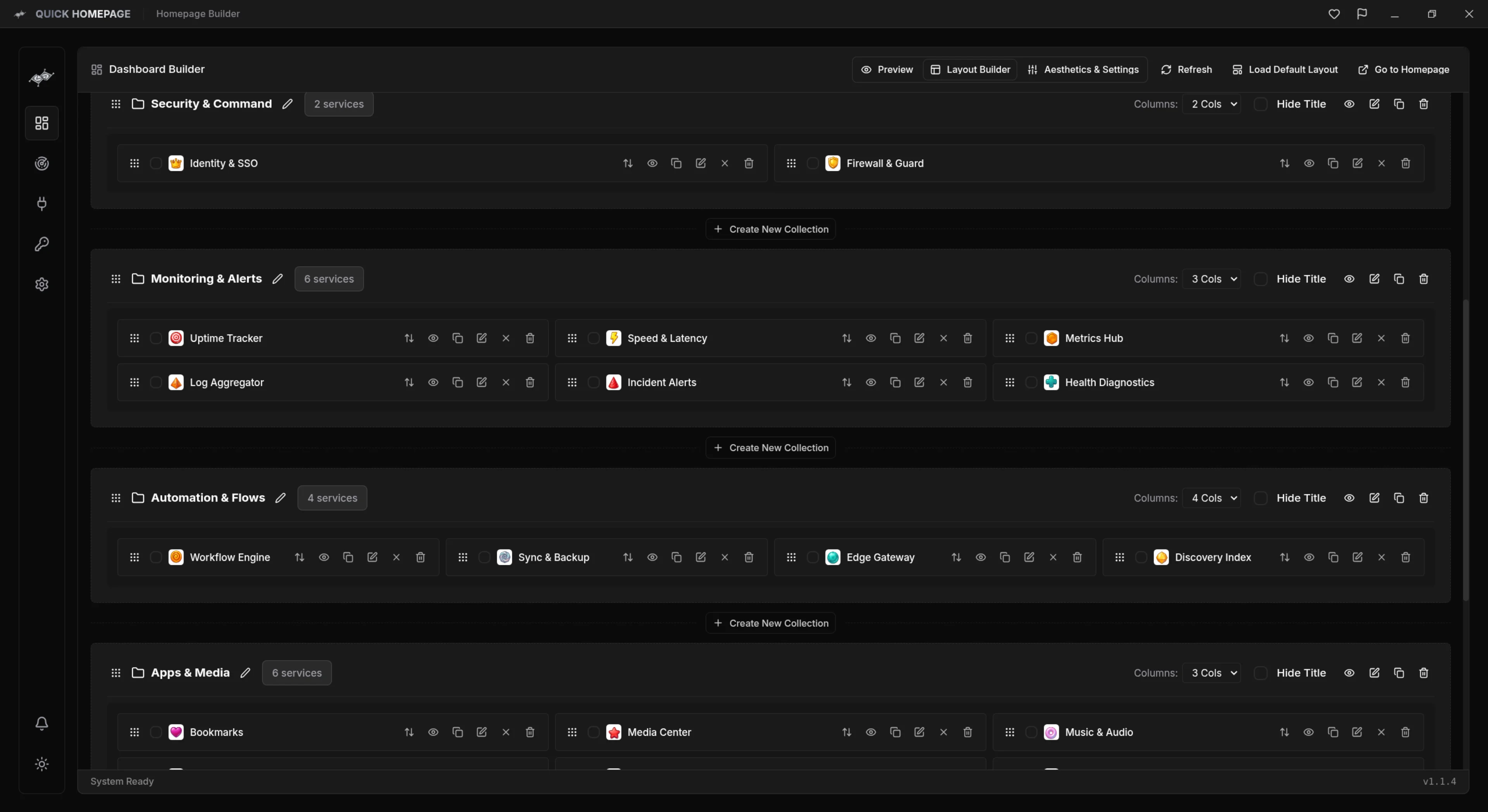
- Keep all local admin interfaces in one organized dashboard for fast checkups.
Turn Your Network Inventory Into a Live Hub With Quick Homepage
Auto-discovery and tidy collections keep forgotten devices from slipping back into the shadows.
You cannot secure a device you forgot was even plugged in.
Practical home security starts with a clear map of every device that holds a key to your Wi-Fi.
With automatic local service discovery and custom collections in Quick Homepage, you can keep printers, cameras, and home server panels grouped in one clean view and check them in a single click.

Quick Homepage
Discover Active Local Services and Group Every Device Clearly in Quick Homepage
Quick Homepage automatically detects running services on your local network and lets you organize them into clean collections—keeping your LAN visible and under control.
- Automatic discovery of active local web interfaces and services
- Custom collections separate smart home gear from work machines
- Fast visual editor updates labels and URLs in seconds
- Runs locally on your desktop without uploading network data