The Silent Power Drain of Home Servers: Cut Idle Energy and Manage Your LAN Smarter
Leaving forgotten services and heavy PCs running 24/7 quietly inflates power bills and wears out hardware. Learn how to trim idle draw and see what is actually running.
Why Idle Hardware Quietly Inflates Your Annual Power Bill
Just fifty wasted watts running nonstop adds up to hundreds of kilowatt-hours every year.
The cheapest machine in your homelab is the one that only draws power when you actually need it.
Many enthusiasts repurpose an older desktop tower as a 24/7 home server, then spin up test containers and forget them for months. That silent overhead raises electricity costs, adds heat, and wears down drives and fans while delivering zero value.
4 Practical Steps to Slash Idle Power Without Losing Speed
- Separate true 24/7 essentials (like core storage or security) from heavy machines only needed a few hours a day.
- Enable Wake-on-LAN on power-hungry workstations so they sleep by default and wake on demand.
- Shut down forgotten test services—background polling keeps CPUs from entering deep low-power states.
- Measure real wall draw with an inexpensive power meter to spot which single box costs the most.
Audit What Is Running Across Your LAN From One Clean Screen
Visibility stops forgotten background services from piling up in the first place.
How Quick Homepage keeps your local setup lean and transparent:
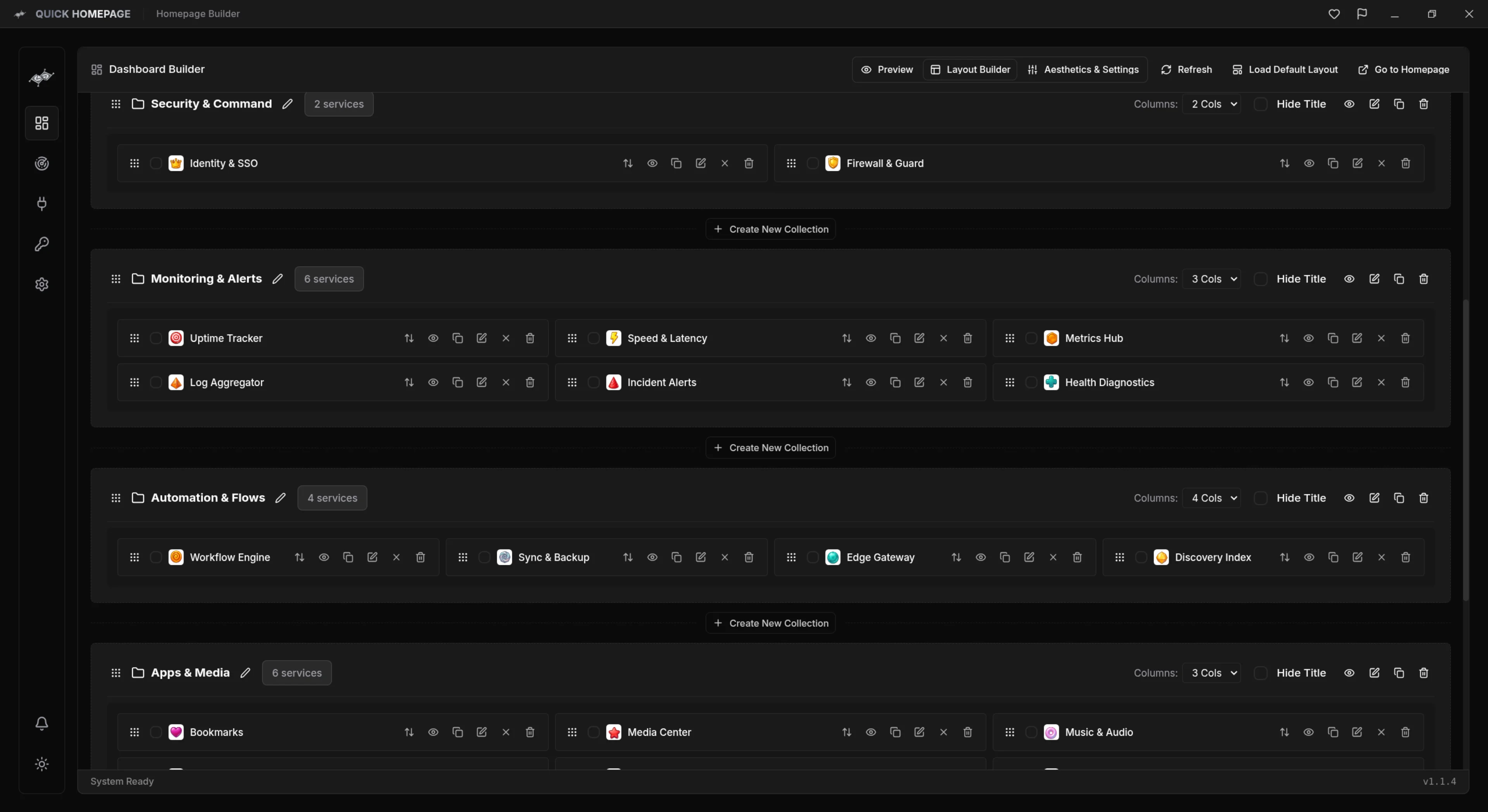
- Automatically discovers running services on your LAN so forgotten test apps stand out immediately.
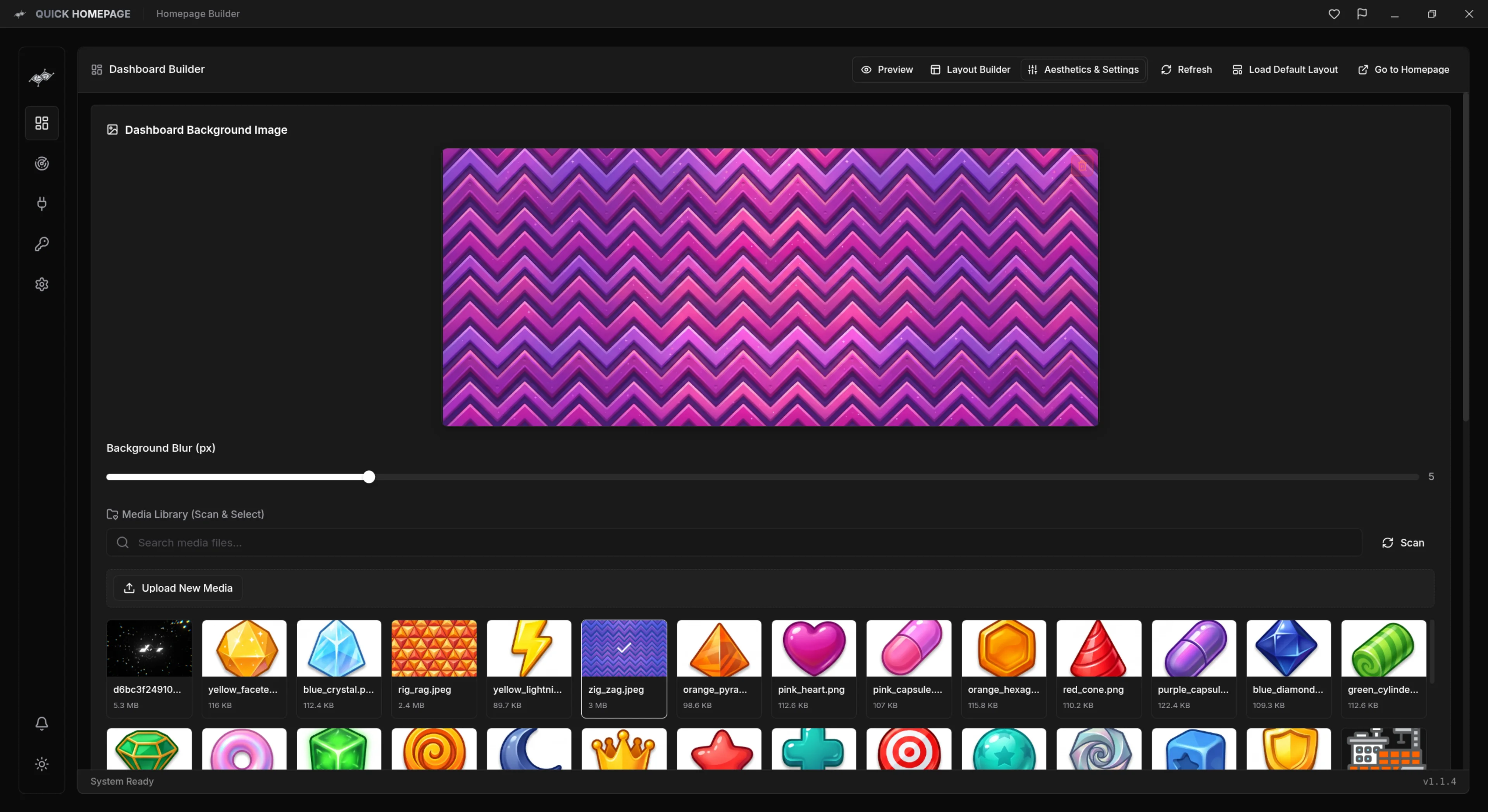
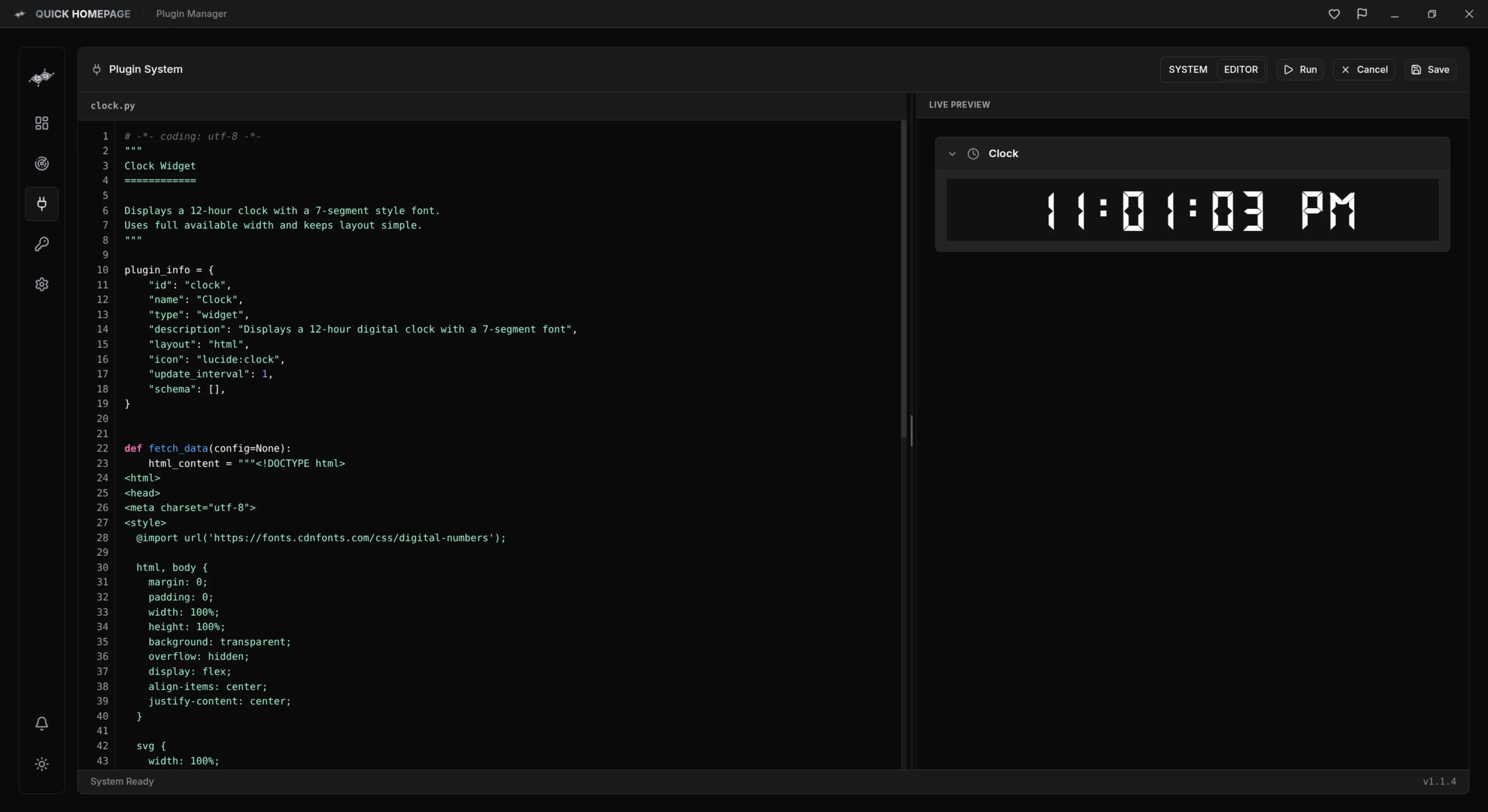
- Supports custom Python widgets and plugins to glance at host health without heavy dashboards.
- Replaces dozens of memory-hungry browser tabs with one responsive desktop hub.
Pairing on-demand hardware sleep with clear visibility in Quick Homepage gives you a quieter, cooler, and noticeably cheaper home network.

Quick Homepage
See What Is Actually Running on Your LAN With Quick Homepage
Skip keeping twenty heavy browser tabs open. Quick Homepage discovers active local services and supports live widgets in a clean, lightweight desktop dashboard.
- Automatically discovers active services running across your LAN
- Build custom plugins and live widgets to track device status
- Visual GUI editor updates layouts without manual config headaches
- Lightweight footprint that respects your system resources