Port Forwarding vs. Reverse Proxy: The Safer Way to Access Your Home Server
Opening raw ports on your router exposes internal devices to automated internet scans within minutes. Learn how a reverse proxy tightens security and cleans up your workflow.
Why Opening Multiple Router Ports Is Risky
Every forwarded port is a direct door into your home network that automated bots scan constantly.
When you run several self-hosted tools at home—a file server, media library, or monitoring panel—forwarding a separate router port for each service looks like the quickest shortcut. In practice, it widens your attack surface and exposes apps that were never hardened for raw internet traffic.
How the Two Approaches Compare
1. Direct Port Forwarding
Maps each public port straight to an internal IP and port. Ten services mean ten open doors, separate encryption certificates to maintain, and clunky port numbers typed into every address bar.
2. Reverse Proxy
Acts as a single front gate receiving encrypted HTTPS requests on one standard entry point, then routing each clean subdomain to the right internal service without exposing raw backend ports.
The fewer ports you expose to the public internet, the easier it is to audit and defend your network.
Quick Security Checklist Before Exposing Any Service
- Decide first whether the service truly needs external access or should remain LAN-only.
- Enforce HTTPS everywhere so credentials never travel in plain text.
- Keep host operating systems and containers patched before putting them online.
- Require strong authentication and replace every default admin password immediately.

Keep Local Services Organized Without Memorizing Ports
Most home services are safest when kept local and launched from one clean dashboard.
Whether you route select apps through a reverse proxy or keep everything strictly inside your local network, juggling dozens of internal IPs and port numbers slows down everyday work.
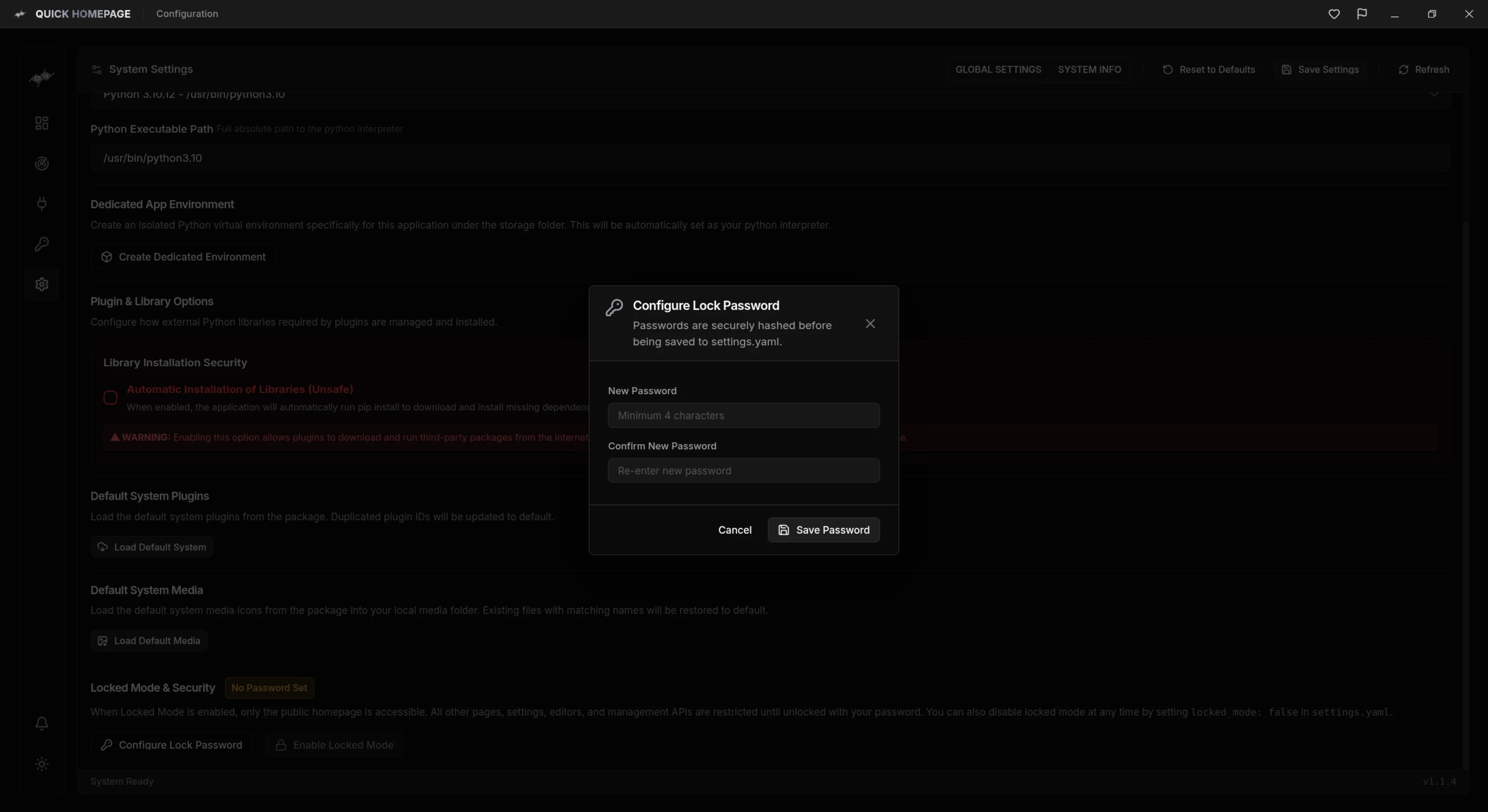
Quick Homepage solves this by automatically discovering active services on your LAN and presenting them in tidy collections—complete with Config Lock so your layout stays clean and tamper-free.

Quick Homepage
Auto-Discover Local Services and Manage Them in One Click With Quick Homepage
Stop memorizing IP addresses and port numbers. Quick Homepage discovers running services on your local network and groups them into a clean, lockable dashboard.
- Automatic discovery of active devices and services on your LAN
- Custom collections and layouts for one-click service access
- Built-in Config Lock prevents accidental dashboard changes
- Visual GUI editor and extensible widgets for daily monitoring

