The 3-2-1 Backup Rule Explained Simply: Protect Your Study Files and Projects From Sudden Loss
A dead drive right before a thesis or project deadline is a preventable disaster. Learn the 3-2-1 backup strategy and set up a calm, reliable safety net in minutes.
One Copy Is No Copy—And Sync Is Not a Backup
The 3-2-1 rule is the timeless, vendor-neutral standard used by systems engineers everywhere.
The question is never if a drive will fail—only whether your files will still exist when it does.
Students and freelancers often assume saving a thesis on a laptop—or inside a single synced folder—keeps it safe. Yet an accidental deletion, ransomware, or sudden hardware failure can wipe out months of work in seconds. The 3-2-1 rule gives you a crystal-clear blueprint:
What 3-2-1 Actually Means
- Keep 3 total copies of your important data: your working copy plus two backups.
- Store them on 2 different media types: for example, your laptop SSD plus an external drive or local home NAS.
- Keep 1 copy off-site: an encrypted backup stored outside your home to survive theft, fire, or local power damage.
The Most Common Mistake: Confusing Sync With Backup
Real-time file sync dutifully mirrors accidental deletions and corrupted files across all your devices. A real backup preserves historical versions or snapshots you can roll back to safely.
Four Practical Steps to Put 3-2-1 Into Action
Start with the irreplaceable files—projects, notes, documents, and family photos.
You do not need an expensive setup to follow the rule reliably:
- Schedule automatic weekly backups to an external drive or local home storage server.
- Maintain one encrypted off-site copy updated regularly.
- Test restoring a random file every couple of months—an untested backup is only a hope.
- Keep your backup tools and storage dashboards visible so silent failures never go unnoticed.
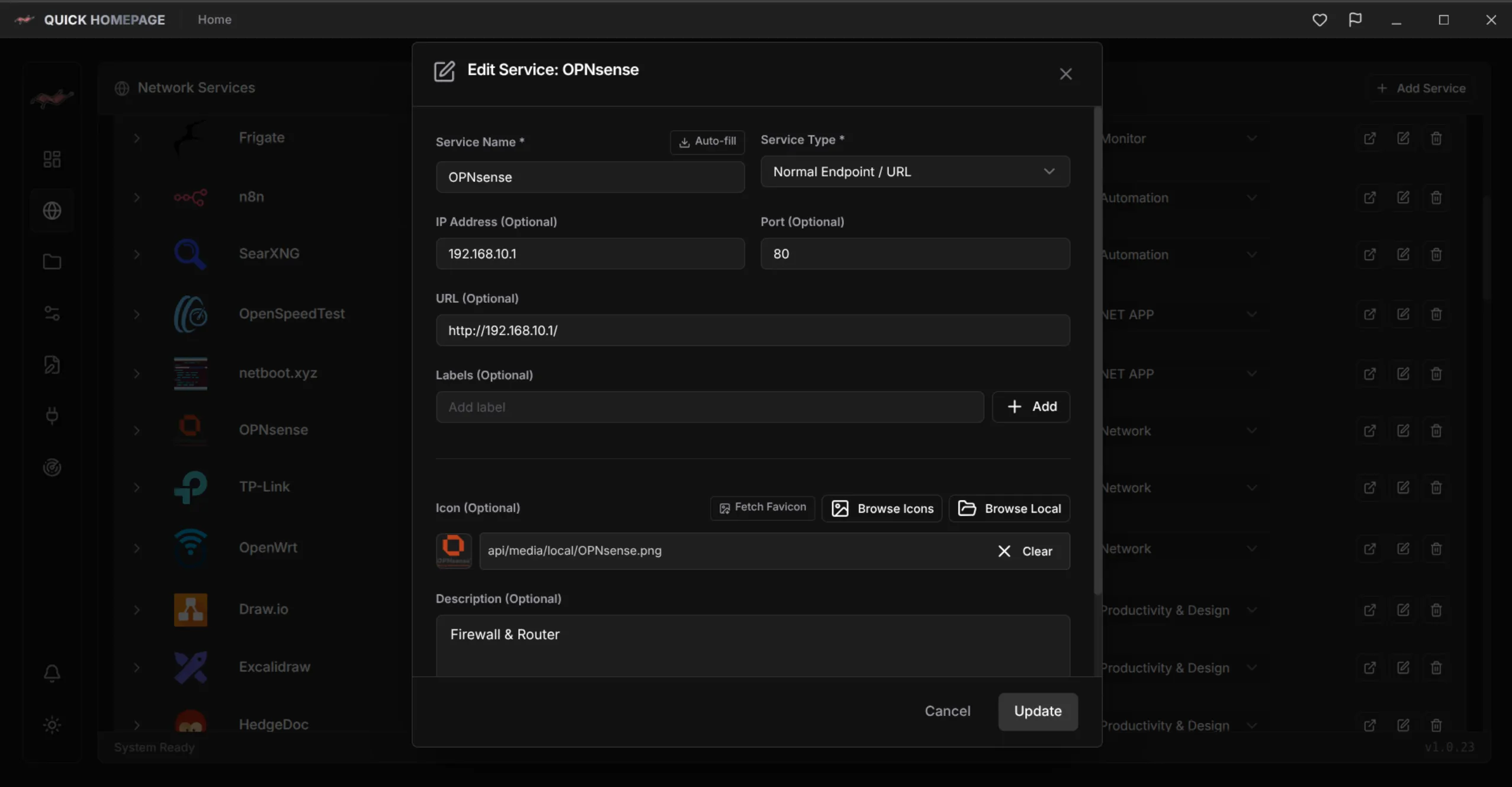
If you run local storage or backup utilities on your home network, Quick Homepage discovers active services with built-in Nmap scanning and groups your storage panels into one glanceable homepage.
Take twenty minutes this week to protect your most important folder with 3-2-1—future you will be grateful.

Quick Homepage
Every Service on Your Network, One Click Away
Quick Homepage is a desktop and self-hosted homelab dashboard that discovers running services with built-in Nmap scanning and organizes them into collections. Linux is supported today, with Windows planned.
- Built-in Nmap network and port scanner finds hosts, ports, and services
- Custom names, URLs, descriptions, and icons with a built-in icon and media library
- Collections, layouts, plugins, and live widgets for your homelab
- Configure through the GUI or edit YAML files directly