Phishing Red Flags: How to Spot Fake Links and Login Pages in 10 Seconds
Most account takeovers start with a single hurried click, not a movie-style hack. Learn how to read real domain names and spot urgency traps before entering credentials.
Why Even Tech-Savvy Users Fall for Modern Phishing
Attackers target hurry and stress rather than software bugs.
The HTTPS padlock only confirms an encrypted connection—it never proves a website is genuine.
Convincing messages claiming an account suspension, missed delivery, or urgent billing issue arrive every day. Cloned login pages look pixel-perfect, yet small details in the address bar give them away immediately once you know where to look.
10-Second URL Check Before Typing Any Password:
One habit stops nearly all credential theft: never sign in through a link sent in a message. Open your own bookmark or type the address directly.
What to Do Immediately If You Already Entered Your Password
- Change the password right away—and update any other account where you reused it.
- Revoke all active sessions from your account security settings.
- Enable two-factor authentication (2FA) or passkeys so a stolen password isn't enough.
- Check email forwarding rules to confirm an attacker didn't add a hidden copy rule.
Pausing Is Your Strongest Firewall
Manufactured urgency is the clearest warning sign of a scam.
Legitimate organizations never demand your password or verification code under a countdown threat. Taking ten calm seconds to inspect the address bar defeats the vast majority of phishing attempts.

Quick Homepage
Bring All Local Devices and Network Services Together in Quick Homepage
A desktop and self-hosted dashboard that automatically discovers running services on your local network and organizes them into clean, lockable collections.
- Automatic discovery of active devices and services on your LAN
- Custom collections for one-click access to every local service
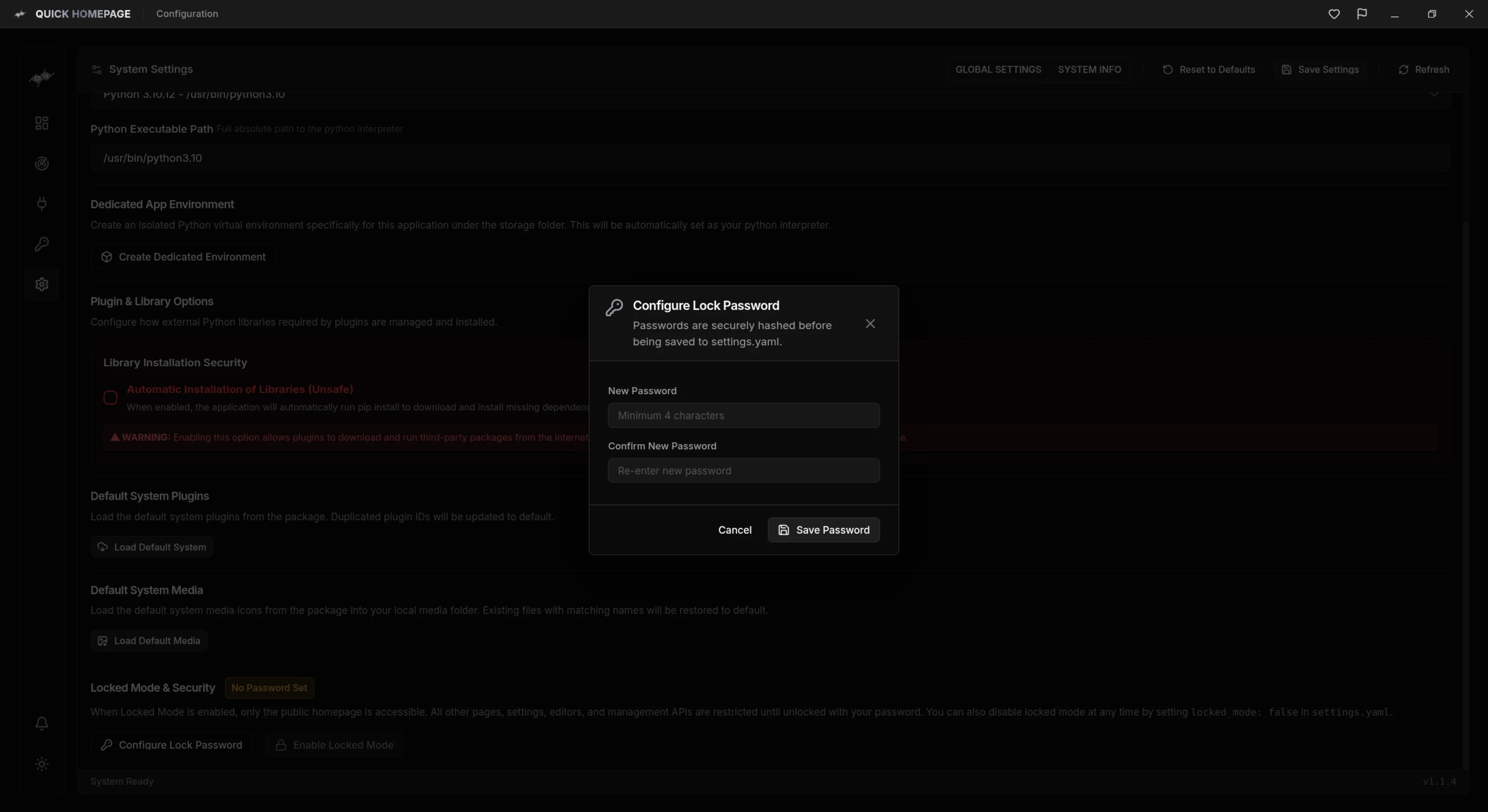
- Config Lock prevents accidental layout changes
- Visual GUI editor and extensible status widgets