Offline AI Voices: Turn Your Notes into Audio You Can Listen to Anywhere
Stuck without a screen or a signal? Learn how offline AI voices turn your notes into natural, multilingual audio you can play like music, with no cloud and no uploads, using Tekno Notebook.
Your Best Review Time Is Often Hands-Busy and Eyes-Free
Why notes stay stuck on the screen while music and podcasts travel everywhere with you.
Think about where your day actually goes: the walk to class, the train ride, the gym, the dishes, the queue at the pharmacy. These are pockets of time when your hands are busy and your eyes can't rest on a page, yet your ears are free. Music and podcasts moved into those pockets years ago. Your own notes, the material you most need to remember, mostly did not.
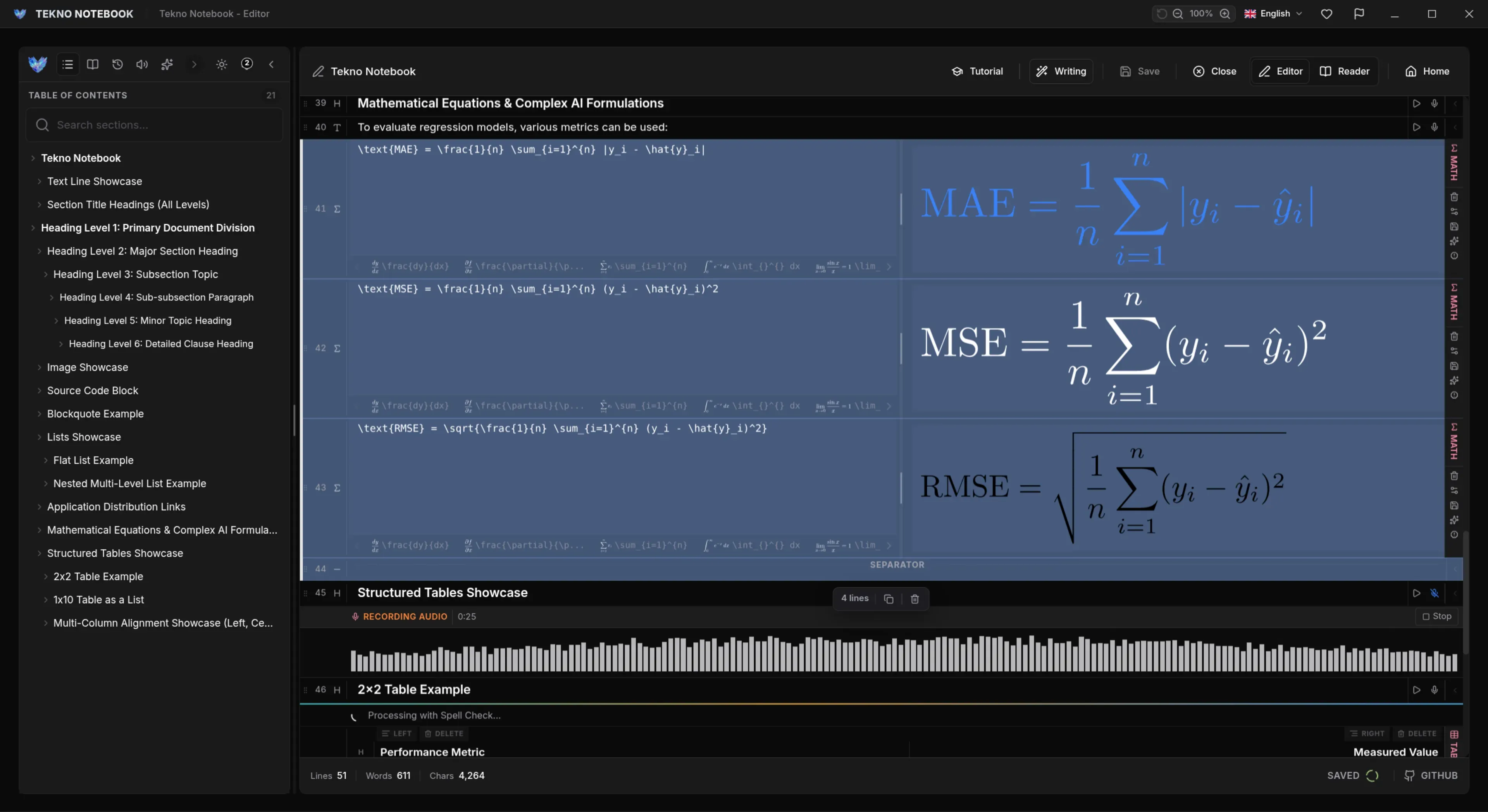
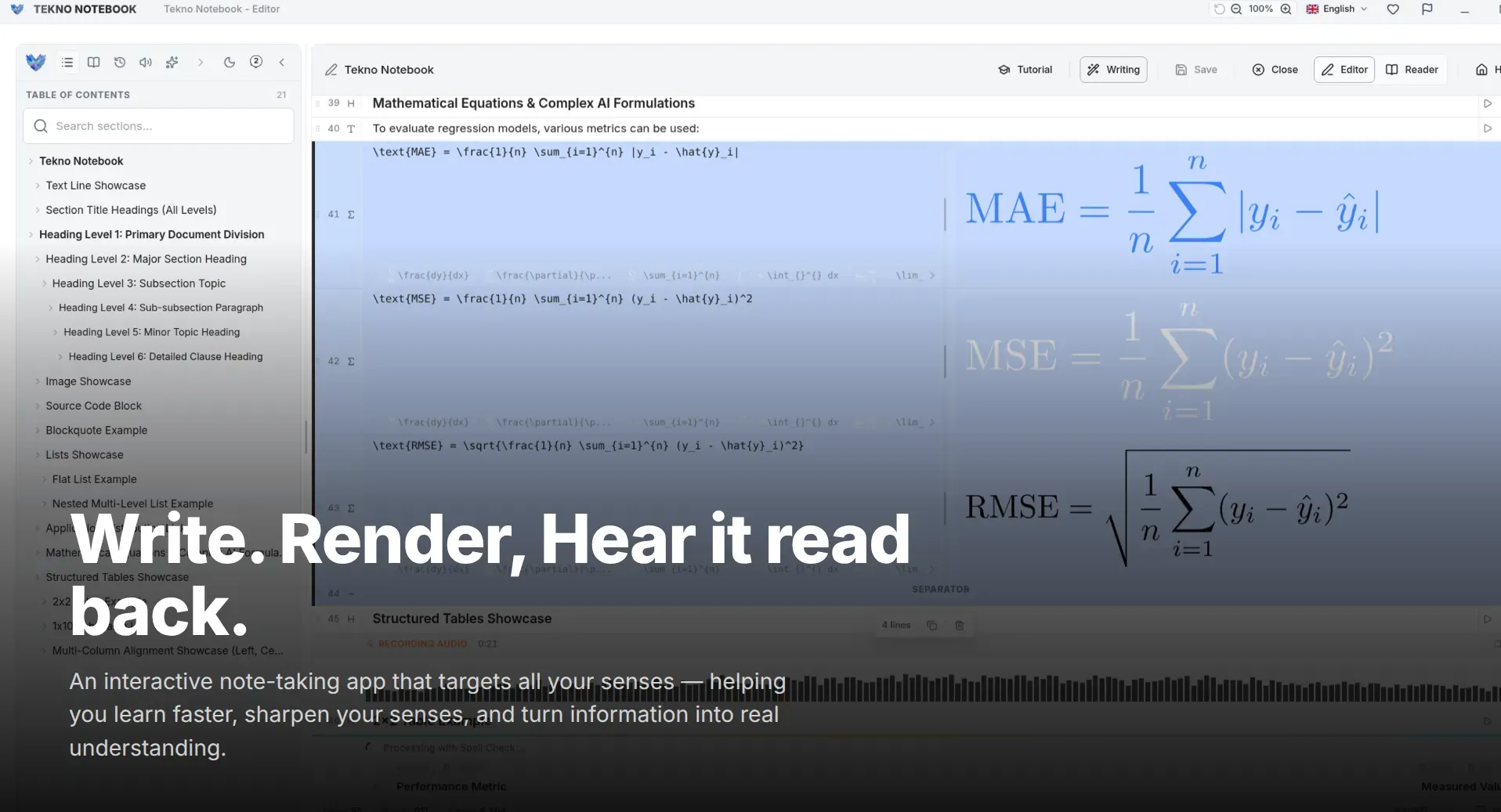
That gap is exactly what audio notes close. Instead of treating a note as something you can only read, Tekno Notebook lets you treat it like a track: write or paste your content, turn it into speech with AI voices, and press play wherever you are. Your knowledge stays in one place, and you decide whether to read it or hear it.
What Makes Audio Notes Actually Pleasant to Use
1. AI Voices That Sound Like a Person, Not a Machine
Anyone who has tried older text-to-speech knows the problem: flat intonation, odd pauses, and a rhythm that becomes exhausting after five minutes. Modern AI voices model how people really stress words and group phrases, which is what makes ten or twenty minutes of listening feel natural. For long notes, summaries, and study material, that difference decides whether you keep listening or give up.
2. Audio Generation That Works Without the Internet
Most voice features quietly depend on a remote server: your text is uploaded, processed in the cloud, and streamed back. That means you need a connection, you may hit usage limits or fees, and your private notes leave your device. Tekno Notebook supports generating audio offline, so it works on a plane, in a basement lecture hall, on a subway with no signal, or when campus Wi-Fi drops. Nothing is uploaded and no account is needed.
3. One Notebook, Many Languages
Real notes are rarely monolingual. You might attend lectures in English and review in Arabic, keep vocabulary lists in Spanish or Japanese, or study a subject in a second language. Because Tekno Notebook can turn notes into audio in multiple languages, you can hear the pronunciation of new terms, repeat a sentence out loud, or simply review in the language that helps you think best.
Turn Listening into a Habit That Fits Your Day
Practical ways to use audio notes when you can't sit down to read.
- Commutes: Listen to tomorrow's lecture notes on the bus or train instead of scrolling.
- Walks and workouts: Replay definitions and key ideas at a comfortable speed while you move.
- Chores: Turn dishes, laundry, and cooking into short review sessions.
- Language practice: Hear vocabulary and example sentences in the language you are learning.
- Eye breaks: Rest your eyes after a long screen day and still keep revising.
Reading needs your eyes and your hands. Listening needs only your time.
Write Notes That Sound as Good as They Read
A few small habits make audio notes dramatically better. Use short, complete sentences. Spell out abbreviations the first time you use them. Put a clear heading before each idea so you always know where you are. Notes written this way are easier to scan on screen and easier to follow by ear, so every minute you invest in structure pays you back twice.
A simple routine is enough: capture and tidy your notes at your desk, generate the audio while you have time, and then let a playlist of topics carry your review through the week. Because the voices run offline, there is no queue to wait for and no allowance to run out. For study-specific listening techniques, read our guide to studying by listening to your notes (/en/blog/how-to-listen-to-study-notes).
Ready to hear your own notes? Explore the Tekno Notebook project page (/en/project/TeknoNotebook), or learn why offline-first software keeps your notes fast and private (/en/blog/why-offline-note-taking-apps-matter).

Tekno Notebook
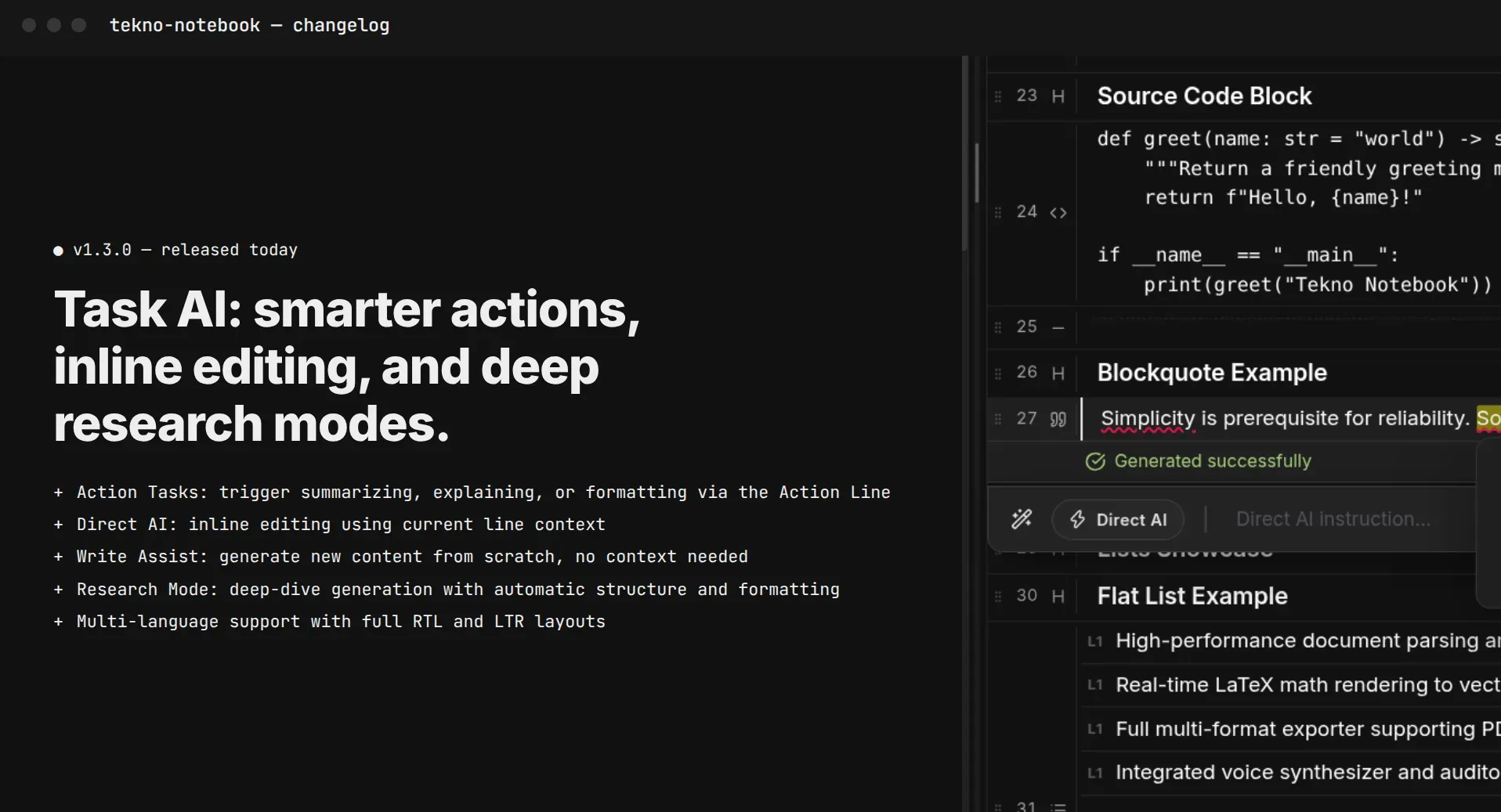
Hear Your Notes Like a Playlist, Even Without Internet
A free desktop notebook that turns your written notes into natural audio with AI voices generated on your own device. Listen in multiple languages with music-player-style controls, with no cloud service, no account, and no tracking.
- Natural-sounding AI voices instead of flat, robotic narration
- Audio generation that works offline, with no cloud service required
- Turn notes into audio in multiple languages
- Music-player-style controls for walks, commutes, and chores