How to Lock Your Home Server Dashboard and Prevent Accidental Edits
Sharing a PC or home network and worried someone might accidentally delete a tile or break your layout? Learn how Config Lock in Quick Homepage keeps your hub tamper-proof.
Why Shared Dashboards Get Accidentally Broken All the Time
One stray click on an edit or delete icon can undo an hour of careful organization.
Daily dashboard use should feel read-only and effortless—editing controls belong safely behind a lock.
Home network owners and small office admins frequently search for a read-only or lockable start page so family members and coworkers can launch shared files, printers, or cameras without accidentally breaking a link.
4 Situations Where Config Lock Saves Real Headaches
- A shared family computer used by kids or non-technical relatives.
- A small-office workstation where multiple people open internal tools.
- A dedicated wall display or monitoring screen for local services.
- Even your own daily desktop—preventing accidental drags when moving fast.
A Simple 3-Step Lock & Unlock Routine in Quick Homepage
- Organize your collections and verify every local service URL works.
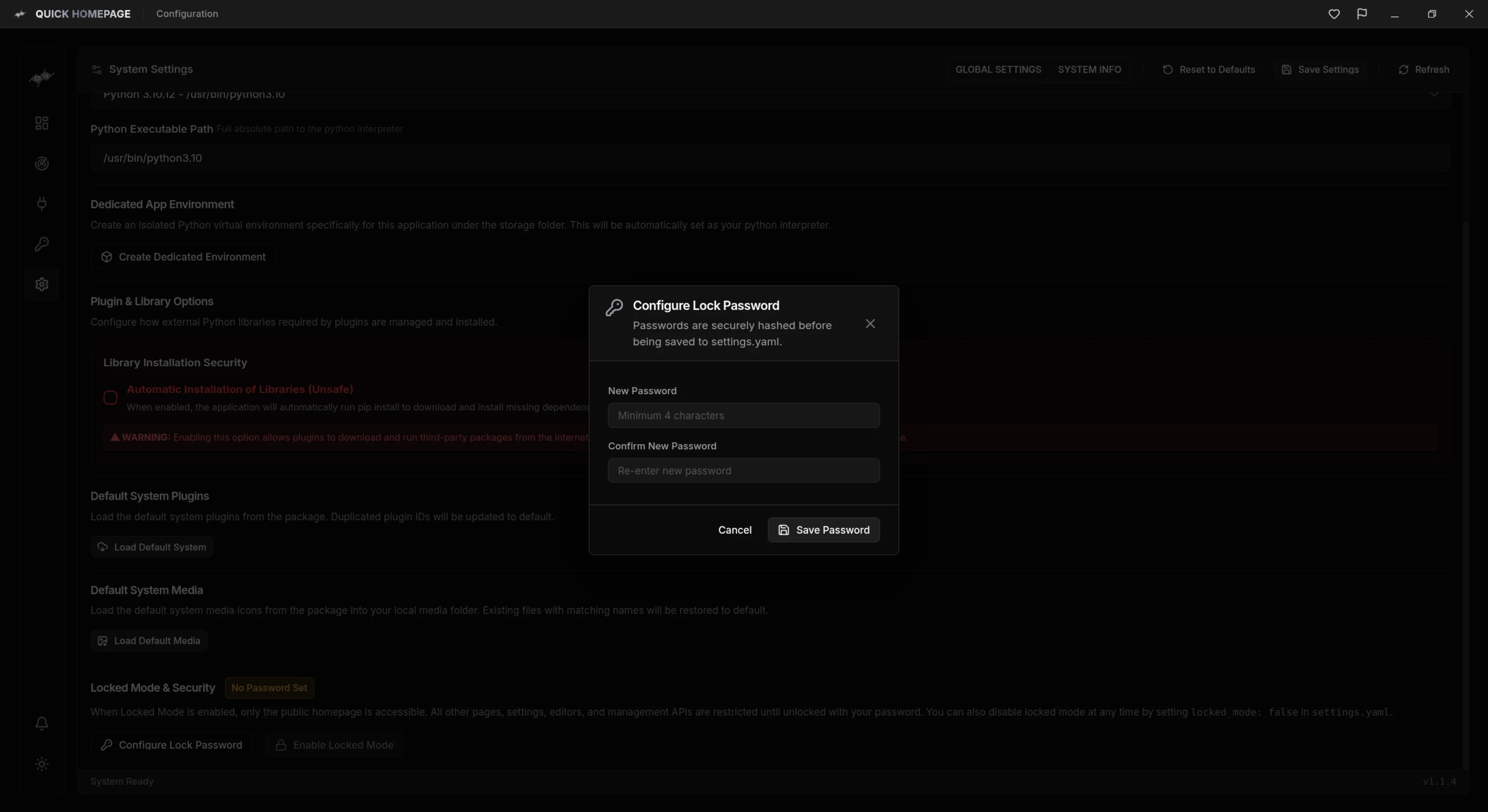
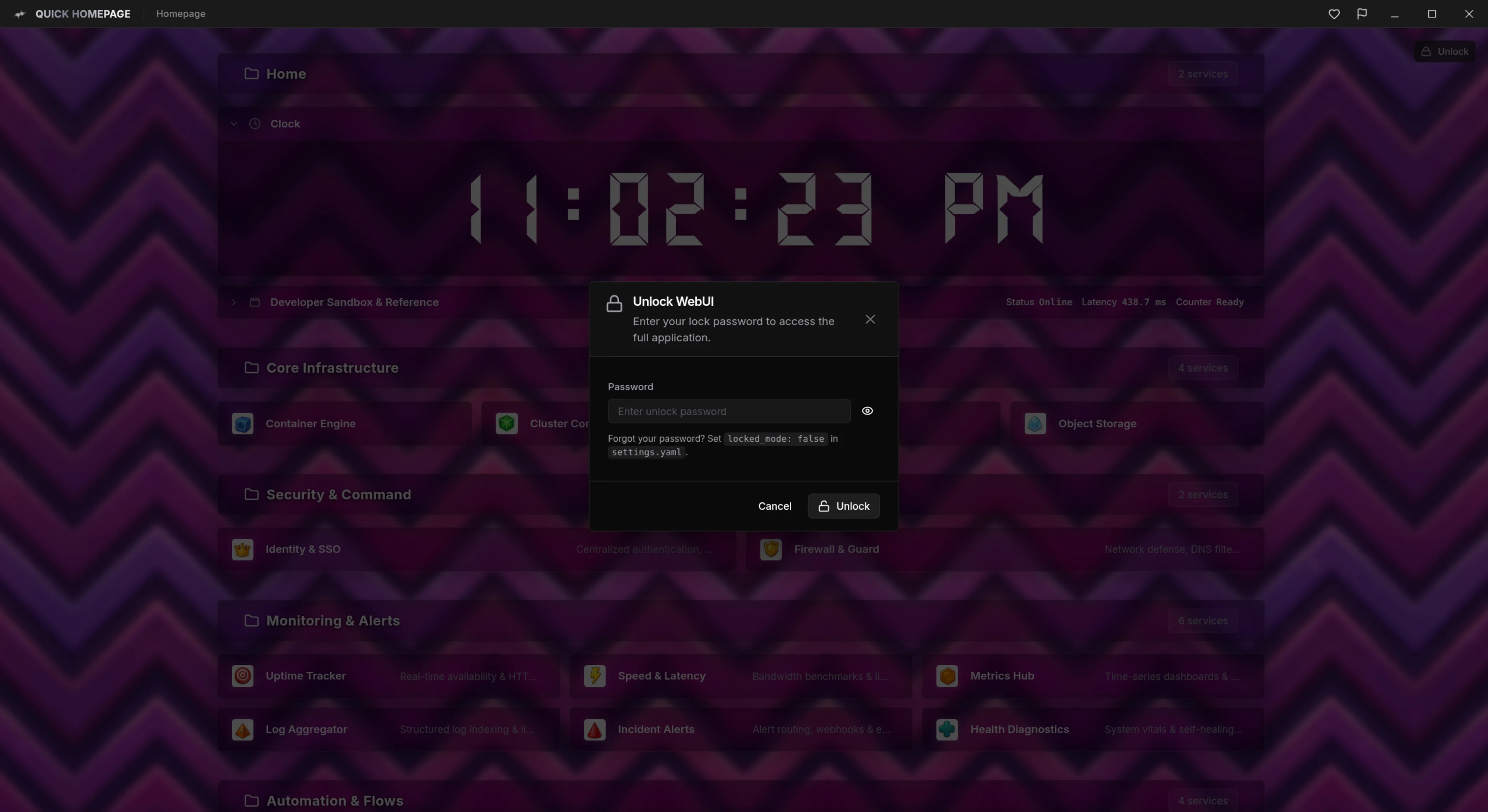
- Enable Config Lock to freeze the layout and hide accidental edit triggers.
- Unlock in a second whenever you add a new tool, then lock it right back.
Peace of Mind for You and Everyone on Your Network
A locked, predictable interface gives every user confidence to click freely.
With Config Lock built directly into Quick Homepage, you get effortless daily launching for everyone and rock-solid layout protection on Windows and Linux.
A locked dashboard prevents mistakes before they happen—and removes the fear of clicking the wrong button.

Quick Homepage
Lock Your Layout Against Accidental Changes and Unlock Anytime in Quick Homepage
Quick Homepage includes Config Lock so your collections and links stay protected on shared family PCs or office workstations—unlocking in a second when you need to edit.
- Built-in Config Lock stops accidental tile deletions or drag errors
- Ideal for shared family computers, small offices, and lab stations
- Unlock in one second whenever you add a new service or port
- Runs locally on Windows and Linux without complex auth servers