The Local-First Software Movement: Why Developers and Everyday Users Are Reclaiming Their Tools
Between cloud outages and sudden terms changes, local-first software is surging in popularity. Discover why running tools on your own device and LAN feels faster and calmer.
When Everyday Speed Depends on a Server Thousands of Miles Away
Local-first software puts your device and home network back in charge—treating the internet as optional.
For over a decade, nearly every daily utility migrated into remote cloud tabs. Alongside convenience came familiar frustrations: spinning loaders, sudden service outages, and platforms abruptly changing rules or shutting down overnight.
In response, the local-first software movement has become one of the strongest trends among developers and power users: building apps where your data and interfaces live on your own machine or local network first, delivering instant responsiveness.
Two Pillars That Make Local-First Feel Effortless
1. Zero-Latency Responsiveness
Opening a local tool happens in milliseconds—no remote queues, no stalled work when your ISP hiccups.
2. Permanent Control Over Your Files and Services
When your data and dashboards live on hardware you control, no outside shutdown can lock you out of your own workflow.
Four Signs of Great Local-First Software
- Runs cleanly offline or entirely inside your local area network (LAN).
- Stores configuration and data in transparent, backup-friendly formats like plain files or YAML.
- Feels lightweight and responsive on everyday hardware.
- Respects your autonomy without forcing mandatory cloud accounts.


One Clean Launchpad for Your Local-First Stack
Running local tools gets even better when every service sits one click away.
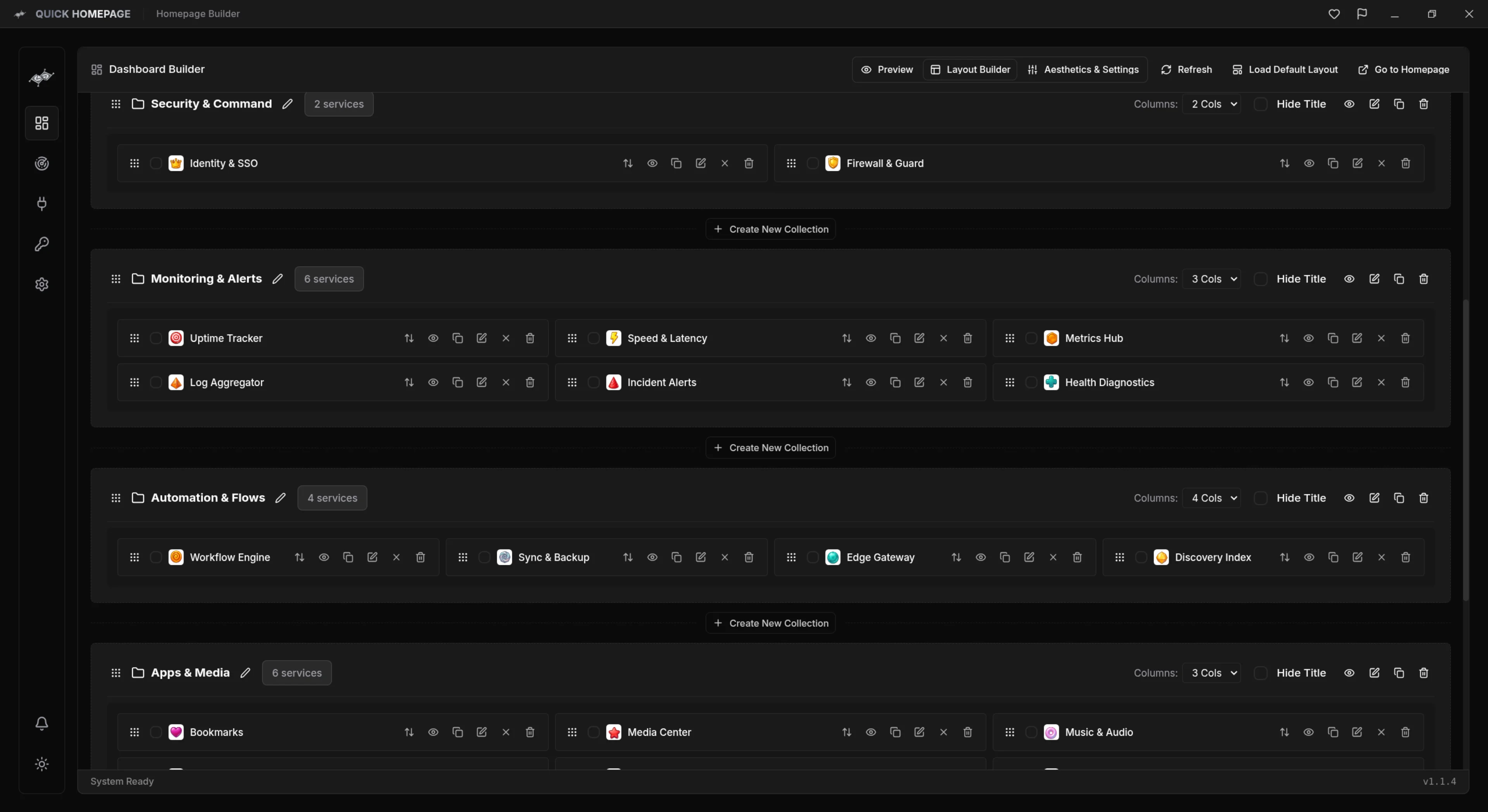
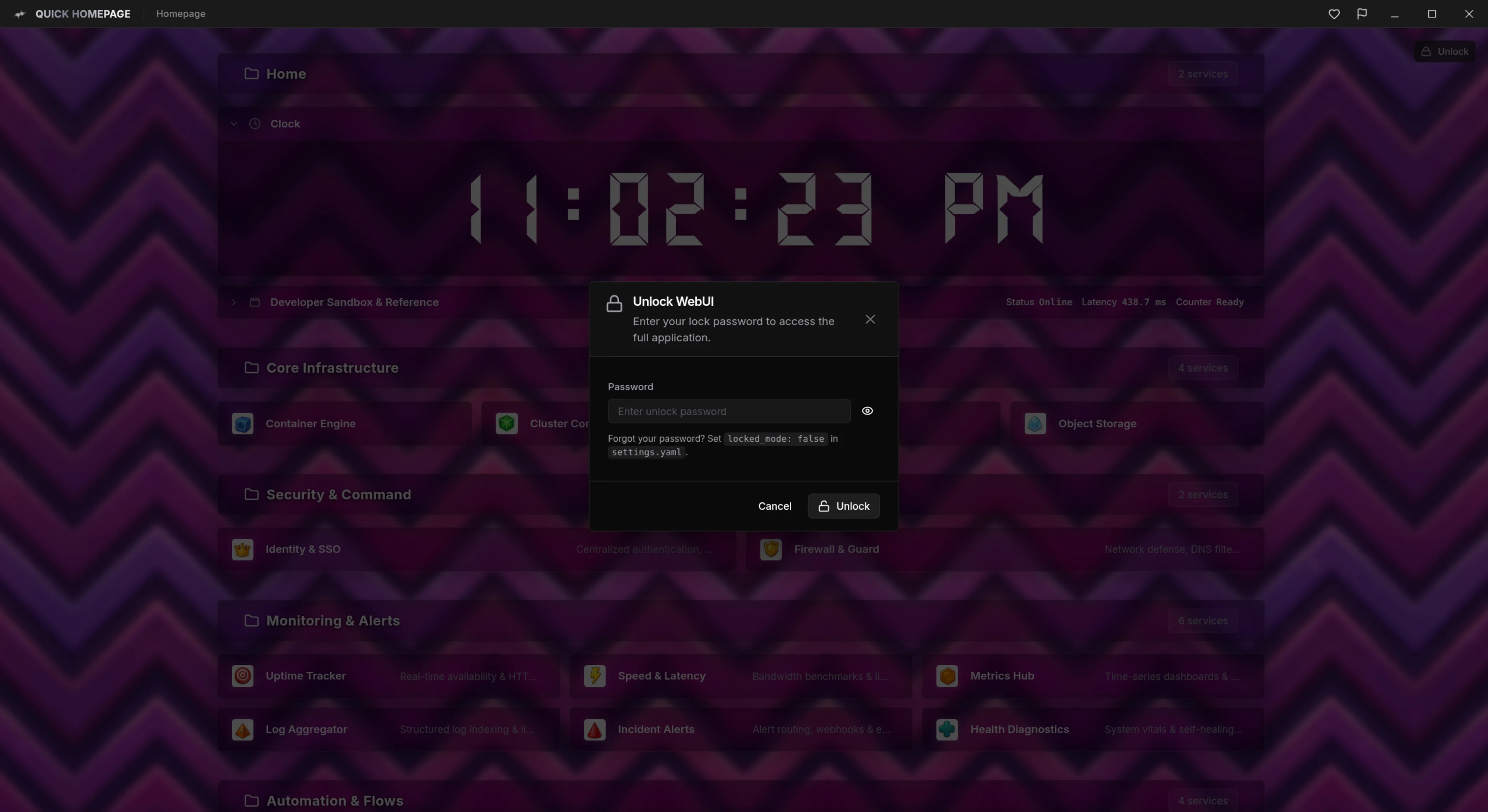
Quick Homepage was designed around this exact local-first ethos: it discovers active services on your network via built-in network scanning, lets you configure everything through the GUI or clean YAML files, and gives your entire local stack one fast front door.
Swap one sluggish cloud tab for a fast local tool this month and feel how much smoother your daily workflow becomes.

Quick Homepage
Every Service on Your Network, One Click Away
Quick Homepage is a desktop and self-hosted homelab dashboard that discovers running services with built-in network scanning and organizes them into collections. Available on Linux and Windows.
- Built-in network and port scanner finds hosts, ports, and services
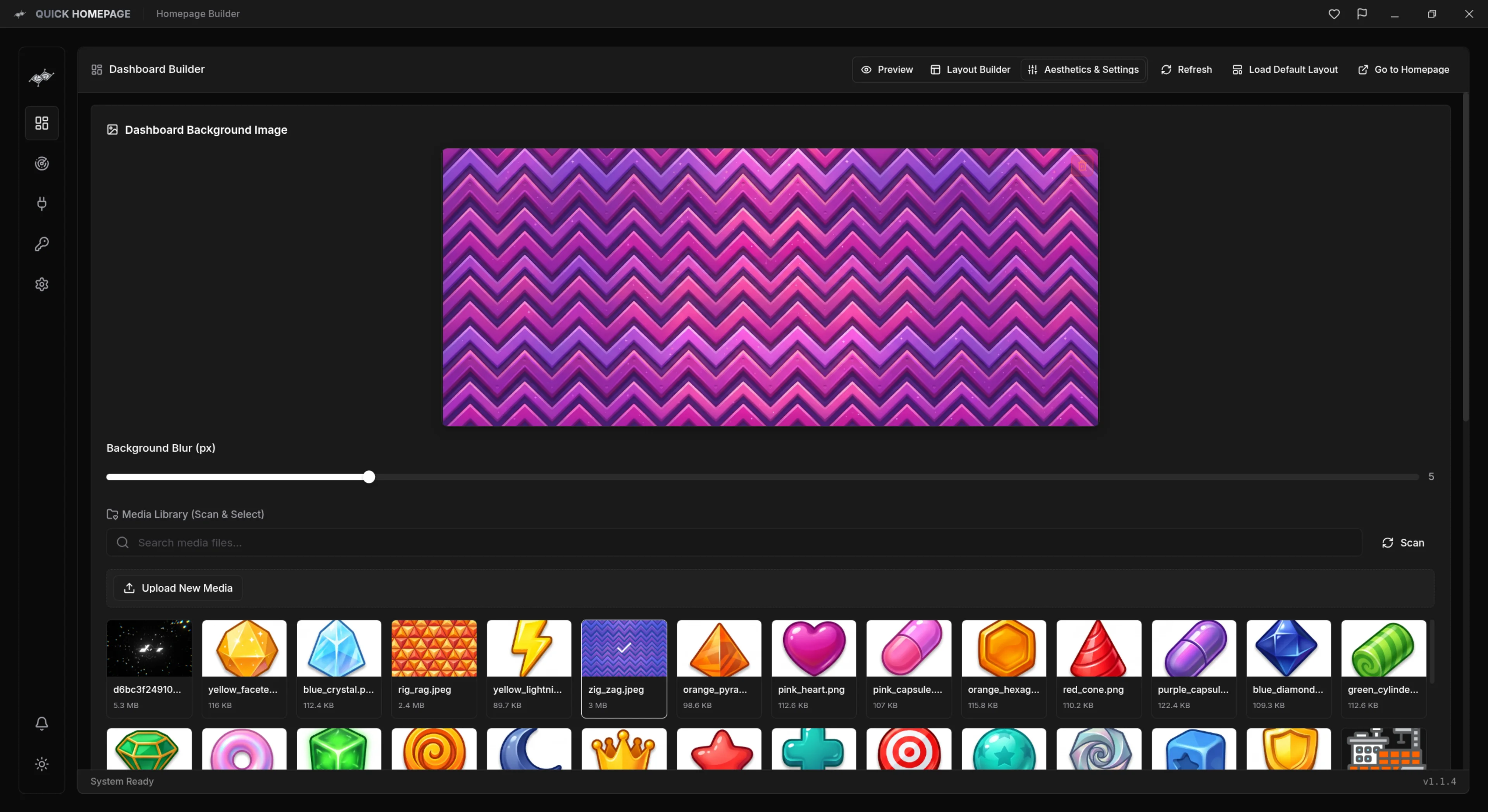
- Custom names, URLs, descriptions, and icons with a built-in icon and media library
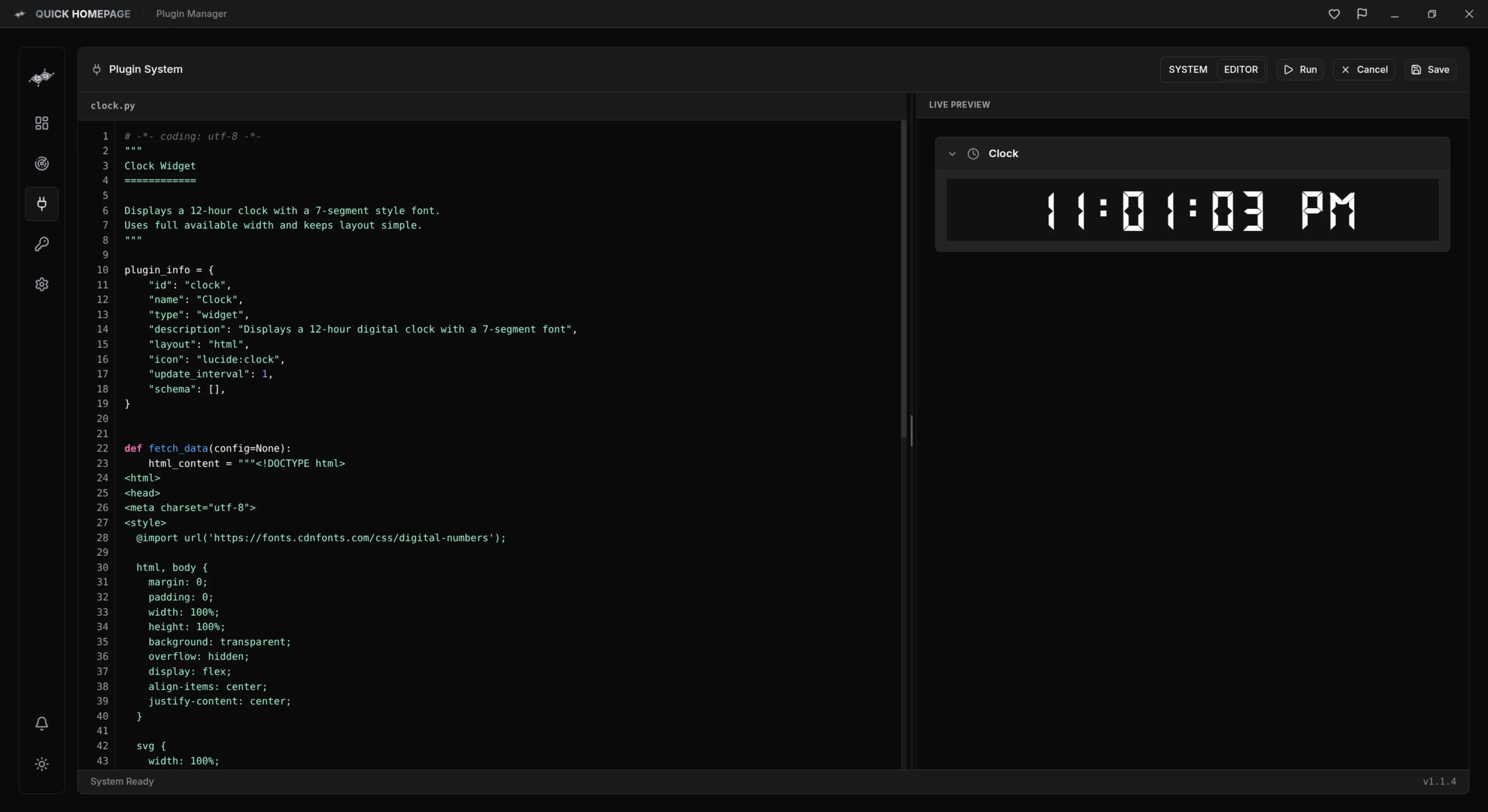
- Collections, layouts, plugins, and live widgets for your homelab
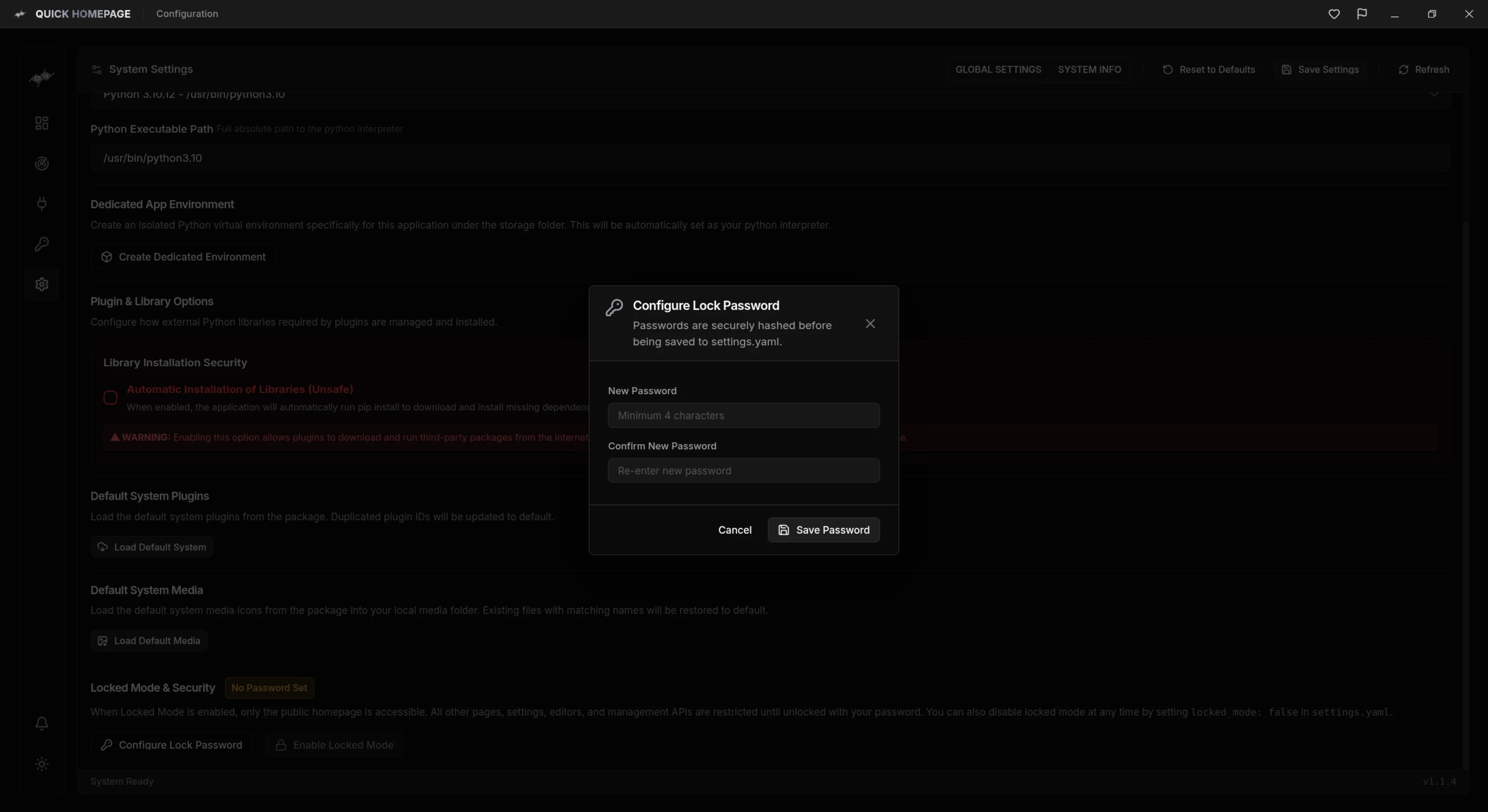
- Configure through the GUI or edit YAML files directly
