HTTP vs HTTPS & 'Your Connection Is Not Private': Why Local Routers Show SSL Warnings
Scared by a red certificate warning when opening your router or home server? Learn why self-signed local certificates trigger alerts, when it is safe, and when to stop.
Why Your Browser Warns You About Your Own Router at Home
Public certificate authorities verify public domains—they cannot issue trusted certificates for private 192.168 addresses.
A certificate warning on a public bank site is a red alert—on your own home router, it usually just means a self-signed certificate.
HTTPS encrypts traffic and proves a site's identity using SSL/TLS certificates signed by trusted public authorities. Because home routers, printers, and local servers live on private IPs like 192.168.1.1, they rely on self-signed certificates that browsers flag as unrecognized.
4 Golden Rules for Handling HTTPS Warnings Safely
- On public websites (banking, email, shopping): never bypass a certificate warning—close the tab immediately.
- On your own private LAN: a warning is normal only when you deliberately opened your own known router or local server IP.
- Check your computer's clock first—an inaccurate system date breaks valid certificates everywhere.
- Store verified admin URLs in one trusted start page instead of retyping addresses by hand.
Keep Your Verified Local Links Clean and Locked in Two Steps
Organizing trusted LAN addresses once removes guesswork and typos for good.
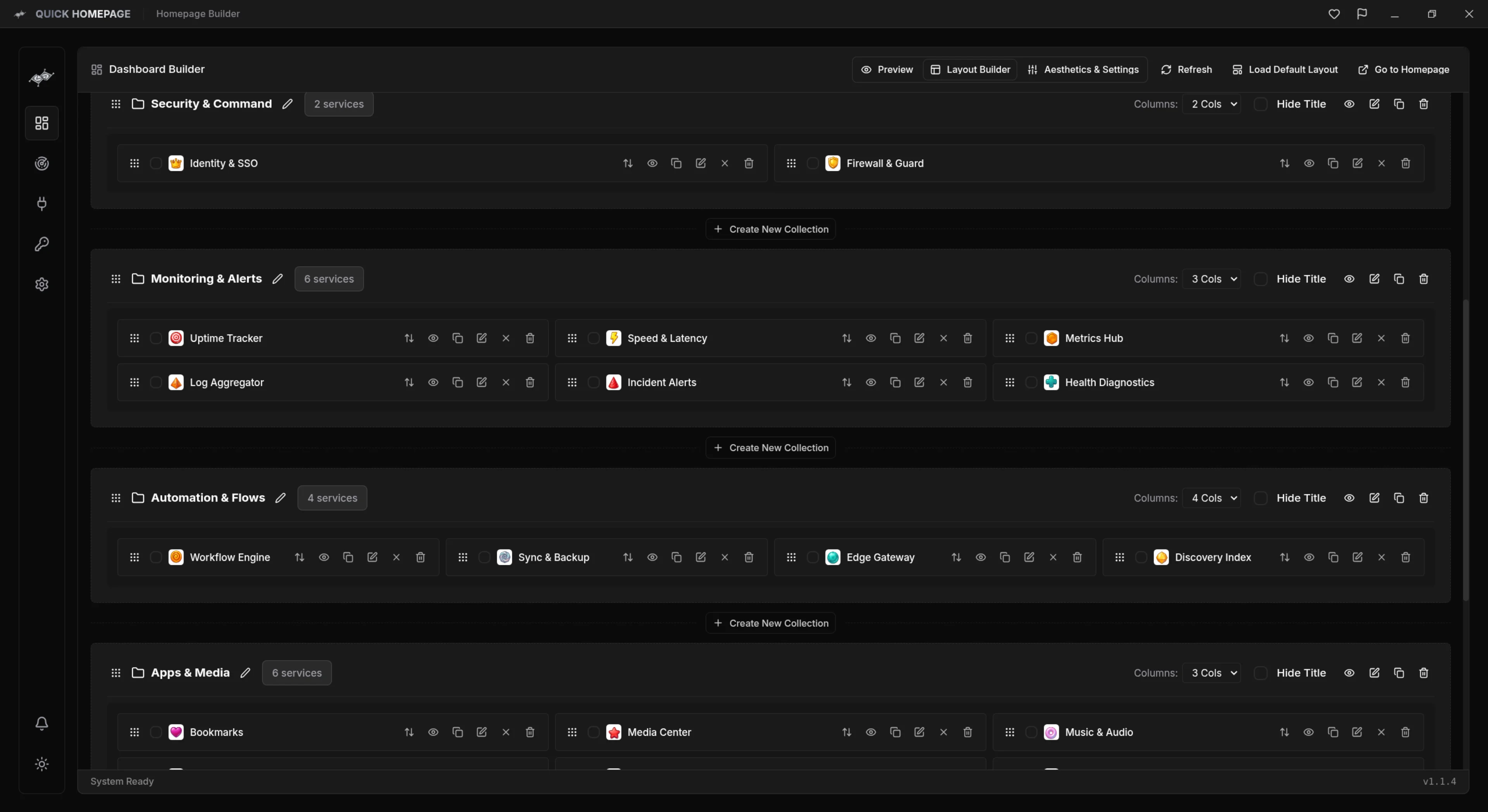
1. Save the Exact Protocol and Port Once
In Quick Homepage's visual editor, store each local device with its exact HTTP or HTTPS protocol, port number, and a clear everyday name.
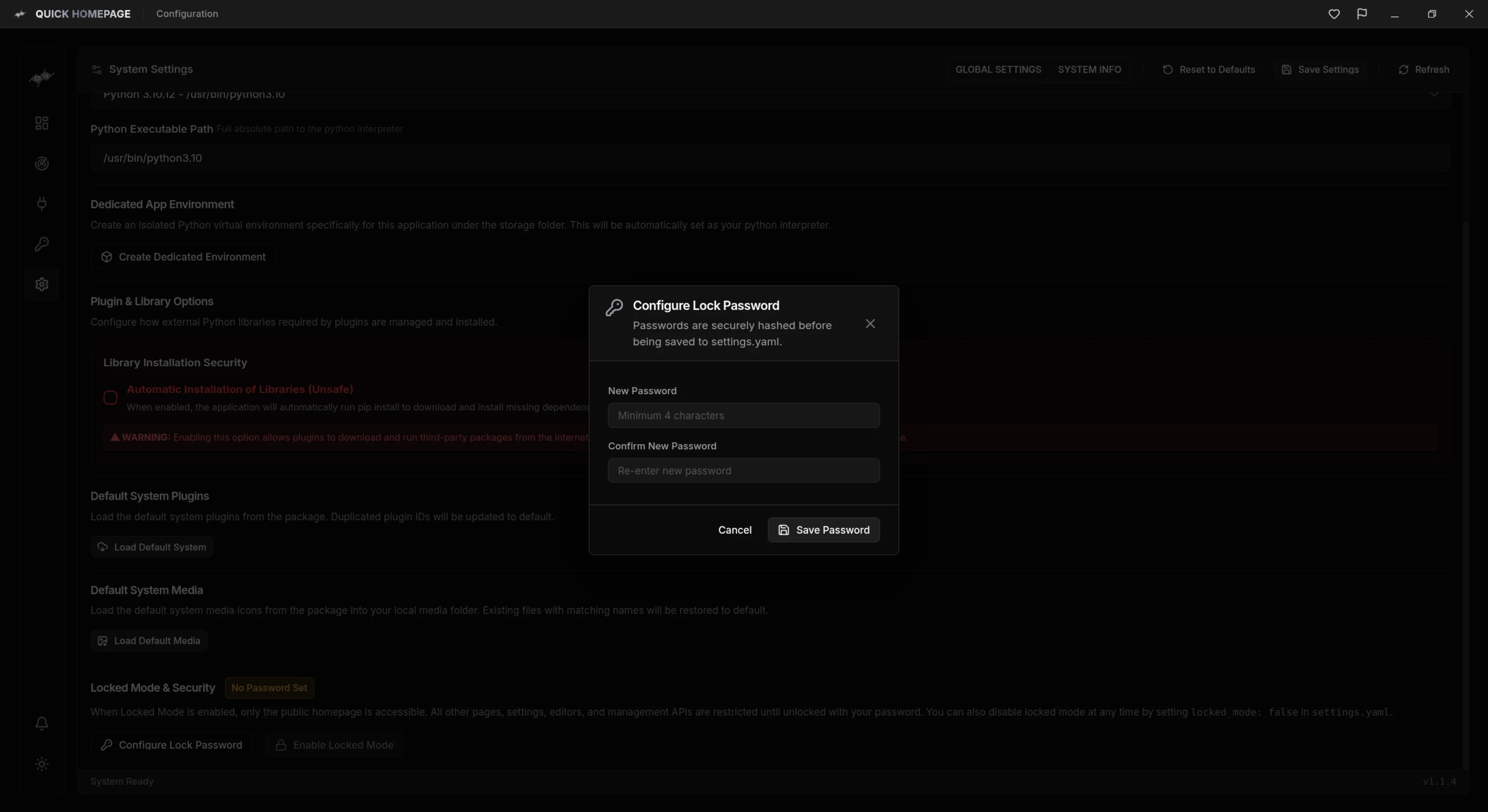
2. Turn On Config Lock to Protect Your Setup
Enabling Config Lock in Quick Homepage ensures your verified local links stay untouched, so opening any home admin panel is one confident click.

Quick Homepage
Keep Verified Local URLs Organized and Locked in Quick Homepage
Stop mistyping local IPs or protocols. Quick Homepage stores your verified LAN links cleanly and protects them from accidental edits with Config Lock.
- Config Lock keeps your trusted local links tamper-proof
- Save exact HTTP/HTTPS protocols and ports once in the GUI editor
- Auto-discovers active services inside your private LAN only
- 100% local desktop app—never uploads your network layout