HTTP Error Codes 403, 404, 502, and 503 Explained: Is It Your PC or the Server?
Hit with a 502 Bad Gateway or 403 Forbidden page and unsure whether to reboot your router or just wait? Decode the four most common web error codes in two minutes.
The One-Second Rule: 4xx Errors vs 5xx Errors
The very first digit tells you immediately where the problem lives.
If an error starts with 4, something is off with the request or permission; if it starts with 5, the server side tripped.
Before rebooting your router in frustration whenever a website or local app breaks, check the first digit of the HTTP code—it instantly separates a broken link on your side from a crashed backend server.
The 4 Most Common HTTP Errors You Will Actually Encounter
- 403 Forbidden: The server understood your request, but refuses access due to missing permissions or IP rules.
- 404 Not Found: The server is alive, yet the exact page or path was moved, deleted, or mistyped.
- 502 Bad Gateway: A proxy or gateway reached out to the backend app and got an invalid or empty response—usually because the app crashed or is restarting.
- 503 Service Unavailable: The server is temporarily overloaded or down for maintenance.
Spot Local 502 and 503 Errors Before You Even Click
Glanceable status widgets save minutes of blind troubleshooting on your home network.
1. Live Status Widgets Right on Your Start Page
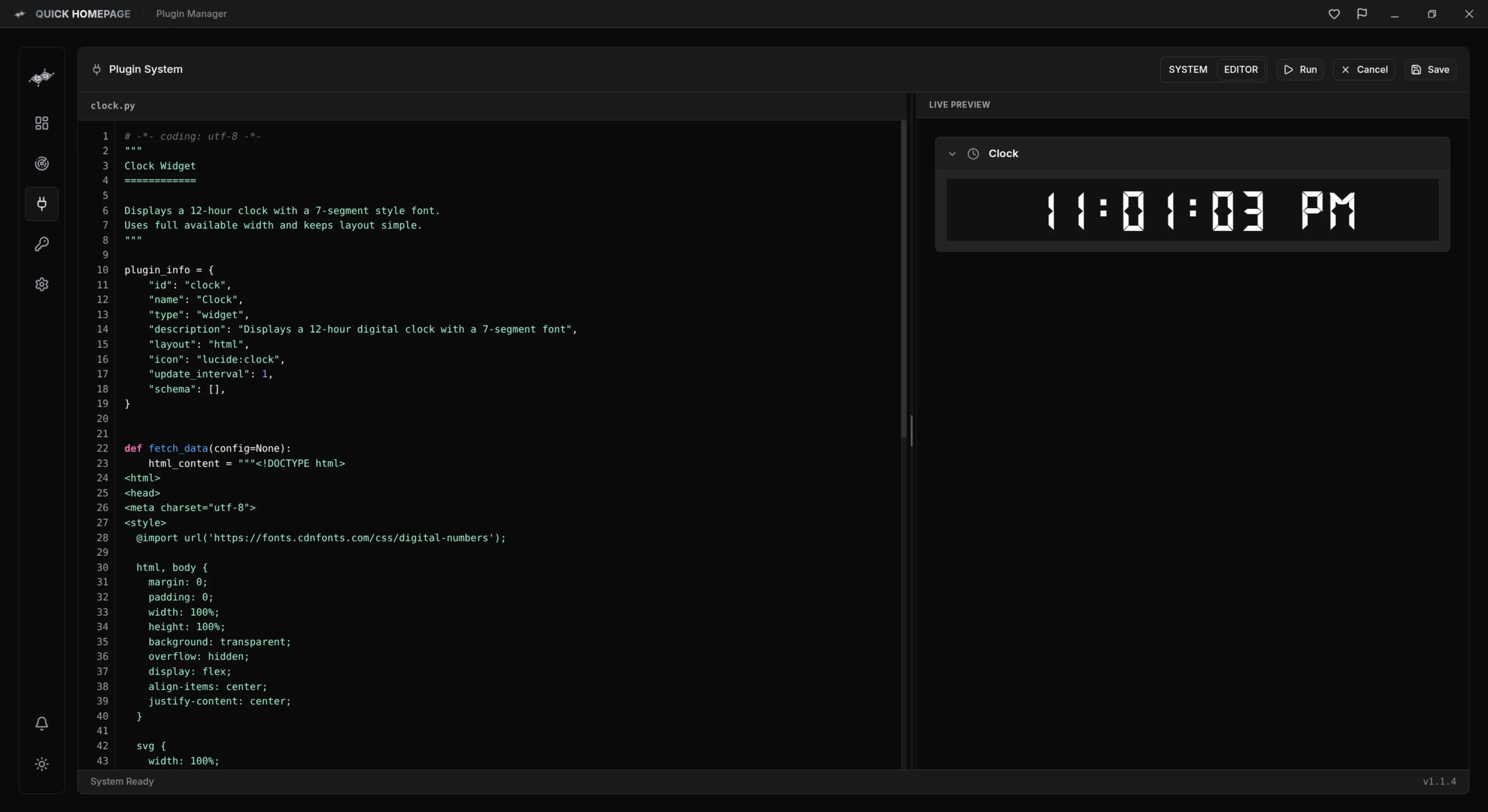
Quick Homepage lets you add lightweight Python widgets that check your local services—so a crashed container returning 502 stands out immediately.
2. Fix 404 Links in Two Seconds
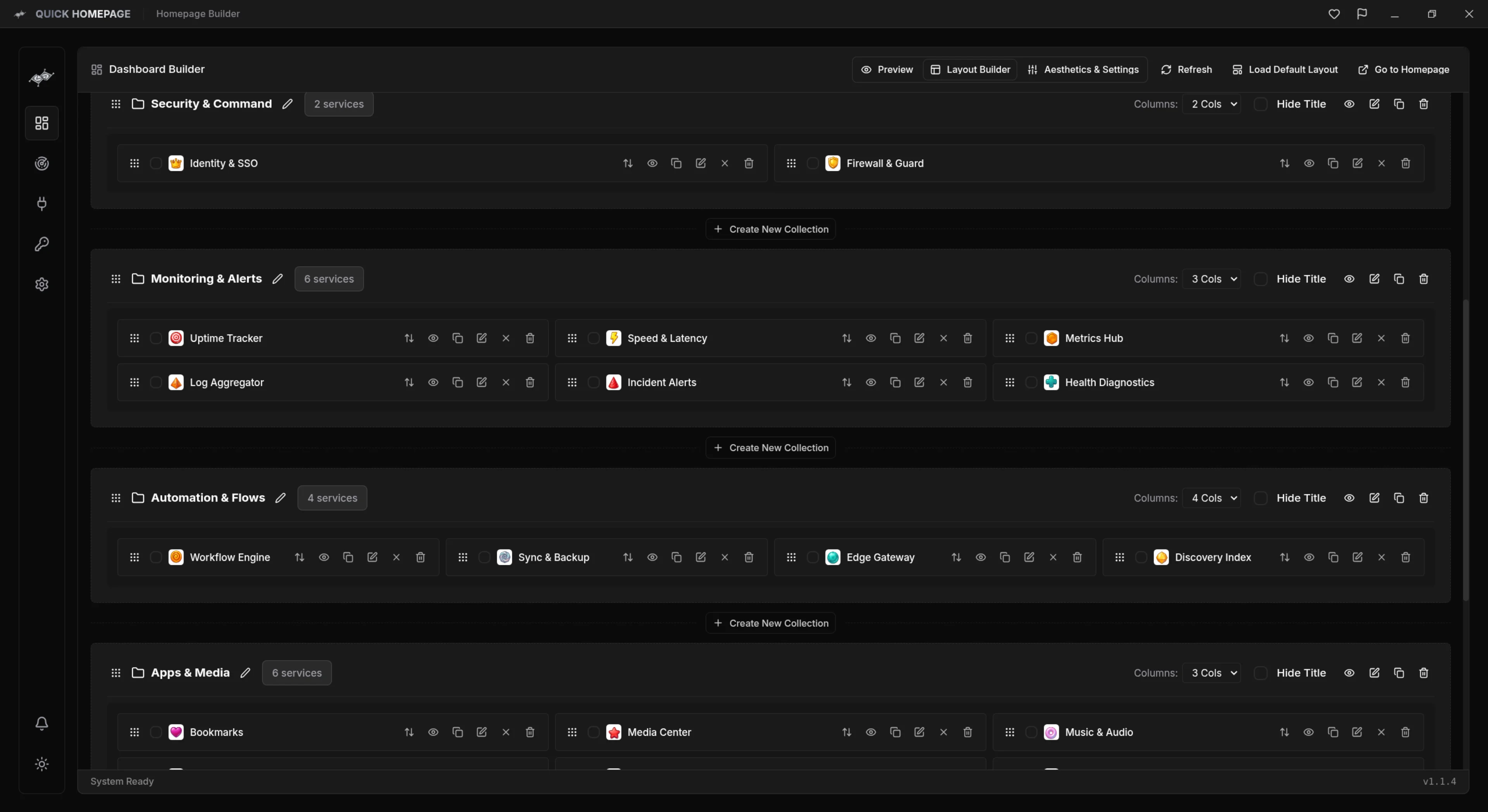
Whenever a local dashboard moves ports or paths, update the card right inside Quick Homepage's visual editor without touching raw config files.

Quick Homepage
Spot Down Local Services Instantly With Custom Widgets in Quick Homepage
Stop discovering 502 or 503 errors by surprise. Organize your local dashboards in Quick Homepage and add lightweight Python widgets to monitor uptime at a glance.
- Custom Python plugins and live widgets track service health
- Visual GUI editor fixes changed URLs or ports in seconds
- Auto-discovers active services across your local network
- Fast, lightweight desktop app for Windows and Linux

