Home Network Segmentation and Guest Wi-Fi: Keep Smart Gadgets Away From Your Laptop
Budget smart plugs and TVs rarely get long-term security patches. Learn how separating your home network with Guest Wi-Fi or VLANs protects your personal computers and files.
The Quiet Weak Spot in Most Home Wi-Fi Setups
On a flat network, one outdated smart gadget sits right next to your work laptop.
In most homes, work laptops, personal phones, and local backups share the exact same Wi-Fi network as smart TVs, cheap cameras, wireless plugs, and visiting guests. Many smart gadgets stop receiving firmware updates within a year or two—leaving them as easy stepping stones if compromised.
How Simple Network Segmentation Protects Your Devices
1. Keep a Trusted Network for Personal Devices
Reserve your primary Wi-Fi and LAN for laptops, phones, and local servers that you actively update and control.
2. Put Guests and Smart Gadgets on an Isolated Network
Turn on your router’s Guest Wi-Fi with client isolation enabled—or create dedicated VLANs if your gear supports them—so smart devices get internet access without seeing your personal computers.
Main-LAN  (192.168.10.0/24) -> Laptops, Phones, Local Server
IoT-Net   (192.168.20.0/24) -> Smart TVs, Cameras, Plugs
Guest-Net (192.168.30.0/24) -> Visitors (Internet Only)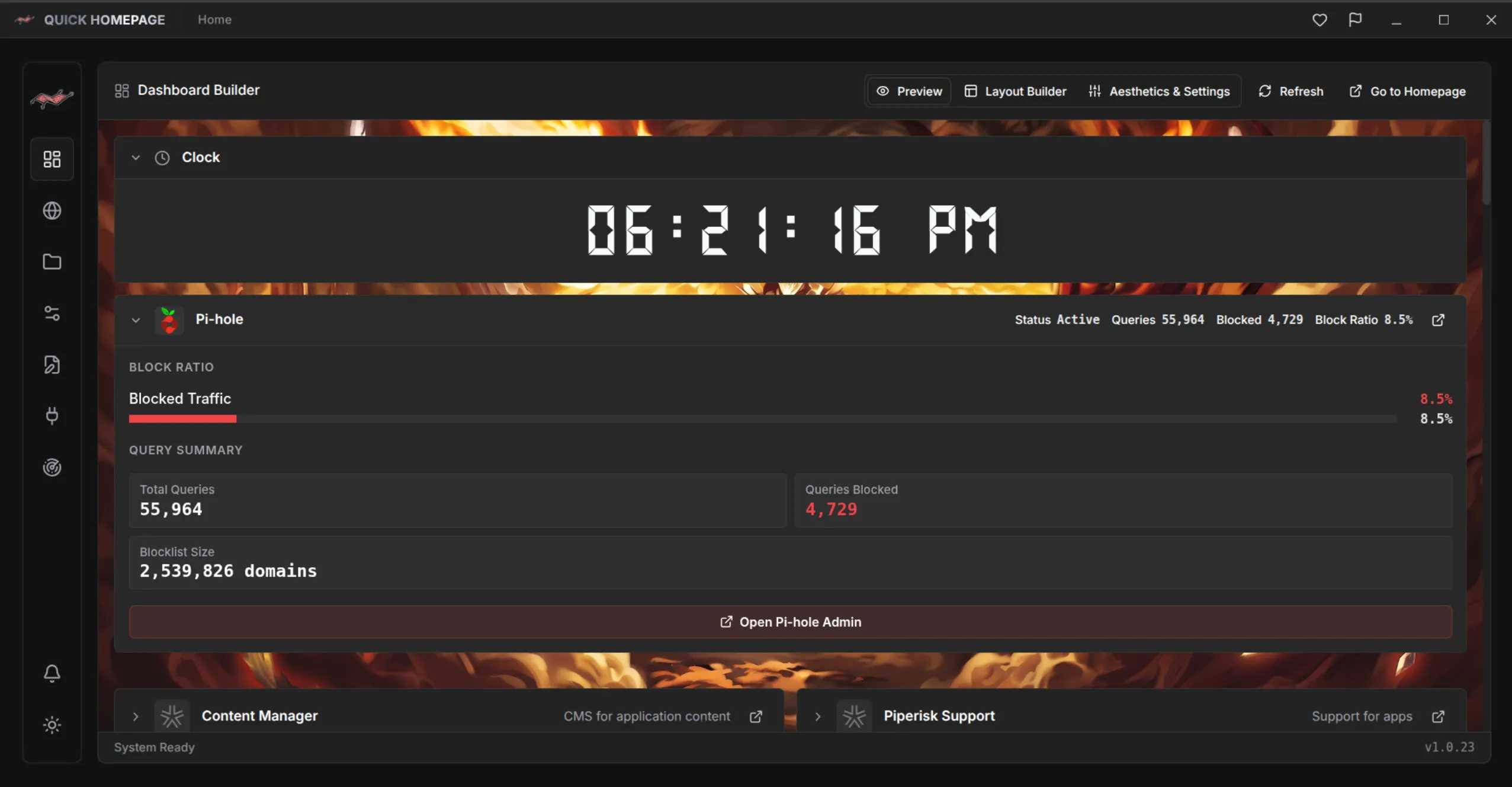
Quick Checklist to Segment Your Home Wi-Fi Today
Practical steps that noticeably raise security in under fifteen minutes.
Walk through these four quick adjustments on your router:
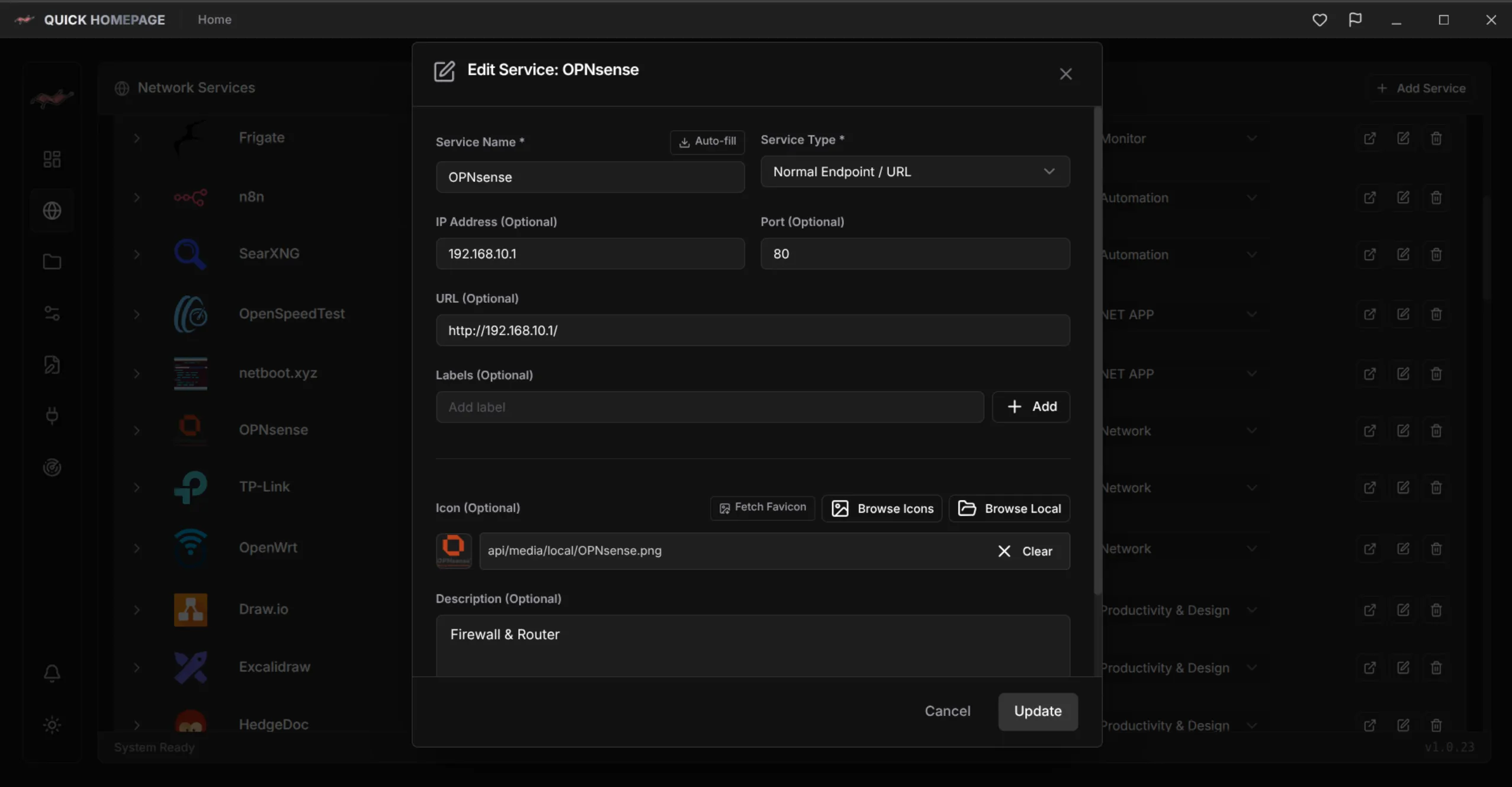
Once your trusted network is tidy, Quick Homepage helps you keep every local service visible with built-in Nmap scanning and one clean, customizable dashboard.

Quick Homepage
Every Service on Your Network, One Click Away
Quick Homepage is a desktop and self-hosted homelab dashboard that discovers running services with built-in Nmap scanning and organizes them into collections. Linux is supported today, with Windows planned.
- Built-in Nmap network and port scanner finds hosts, ports, and services
- Custom names, URLs, descriptions, and icons with a built-in icon and media library
- Collections, layouts, plugins, and live widgets for your homelab
- Configure through the GUI or edit YAML files directly