How to Study Fast and Effectively for University: Best Fast Writing Apps
A practical university study guide combining rapid active-learning techniques with the best fast note-taking apps like Tekno Notebook to save time and boost grades.
Why Traditional Studying Wastes Your Time
Shifting from slow passive reading to rapid capture and active recall.
Most university students struggle with piling lectures and tight exam deadlines. The issue is rarely a lack of study hours—it is relying on passive rereading and copying slides word for word.
To study fast and effectively, you need a proven cognitive workflow paired with a fast writing app that never slows down your train of thought during class.
3 Golden Rules for Fast University Studying
1. Use Active Recall Instead of Endless Highlighting
After each concept or slide, look away and write the core idea in your own words in two lines. This brief effort locks information into long-term memory far faster than rereading.
2. Study in Focused Blocks and Link Concepts
Work in 25 to 45-minute focused sprints, and tie every new concept to a real example or a likely exam question right inside your notes.
3. Choose a Distraction-Free, Fast Writing App
Bloated word processors and sluggish cloud apps interrupt your flow with menus and manual formatting. Your university writing tool should launch instantly and keep up with your typing speed.
Best Fast Writing Apps for University Students
A quick comparison of top options and why Tekno Notebook stands out on campus.
Top fast writing apps for students:
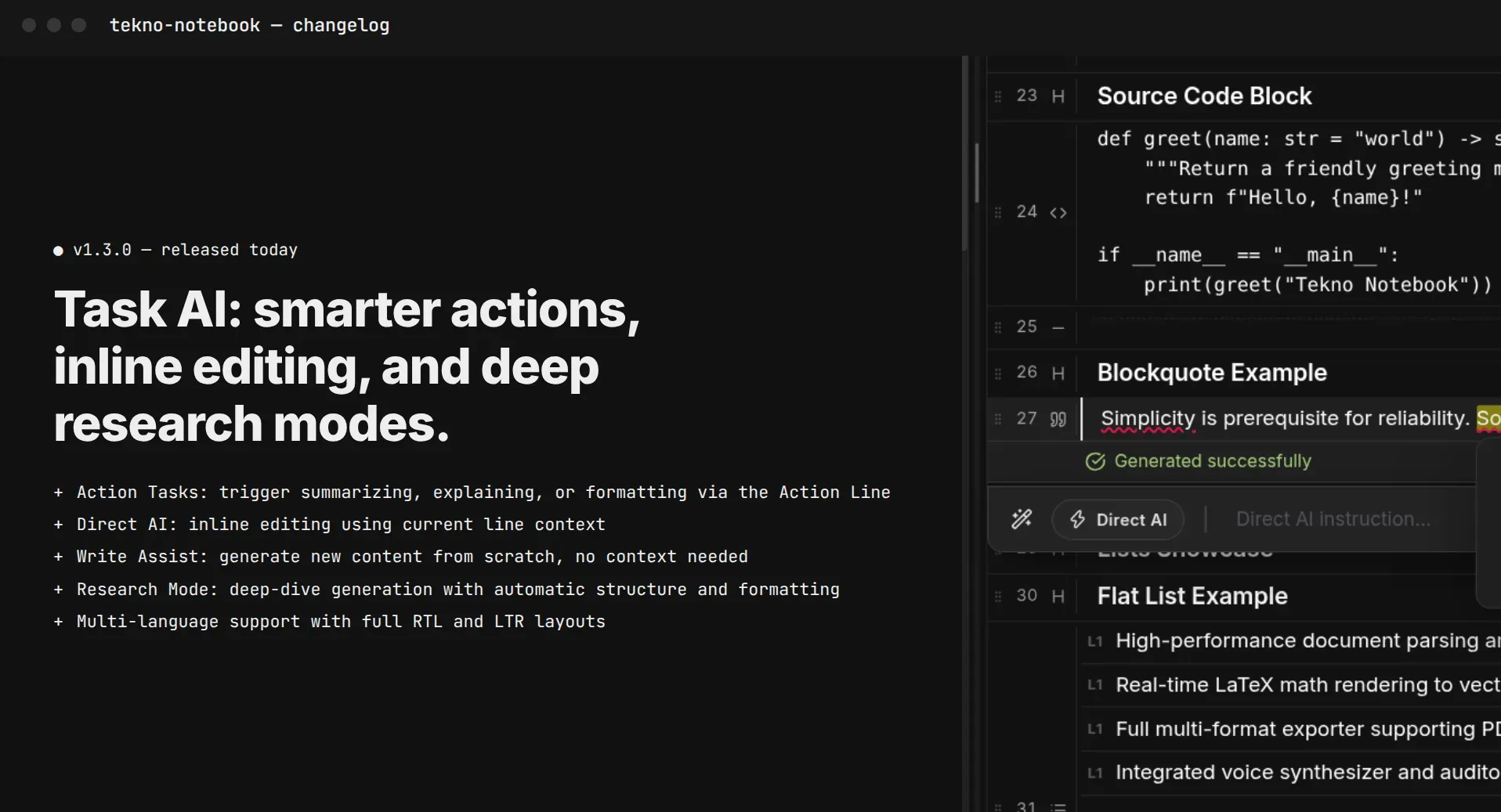
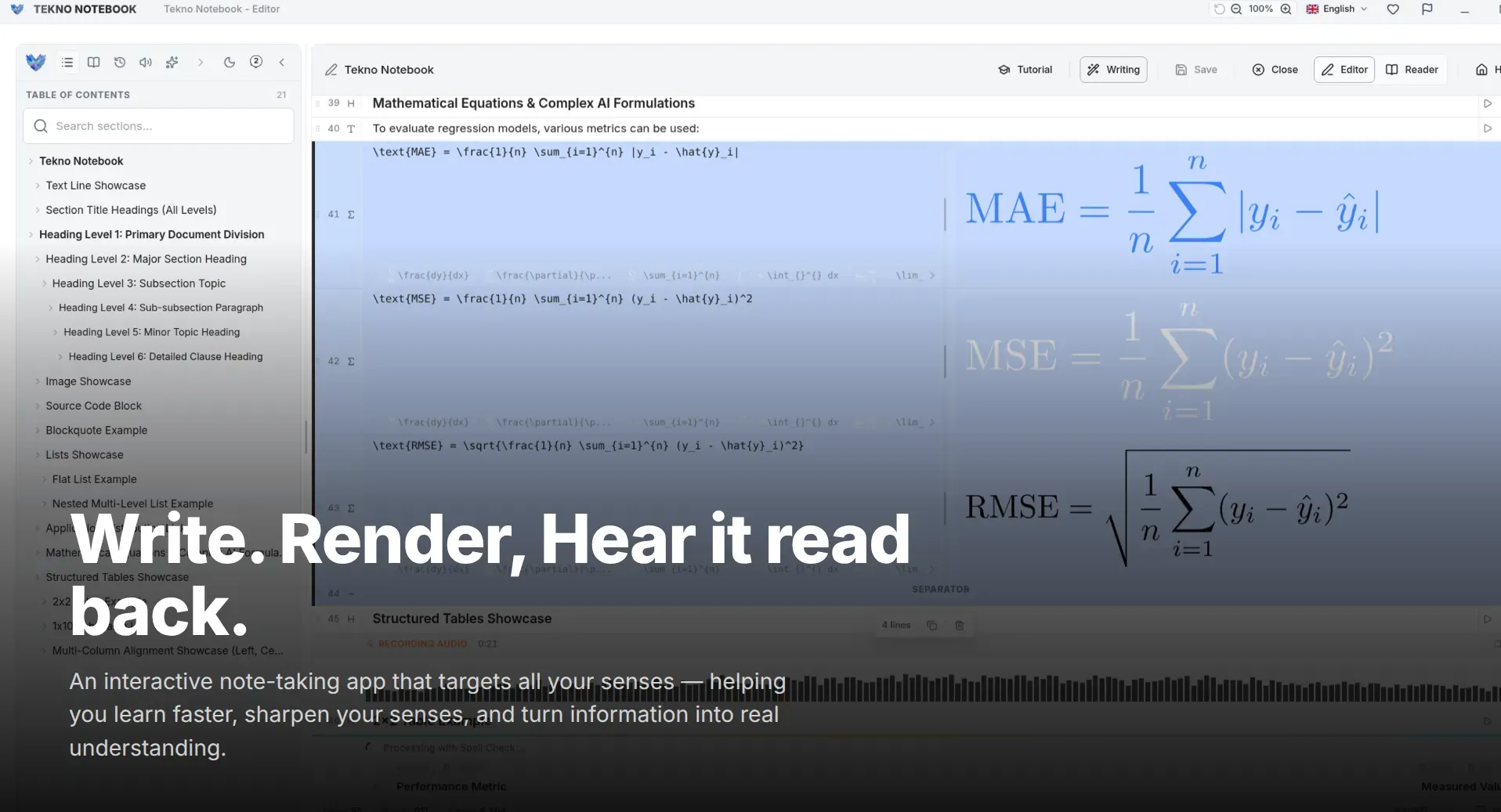
- Tekno Notebook: Best for instant offline desktop speed, smart line detection, live LaTeX math preview, and built-in audio review.
- Obsidian: Great for linked Markdown notes, though it often requires time-consuming plugin setup.
- Notion: Strong for group project databases, but relies on an internet connection and can lag during rapid lecture capture.
- OneNote: Useful for freehand stylus drawing, yet less streamlined for fast keyboard-first writing and LaTeX.
The best study app gets out of your way while you type and accelerates your review when exams arrive.
If you want a free desktop app that combines zero-lag writing, scientific math support, and audio review for your lecture notes, Tekno Notebook delivers that workflow with zero subscriptions.

Tekno Notebook
Capture lectures at full speed and review smarter without distractions
A free, offline-first desktop note-taking app combining smart line detection, instant LaTeX math preview, synchronized audio playback, and zero-lag typing.
- Ultra-fast typing with keyboard shortcuts and smart line formatting
- Instant LaTeX equations and tables for STEM university courses
- Built-in audio reader with live line highlighting for rapid review
- 100% offline desktop performance with zero subscriptions or tracking