Captive Portals and Evil Twin Wi-Fi: How Public Hotspots Intercept Your Browser—and When to Disconnect
Ever wonder how airport and hotel login screens pop up automatically? Learn how captive portals work, how fake Evil Twin hotspots mimic them, and four safety checks.
What Happens Behind the Scenes on Cafe or Airport Wi-Fi?
Captive portals intentionally intercept your first connection—which is why attackers love imitating them.
The moment you join a public hotspot, your phone or laptop sends a tiny unencrypted connectivity check to see if the internet responds normally. When the local router intercepts that check and redirects you to a splash page instead, your device recognizes a 'captive portal' and opens the login prompt automatically.
Legitimate Captive Portal vs. Evil Twin Hotspot
1. Legitimate Captive Portal
Used by hotels, airports, and cafes to display terms of service or verify a room number or voucher code. Once cleared, normal encrypted HTTPS traffic flows freely.
2. Evil Twin Access Point
An attacker broadcasts an open Wi-Fi network with the exact same name as the venue (such as 'Airport_Free_WiFi') and serves a fake login page asking for your email or social media password to 'unlock free internet.'
4 Quick Checks Before Clicking Connect in Public
- Never type your email, banking, or social passwords into a Wi-Fi splash screen—legitimate portals never ask for external account passwords.
- Confirm the official network name with staff and avoid duplicate lookalike SSIDs.
- Disable 'Auto-Join' for open public networks so your device never reconnects silently to a fake twin later.
- Disconnect immediately if your browser shows unexpected HTTPS certificate warnings.
The Golden Rule of Public Hotspots
Free Wi-Fi is convenient, and five seconds of healthy skepticism keeps it safe.
Any Wi-Fi welcome page asking you to install a profile or enter a personal account password is an immediate red flag to disconnect.

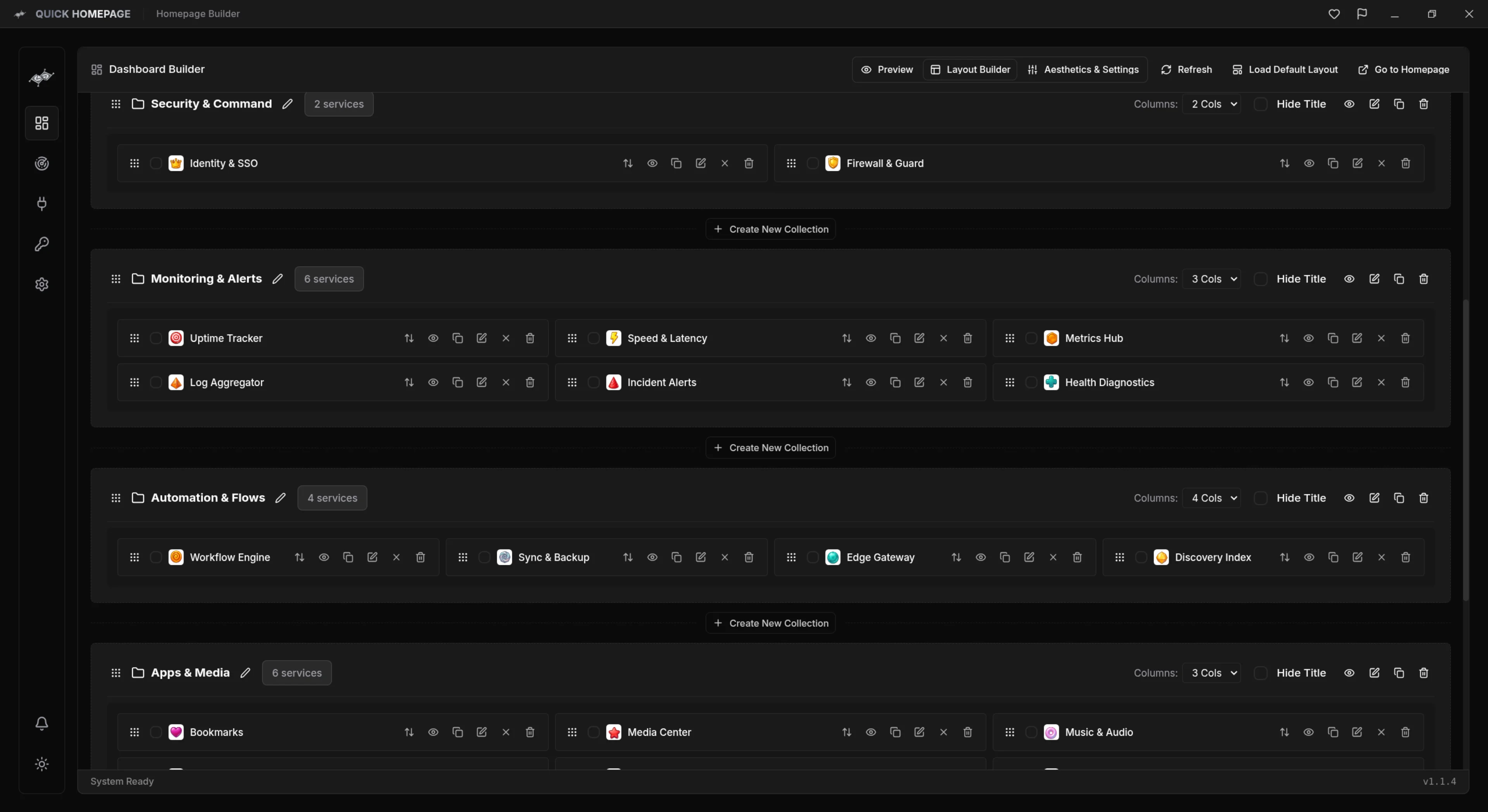
Quick Homepage
Bring All Local Devices and Network Services Together in Quick Homepage
A desktop and self-hosted dashboard that automatically discovers running services on your local network and organizes them into clean, lockable collections.
- Automatic discovery of active devices and services on your LAN
- Custom collections for one-click access to every local service
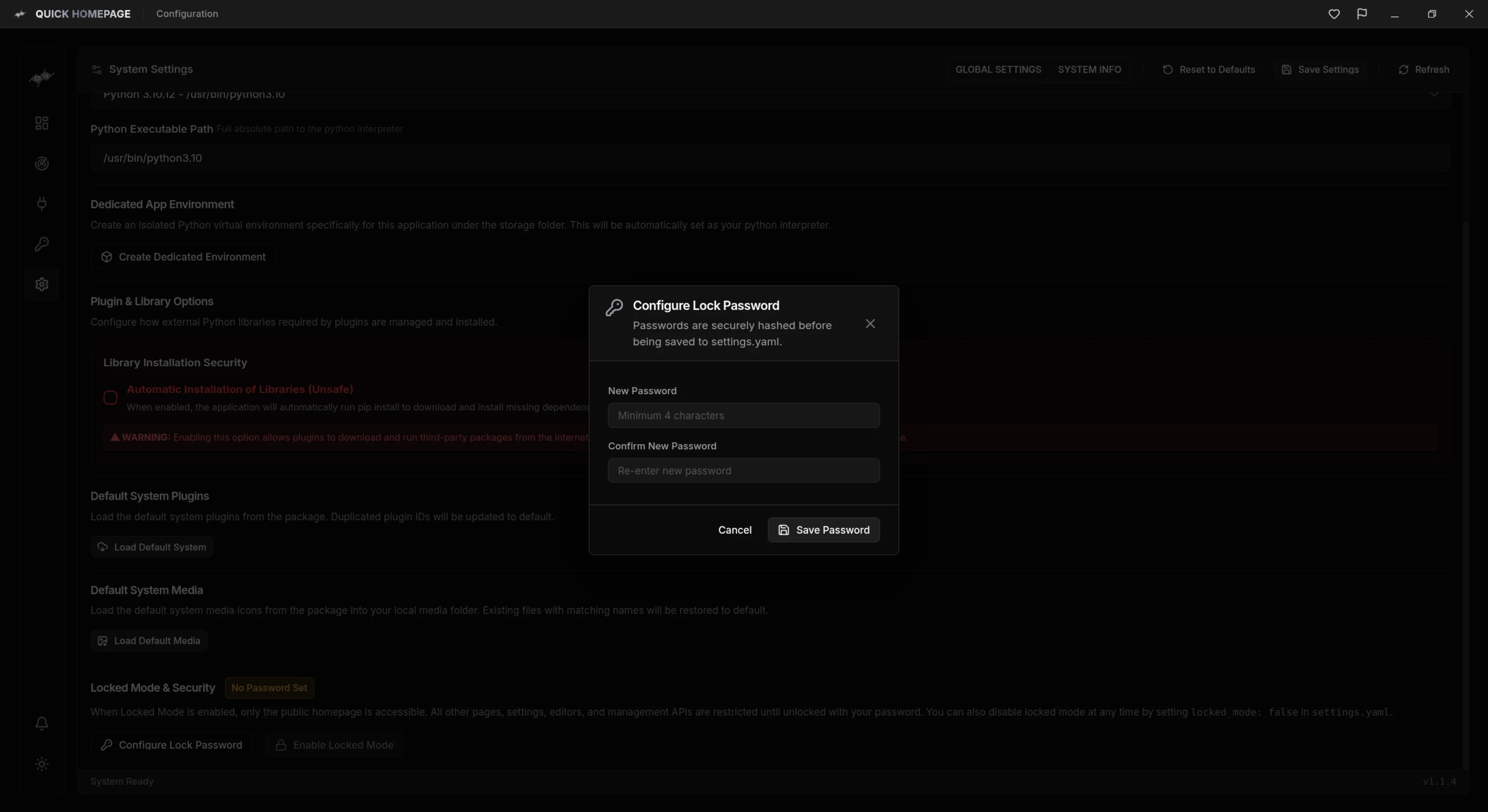
- Config Lock prevents accidental layout changes
- Visual GUI editor and extensible status widgets

