Browser Fingerprinting Explained: How Websites Recognize Your Device Without Cookies
Clearing cookies and opening Incognito mode does not make you invisible. Learn how sites combine screen size, fonts, and GPU quirks into a unique fingerprint—and what actually helps.
Why Deleting Cookies Doesn't Make You Anonymous
Even without an ID tag in your browser, the combination of tiny hardware clues uniquely identifies your setup.
Every time a webpage loads, your browser shares dozens of harmless technical hints so the page renders properly. Combined together, tracking scripts hash those clues into a 'browser fingerprint' that recognizes your device across visits—even after clearing cookies.
Signals That Build Your Browser Fingerprint:
Ironically, piling on dozens of random spoofing extensions often makes you stand out more, because very few people share that exact quirky combination.
4 Realistic Steps to Shrink Your Browser Fingerprint
Real web privacy is about blending into a large crowd, not looking exotic.
Apply these practical habits:
- Turn on built-in fingerprinting protection in your browser's privacy settings.
- Keep installed extensions minimal and remove anything you rarely use.
- Separate work, study, and casual browsing into distinct browser profiles.
- Run sensitive everyday tools locally on your own machine or LAN whenever possible.
Online privacy isn't about looking unique—it's about looking just like millions of other people.

Quick Homepage
Bring All Local Devices and Network Services Together in Quick Homepage
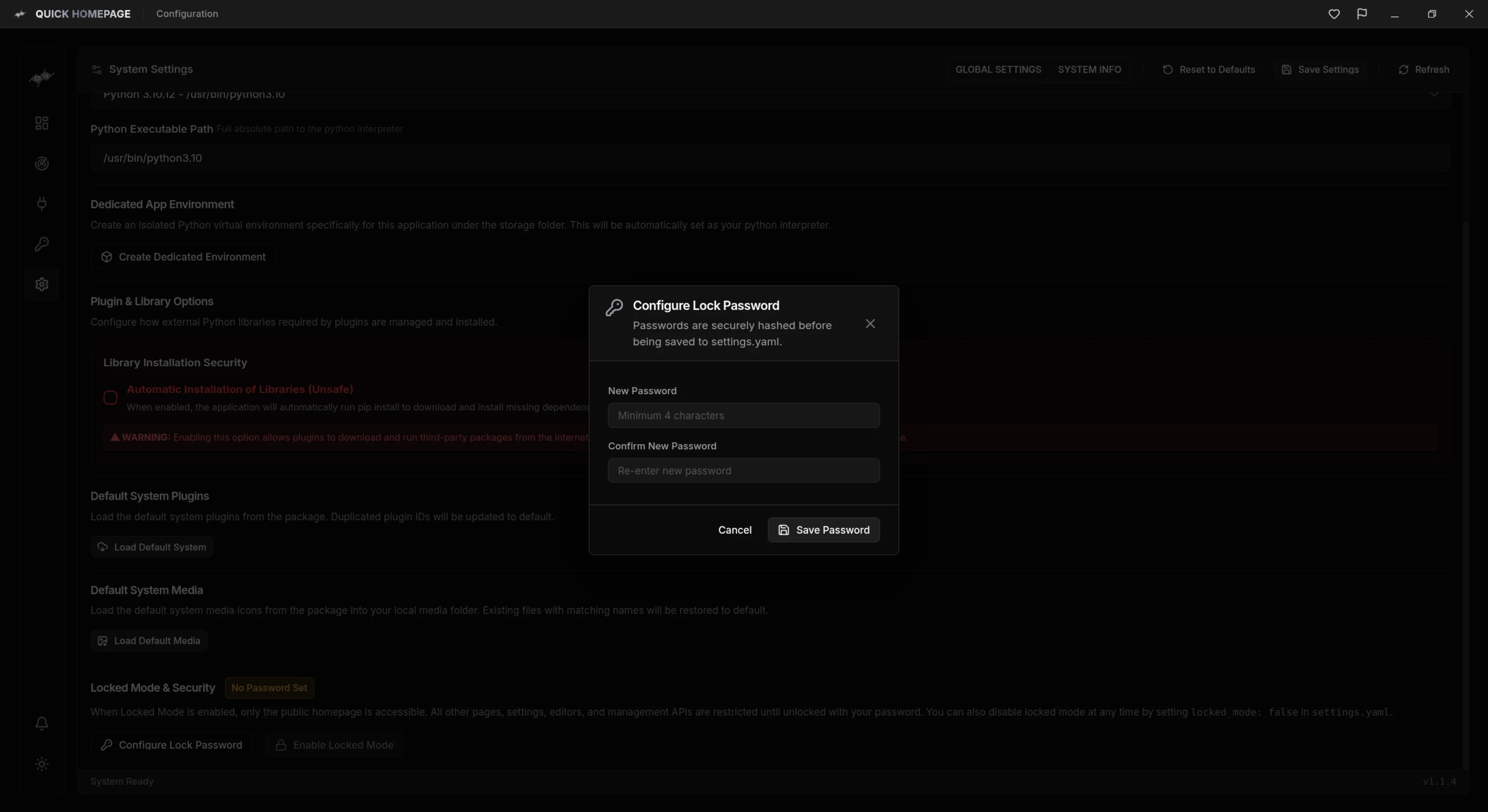
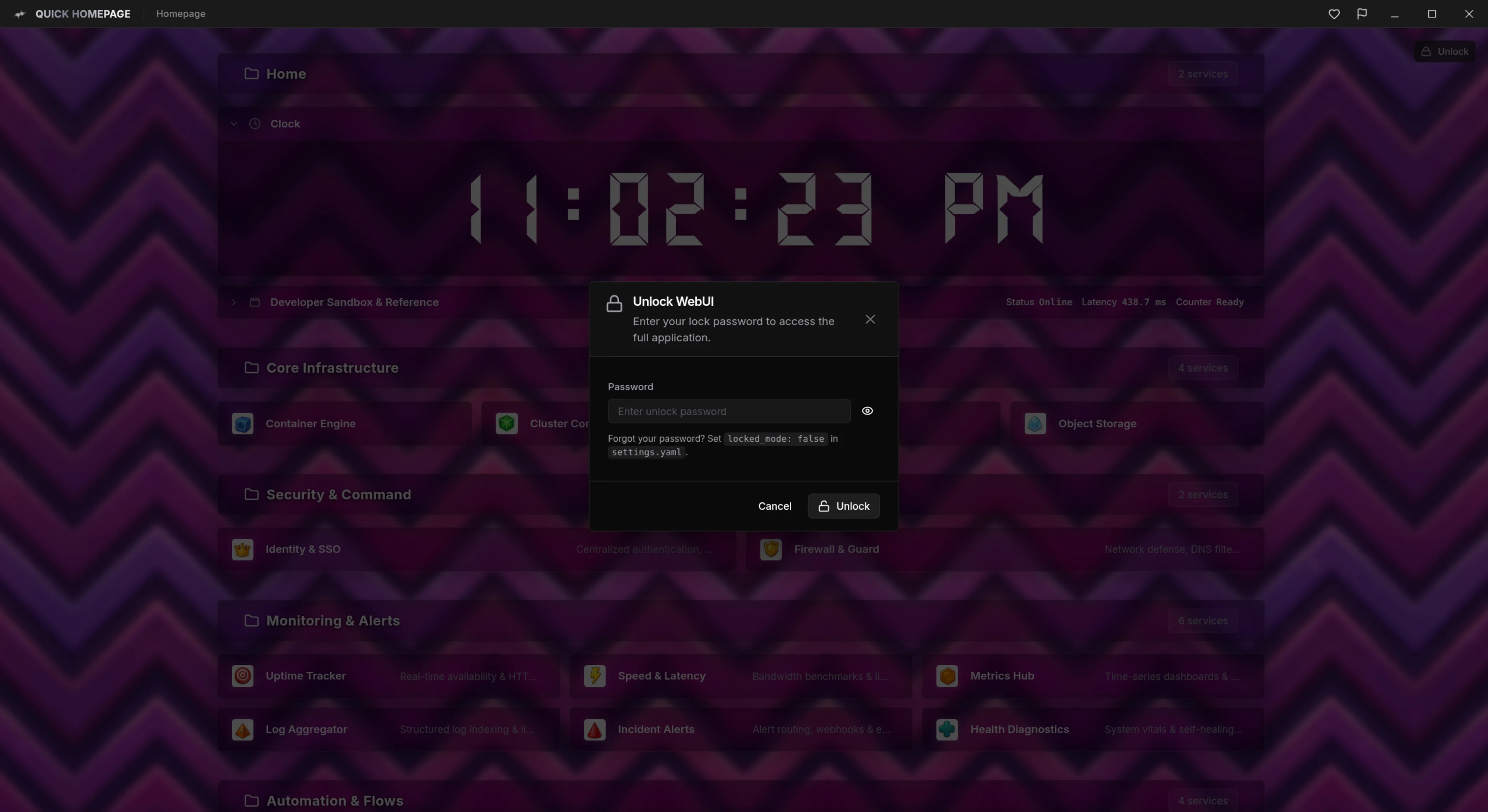
A desktop and self-hosted dashboard that automatically discovers running services on your local network and organizes them into clean, lockable collections.
- Automatic discovery of active devices and services on your LAN
- Custom collections for one-click access to every local service
- Config Lock prevents accidental layout changes
- Visual GUI editor and extensible status widgets