The Bookmark Graveyard: Why Browser Folders Fail for Everyday Web and Local Tools
Every bookmark bar starts tidy and ends as a pile of hundreds of forgotten links. Learn why a clean visual start page beats nested browser folders every time.
Why Every Bookmark Bar Eventually Turns Into a Digital Junk Drawer
Browser bookmarks were designed decades ago for static articles—not for launching dozens of daily apps and local dashboards.
If a link takes four clicks through nested folders to reach, you will end up typing the URL by hand anyway.
Everyone starts with neat bookmark folders for study, work, and local tools. Within months, read-later links pile on top of daily apps, titles get truncated, and half the links point to dead pages or outdated local ports.
Quick Checklist to Replace Bookmark Chaos With a Clean Hub

Why a Dedicated Start Page Beats Browser-Tied Bookmarks
Keeping your launchpad outside one browser means your workflow travels with you cleanly.
What changes when you switch to Quick Homepage:
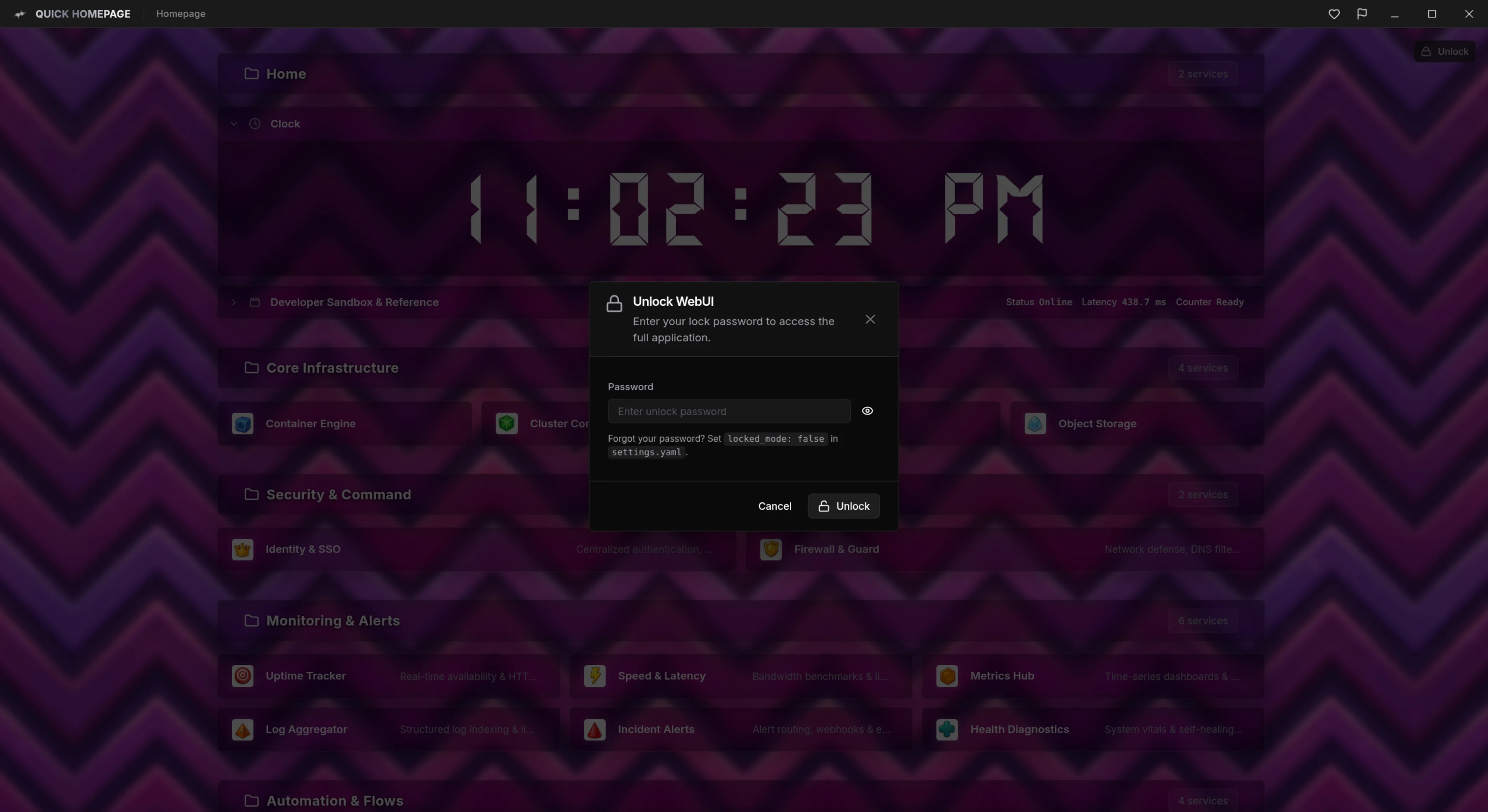
- Every daily tool and auto-discovered local service opens in one click from a clean grid.
- Switching browsers or workstations never breaks your layout or forces tedious exports.
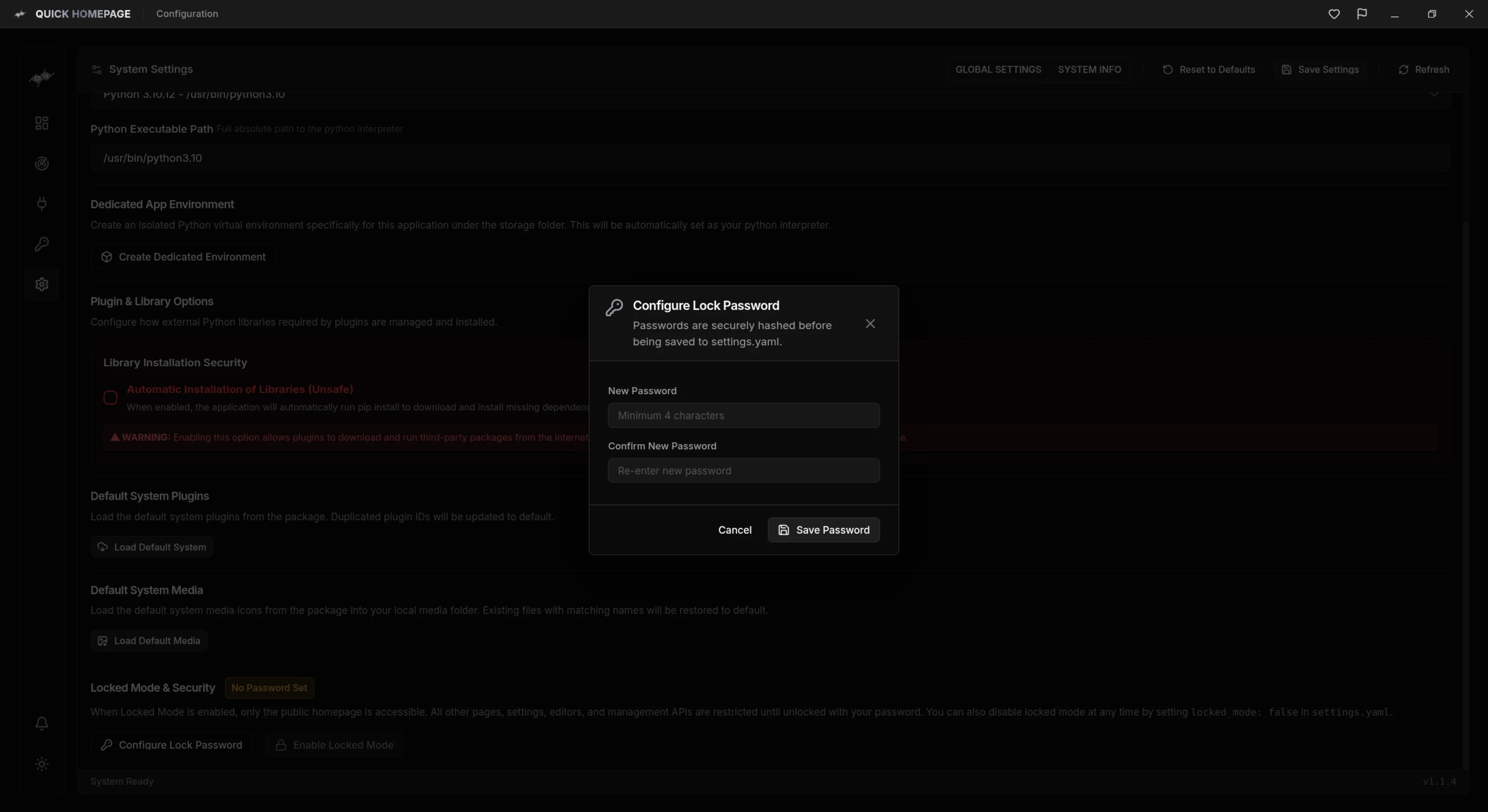
- You can lock the layout for daily speed and unlock it in a second whenever you add a new service.
Stop digging through cramped bookmark folders every morning—put the tools you actually use front and center with Quick Homepage.

Quick Homepage
Replace Cluttered Bookmark Folders With One Clean Start Page in Quick Homepage
Quick Homepage gathers your local services and daily links into scannable cards and collections—with instant lock/unlock controls and zero browser lock-in.
- Scannable visual cards with icons instead of cramped text menus
- Dedicated collections for work, study, and local network tools
- Lock or unlock editing in one click to keep layouts pristine
- Works independently of whichever web browser you prefer