Best Network and Port Scanner Apps to Auto-Discover Devices and Local Services
Looking for the fastest way to see active hosts and open ports on your LAN without memorizing CLI flags? Compare scanner approaches and see how Quick Homepage turns scan results into a one-click dashboard.
Why a Raw IP Table Is Not Enough When Scanning Your Network
Great discovery tools do not just print addresses—they turn them into effortless daily access.
When people search for the best network and port scanner apps, they usually hit two extremes: powerful command-line tools with steep syntax, or bare-bones utilities that dump a static IP list you close and forget. Five minutes later, you are still guessing which port runs your file server, printer, or monitoring tool.
4 Criteria That Define the Best Local Network Scanner App
- Reliable Detection Engine: Proven Nmap-based scanning to accurately spot live hosts and open ports.
- Human-Readable Output: Clear service identification instead of walls of cryptic terminal logs.
- Instant Actionability: The ability to save discovered services and launch them in one click later.
- Local-Only Privacy: Scans run strictly inside your LAN and never upload your network map to the cloud.

How Quick Homepage Bridges Network Scanning and Daily Access
Stop juggling a standalone scanner and scattered bookmarks—do both in one clean desktop app.
1. Built-In Nmap Scanning Without CLI Friction
Quick Homepage lets you run network and port discovery straight from its visual interface, surfacing active hosts and running web services across your LAN in seconds.
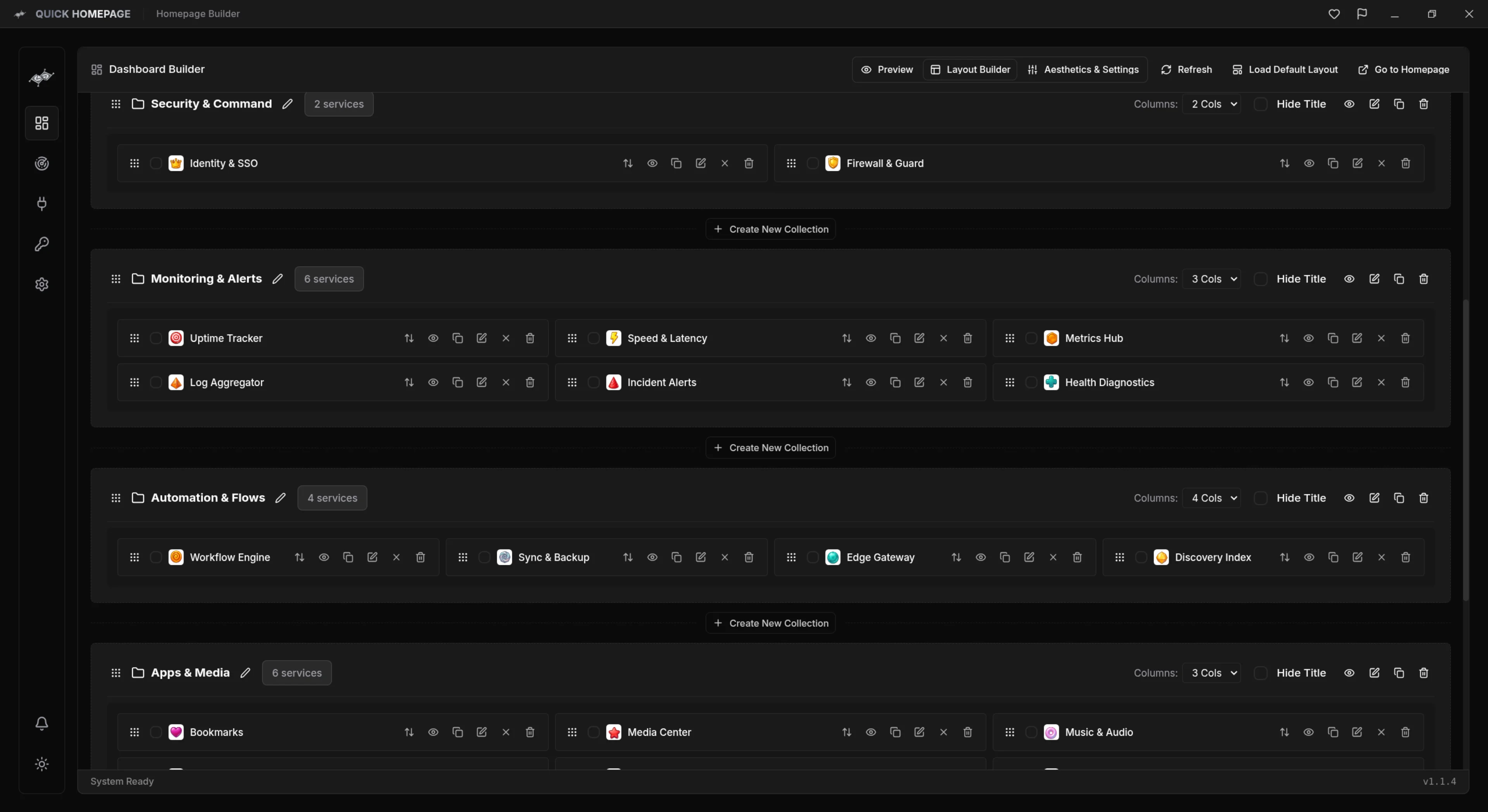
2. One-Click Saving Into Clean Collections
The moment a service appears, give it a readable name, description, and icon so it lives permanently on your dashboard—while all scan data stays privately on your device.
The best network scanner bridges the gap between discovering a service and launching it in one click every day.

Quick Homepage
Scan Your LAN and Turn Open Services Into Clickable Cards in Quick Homepage
Quick Homepage includes a built-in Nmap network and port scanner that automatically detects active hosts and running services—keeping every scan result 100% local on your machine.
- Built-in Nmap scanning discovers hosts, open ports, and running services
- Save discovered services straight into organized dashboard cards
- Scans run strictly on your local network with zero external data sharing
- Skip memorizing cryptic CLI flags and raw IP:port addresses