Best Lightweight Desktop Homelab Dashboard Apps for Windows and Linux
You should not have to maintain an extra server stack just to launch your home network tools cleanly. See why lightweight desktop dashboards—and Quick Homepage on Microsoft Store & Snapcraft—stand out.
Why Many Developers Prefer a Lightweight Desktop Homelab Dashboard
Install in seconds and launch instantly without maintaining yet another background stack.
Traditional dashboards often require spinning up containers, mapping volumes, and debugging reverse proxies before you even add your first link. If you work across Windows and Linux machines and want a snappy app that discovers your LAN right away, a dedicated lightweight desktop dashboard is hard to beat.
4 Things to Look For in a Desktop Homelab Dashboard
Everything Included Out of the Box in Quick Homepage
- Built-in Nmap network & port scanner for instant local discovery.
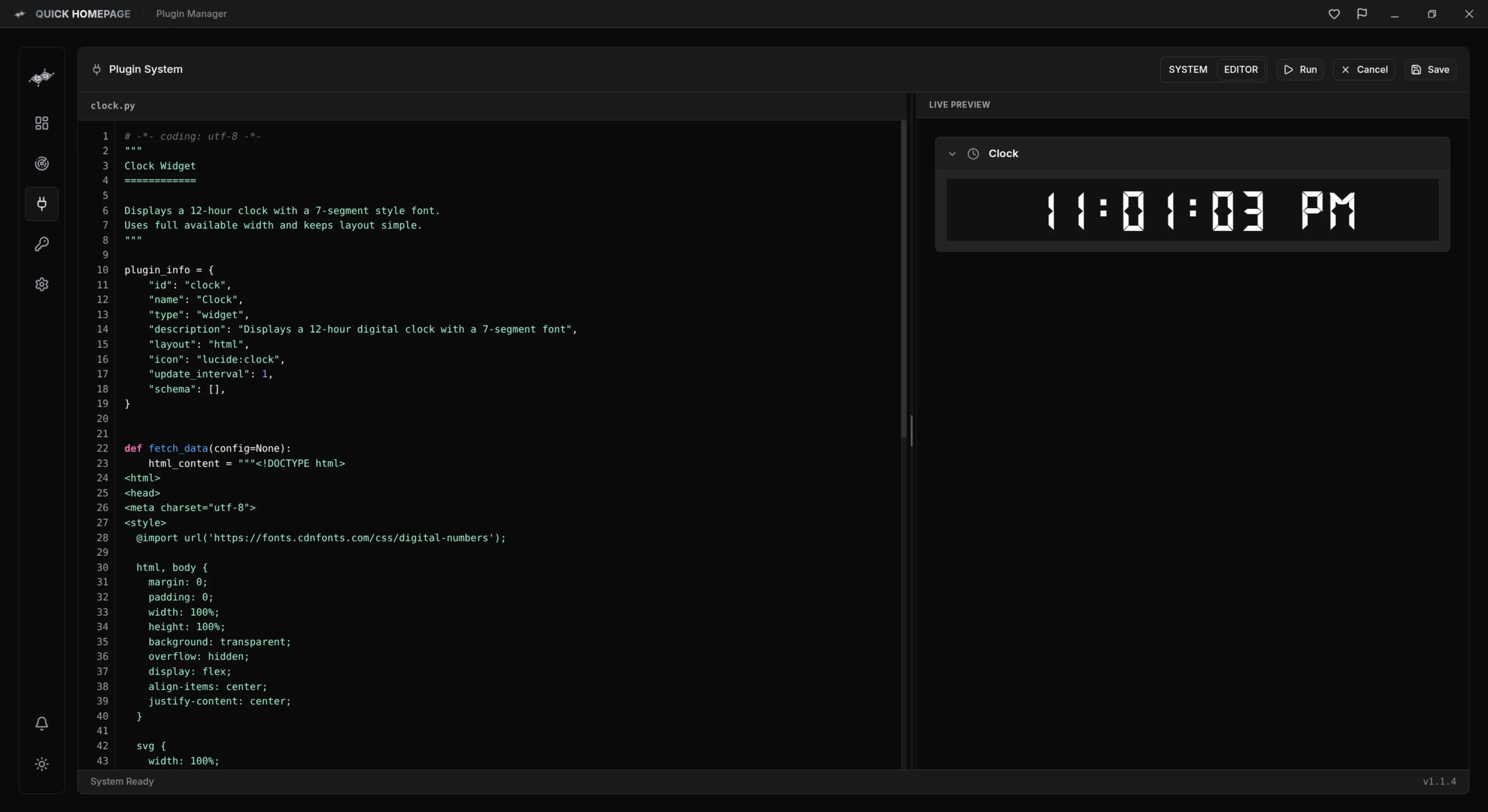
- Smart GUI Editor, direct YAML editing, and custom Python live widgets.
- Built-in aesthetic icon & wallpaper library plus custom image uploads.
- Password protection, Config Lock, one-way secret management, and zero tracking.

One Consistent Experience Across Windows and Linux
Install from your platform's official store and organize your LAN in minutes.
Whether you run Windows via Microsoft Store or Linux via Snapcraft, Quick Homepage gives you the same fast, private, full-featured hub to manage every device and service on your network.
The best homelab tool starts working in sixty seconds and stays dependable for years.

Quick Homepage
Fast, Lightweight Desktop Dashboard on Microsoft Store and Snapcraft
Quick Homepage runs as a clean desktop and self-hosted homelab dashboard, available with one-click installation on Windows via Microsoft Store and Linux via Snapcraft.
- One-click official installation on Windows via Microsoft Store
- Instant installation on Linux distributions via Snapcraft
- Zero extra web-server maintenance required to get started
- Packs Nmap discovery, Python widgets, icons, and password lock in one app