Best Free Custom Start Page for PC Without Browser Extensions (Windows & Linux)
New-tab browser extensions slow down tabs and ask for broad permissions. Learn why a standalone local start page like Quick Homepage is cleaner, faster, and more private.
Why a Standalone Start Page Beats New-Tab Browser Extensions
Many new-tab add-ons bloat memory, inject ads, or vanish the moment you switch browsers.
Your daily launchpad should work across every browser you use—not lock your links inside one extension watching your tabs.
More users are searching for a clean custom start page for PC that does not rely on heavy browser extensions or cloud accounts. A local desktop hub keeps your morning fast and uncluttered.
Checklist: What to Look for in a Standalone PC Start Page

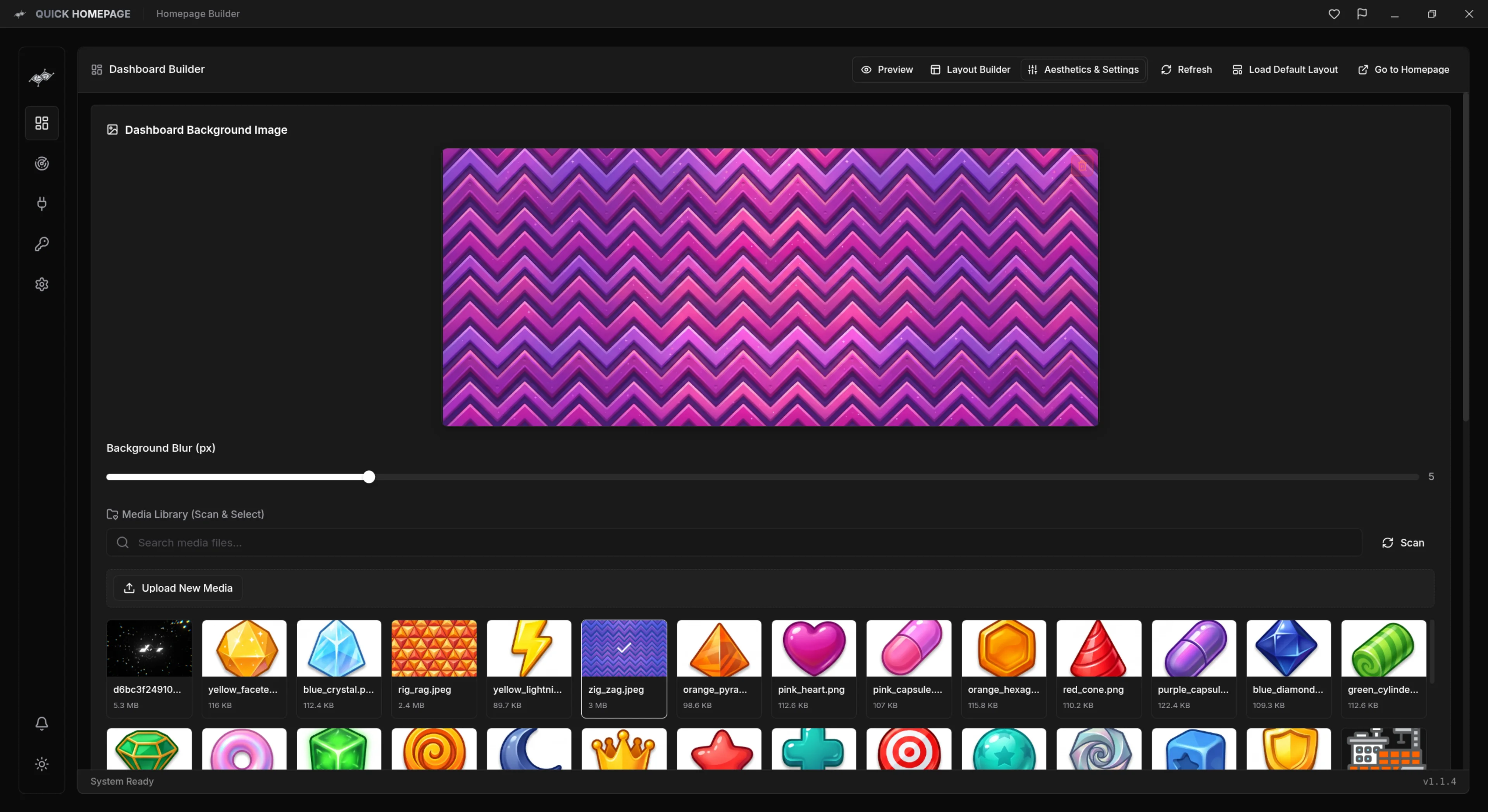
Personalize Your Workspace in Two Minutes With Quick Homepage
Clean visual polish without cloud clutter or coding.
Quick Homepage lets you craft a calm, high-speed launchpad tailored to your exact routine:
1. Dedicated Collections With Crisp Icons and Wallpapers
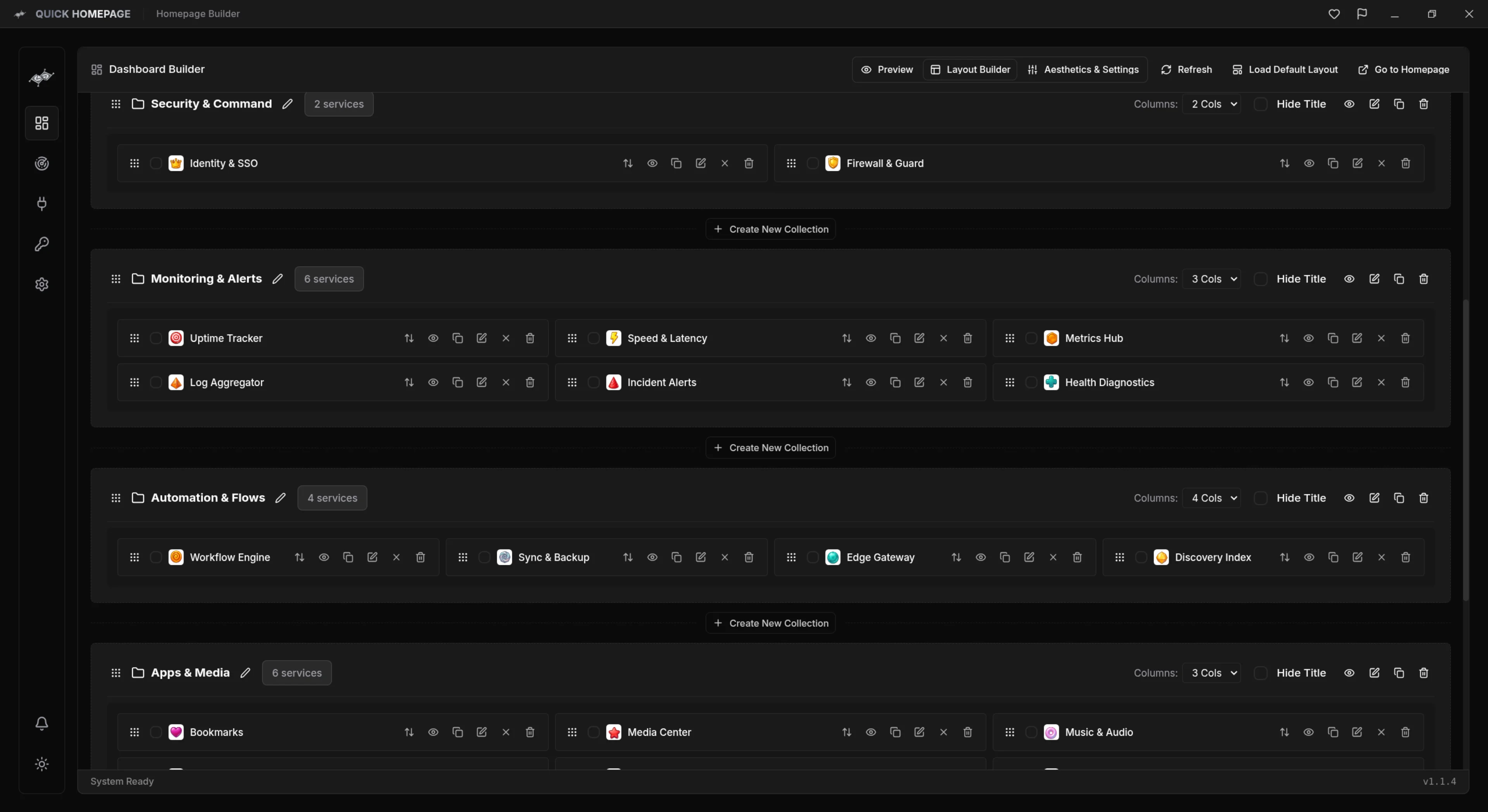
Group your daily tools into Work, Study, and Local Services—styled with clean icons and wallpapers so your eye finds every card instantly.
2. Local Privacy on Windows and Linux
Your layout lives locally on your machine with zero cloud lock-in and works smoothly alongside any browser.

Quick Homepage
Design a Clean, Private Start Page With Custom Icons and Wallpapers in Quick Homepage
Quick Homepage gives you a standalone desktop start page with organized collections, icon and wallpaper libraries, and local-first speed on Windows and Linux.
- Zero browser extensions and zero browsing-history permissions
- Customize collections, icon libraries, wallpapers, and themes
- Combine everyday websites and local LAN services in one place
- Free desktop install on Microsoft Store and Snapcraft