Zero-Trust Home Networking: Why Smart Gadgets Should Never Share Wi-Fi With Your Laptop
Smart bulbs, plugs, and cameras rarely receive long-term security updates. Learn how simple network segmentation protects your personal files if a household gadget is ever compromised.
When Your Cheapest Smart Gadget Becomes a Backdoor
A strong Wi-Fi password does not help if an outdated sensor sits on the exact same network as your work laptop.
Most households connect everything to a single Wi-Fi name: work laptops, personal phones, local file storage, and inexpensive smart plugs or cameras. The risk is simple—budget smart devices often stop receiving security patches within a year, quietly becoming the weakest link in the house.
A zero-trust mindset fixes this with one practical rule: never assume a device is safe just because it lives inside your walls. Placing smart gadgets on an isolated network keeps any compromised accessory away from your personal files and accounts.
Three Practical Wins of Segmenting Your Home Network
1. Contain Problems Before They Spread
If a smart camera or plug ever develops a vulnerability, isolation prevents it from scanning or reaching your computers.
2. Keep Your Primary Network Clean and Predictable
Separating guest phones and household gadgets leaves your main network focused strictly on trusted devices.
3. Spot Unknown Devices Much Faster
A smaller, cleaner primary network makes unusual hosts and unexpected open ports stand out immediately.
Five Practical Steps to Isolate Smart Devices at Home
You do not need enterprise hardware to add meaningful network boundaries.
- Enable your router’s guest Wi-Fi network and dedicate it to smart plugs, bulbs, and cameras.
- Turn on client isolation so smart gadgets cannot talk directly to your laptops or local storage.
- Retire outdated smart devices that no longer receive firmware updates.
- Run a quick local network scan periodically to verify every active device and open port.
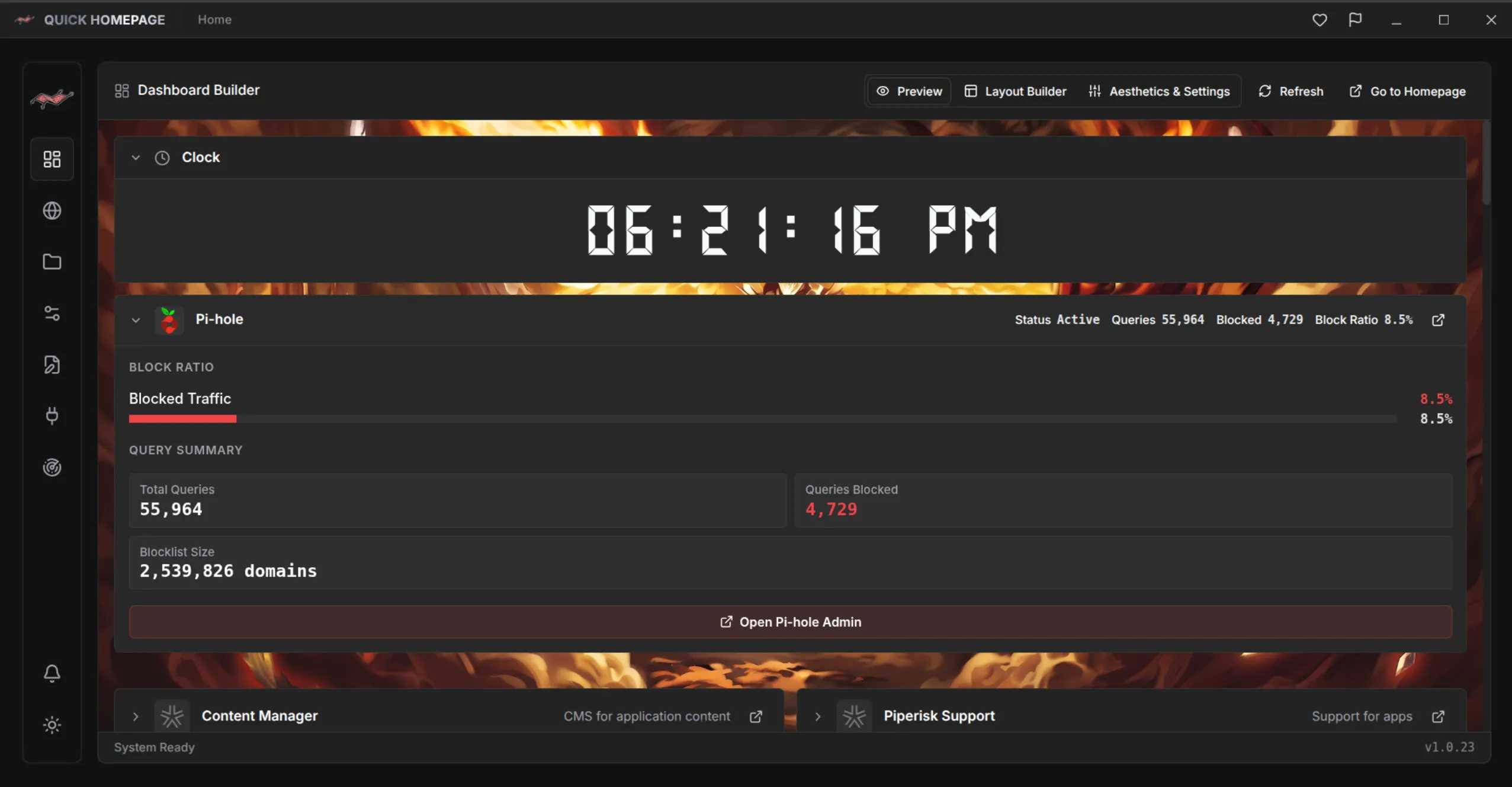
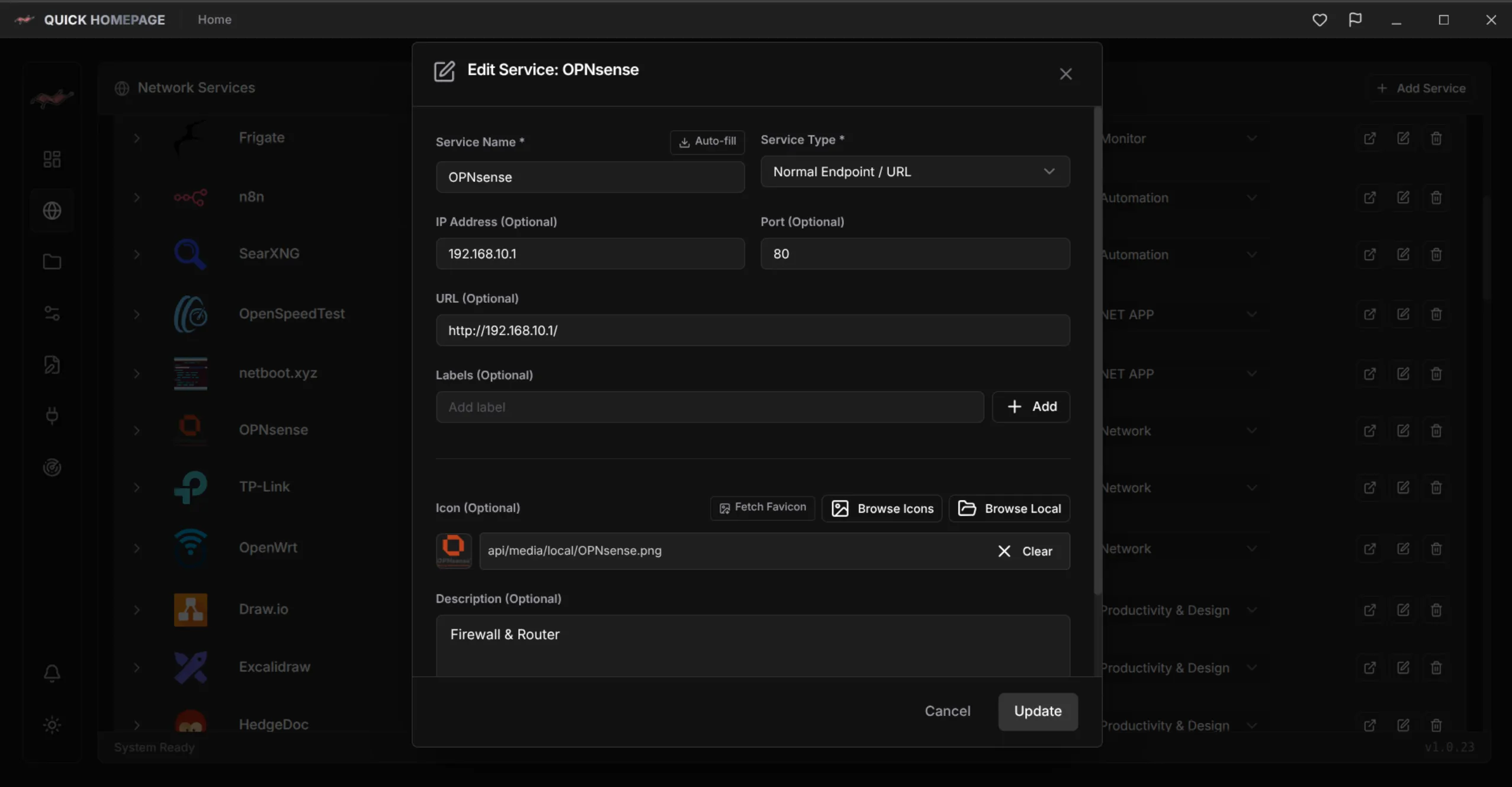
- Keep your router panel and trusted local tools gathered in one tidy dashboard for regular checks.
Real home security is not just a strong Wi-Fi password—it is making sure one weak gadget can never reach your most valuable files.
Clear Visibility Over Every Trusted Service on Your Network
Quick Homepage pairs clean organization with built-in local network scanning, discovering active hosts, ports, and services while arranging your trusted dashboards into one-click collections.
Move your smart gadgets onto an isolated Wi-Fi network today and run a quick scan so you know everything running inside your home.

Quick Homepage
Every Service on Your Network, One Click Away
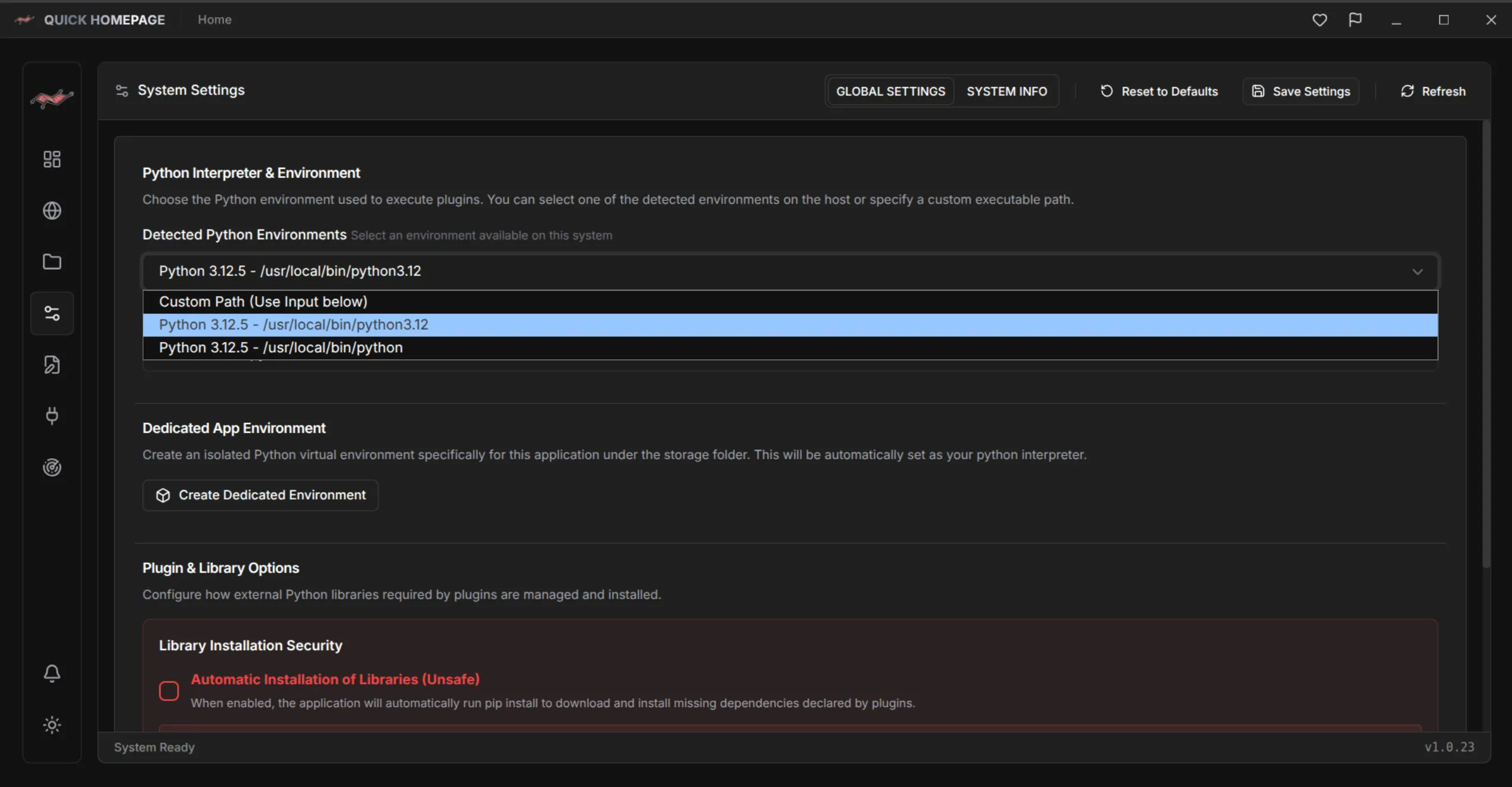
Quick Homepage is a desktop and self-hosted homelab dashboard that discovers running services with built-in Nmap scanning and organizes them into collections. Linux is supported today, with Windows planned.
- Built-in Nmap network and port scanner finds hosts, ports, and services
- Custom names, URLs, descriptions, and icons with a built-in icon and media library
- Collections, layouts, plugins, and live widgets for your homelab
- Configure through the GUI or edit YAML files directly