Zero Trust at Home: Simple Cybersecurity Habits for Everyday Networks Without Enterprise Complexity
Zero Trust is not only for giant corporations. Learn three down-to-earth principles that protect your home network, personal devices, and local services.
Why a Strong Wi-Fi Password Alone Is No Longer Enough
Old security assumed everything inside the walls was safe; Zero Trust verifies every device and service.
Traditional networking treated your router like a castle moat: once inside, every device trusted everything else. With dozens of phones, laptops, smart gadgets, and self-hosted tools sharing the same space today, one forgotten open port or unpatched gadget can expose far more than intended. Zero Trust replaces blind trust with clear, practical habits.
Three Simple Pillars of Zero Trust at Home
1. Authenticate Every Local Service
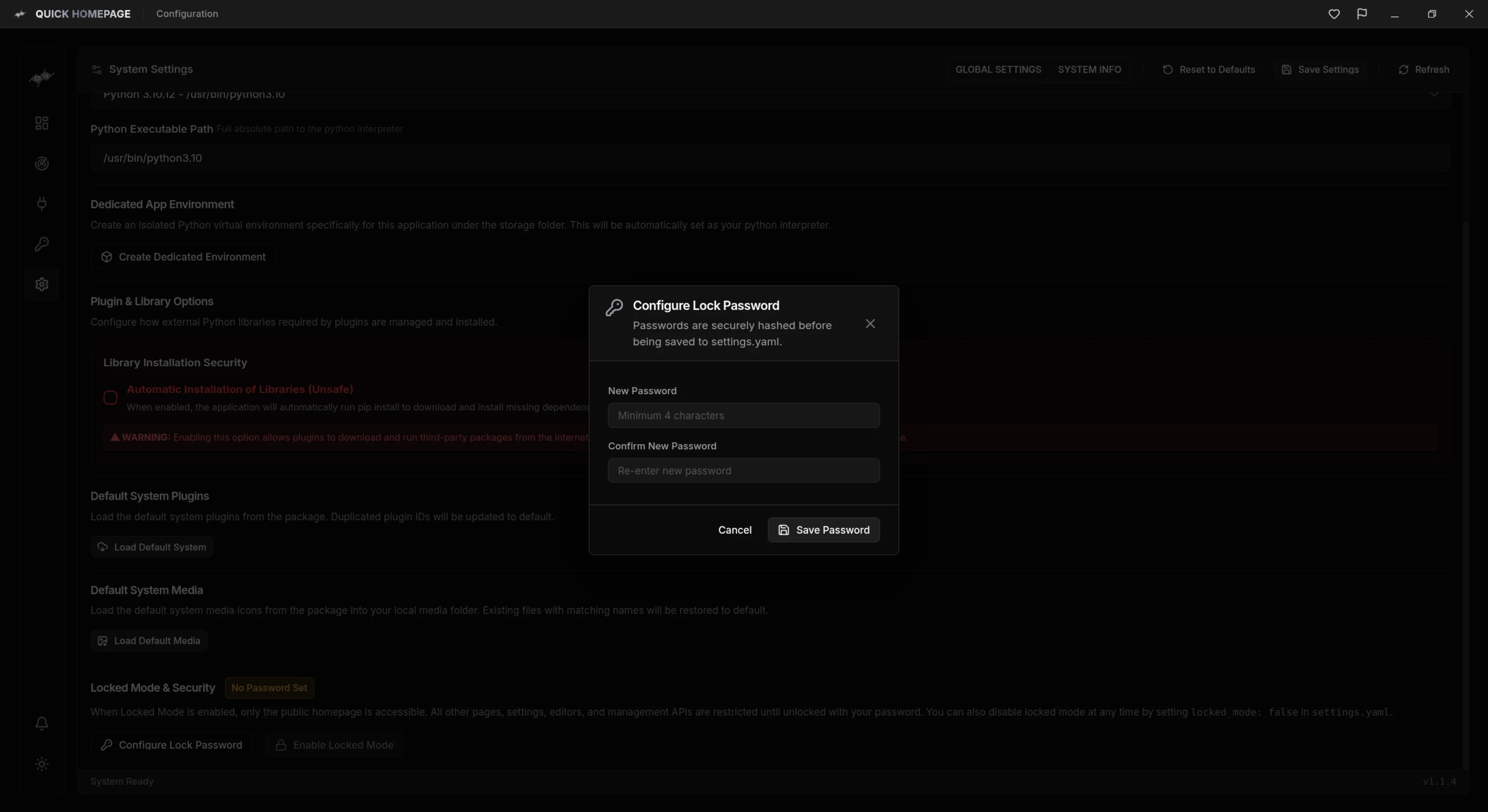
Never leave local dashboards, file shares, or admin panels without strong, unique passwords—even if they only run inside your LAN.
2. Follow Least Privilege
Avoid using administrator accounts for daily browsing, and only keep ports open for services you actively rely on.
3. Keep Continuous Visibility Over Your Network
You cannot secure what you cannot see. Knowing which hosts and ports are active lets you spot unexpected changes right away.


Four Monthly Habits That Keep Your Network Clean
Ten minutes once a month puts your home security far ahead of the curve.
- Apply router and operating system security updates promptly.
- Shut down test services or containers you no longer use.
- Run a quick local network scan to verify every active host and port.
- Protect admin panels with unique passwords and two-factor authentication wherever supported.
You cannot protect a service you forgot was still running on your network.
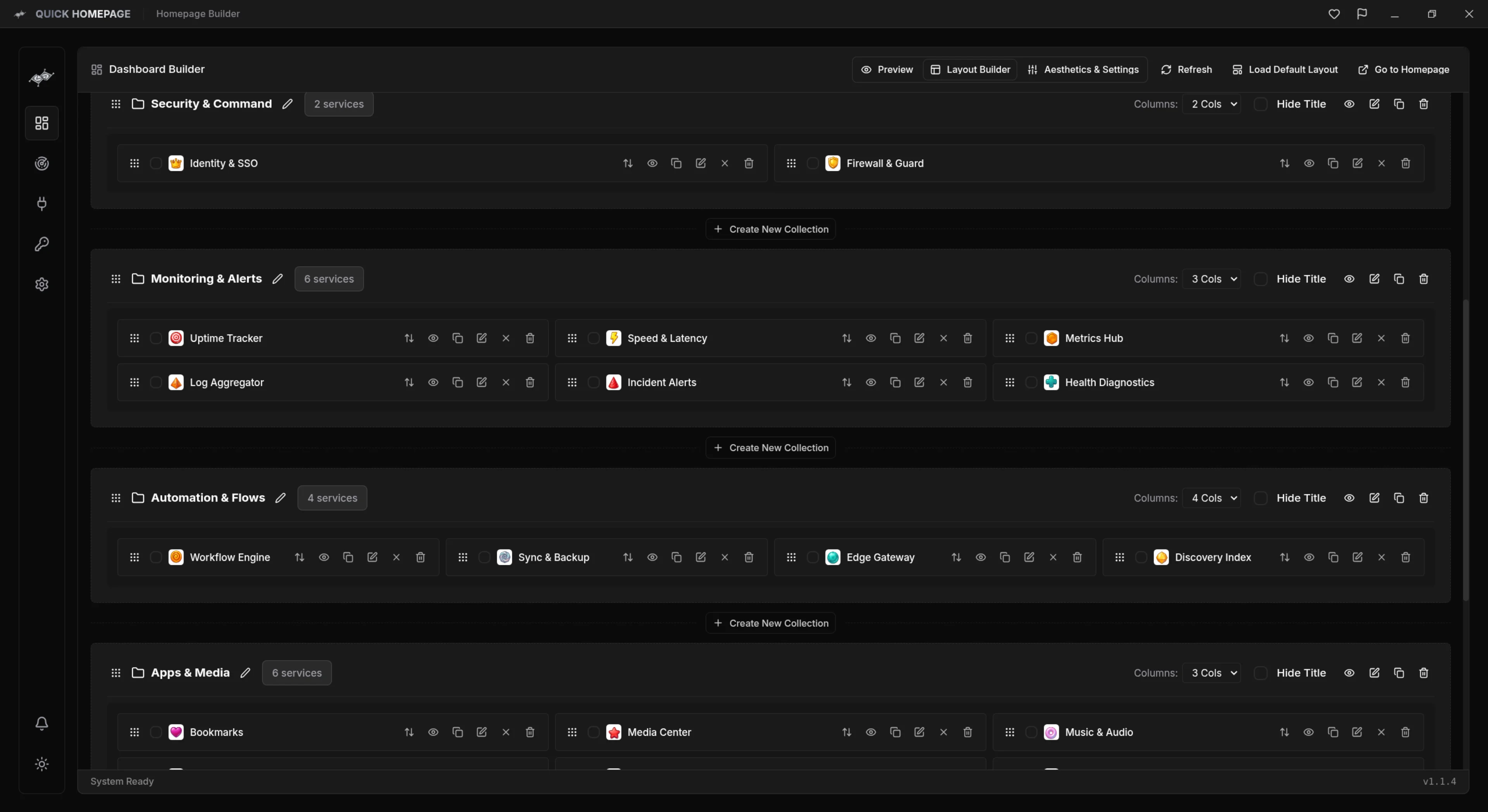
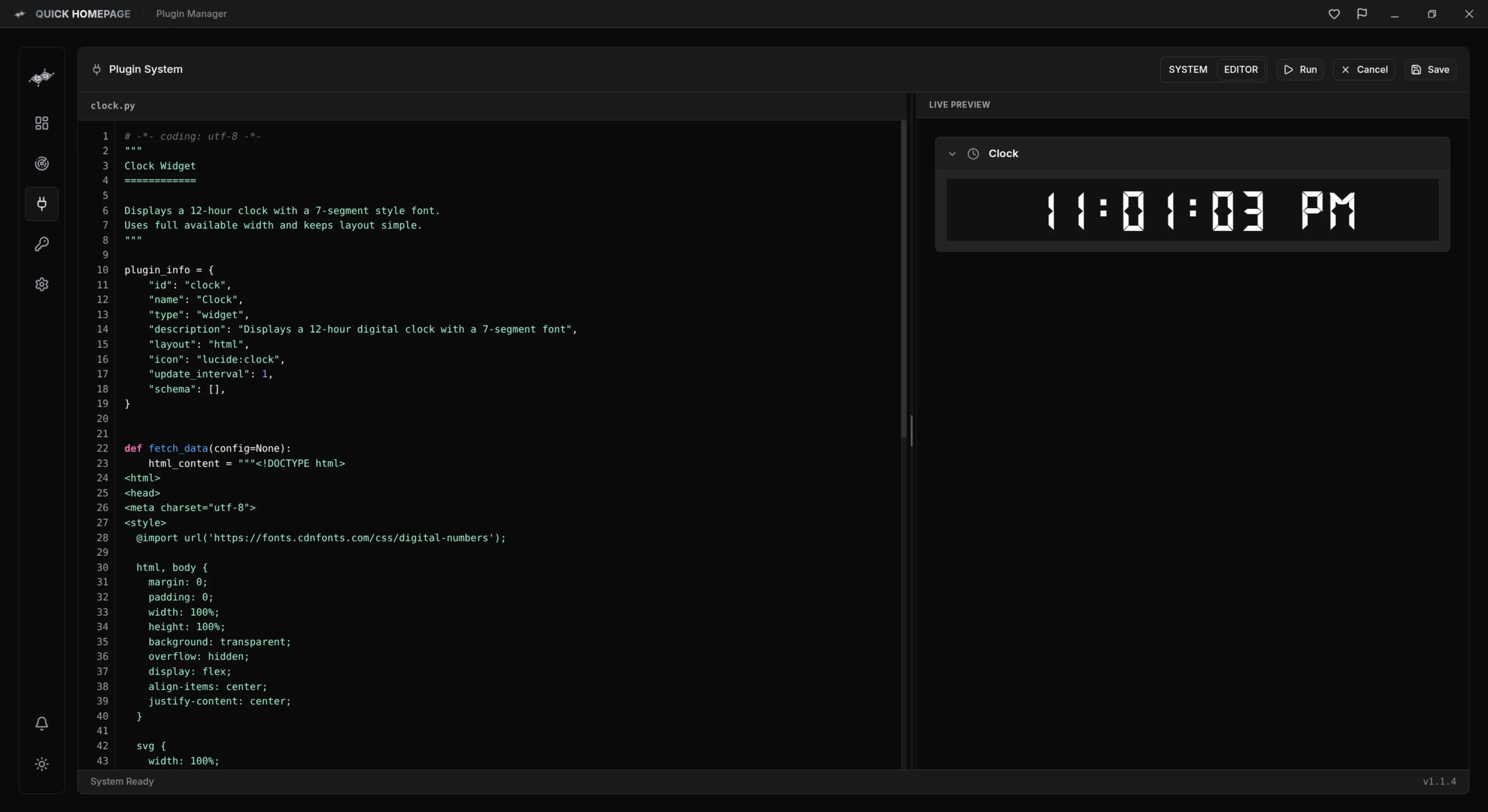
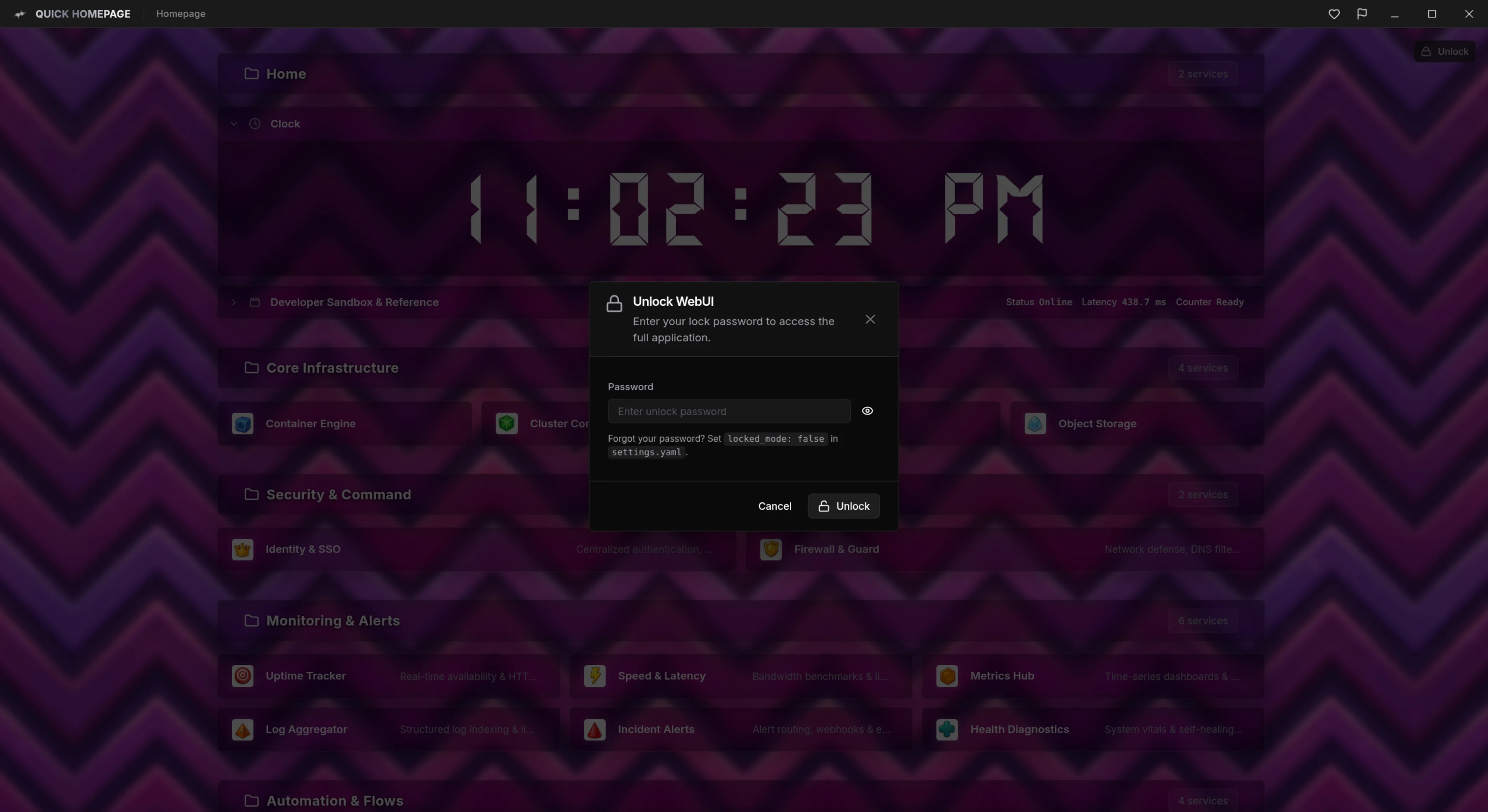
Quick Homepage makes that visibility effortless by combining a built-in network and port scanner with a tidy dashboard for every legitimate service you run.

Quick Homepage
Every Service on Your Network, One Click Away
Quick Homepage is a desktop and self-hosted homelab dashboard that discovers running services with its built-in network and port scanner and organizes them into collections. Available on Linux and Windows.
- Built-in network and port scanner finds hosts, ports, and services
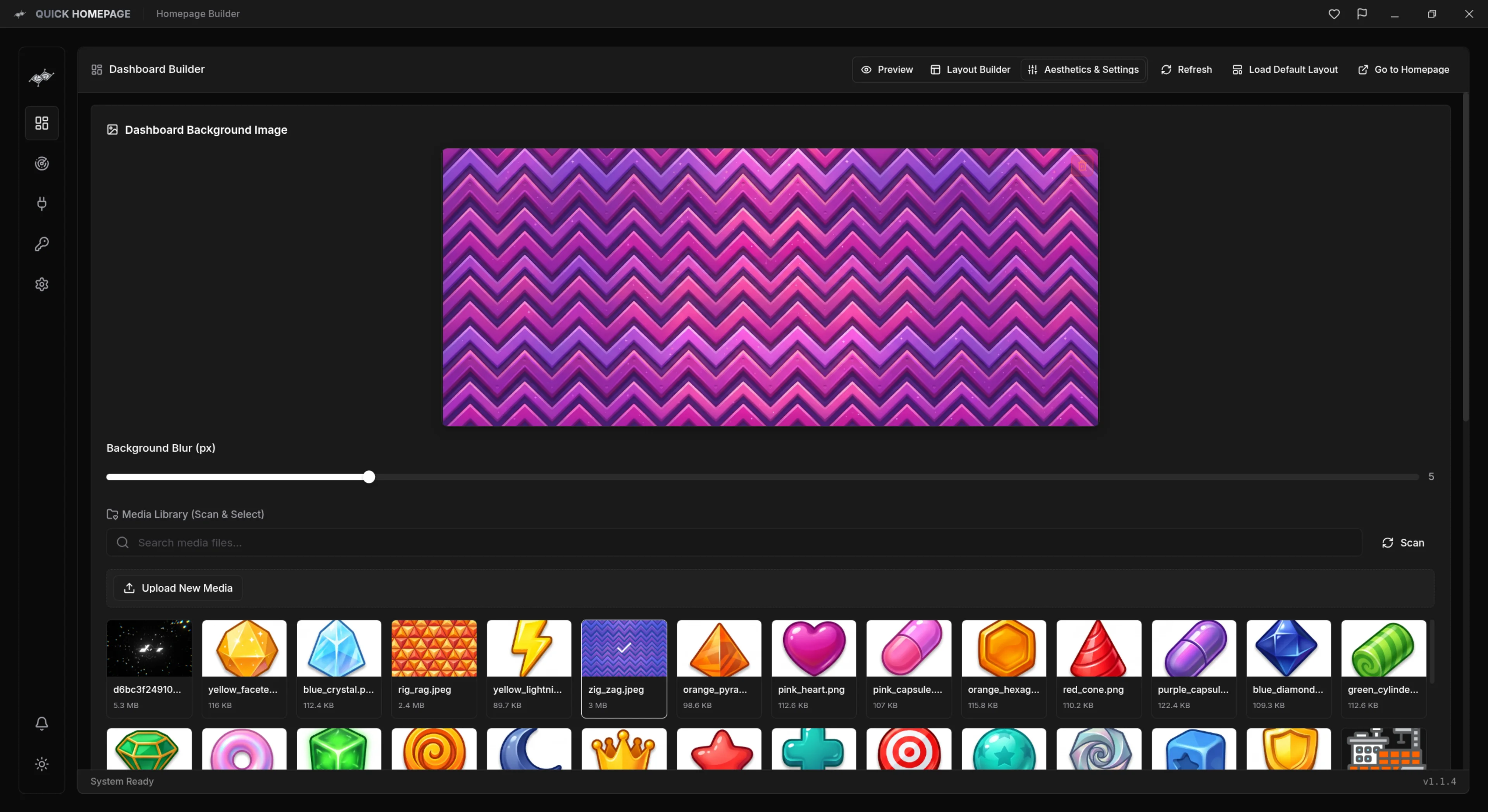
- Custom names, URLs, descriptions, and icons with a built-in icon and media library
- Collections, layouts, plugins, and live widgets for your homelab
- Configure through the GUI or edit YAML files directly