Why Developers Switch to Tekno Notebook: An Offline Code, Markdown & AI Prompt Debugger Hub
Tired of sluggish cloud note apps and scattered code snippets? Discover how Tekno Notebook gives developers fast keyboard workflows, code blocks, LaTeX, and a built-in prompt debugger—100% offline.
What Developers Actually Want in a Daily Technical Notebook
Instant launch, crisp code blocks, fast keyboard control, and private local files.
Many developers start with bloated cloud workspaces—only to get frustrated by slow startup times, subscription paywalls, and uploading internal architecture notes to third-party servers. Tekno Notebook brings speed and ownership back to technical note-taking on Windows and Linux.
4 Reasons Tekno Notebook Fits Everyday Engineering Workflows
# Example Dev Runbook inside Tekno Notebook:
## 1. Command & Code Block
docker compose pull && docker compose up -d

## 2. Math / Complexity Note
Time: O(n log n) | Space: O(n)

## 3. Verified AI Prompt Template
"Review this patch for race conditions only. Output max 3 bullets." 
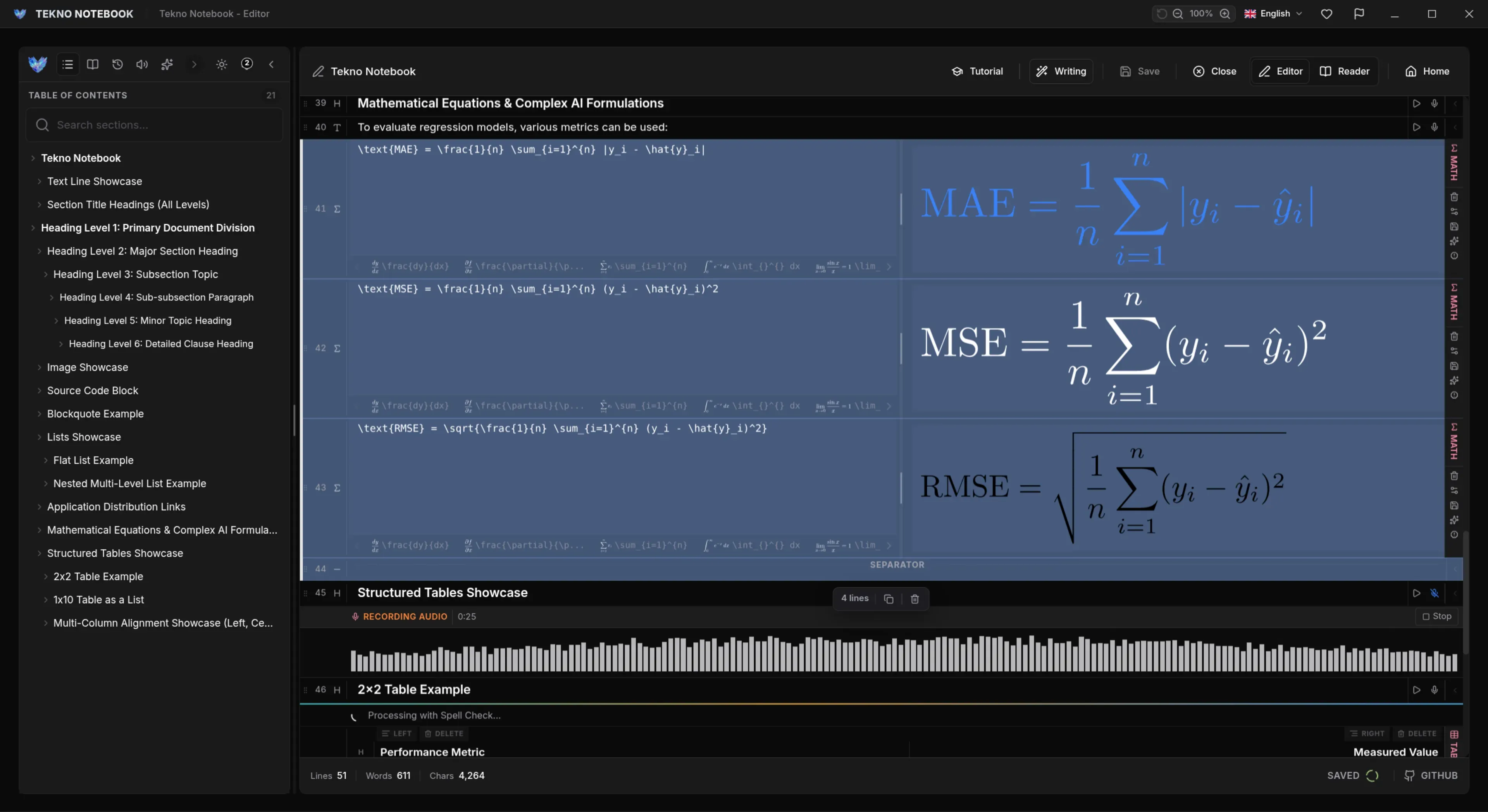
Own Your Technical Knowledge Base 100% Locally
No subscriptions, no forced sync, and zero friction when you are offline.
By uniting clean code documentation, a built-in prompt debugger, and pure offline performance, Tekno Notebook gives you a personal engineering library ready the millisecond you need it.
Great developer tools are not measured by bloat—they are measured by how fast you can capture a fix before it slips away.

Tekno Notebook
Your Code Snippets, Runbooks, and Prompt Templates Offline in Tekno Notebook
Tekno Notebook blends keyboard-first speed, clean code blocks, live LaTeX, and a built-in AI prompt debugger—with Markdown/PDF export and zero cloud lock-in.
- Keyboard-first speed with smart line detection and drag-to-reorder
- Built-in AI system and prompt debugger for repeatable dev templates
- Clean Markdown and PDF import/export with images and code intact
- Free on Windows and Linux with zero accounts or telemetry

