Why Your Browser Eats All Your RAM: 5 Practical Fixes to Speed Up Your PC Today
Fans spinning loud and memory stuck at 90% with dozens of open tabs? Learn why modern browsers consume so much RAM and how a lightweight start page frees your system.
Why Modern Browsers Easily Swallow 6 to 10 GB of RAM
Every open tab runs almost like a separate standalone app—complete with background scripts and extensions.
You do not keep 35 tabs open because you are reading all 35 right now—you keep them open because you are afraid of losing the links.
Modern browsers isolate tabs and extensions into separate processes for security. While safer, leaving thirty pinned web apps and fifteen add-ons running nonstop quickly eats gigabytes of RAM and keeps your CPU fans spinning.
5 Fast Fixes to Slash Browser Memory Usage Today
- Remove extensions you do not use daily—some add-ons consume more memory than five tabs combined.
- Turn on your browser's built-in Memory Saver / sleeping tabs setting.
- Close heavy web apps you only check once a day instead of pinning them permanently.
- Move everyday links and local dashboards out of open tabs into one visual start page.
- Restart your browser every couple of days to clear accumulated memory leaks.

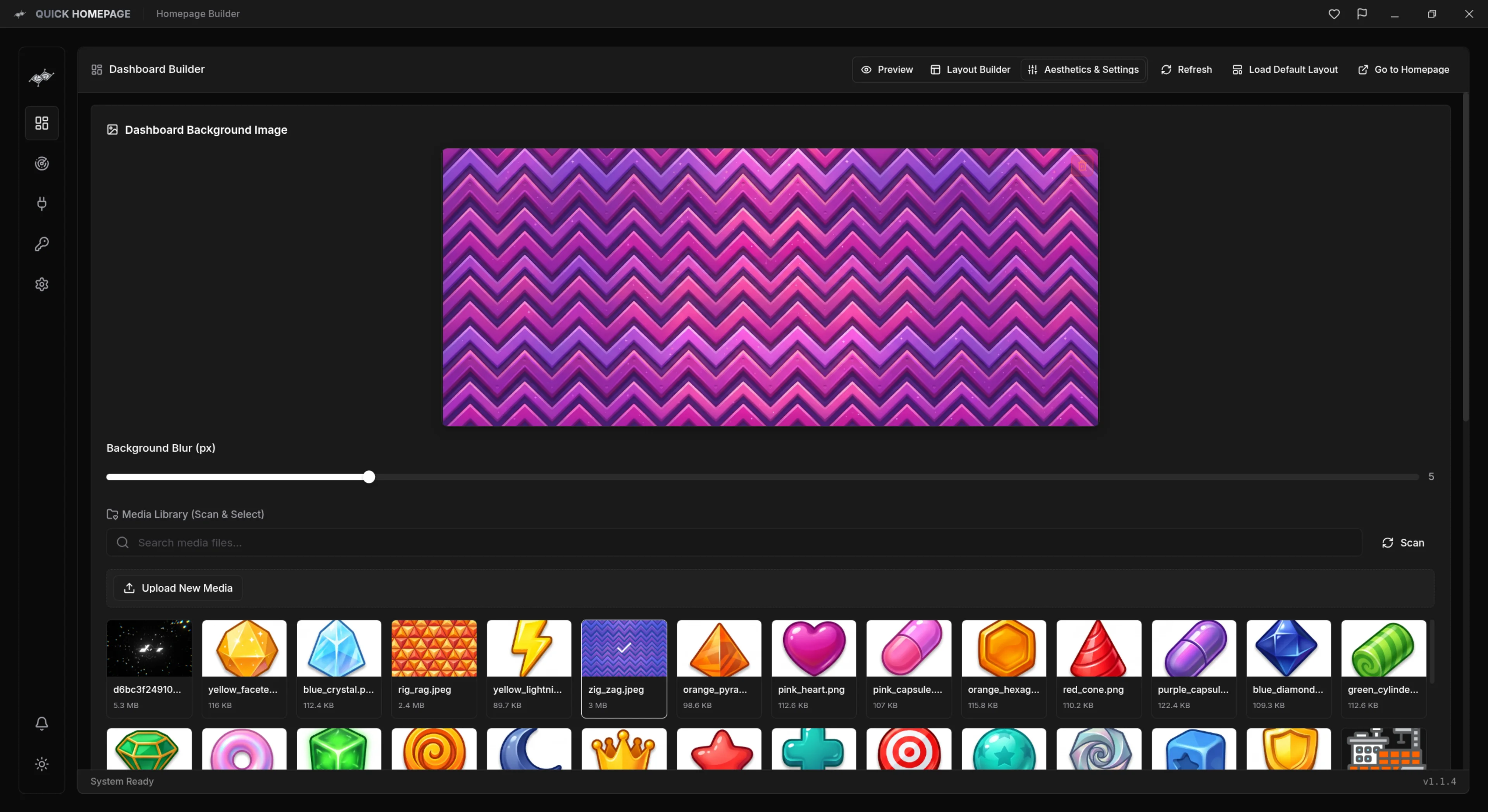
Trade Pinned Tabs for a Lightweight Launchpad That Uses Almost Zero RAM
When every tool is one click away, closing finished tabs feels effortless.
1. Dedicated Collections Instead of Tab Clutter
Organize your work, study, and local network links inside Quick Homepage collections, then close tabs freely the moment a task is done.
2. A Cooler, Snappier Computer All Day
Dropping from forty open tabs down to five active ones—backed by Quick Homepage—immediately frees gigabytes of RAM for the apps that actually need it.

Quick Homepage
Replace Heavy Pinned Tabs With a Fast, Organized Start Page in Quick Homepage
Stop keeping dozens of web tools and local panels open just so you won't forget them. Group them in Quick Homepage and open each tool only when you need it.
- Keeps daily web tools, study links, and LAN apps in one clean hub
- Eliminates the habit of pinning 30 RAM-hungry tabs all day
- Fast, lightweight desktop experience on Windows and Linux
- Clean collections and custom icons without heavy browser add-ons