Quick Homepage: A Homelab Dashboard That Finds Your Services for You
Tired of bookmarking every self-hosted service by hand? Quick Homepage is a desktop and self-hosted homelab dashboard that scans your network, discovers running services, and puts everything one click away.
Why Every Homelab Eventually Needs a Dashboard
From scattered bookmarks to one clean page for every server, service, and device.
A homelab rarely stays small. It starts with one media server, then a file share, a DNS filter, a monitoring stack, and a few containers you set up on a weekend and forgot about. Soon you are juggling addresses like 192.168.1.20:8096 from memory, or digging through a bookmark folder that no longer matches reality.
Quick Homepage fixes that. It is a desktop and self-hosted dashboard that brings your network services, servers, and devices together in one clean place. Instead of making you type everything in, it discovers what is running on your local network. It currently supports Linux, with Windows support planned.
What Quick Homepage Does Differently
1. Automatic Discovery with a Built-in Nmap Scanner
The network and port scanner uses Nmap to find hosts, open ports, and running services. You do not need to remember which port a service listens on: scan first, then keep the results that matter.
2. Save Services Your Way
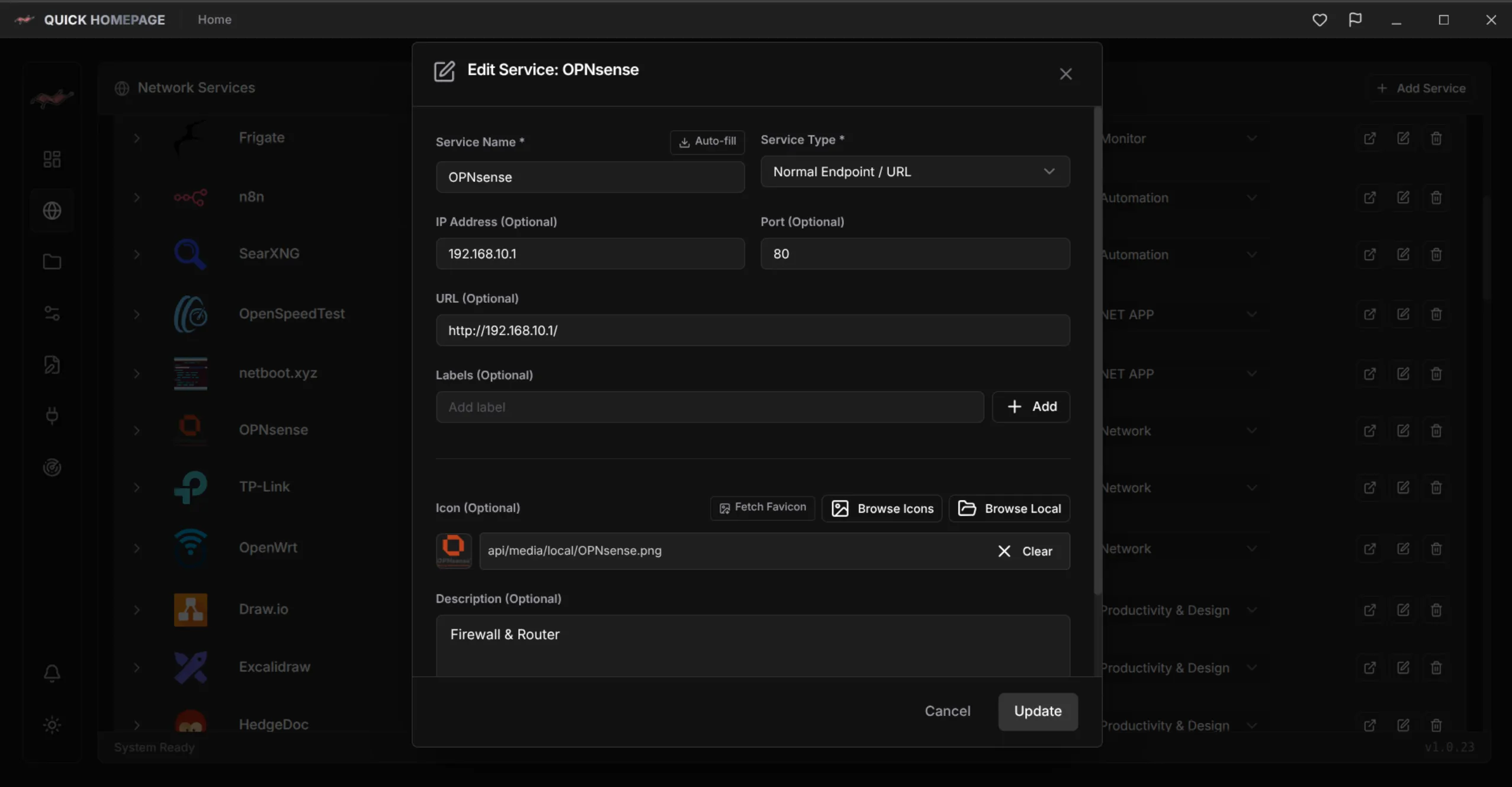
Save discovered or custom services with your own names, URLs, descriptions, and icons. Pick from the built-in icon and media library or upload your own image so every tile is instantly recognizable.
3. Collections, Layouts, and Live Widgets
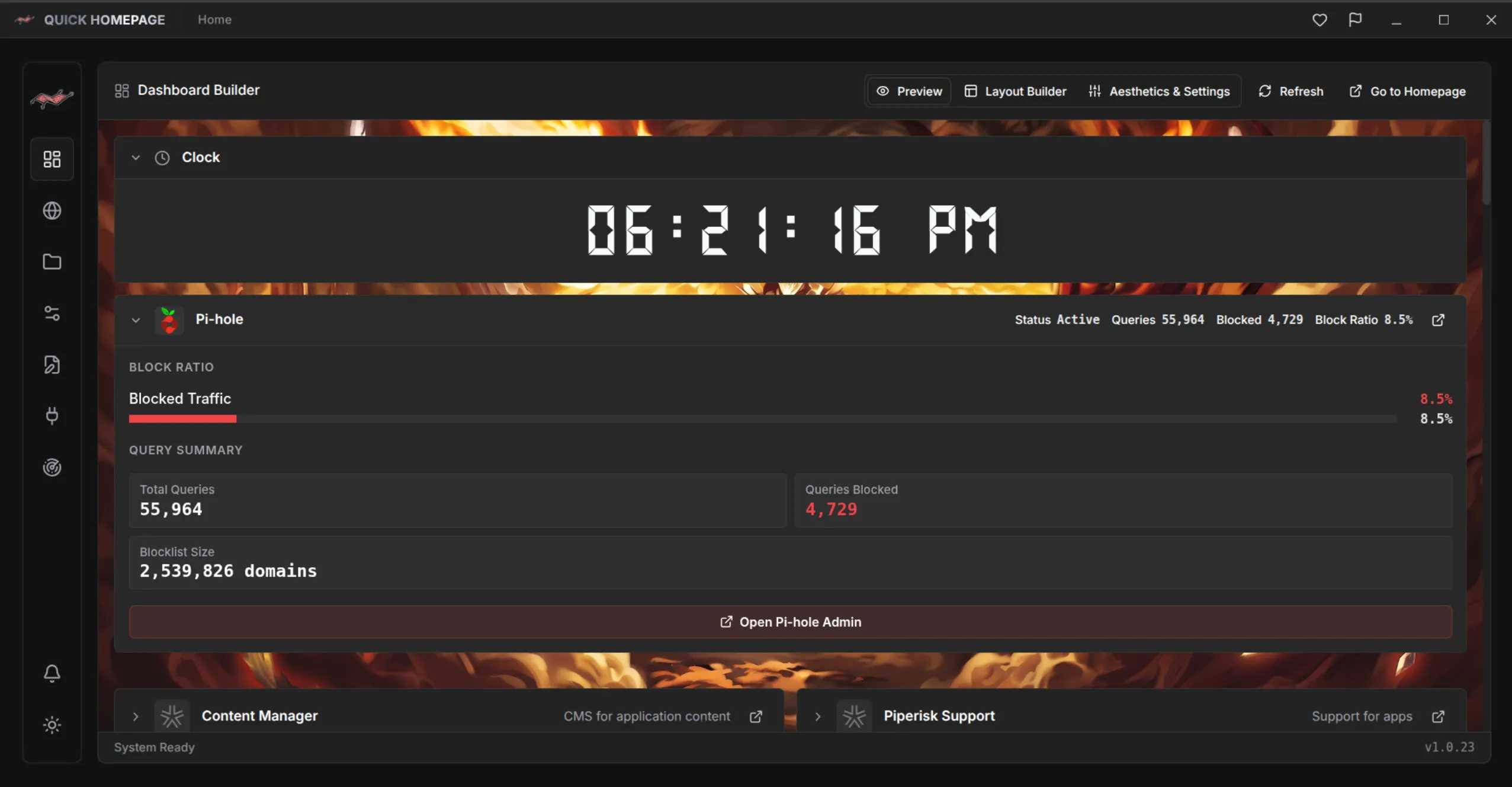
Group services into collections such as Media, Network, Storage, or Monitoring, and arrange the layout to match how you work. Plugins and live widgets add service stats and homelab integrations, so your dashboard shows status and not just links.
Everything in One Place, Configured Your Way
Discovery, organization, live data, and flexible configuration in a single dashboard.
- Network & Port Scanner: Discover hosts, open ports, and services with built-in Nmap scanning.
- Service Management: Custom names, URLs, descriptions, and icons for every entry.
- Collections & Layouts: Organize services the way your homelab is actually structured.
- Plugins & Live Widgets: Monitor live stats from the services you run.
- Icon & Media Library: Built-in icons plus custom image uploads.
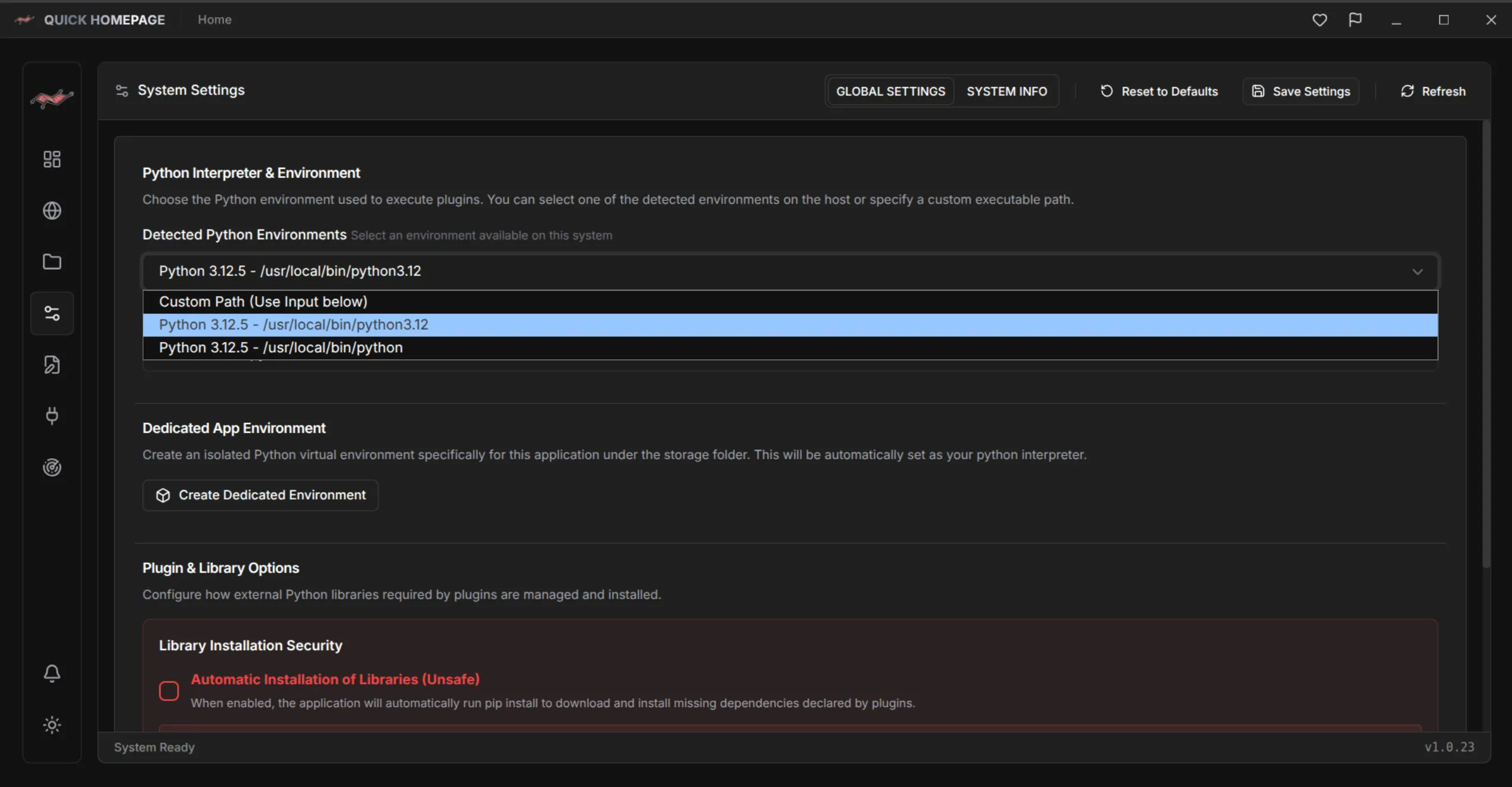
- YAML & GUI Configuration: Click through the app or edit YAML directly with the built-in editor.
A good dashboard doesn't just list your services. It shows you what is actually running on your network.
GUI When You Want It, YAML When You Need It
Some people prefer to click, while others want configuration they can read, diff, and back up. Quick Homepage supports both: configure your dashboard visually, or open the built-in editor and edit the YAML configuration files directly.
Ready to try it? Install it from Snapcraft with the command snap install quick-homepage, visit the Quick Homepage project page (/en/project/QuickHomepage), learn how to find every service on your network (/en/blog/scan-home-network-nmap-quick-homepage), or compare dashboard approaches (/en/blog/how-to-choose-a-homelab-dashboard).

Quick Homepage
Every Service on Your Network, One Click Away
Quick Homepage is a desktop and self-hosted homelab dashboard that discovers running services with built-in Nmap scanning and organizes them into collections. Linux is supported today, with Windows planned.
- Built-in Nmap network and port scanner finds hosts, ports, and services
- Custom names, URLs, descriptions, and icons with a built-in icon and media library
- Collections, layouts, plugins, and live widgets for your homelab
- Configure through the GUI or edit YAML files directly