How to Choose a Homelab Dashboard: 4 Questions to Ask First
Homepage, Homarr, Heimdall, Dashy, Quick Homepage: there are plenty of homelab dashboards to choose from. Use these four questions to pick the one that fits how you actually work.
Four Questions That Decide Which Dashboard Fits
Features matter less than whether the tool matches your workflow.
Search for a homelab dashboard and you will find plenty of good options. Popular projects such as Homepage, Homarr, Heimdall, and Dashy each take a different approach, and features change quickly, so check each project's current documentation before you decide.
Instead of ranking tools, it is more useful to ask what you need. These four questions narrow the field fast.
The Four Questions
1. Do You Prefer a GUI, YAML Files, or Both?
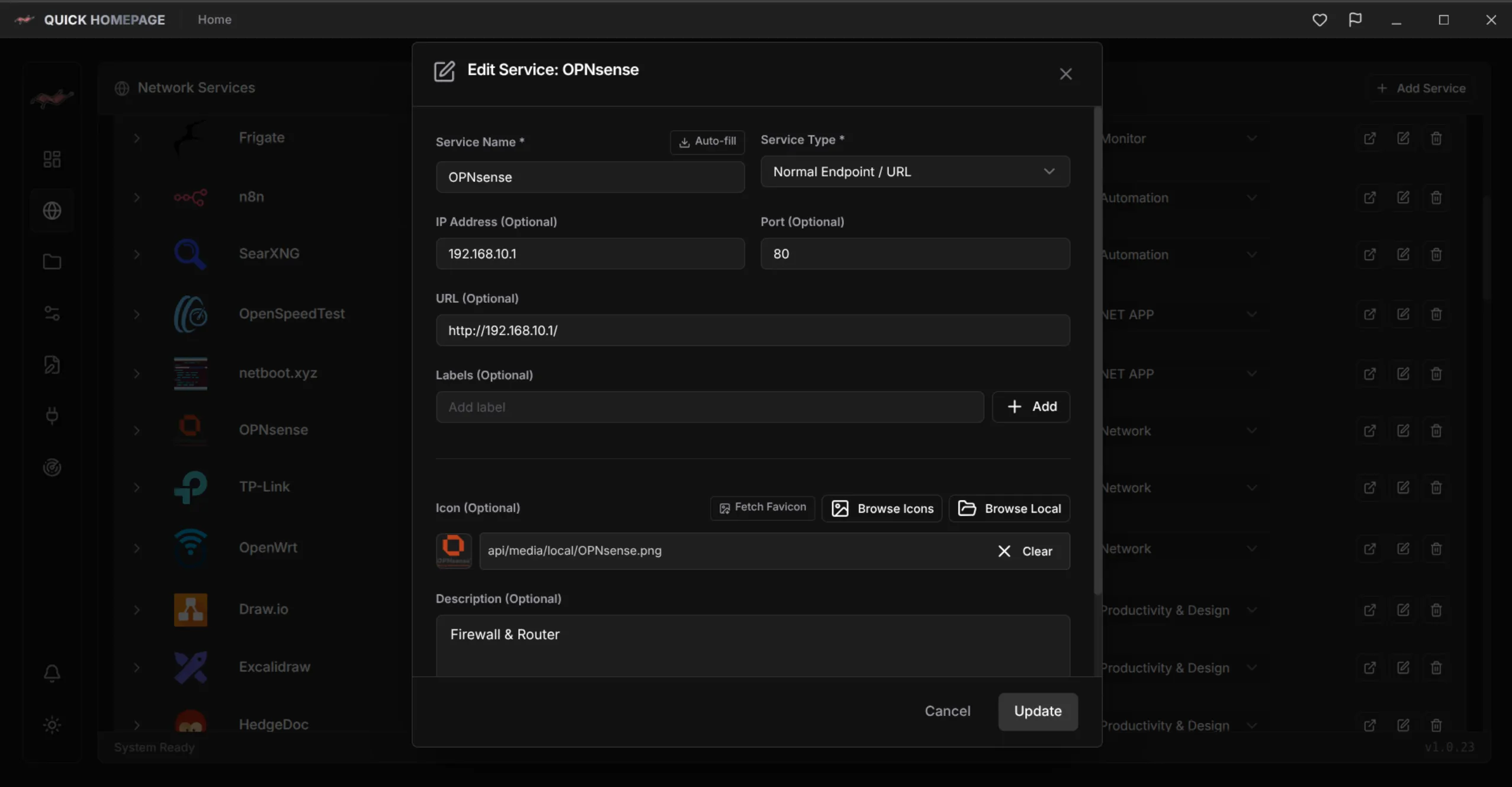
Hand-edited YAML is easy to back up and version, but slow for quick changes. A graphical editor is friendlier but harder to script. If you want the freedom to switch, look for a dashboard that offers both. Quick Homepage lets you configure visually or edit YAML with a built-in editor.
2. Will You Enter Every Service by Hand?
Adding services manually is fine for five. It gets tedious at fifty, and it hides the services you forgot existed. Automatic discovery, such as the Nmap-based network and port scanner in Quick Homepage, gives you an inventory to start from.
3. Do You Want Links or Live Information?
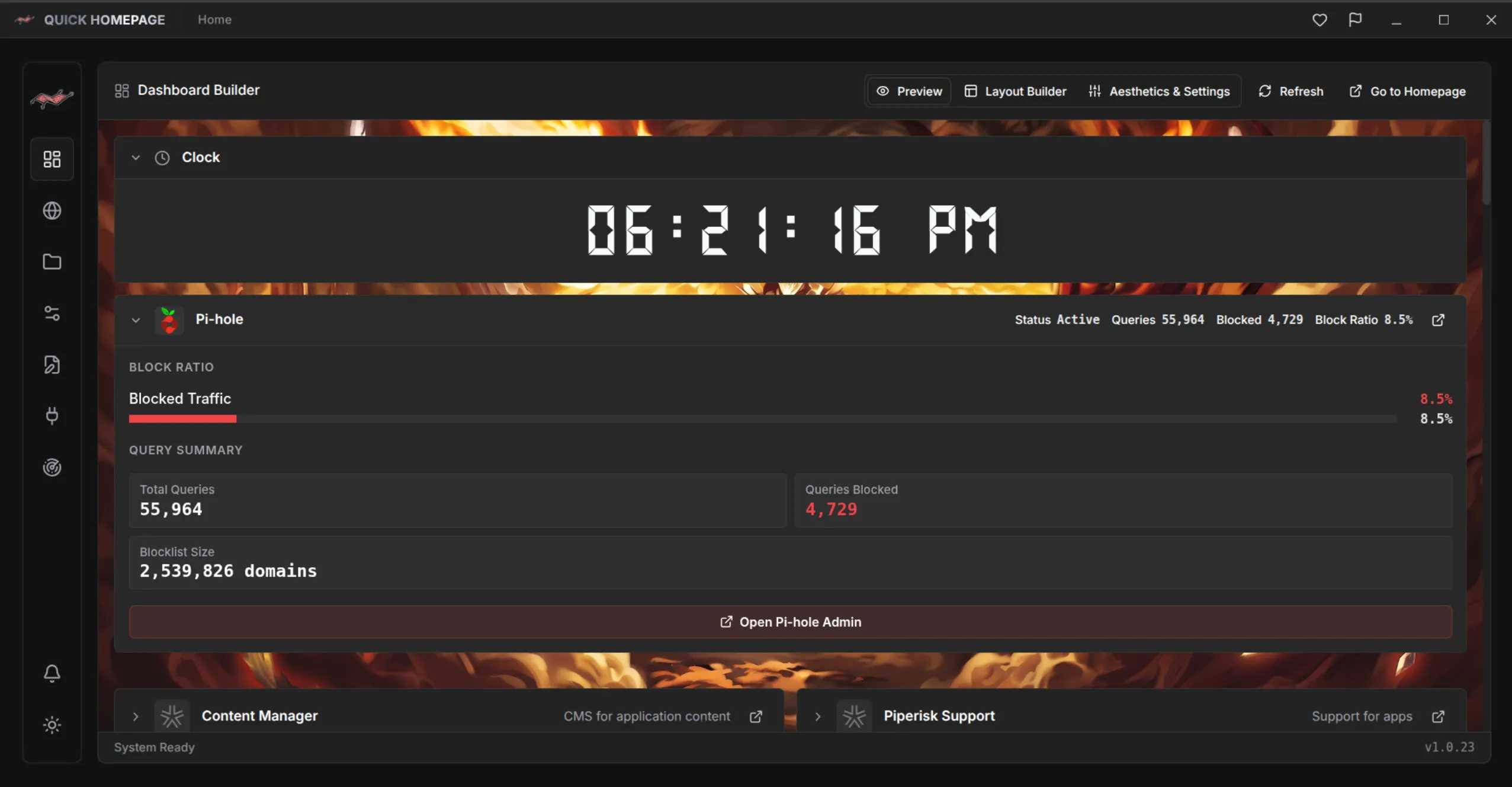
A grid of links is a great start. If you also want service stats at a glance, look for plugins or widgets that integrate with the services you run.
4. Where Will It Run?
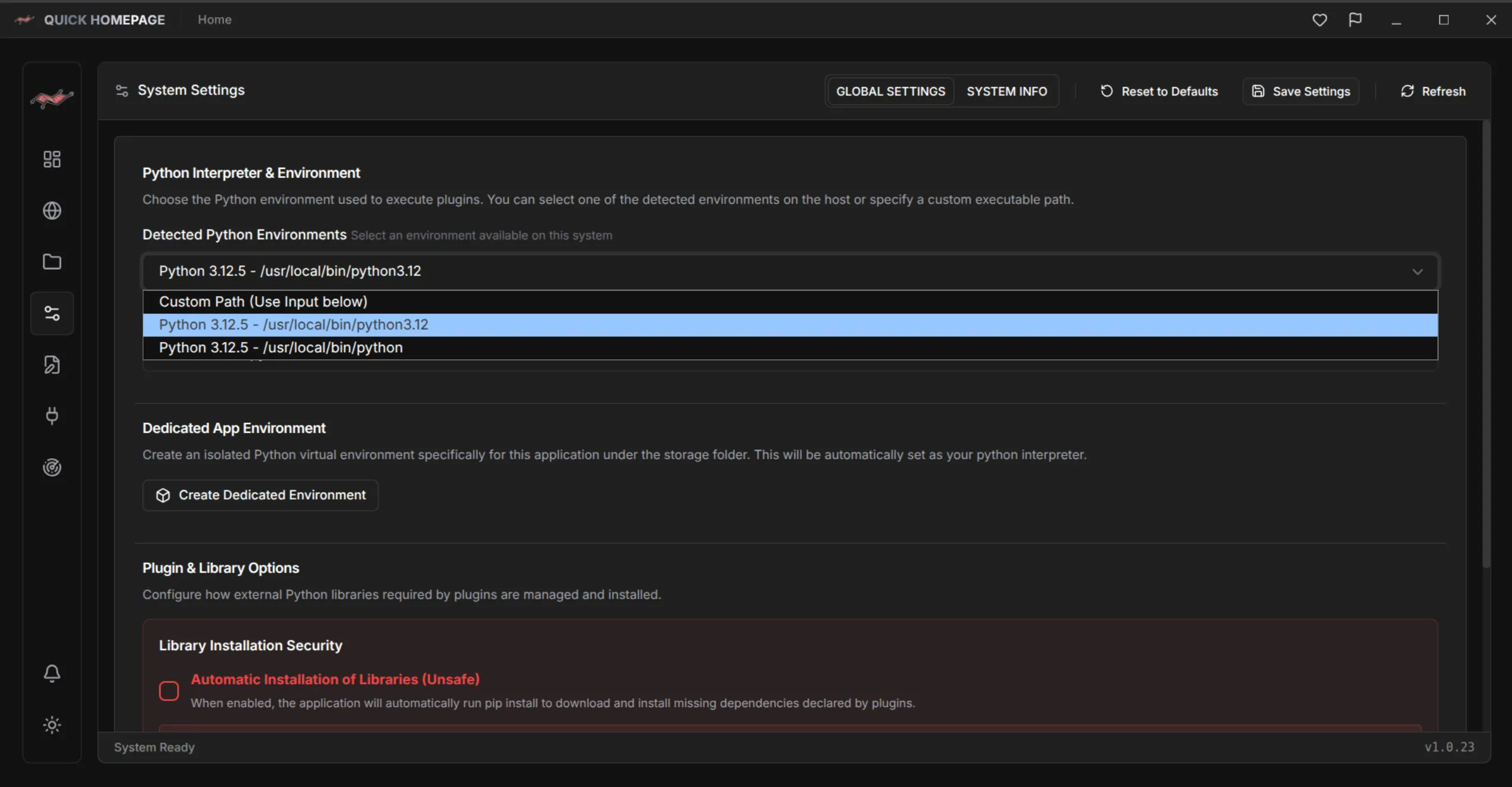
Decide whether you want a desktop app, a self-hosted service, or both, and confirm your operating system is supported. Quick Homepage is a desktop and self-hosted dashboard that supports Linux today, with Windows planned.
Match the Tool to Your Homelab
A quick checklist, and where Quick Homepage fits in.
- Configuration style: GUI, YAML, or both
- Discovery: manual entry or automatic scanning
- Live data: simple links or widgets and integrations
- Platform: your operating system and how you want to run it
- Organization: collections and layouts that match your homelab
The best dashboard is the one you will actually keep up to date.
Where Quick Homepage Fits
Quick Homepage is a good match if you want automatic network discovery, a visual editor, and the option to drop into YAML when you need precision. If you only need a static page of links, a simpler tool may be enough, and that is a perfectly good answer.
Explore the Quick Homepage project page (/en/project/QuickHomepage), read what it does in detail (/en/blog/what-is-quick-homepage-homelab-dashboard), or follow our scanning walkthrough (/en/blog/scan-home-network-nmap-quick-homepage).

Quick Homepage
Every Service on Your Network, One Click Away
Quick Homepage is a desktop and self-hosted homelab dashboard that discovers running services with built-in Nmap scanning and organizes them into collections. Linux is supported today, with Windows planned.
- Built-in Nmap network and port scanner finds hosts, ports, and services
- Custom names, URLs, descriptions, and icons with a built-in icon and media library
- Collections, layouts, plugins, and live widgets for your homelab
- Configure through the GUI or edit YAML files directly