Local IP Addresses, Ports, and Subnets Explained Simply for Beginners
Confused by numbers like 192.168.1.25:8080 or /24? Learn how local IPs, network ports, and static DHCP leases work in plain language—without heavy textbook jargon.
Think of Your Home Network Like an Apartment Building
Once you see the building-and-door analogy, local IPs and ports click immediately.
Anyone studying computer networking or setting up their first home server runs into addresses like 192.168.1.40:8080 and subnet labels like /24. They look intimidating at first, yet the concept behind them is straightforward.
Imagine your local network as a private street. The subnet (such as 192.168.1.0/24) defines the street itself, which holds up to 254 devices. Each device gets a private IP address—its building number—while each running service on that device listens on a port number, like an apartment door inside the building.
Three Networking Concepts That Solve 90% of Everyday Headaches
1. Private IP Ranges Never Travel Directly to the Public Internet
Addresses starting with 192.168.x.x, 10.x.x.x, or 172.16.x.x are reserved strictly for local networks. Your router translates them to one public IP when you browse the web, keeping internal devices separated from the outside world.
2. Ports Let One Machine Run Many Services Simultaneously
A single computer can host a file server, a media library, and a monitoring panel at the same time because each app listens on its own port—for example :80, :3000, or :8080—without colliding with the others.
3. Static DHCP Leases Stop Services From Disappearing After Reboots
By default, routers hand out dynamic IPs that can change after a power outage. Reserving a static DHCP lease binds a device MAC address to one permanent local IP so your bookmarks never break.
Five Quick Habits for Cleaner Local Network Management
Avoid forgotten ports and broken bookmarks as your setup grows.
- Reserve static IPs inside your router for printers, NAS boxes, and servers.
- Keep a small range of addresses—such as .2 through .50—dedicated to permanent infrastructure.
- Never expose internal management ports to the public internet when you only need local access.
- Learn one quick command to check your current local IP and default gateway.
- Use a visual local dashboard with built-in network scanning instead of memorizing raw IP-and-port pairs.
You do not need to memorize dozens of numbers to run a clean network—you only need consistent addresses and one clear map.
Checking Active Devices and Open Ports in Seconds
Whether you are studying for a networking exam or organizing self-hosted tools on Linux, inspecting what is listening on your machine takes a single command. Pairing that habit with Quick Homepage lets its built-in Nmap scanner discover hosts and ports automatically and turn them into clean, labeled cards:
ip -br addr && ss -tulnp
Quick Homepage
Every Service on Your Network, One Click Away
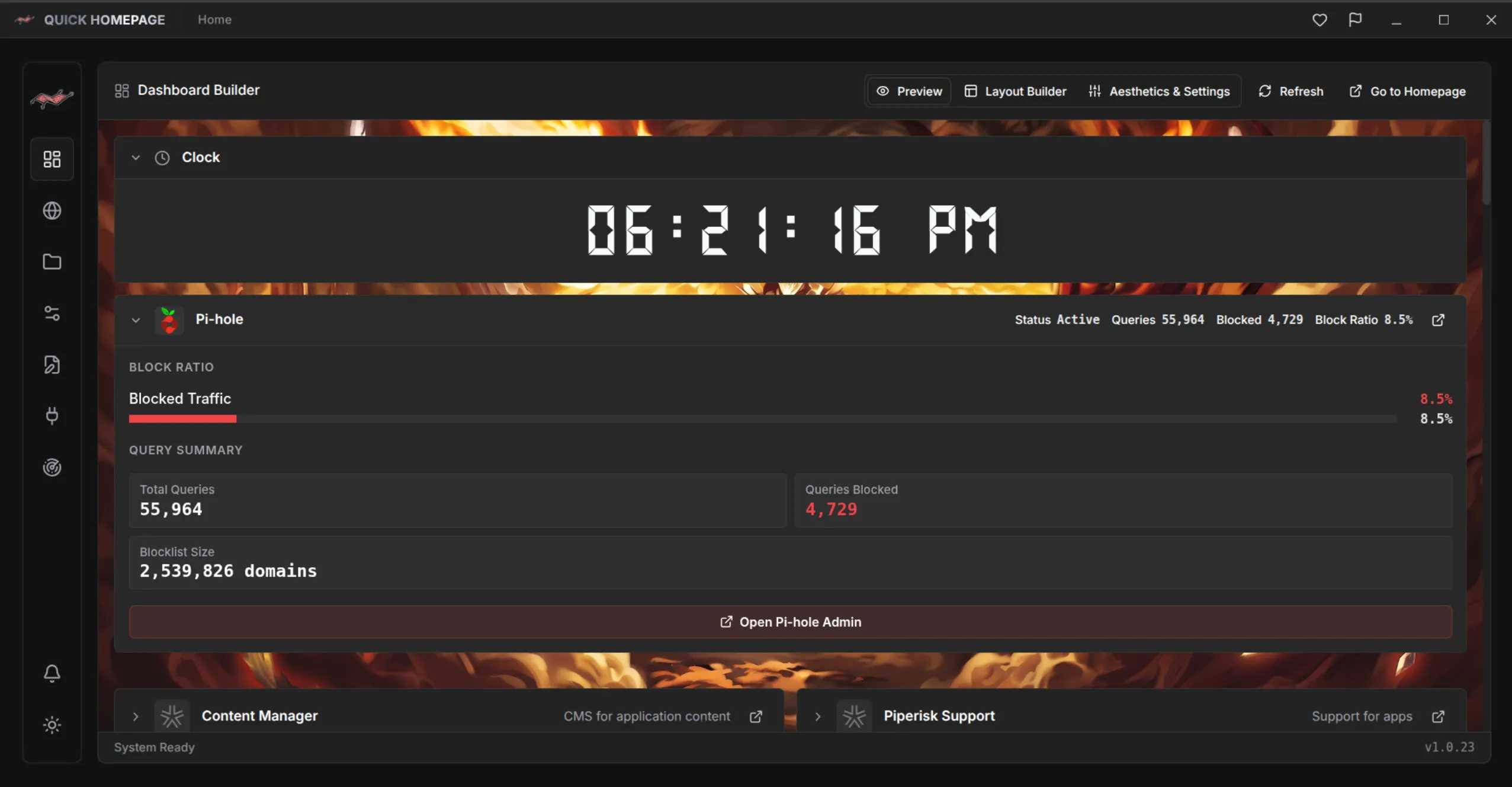
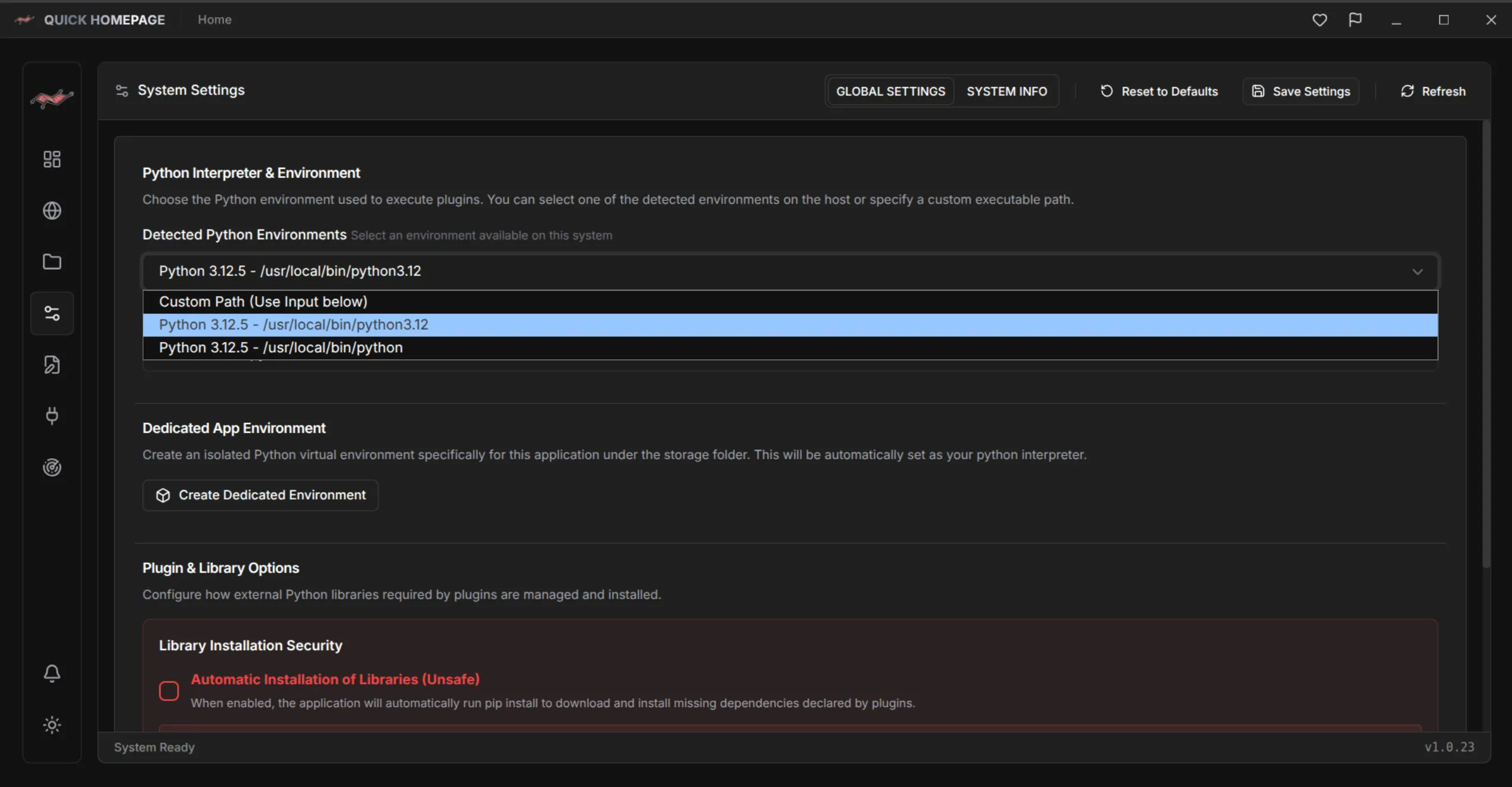
Quick Homepage is a desktop and self-hosted homelab dashboard that discovers running services with built-in Nmap scanning and organizes them into collections. Linux is supported today, with Windows planned.
- Built-in Nmap network and port scanner finds hosts, ports, and services
- Custom names, URLs, descriptions, and icons with a built-in icon and media library
- Collections, layouts, plugins, and live widgets for your homelab
- Configure through the GUI or edit YAML files directly
