SSH Keys vs. Passwords: How to Secure Remote Server Access Easily
Leaving password login open on SSH invites automated brute-force attacks. Learn how SSH keys work, why they are faster and safer, and how to audit open ports on your network.
Why Passwords Are No Longer Enough for SSH
Replacing guessable logins with cryptographic key pairs.
The moment a Linux server or VM opens an SSH port, automated bots begin hammering it with thousands of common usernames and passwords. Even a decent password can be leaked, phished, or accidentally reused.
Switching to SSH keys gives you the rare security upgrade that is also more convenient: instant logins without typing server passwords, backed by cryptography that brute-force guessing cannot break.
Three Steps to Lock Down SSH With Keys Only
1. How Public and Private SSH Keys Work
You generate a matched pair on your workstation: a private key that never leaves your device, and a public key copied to your server. During login, your machine proves it holds the private key mathematically without ever sending it over the network.
2. Disable Password Auth and Direct Root Login
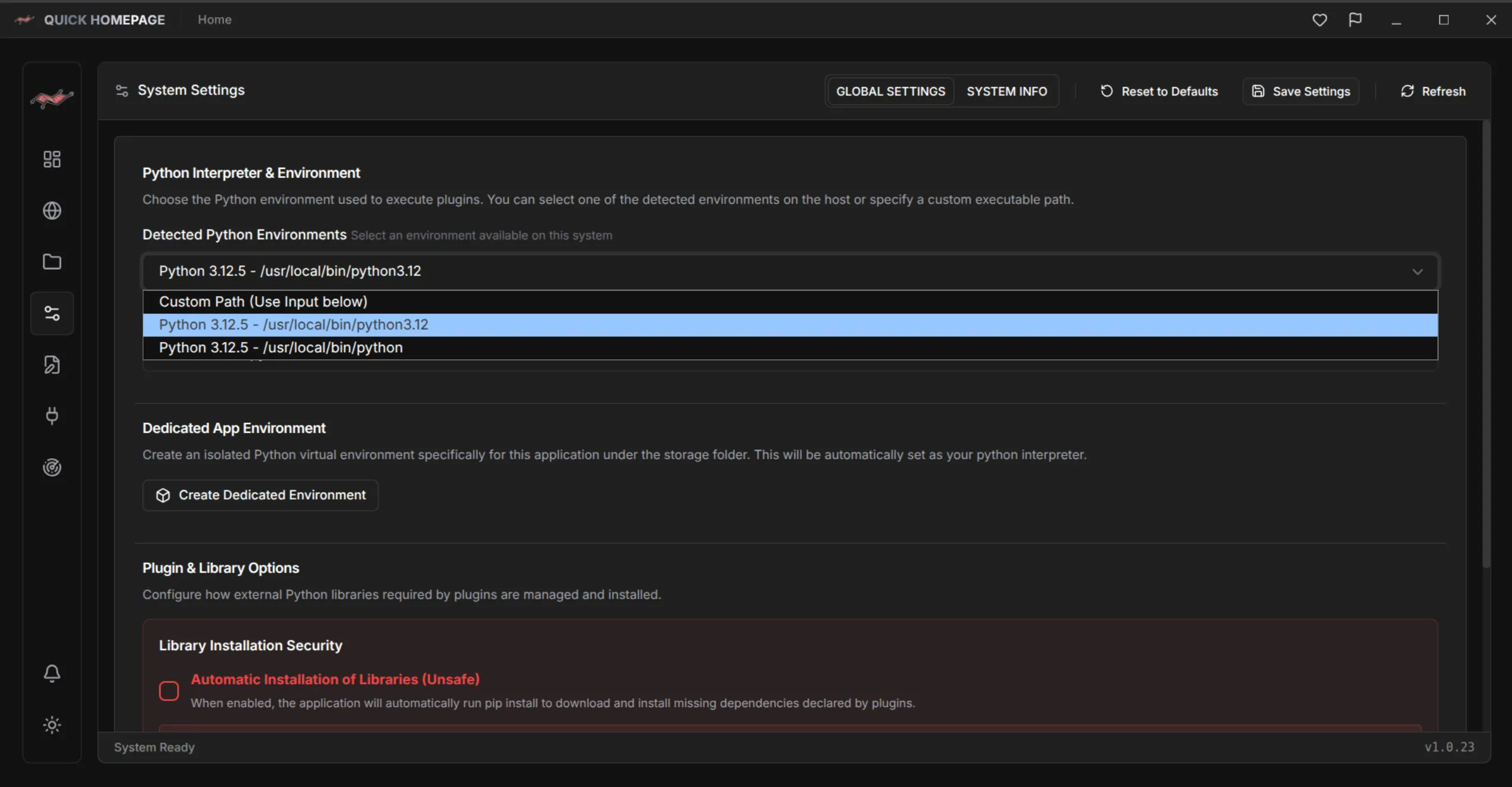
After confirming your key login works in a second terminal window, disable PasswordAuthentication and restrict PermitRootLogin in your SSH config. That single change eliminates the vast majority of automated intrusion attempts.
3. Know Every Machine Exposing SSH on Your Network
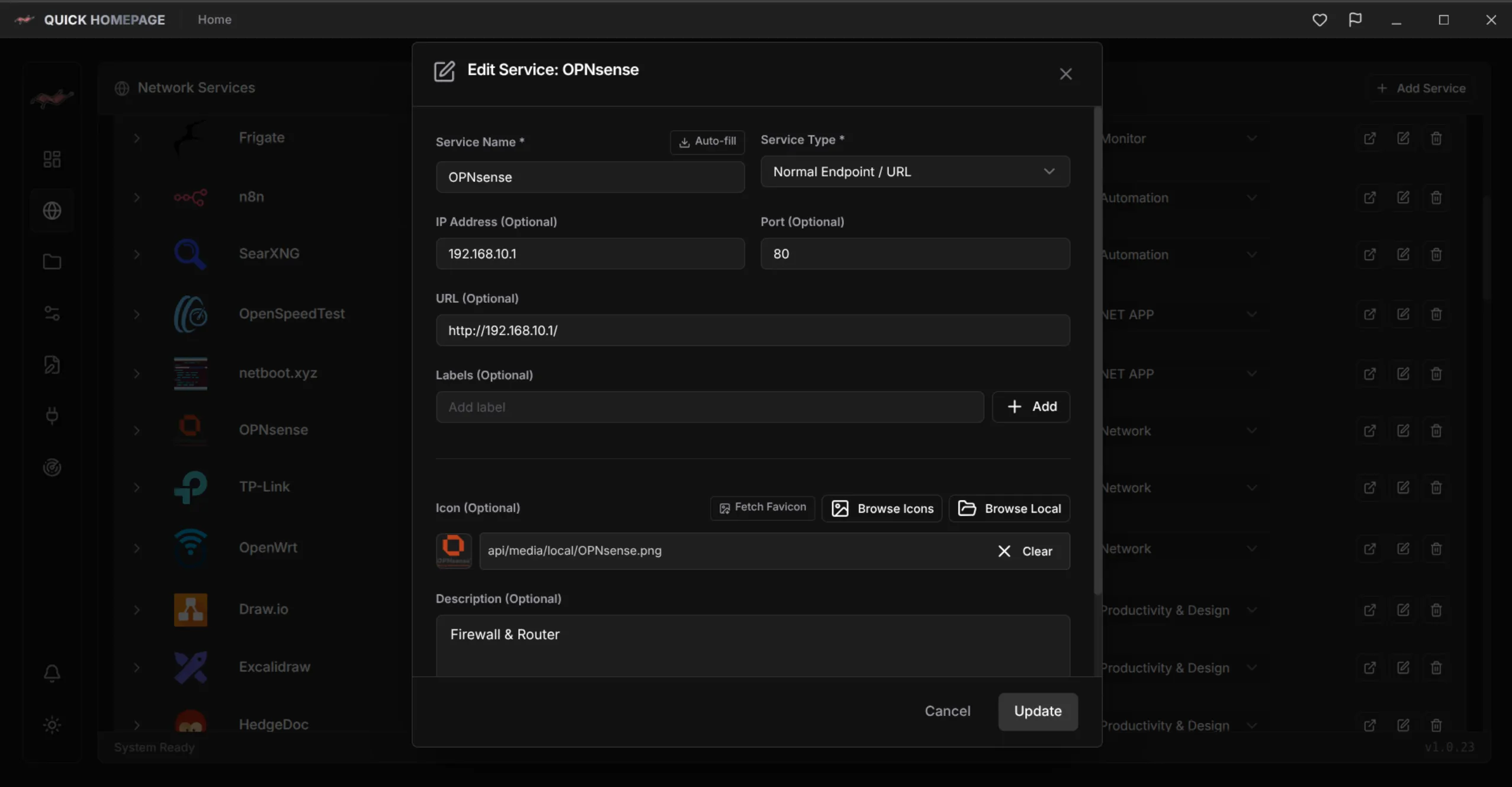
In an active homelab, it is easy to forget an old test VM or container still listening on port 22 with default settings. Quick Homepage includes a built-in Nmap network and port scanner that lists hosts and open services so you can audit what is exposed and keep your servers organized.
Five Golden Rules for Hardening SSH
Fast checks that dramatically improve server security.
- Generate modern Ed25519 keys for strong security and compact key size.
- Protect your private key with a passphrase in case your laptop is lost or stolen.
- Always test key-based login in a fresh terminal before disabling passwords.
- Disable direct root login and use a standard account with sudo privileges.
- Audit your LAN periodically with Quick Homepage's built-in Nmap scanner to spot forgotten open ports.
SSH keys are both faster for daily administration and vastly stronger than any typed password.
Generate a Modern SSH Key in One Command
Create a fast, secure Ed25519 key pair on Linux, macOS, or Windows in seconds:
ssh-keygen -t ed25519 -C 'homelab-admin'
Quick Homepage
Every Service on Your Network, One Click Away
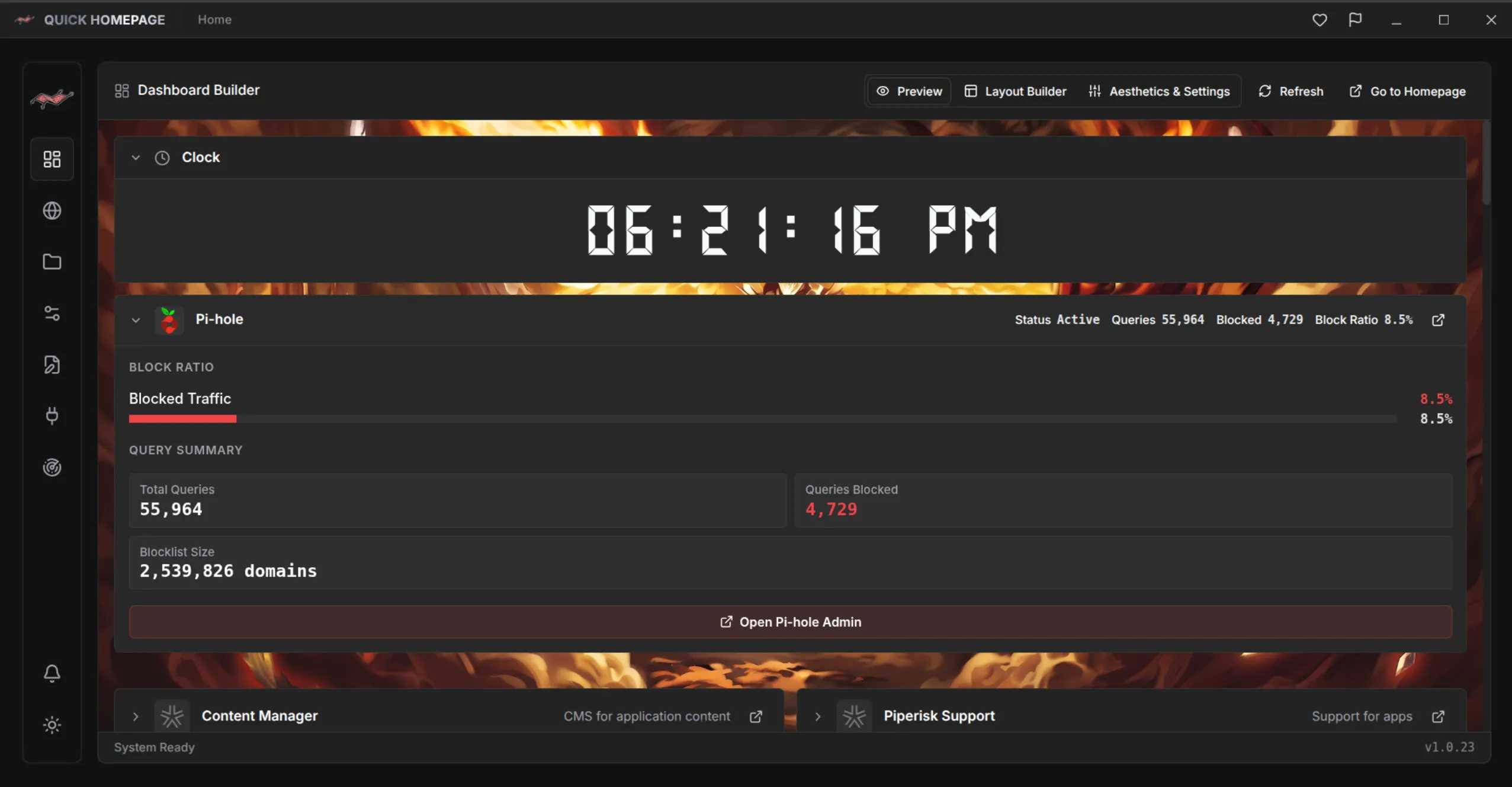
Quick Homepage is a desktop and self-hosted homelab dashboard that discovers running services with built-in Nmap scanning and organizes them into collections. Linux is supported today, with Windows planned.
- Built-in Nmap network and port scanner finds hosts, ports, and services
- Custom names, URLs, descriptions, and icons with a built-in icon and media library
- Collections, layouts, plugins, and live widgets for your homelab
- Configure through the GUI or edit YAML files directly