Don’t Throw Away That 10-Year-Old Laptop: 5 Surprisingly Useful Second Lives for Old Hardware
An older laptop that feels slow for heavy modern apps still has plenty of power left. Discover five practical ways to repurpose old hardware into a quiet, energy-saving home utility.
Why Old Laptops Make Surprisingly Great Always-On Helpers
Low power draw, a built-in screen, and a battery that acts like a mini UPS make old laptops ideal for DIY reuse.
Millions of laptops end up in drawers simply because heavy modern browsers or bloated operating systems make them feel sluggish. Yet underneath, even a ten-year-old dual-core or quad-core laptop sips far less electricity than a desktop tower—and its built-in battery even keeps it running through brief power flickers.
Replacing a heavy OS with a lightweight Linux distribution breathes instant life back into aging hardware, turning yesterday’s slow laptop into a fast, dedicated tool that costs zero dollars.
Three Practical Second Lives Anyone Can Set Up in an Afternoon
1. A Private Family Photo and File Hub
Attach an external drive and share folders across your home Wi-Fi so phones and laptops can back up documents and photos locally without monthly storage subscriptions.
2. A Dedicated Kitchen, Desk, or Study Information Display
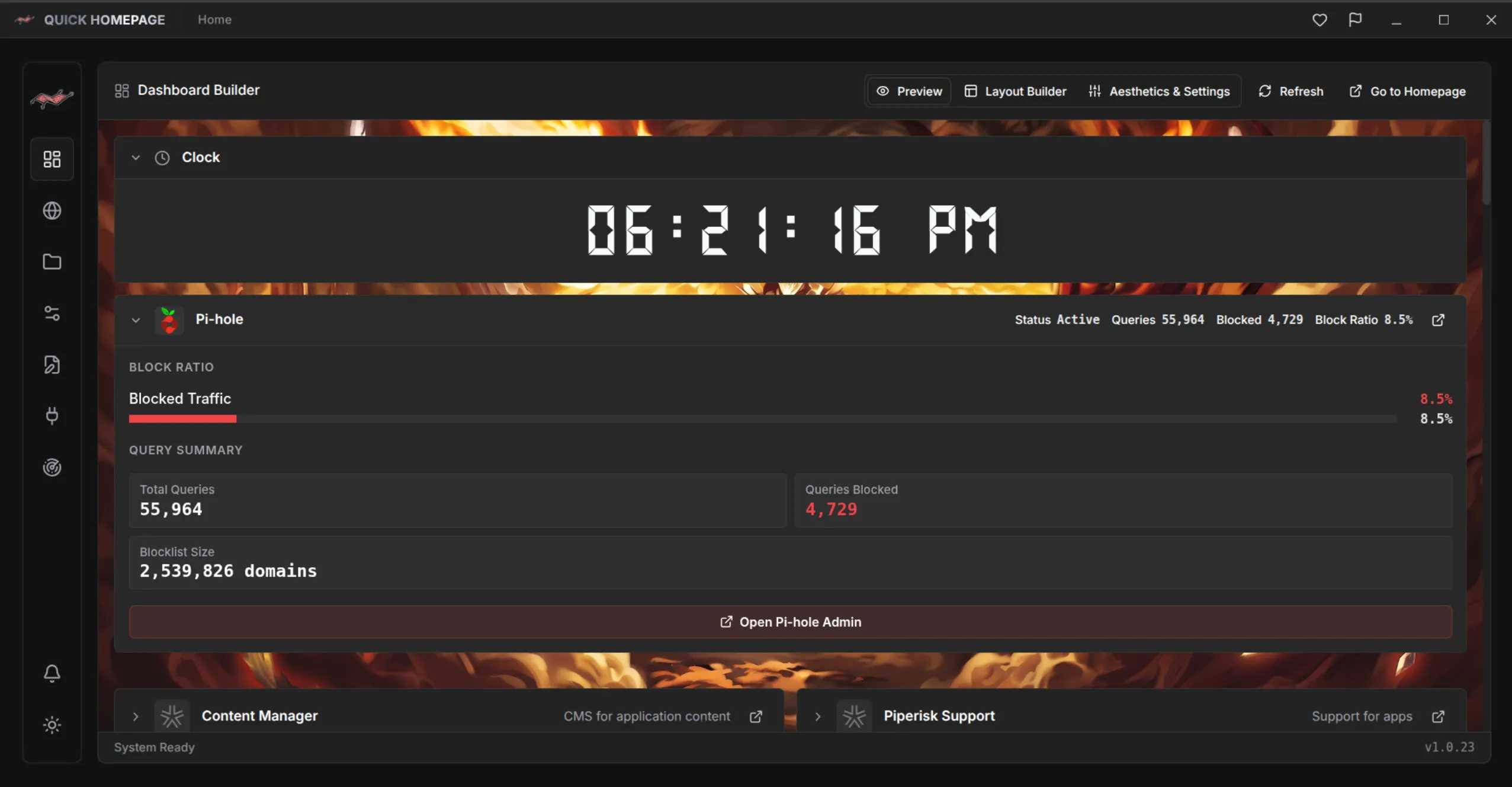
Mount or prop up the old screen as a clean, glanceable dashboard showing your local tools, study links, weather, and daily schedule without cluttering your main computer.
3. A Distraction-Free Offline Writing or Learning Station
Keep only essential offline tools installed—no social feeds, no heavy games—so sitting down at that machine automatically signals focus time.
Five Quick Tips Before Repurposing an Old Laptop
Keep your recycled machine cool, safe, and reliable.
- Clean dust from the cooling vents so the fan stays quiet during long sessions.
- Set a battery charge limit (around 60%–80%) if your BIOS supports it, or remove a swollen battery immediately.
- Install a lightweight Linux edition to cut background memory usage in half.
- Configure power settings so closing the lid does not put a headless file hub to sleep.
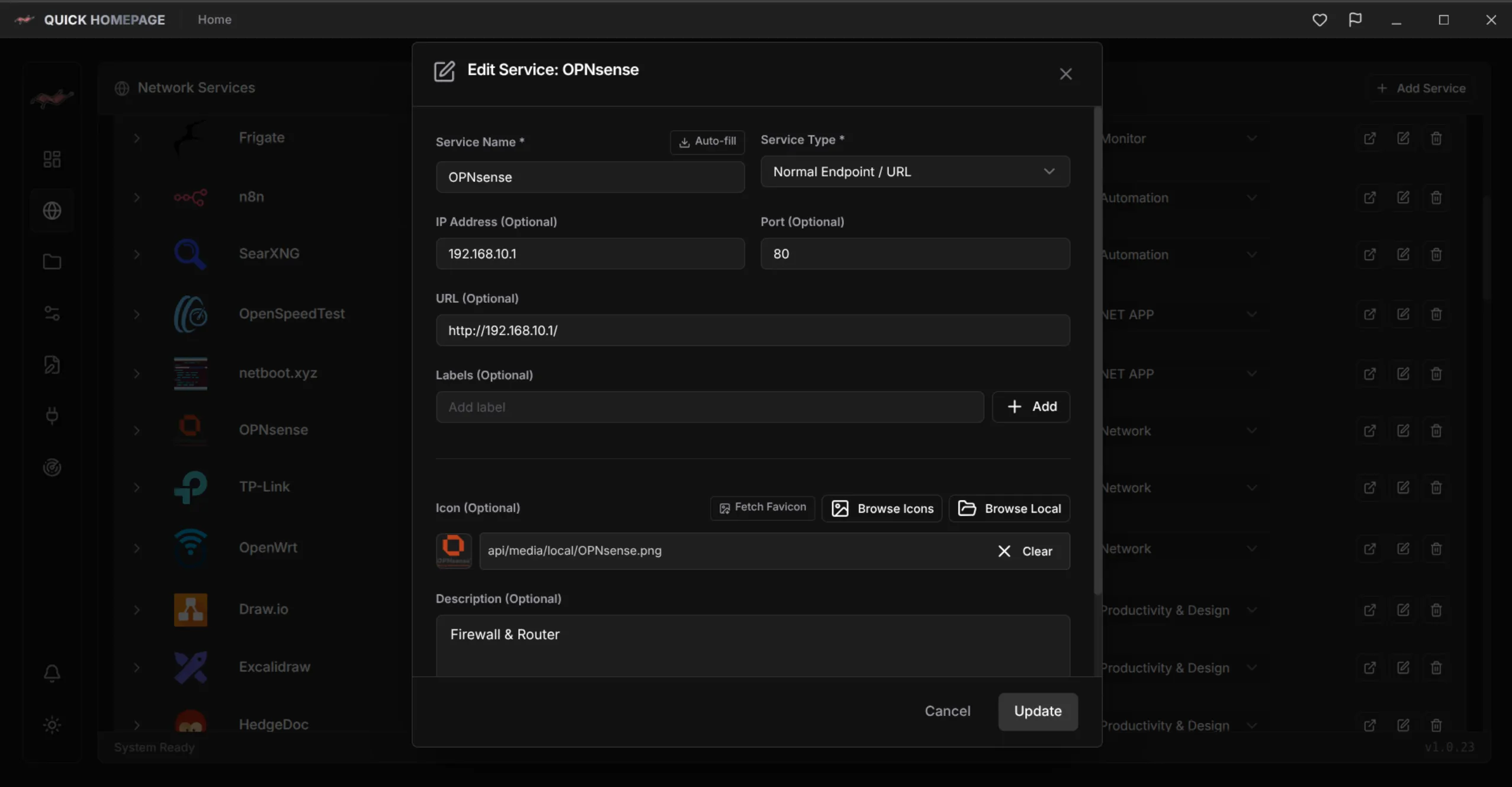
- Organize every local utility you run on it into one clean dashboard so anyone in the house can open it effortlessly.
The greenest, cheapest piece of tech you will ever own is the one already sitting in your closet.
Bringing Your Repurposed Utilities Together
Once an old laptop starts hosting a couple of handy local tools—a file share, a recipe page, or a network monitor—remembering how to reach each one gets messy. Installing Quick Homepage on Linux turns that old machine into a sleek visual launchpad, automatically scanning your local network and organizing every service into clean collections.
Dust off that spare laptop this weekend: give it a fresh lightweight system and turn it into a dedicated helper instead of e-waste.

Quick Homepage
Every Service on Your Network, One Click Away
Quick Homepage is a desktop and self-hosted homelab dashboard that discovers running services with built-in Nmap scanning and organizes them into collections. Linux is supported today, with Windows planned.
- Built-in Nmap network and port scanner finds hosts, ports, and services
- Custom names, URLs, descriptions, and icons with a built-in icon and media library
- Collections, layouts, plugins, and live widgets for your homelab
- Configure through the GUI or edit YAML files directly
