Isolated Environments & Containers: Sandbox vs. Docker Explained
Learn the practical difference between a Sandbox and Docker containers, when to use each one, and how isolation keeps your machine clean and your projects reproducible.
Why Software Isolation Matters
The core idea behind Sandboxes and Docker—and why people often mix them up.
Installing a new tool or testing an unfamiliar package can easily trigger version conflicts, break another project, or leave behind clutter that takes hours to clean up. Software isolation prevents this by separating what you run from your main operating system, keeping your machine stable and predictable.
Although both Sandbox environments and Docker rely on isolation, they are built for very different goals. Knowing where one ends and the other begins saves time and helps you pick the right tool for studying, testing, or building production systems.
How Each Approach Works in Practice
1. Sandbox: Isolation for Safety and Temporary Testing
A Sandbox is a tightly restricted, disposable environment meant for running untrusted files or unfamiliar software safely. If a program crashes or behaves maliciously, the damage stays trapped inside the box and never reaches your personal files or system settings. Once you close the session, everything resets cleanly.
2. Docker: Packaging Apps to Run Everywhere
While a Sandbox focuses on containing risk, Docker focuses on consistency and portability. It bundles your code together with its exact libraries and runtime settings inside a lightweight container. Because containers share the host OS kernel instead of booting a full virtual machine, they start in seconds and behave the same way on your laptop, a teammate's computer, or a server.
3. When to Choose a Sandbox vs. Docker
Reach for a Sandbox when you need to inspect a suspicious file or try unknown software without leaving any trace behind. Choose Docker when you are developing software, running repeatable services like databases, or submitting a project that must run identically on someone else's machine without the classic 'it worked on my laptop' excuse.
Five Practical Habits for Containers and Isolation
Simple rules that prevent common mistakes and keep your workflow tidy.
- Do not treat a default container as a full security sandbox for dangerous, untrusted files.
- Use minimal, official base images to keep storage and memory usage low.
- Store important data outside disposable containers so nothing is lost on restart.
- Prune unused images and stopped containers regularly to reclaim disk space.
- Save working commands and flags in a local notebook right away instead of searching for them again.
A sandbox protects you from the unknown; a container guarantees your project runs the same way everywhere.
Run Your First Container and Document Your Commands
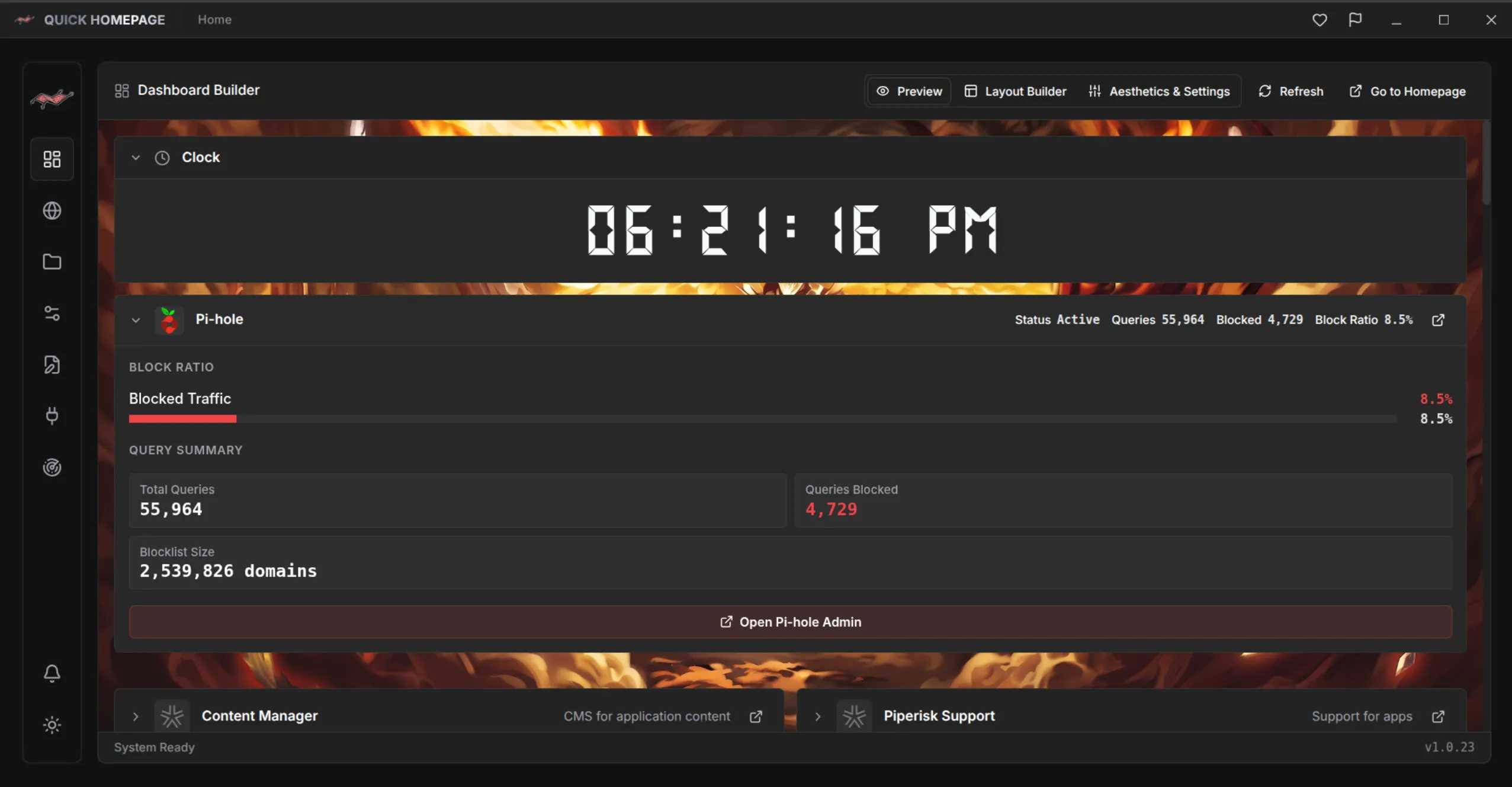
The fastest way to grasp Docker is to launch a temporary container that removes itself automatically when stopped, showing how cleanly it stays separated from your host system. As you experiment, useful flags and commands add up quickly; keeping them inside an offline desktop app like Quick Homepage means your personal cheat sheet is always one keystroke away. Here is a simple example of launching a disposable isolated container:
docker run --rm -p 8080:80 --name demo-app my-web-app:latest
Quick Homepage
Every Service on Your Network, One Click Away
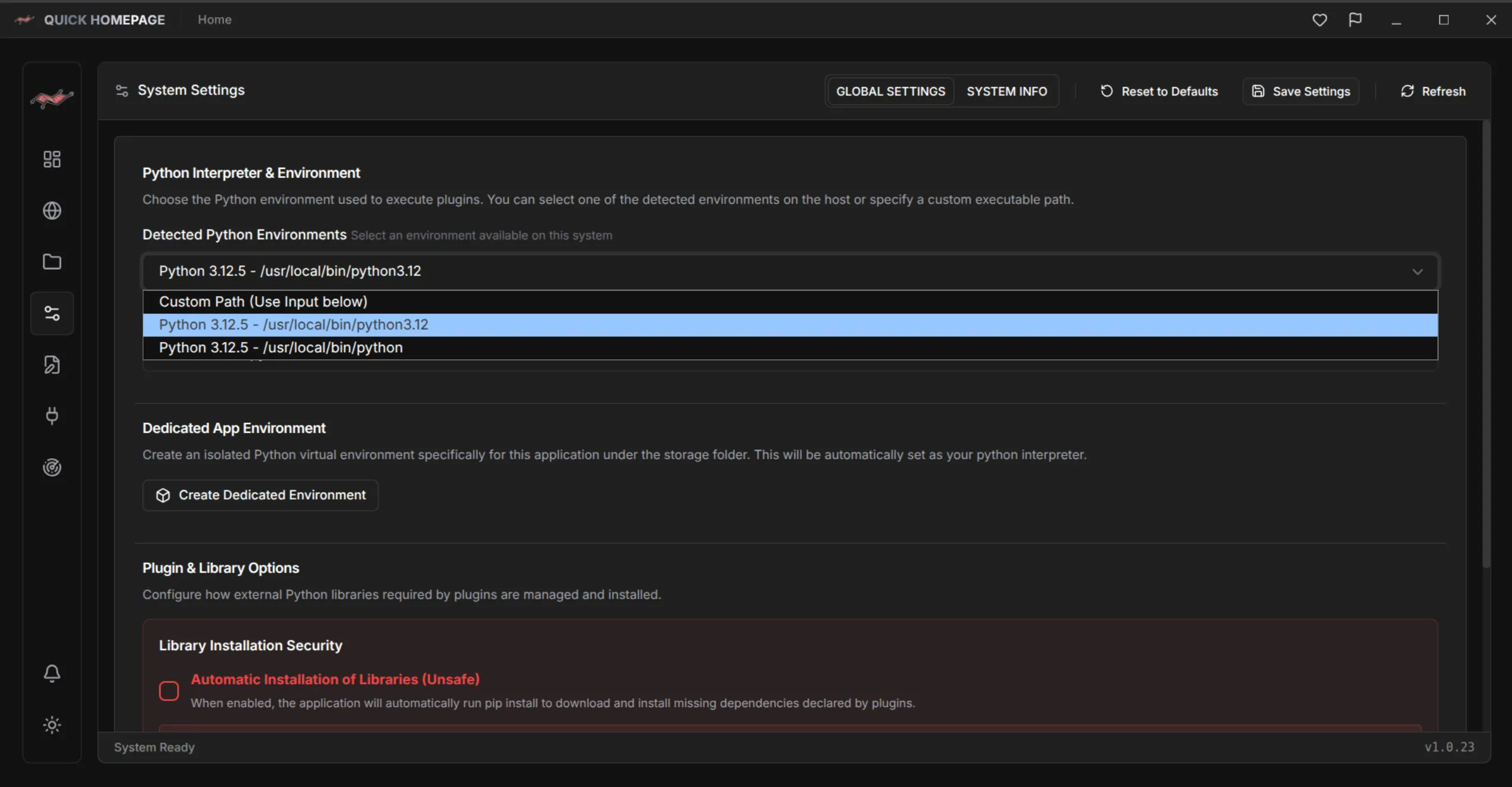
Quick Homepage is a desktop and self-hosted homelab dashboard that discovers running services with built-in Nmap scanning and organizes them into collections. Linux is supported today, with Windows planned.
- Built-in Nmap network and port scanner finds hosts, ports, and services
- Custom names, URLs, descriptions, and icons with a built-in icon and media library
- Collections, layouts, plugins, and live widgets for your homelab
- Configure through the GUI or edit YAML files directly
