Your Router Is the Front Door: 6 Checks After This Week’s Security Warnings
This week brought a router maker’s security incident and a 16-year-old Wi-Fi setup flaw. Run a 15-minute router check, then scan your own network with Quick Homepage to see everything connected.
A Router Nobody Checks Is a Router Attackers Like
Two warnings from this week show why a quick check pays off.
On November 20, router maker GL.iNet said an unauthorized party had exploited a flaw in its cloud remote management service to install malicious software on a subset of its routers and KVM devices. Its advice for router owners: factory reset, then install the updated firmware once it is released.
The same week, a write-up described a 16-year-old flaw in Broadcom Wi-Fi setup software that could let someone within wireless range take over a router without a password. No attacks were confirmed, and changing your Wi-Fi password doesn’t stop it, which is why turning off WPS and keeping firmware current matters. You don’t need either router for the lesson to apply.
Three Fixes That Close the Most Doors
1. Turn Off What You Don’t Use
Disable WPS, remote management, and UPnP unless you truly need them. Each is a way in that most households never use, and security agencies and experts regularly recommend switching them off.
2. Update, Reboot, or Replace
Install the newest firmware and enable automatic updates if your router offers them. Reboot it now and then. If the maker no longer ships security updates, replace the router, because no setting can patch a flaw that is never fixed.
3. Separate Your Devices
Put smart TVs, cameras, and other gadgets on the guest network so a hacked device can’t easily reach your laptop. Use a strong, unique Wi-Fi password and change the default admin password too.
A 15-Minute Router Check
Five steps you can finish tonight.
- Log in to the admin page and change the default admin password.
- Set Wi-Fi security to WPA3, or WPA2 if that is the best your router offers.
- Turn off WPS, remote management, and UPnP.
- Check for firmware updates and enable automatic updates.
- Move smart devices to the guest network, then reboot the router.
A router you never check is a door you never lock.
See Everything That Is Actually Connected
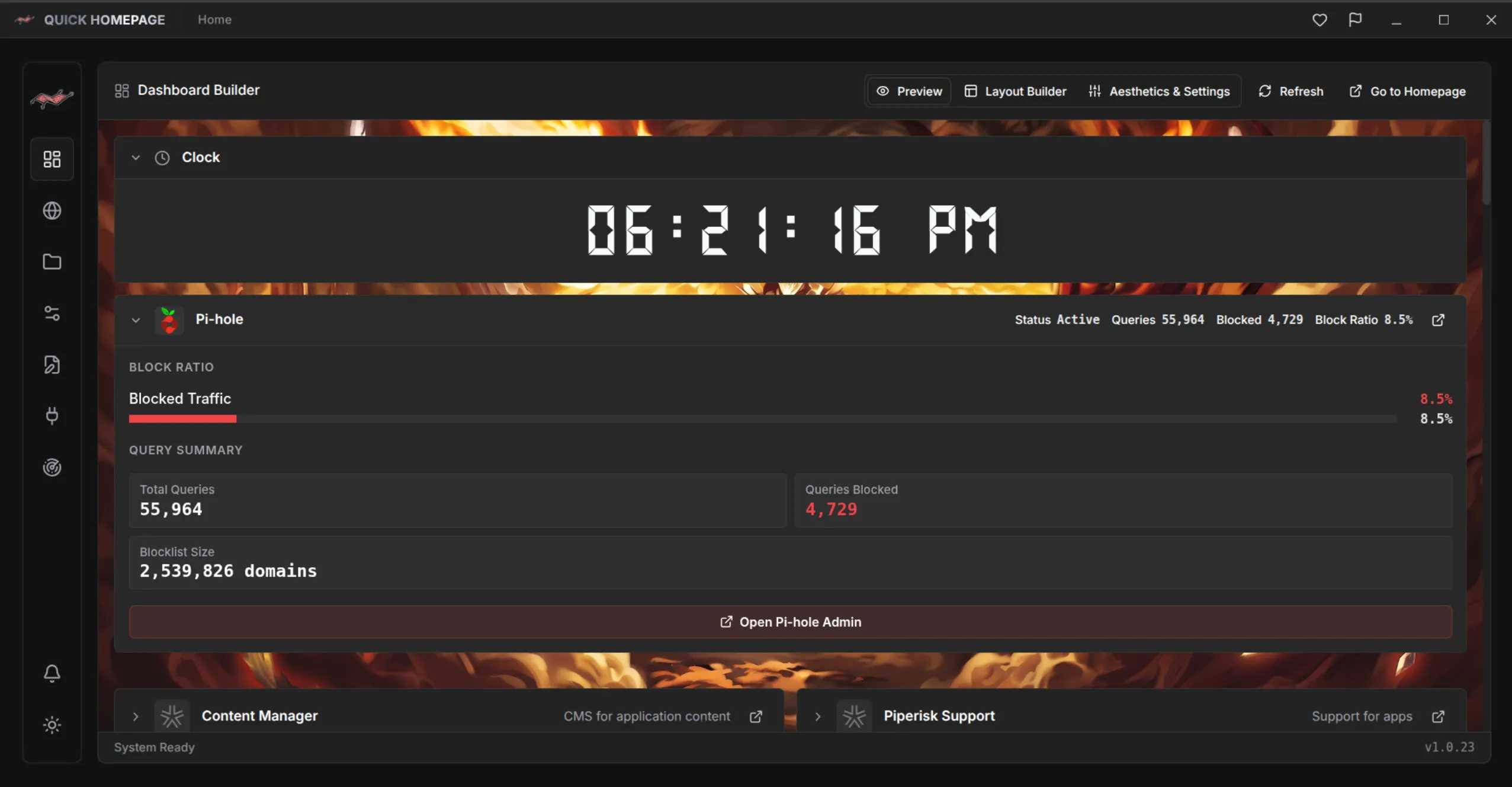
After the settings, look at what is on your network. Quick Homepage has a built-in Nmap network and port scanner that lists the hosts, open ports, and services it finds, so an unknown device or forgotten service stands out. Save the ones you recognize to a dashboard and investigate the rest. Scan only networks you own or have permission to test. The command-line version of a basic scan looks like this (use your own network range):
nmap -sn 192.168.1.0/24Ready to try it? Explore the Quick Homepage project page (/en/project/QuickHomepage). Keep reading: How to Find Every Service on Your Home Network with an Nmap Scanner (/en/blog/scan-home-network-nmap-quick-homepage) and Quick Homepage: A Homelab Dashboard That Finds Your Services for You (/en/blog/what-is-quick-homepage-homelab-dashboard).

Quick Homepage
Every Service on Your Network, One Click Away
Quick Homepage is a desktop and self-hosted homelab dashboard that discovers running services with built-in Nmap scanning and organizes them into collections. Linux is supported today, with Windows planned.
- Built-in Nmap network and port scanner finds hosts, ports, and services
- Custom names, URLs, descriptions, and icons with a built-in icon and media library
- Collections, layouts, plugins, and live widgets for your homelab
- Configure through the GUI or edit YAML files directly