RAID vs. ZFS Explained: Storage Types, Pros, and Which to Choose
Should you build your server with traditional RAID or move to ZFS? Compare how they work, break down RAID and RAID-Z levels, and protect your files from silent corruption.
RAID vs. ZFS: They Are Not Just Two Names for the Same Thing
Why ZFS goes far beyond traditional RAID arrays to protect modern data.
Whenever you build a server or study storage architecture, the classic question comes up: RAID or ZFS? People often treat them as direct equivalents, yet traditional RAID only combines disks for speed or redundancy, while ZFS merges the volume manager and filesystem into one intelligent layer.
That tight integration allows ZFS to verify every single block of data with end-to-end checksums—catching and repairing silent data corruption (bit rot) that traditional RAID controllers never even notice.
Common RAID Levels and Their ZFS Counterparts
1. Traditional RAID Levels at a Glance
RAID 0 stripes data for speed with zero redundancy (lose one drive, lose everything). RAID 1 mirrors two drives identically. RAID 5 and RAID 6 distribute parity to survive one or two failed disks, while RAID 10 combines mirroring and striping across four or more drives for strong performance and redundancy.
2. ZFS Layouts: Mirrors and RAID-Z
ZFS replaces legacy RAID with smarter layouts: Mirrors (similar to RAID 1) offer fast performance and easy expansion; RAIDZ1 survives one drive failure; RAIDZ2 survives two simultaneous failures; and RAIDZ3 protects very large arrays. Because ZFS uses Copy-on-Write, it completely eliminates the classic RAID write-hole risk during sudden power loss.
3. When to Choose ZFS vs. Traditional RAID
If you are running TrueNAS or Proxmox on hardware with adequate RAM and care about long-term integrity, snapshots, and easy replication, ZFS is the clear winner. Traditional RAID remains practical mainly on legacy hardware or tightly memory-constrained systems.
Five Practical Rules Before Building Your Storage Array
Avoid costly mistakes when planning your drives.
- Remember that neither RAID nor ZFS is a backup—they protect uptime, not accidental deletion or disasters.
- Never store irreplaceable files on RAID 0; keep it for disposable scratch space only.
- With large modern hard drives, prefer Mirrors or RAIDZ2 over RAIDZ1 because rebuilding huge disks takes hours.
- Schedule monthly ZFS scrubs to detect and heal silent errors automatically.
- Record every drive's serial number and physical bay in an offline note so you always pull the failed disk.
Redundancy protects your uptime; checksums and off-site backups protect your data.
Running a ZFS Scrub to Verify Data Integrity
One of ZFS's standout strengths is scrubbing—reading every block and verifying checksums automatically. Keep your maintenance commands and drive serial map inside an offline notebook like Quick Homepage so troubleshooting stays calm and accurate:
zpool scrub tank && zpool status -v
Quick Homepage
Every Service on Your Network, One Click Away
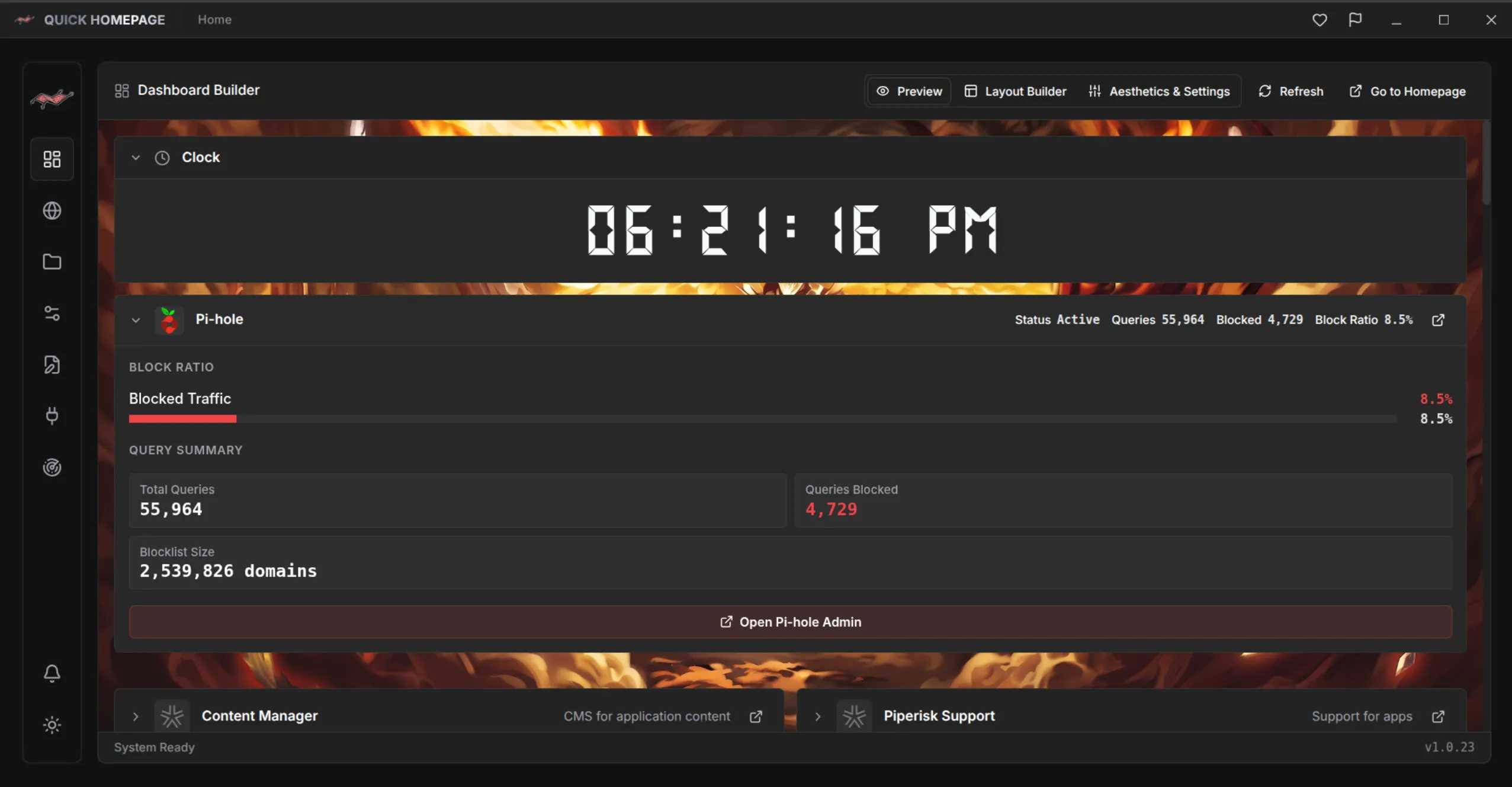
Quick Homepage is a desktop and self-hosted homelab dashboard that discovers running services with built-in Nmap scanning and organizes them into collections. Linux is supported today, with Windows planned.
- Built-in Nmap network and port scanner finds hosts, ports, and services
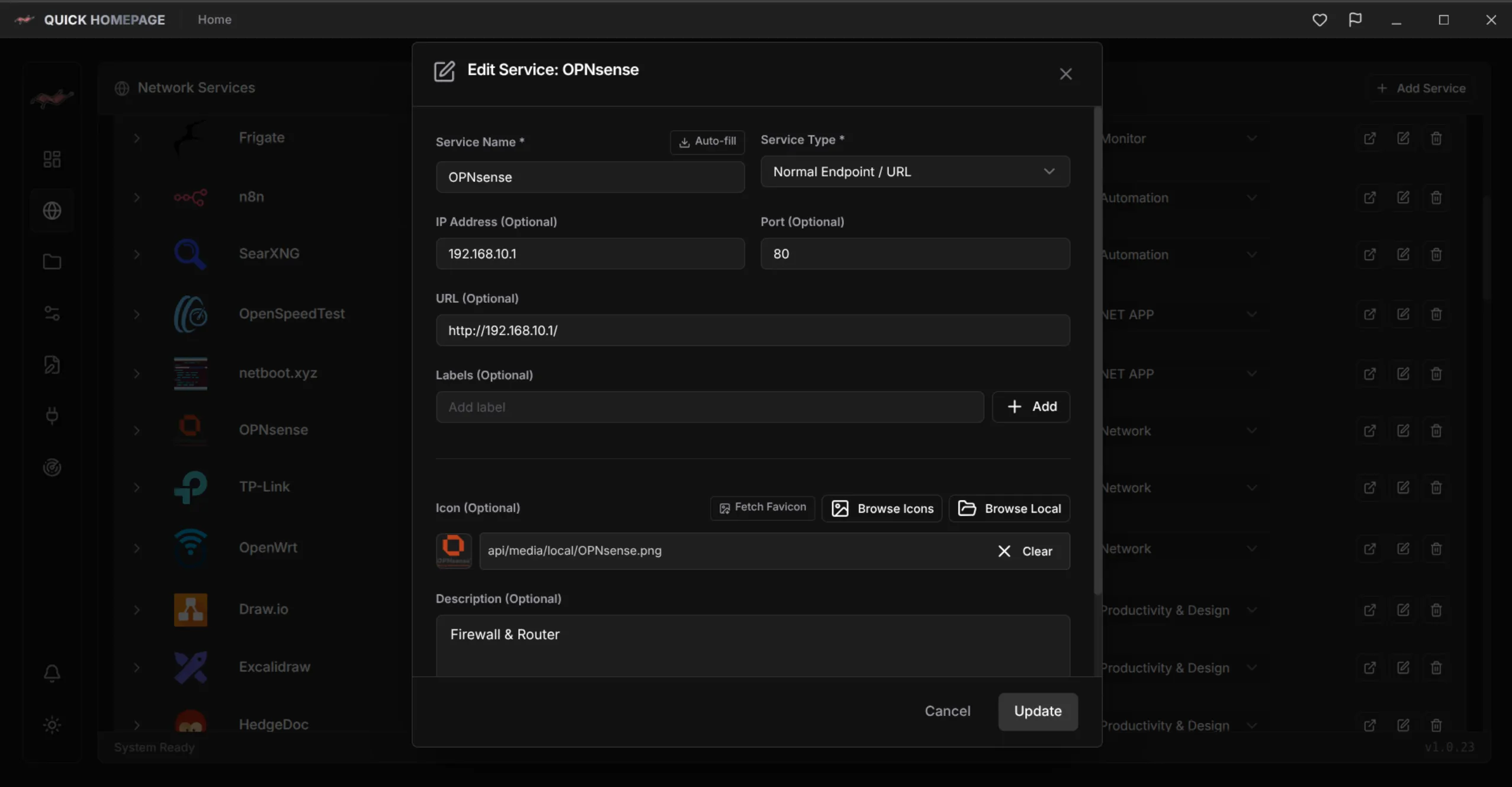
- Custom names, URLs, descriptions, and icons with a built-in icon and media library
- Collections, layouts, plugins, and live widgets for your homelab
- Configure through the GUI or edit YAML files directly
