Why Unknown Devices Keep Appearing on Your Home Wi-Fi: MAC Address Randomization Explained
Spotted mysterious unnamed devices in your router list and panicked about Wi-Fi hackers? Learn how Private Wi-Fi Addresses work and how to spot a real intruder in seconds.
Is Someone Stealing Your Wi-Fi—or Is That 'Stranger' Your Own Phone?
Modern phones and laptops intentionally disguise their hardware IDs to stop public tracking.
Half the 'mystery intruders' spotted in home router logs are simply your own phone or smartwatch wearing a randomized MAC address.
To stop stores and public hotspots from tracking your movements, modern devices enable Private Wi-Fi Addresses (MAC Address Randomization) by default. Instead of broadcasting a recognizable manufacturer name, they hand your router a generated alias—suddenly filling your connected device list with generic 'Unknown' entries.
4 Quick Checks to Tell MAC Randomization From a Real Intruder
- Check the second character of the MAC address: if it is 2, 6, A, or E, it is a software-randomized private address rather than a factory hardware ID.
- Toggle Wi-Fi off on household phones one by one and watch the mystery entry vanish.
- On your trusted home Wi-Fi only, you can disable private addressing for family devices if you rely on parental controls or DHCP reservations.
- If an unknown device stays active with all household gadgets off, update your Wi-Fi password to strong WPA2/WPA3 immediately.
Separate Roaming Phones From Fixed Infrastructure on Your LAN
Phones constantly rotate addresses, while printers and servers deserve a stable, crystal-clear map.
Two habits with Quick Homepage keep your home network calm and legible:
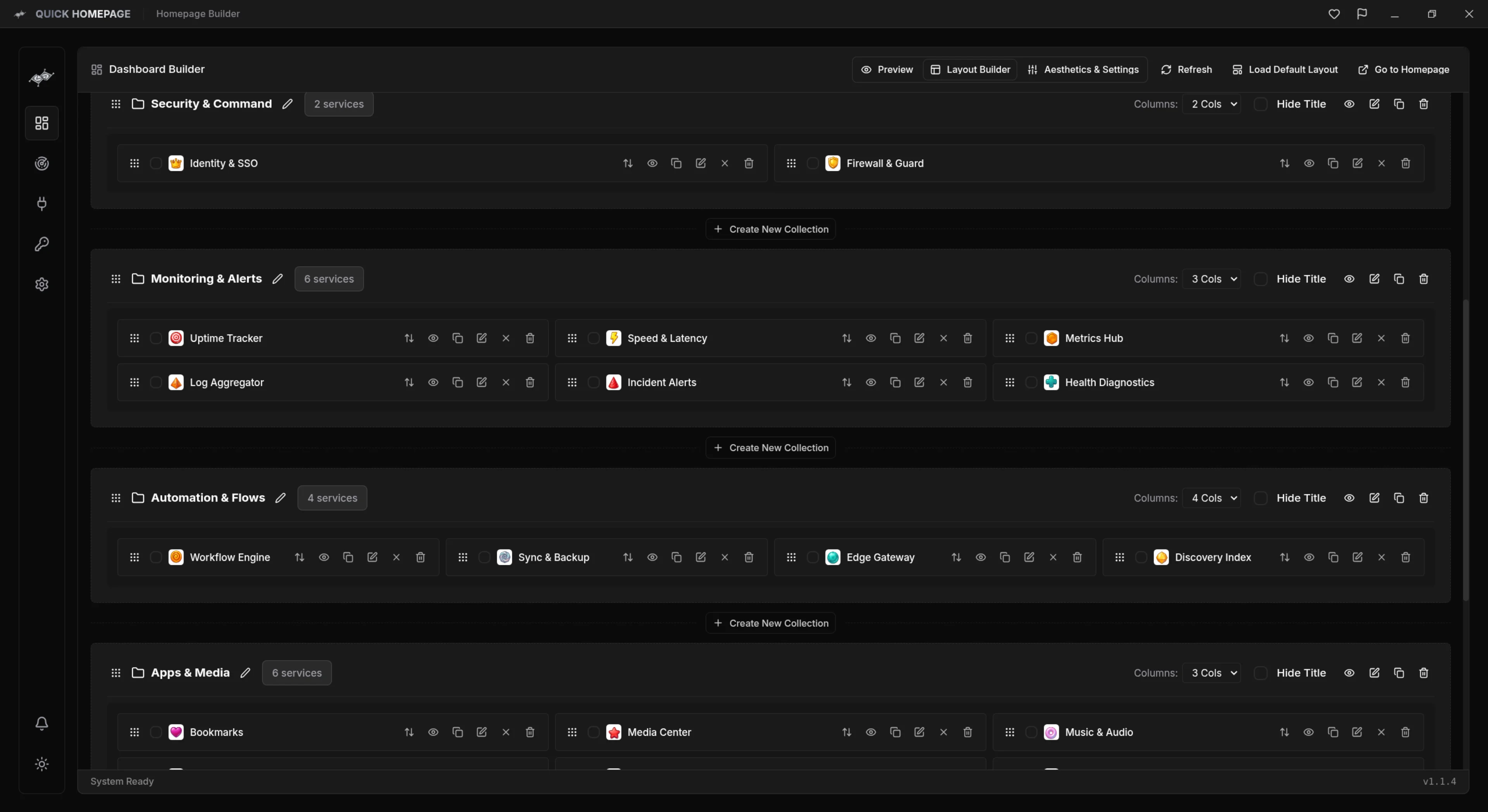
1. Give Every Fixed Service a Clear Name and Card
Let Quick Homepage auto-discover your router panel, printer, and home server interfaces and label them clearly in the visual editor instead of squinting at noisy router tables.
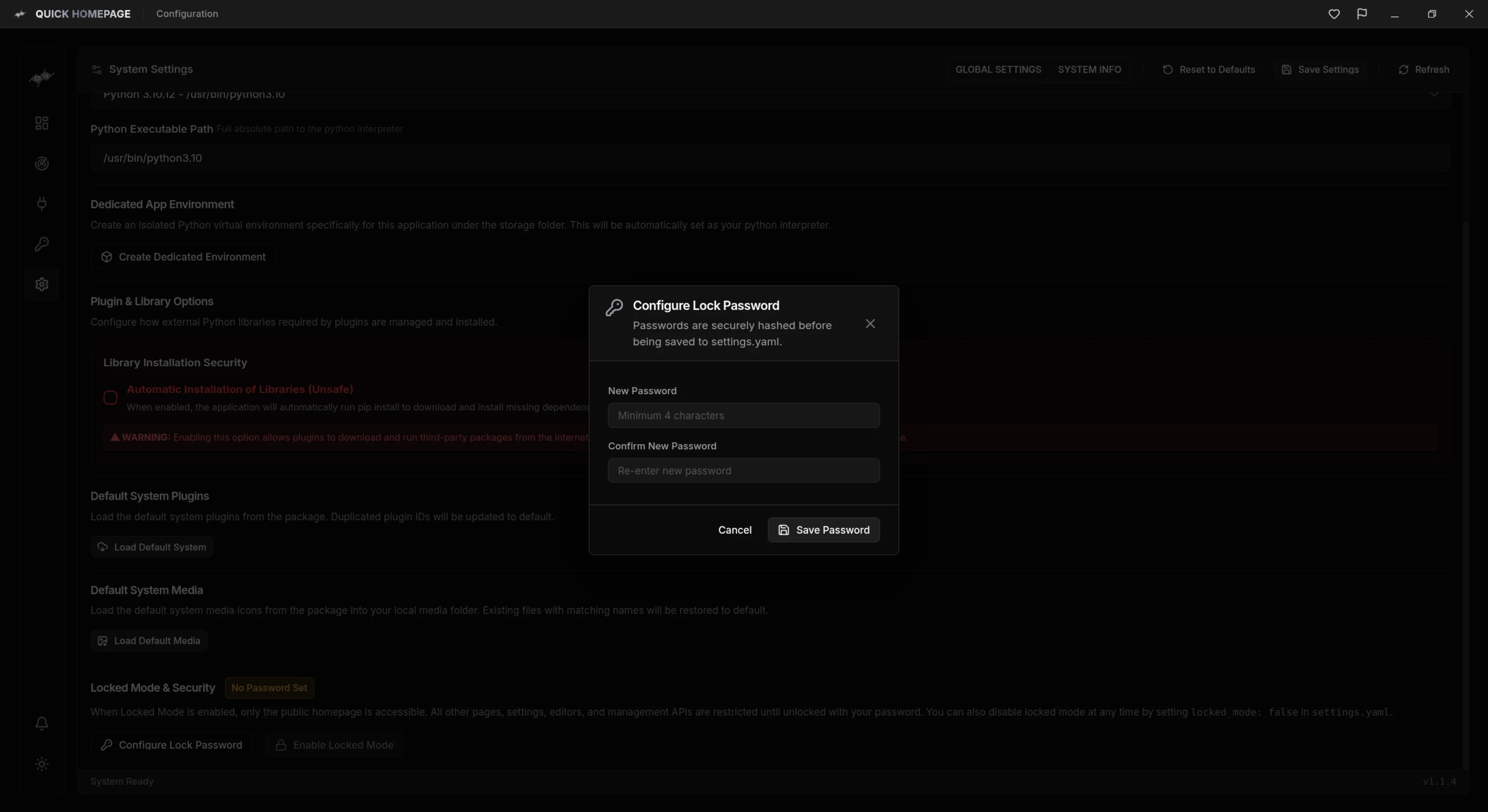
2. Lock the Hub So Your Map Stays Reliable
Turn on Config Lock once your collections are tidy—giving you a private, local-first map of every real service on your network in one click.

Quick Homepage
Keep Your Real Local Servers and Tools Clearly Mapped in Quick Homepage
While phones rotate private addresses, Quick Homepage keeps your fixed printers, routers, and home servers cleanly discovered, named, and locked in one desktop hub.
- Auto-discovers active web services across your local network
- Visual editor replaces cryptic router entries with clear labels
- Config Lock protects your layout from accidental edits
- Runs 100% locally with full respect for your LAN privacy